How to Use a Transaction in EF Core with BeginTransactionAsync

SaveChangesAsync protects one call. When several calls have to succeed or fail together, you need a transaction of your own, and it takes three lines. The last of them decides everything: without it, nothing you did is saved.
Prerequisites
- A .NET C# project using EF Core. I used EF Core 10.0.14 and MySQL 9.7.4.
- No retrying execution strategy, or the strategy's wrapper. With retries on, this code alone fails. See How to Use a Transaction with a Retrying Execution Strategy in EF Core.
Step 1: Begin, Work and Commit
g.MapPost("/tx/commit", async (InventoryDbContext db, TimeProvider clock, CancellationToken cancellationToken) =>
{
    var now = clock.GetUtcNow().UtcDateTime;

    await using var transaction = await db.Database.BeginTransactionAsync(cancellationToken);

    db.Categories.Add(new Category { Name = "Stands", CreatedAtUtc = now });
    await db.SaveChangesAsync(cancellationToken);

    db.Categories.Add(new Category { Name = "Mounts", CreatedAtUtc = now });
    await db.SaveChangesAsync(cancellationToken);

    await transaction.CommitAsync(cancellationToken);

    return Results.Ok();
});
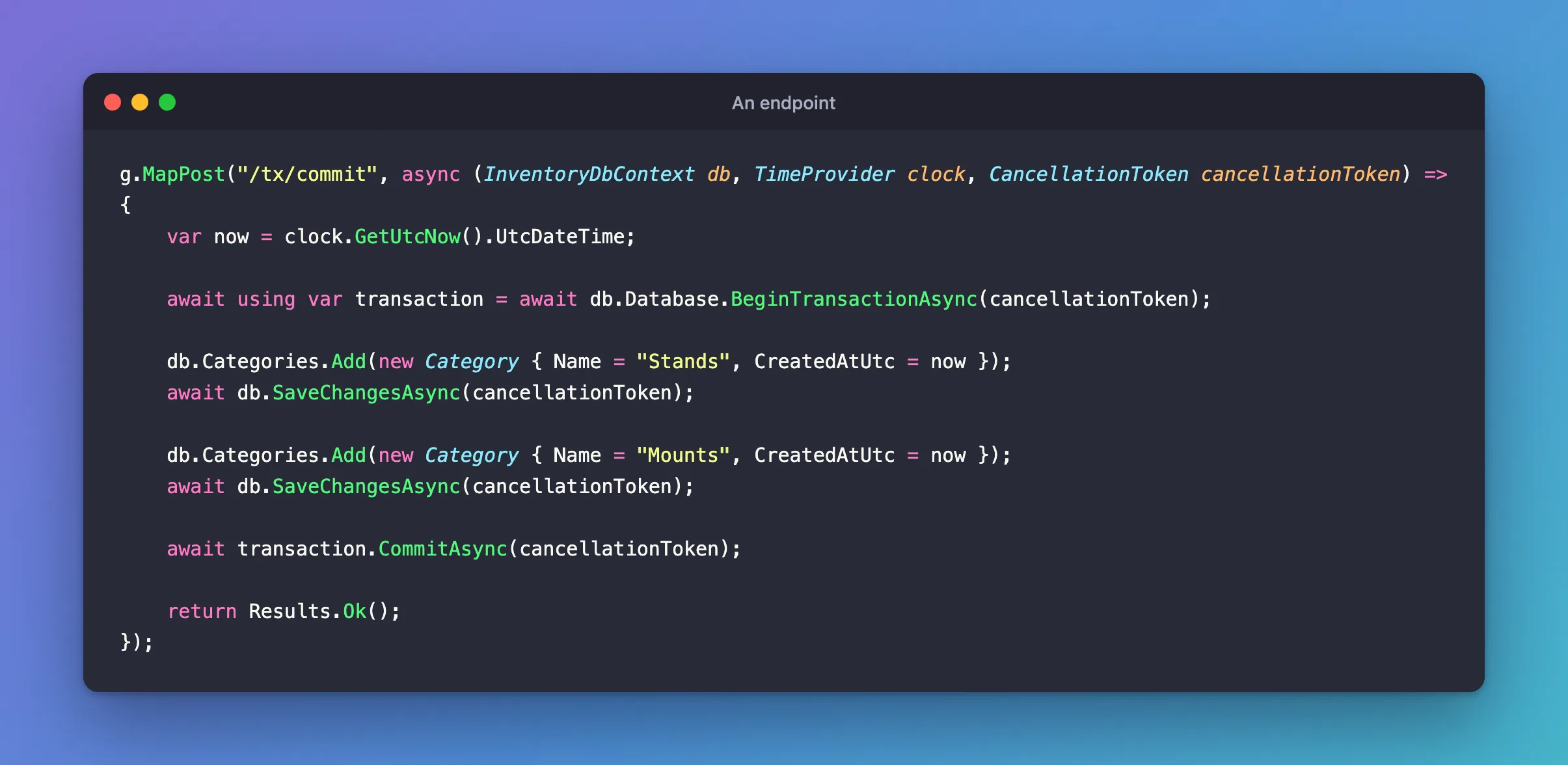
BeginTransactionAsyncstarts the transaction on the context's connection.await usingmakes sure the transaction is cleaned up, however you leave the block.CommitAsyncmakes it permanent.
Both rows are there after that:
{"name":"Stands","count":1}
{"name":"Mounts","count":1}
Step 2: See It in the Log
To follow along, turn on the transaction log:
dbug: Microsoft.EntityFrameworkCore.Database.Transaction[20200]
      Began transaction with isolation level 'Unspecified'.
dbug: Microsoft.EntityFrameworkCore.Database.Transaction[20210]
      Committing transaction.
dbug: Microsoft.EntityFrameworkCore.Database.Transaction[20202]
      Committed transaction.
dbug: Microsoft.EntityFrameworkCore.Database.Transaction[20204]
      Disposing transaction.
Inside a transaction, each SaveChangesAsync also creates a savepoint, so a failure there can undo just that call. How to Use Savepoints in EF Core covers those.
Step 3: Leave Without Committing
Take out CommitAsync:
g.MapPost("/tx/no-commit", async (InventoryDbContext db, TimeProvider clock, CancellationToken cancellationToken) =>
{
    var now = clock.GetUtcNow().UtcDateTime;

    await using var transaction = await db.Database.BeginTransactionAsync(cancellationToken);

    db.Categories.Add(new Category { Name = "Stands", CreatedAtUtc = now });
    await db.SaveChangesAsync(cancellationToken);

    db.Categories.Add(new Category { Name = "Mounts", CreatedAtUtc = now });
    await db.SaveChangesAsync(cancellationToken);

    // No CommitAsync.
    return Results.Ok();
});
The response is still 200, and nothing was saved:
+------------------------------------------------------------------------+
| statement                                                              |
+------------------------------------------------------------------------+
| SET TRANSACTION ISOLATION LEVEL REPEATABLE READ                        |
| BEGIN                                                                  |
| SAVEPOINT `__EFSavePoint`                                              |
| INSERT INTO `categories` (`CreatedAtUtc`, `Name`) VALUES (timestamp('2 |
| SELECT `Id` FROM `categories` WHERE ROW_COUNT() = 1 AND `Id` = LAST_IN |
| RELEASE SAVEPOINT `__EFSavePoint`                                      |
| SAVEPOINT `__EFSavePoint`                                              |
| INSERT INTO `categories` (`CreatedAtUtc`, `Name`) VALUES (timestamp('2 |
| SELECT `Id` FROM `categories` WHERE ROW_COUNT() = 1 AND `Id` = LAST_IN |
| RELEASE SAVEPOINT `__EFSavePoint`                                      |
| ROLLBACK                                                               |
+------------------------------------------------------------------------+
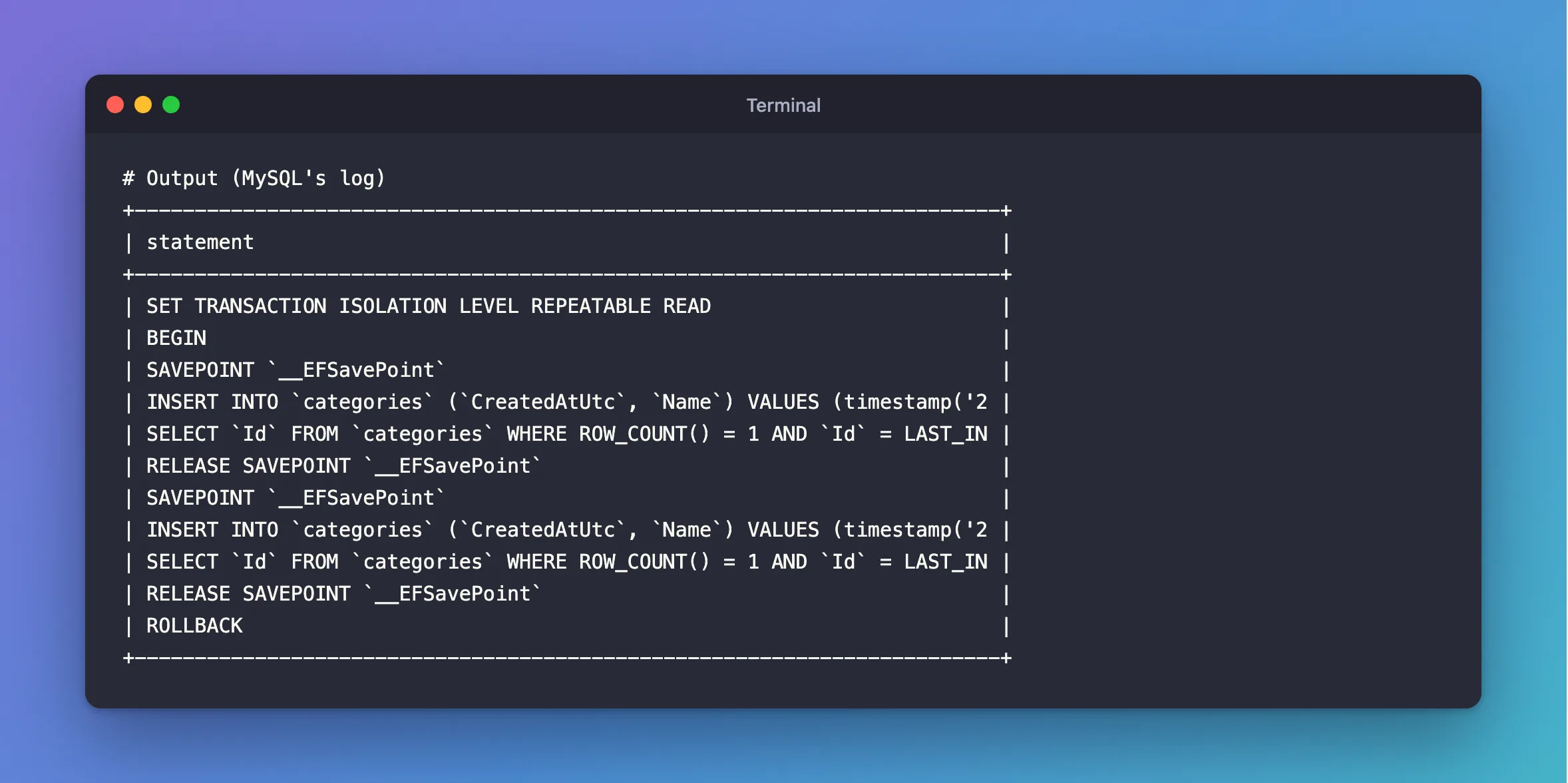
Leaving the await using block rolled it back. That's why this is safe: any exception, or any early return, undoes the work, with no catch needed. It's also an easy mistake, because a forgotten CommitAsync shows no error at all.
Step 4: Roll Back Yourself
You rarely need to. When you want to give up with a normal result, and without an exception, call it:
await transaction.RollbackAsync(cancellationToken);
dbug: Microsoft.EntityFrameworkCore.Database.Transaction[20211]
      Rolling back transaction.
dbug: Microsoft.EntityFrameworkCore.Database.Transaction[20203]
      Rolled back transaction.
An early return does the same thing, through await using. Don't put a rollback in a catch around a try that also covers code after the commit, or it will hide the real error.
Step 5: Fail Partway
This endpoint saves one category, and then one that breaks the unique index:
g.MapPost("/tx/fail", async (InventoryDbContext db, TimeProvider clock, CancellationToken cancellationToken) =>
{
    var now = clock.GetUtcNow().UtcDateTime;

    await using var transaction = await db.Database.BeginTransactionAsync(cancellationToken);

    db.Categories.Add(new Category { Name = "Stands", CreatedAtUtc = now });
    await db.SaveChangesAsync(cancellationToken);

    db.Categories.Add(new Category { Name = "Cables", CreatedAtUtc = now }); // This name already exists.
    await db.SaveChangesAsync(cancellationToken);

    await transaction.CommitAsync(cancellationToken);

    return Results.Ok();
});
---> MySql.Data.MySqlClient.MySqlException (0x80004005): Duplicate entry 'Cables' for key 'categories.IX_categories_Name'
+--------+
| Stands |
+--------+
|      0 |
+--------+
The first save succeeded, and then the whole transaction was undone.
Common Mistakes
| Mistake | What happens | Do this instead |
|---|---|---|
Forgetting CommitAsync | A 200, and nothing saved | Commit as the last step |
| Doing slow work inside | Others wait for your locks | Do it before or after |
| Calling it with retries on | An error from the first statement | Put it in the strategy |
| Beginning twice | An error | One owner |
Troubleshooting
| Symptom | Likely cause | Fix |
|---|---|---|
| The data's missing and there's no error | No CommitAsync | Add it |
Connection must be valid and open to commit transaction | It was already committed | The fix |
| Some work stays after a rollback | It ran before BeginTransactionAsync, or on another connection | Move it inside |
Conclusion
BeginTransactionAsync, your work, and CommitAsync, with await using on the transaction. Without the commit nothing is saved, and that's what makes every other way out of the block safe.
Additional Resources
- Using Transactions — controlling transactions.
- DatabaseFacade.BeginTransactionAsync — the API.
