How to Use a switch Statement with Type Patterns in C#

A switch statement can check what type a value has and hand you the value already converted: case int number: runs only for whole numbers, with number ready to use.
Microsoft's reference: The switch statement selects a statement list to execute based on a pattern match with an expression. A type pattern, such as int number, matches when the value has that type, and a when condition can narrow a case further.
Syntax
switch (<value>)
{
    case <Type> <name> when <condition>:
        <statements>
        break;
    case <Type> <name>:
        <statements>
        break;
    case null:
        <statements>
        break;
    default:
        <statements>
        break;
}
| Part | What it is |
|---|---|
<value> | The value to check |
case <Type> <name>: | Matches when the value is a <Type>, and puts it in a new variable <name> of that type |
when <condition> | Optional: the case matches only when this condition is also true |
case null: | Matches a null value |
default: | Runs when no other case matches |
break; | Ends the case's statements. Control can't run on into the next case |
The reference on the order: A switch statement evaluates case patterns in text order from top to bottom.
The Example
A console app called SwitchTypes passes five values, a whole number, two strings, a number with a decimal point and null, to a method that describes each one with a switch statement.
Prerequisites
- The .NET 10 SDK.
dotnet --versionprints a version that starts with10.0.
Step 1: Create a Console App
dotnet new console -n SwitchTypes
cd SwitchTypes
The template "Console App" was created successfully.

Processing post-creation actions...
Restoring /Users/you/source/SwitchTypes/SwitchTypes.csproj:
  Determining projects to restore...
  Restored /Users/you/source/SwitchTypes/SwitchTypes.csproj (in 53 ms).
Restore succeeded.
dotnet new console -n SwitchTypes creates a folder named SwitchTypes with a project file and a Program.cs, and cd moves into it. Everything this example uses is part of .NET, so there's no package to add. Open the folder in VS Code, or SwitchTypes.csproj in Visual Studio.
Step 2: Write the Code
Replace everything in Program.cs. First the values:
object?[] values = [42, "hello", "", 3.5, null];

foreach (object? value in values)
{
    Describe(value);
}
object?[] is an array that can hold anything, null included, and the loop passes each value to Describe.
Then the method with the switch statement:
static void Describe(object? value)
{
    switch (value)
    {
        case int number:
            Console.WriteLine($"A whole number: {number}");
            break;
        case string text when text.Length == 0:
            Console.WriteLine("An empty string");
            break;
        case string text:
            Console.WriteLine($"A string of {text.Length} characters: {text}");
            break;
        case null:
            Console.WriteLine("Nothing at all (null)");
            break;
        default:
            Console.WriteLine($"Something else: {value.GetType().Name}");
            break;
    }
}
case int number:matches whole numbers and gives you the value as anintnamednumber.case string text when text.Length == 0:matches only empty strings. It comes before the general string case, because the cases are checked from the top.case null:matchesnull, anddefault:catches everything else, such as the3.5.
Step 3: Run It
Run it in VS Code's terminal, or press Ctrl+F5 in Visual Studio:
dotnet run
A whole number: 42
A string of 5 characters: hello
An empty string
Something else: Double
Nothing at all (null)
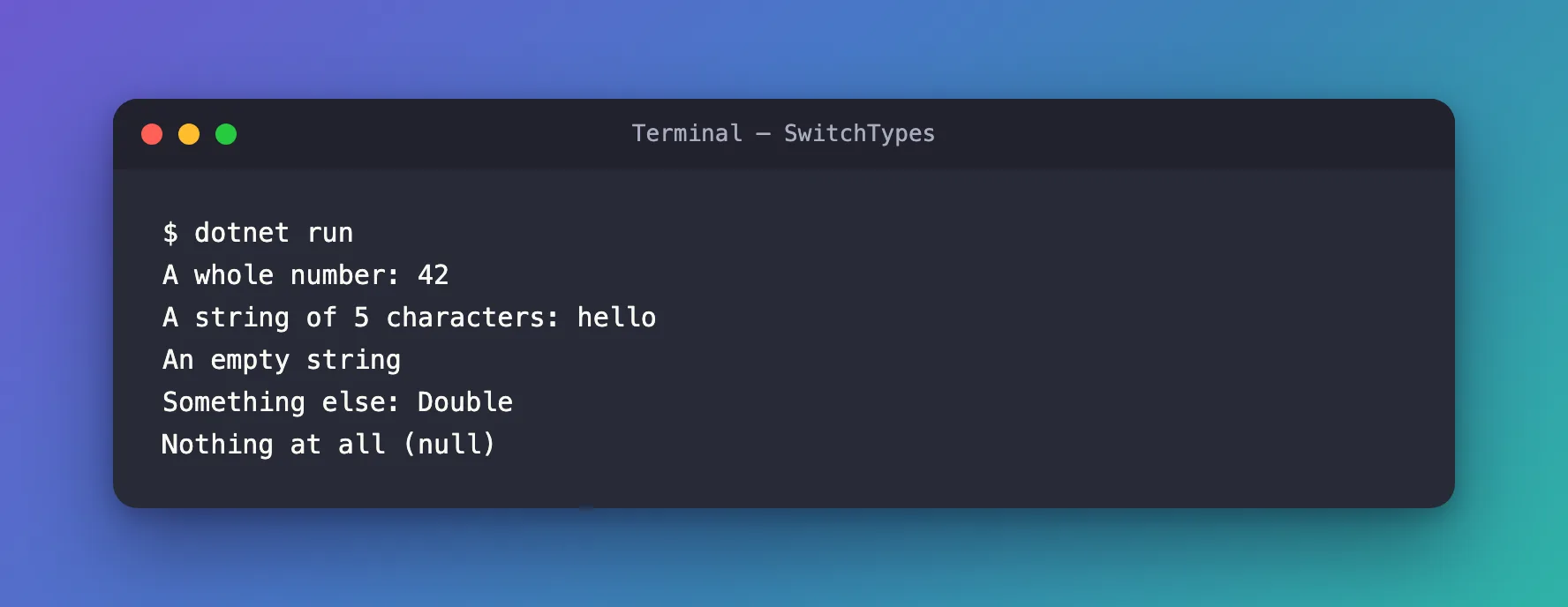
Each value went to the first case that matched it. 3.5 is a double, which no case names, so it reached default.
The Complete File
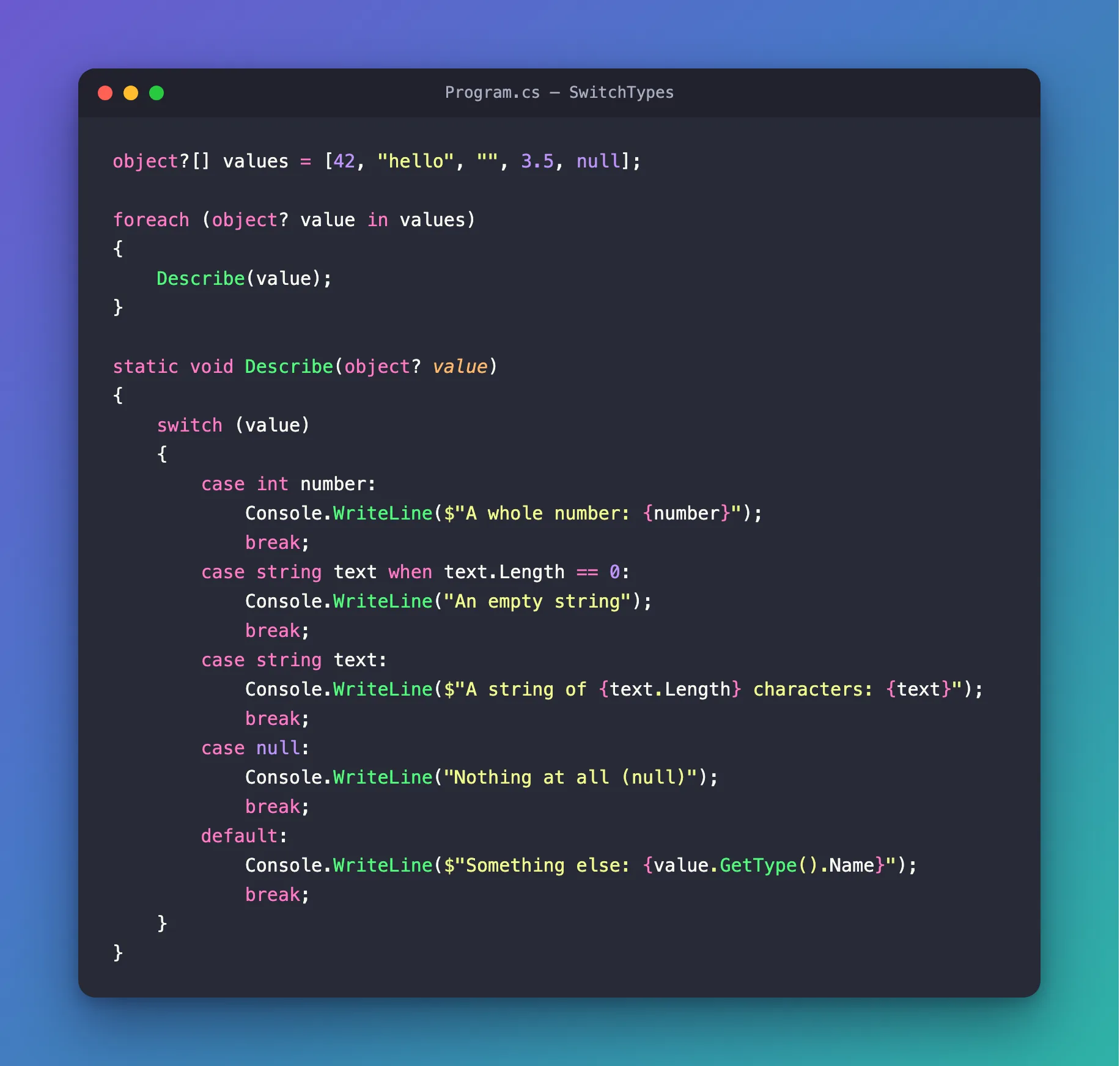
object?[] values = [42, "hello", "", 3.5, null];

foreach (object? value in values)
{
    Describe(value);
}

static void Describe(object? value)
{
    switch (value)
    {
        case int number:
            Console.WriteLine($"A whole number: {number}");
            break;
        case string text when text.Length == 0:
            Console.WriteLine("An empty string");
            break;
        case string text:
            Console.WriteLine($"A string of {text.Length} characters: {text}");
            break;
        case null:
            Console.WriteLine("Nothing at all (null)");
            break;
        default:
            Console.WriteLine($"Something else: {value.GetType().Name}");
            break;
    }
}
Common Mistakes
| Mistake | What happens | Do this instead |
|---|---|---|
| A general case above a more specific one | With case string text: above case string text when text.Length == 0:, the build fails: error CS8120: The switch case is unreachable. It has already been handled by a previous case or it is impossible to match. | Put the more specific case first, as the example does |
A case without break | error CS0163: Control cannot fall through from one case label ('case int number:') to another | End every case's statements with break |
FAQ
Does default have to be the last case?
No. The reference: The default case can appear in any place within a switch statement. Regardless of its position, the default case is evaluated only if all other case patterns aren't matched. With default written first, the whole numbers still went to their own case.
Can several types share one case?
Yes, stack the labels: with case int: and case long: above one set of statements, both 1 and 2L printed a whole number.
Conclusion
A switch statement with type patterns checks a value's type case by case, from the top, and gives each case the value as that type. Add when for extra conditions, put specific cases before general ones, and end each case with break.
Additional Resources
- Selection statements: the switch statement — the statement and its rules.
- Patterns — every pattern a case can use.
