How to Use a switch Expression in C#

statusCode switch { 200 => "OK", 404 => "Not found", _ => "Something else" } turns a status code into text in a single expression. Each arm is a pattern, an arrow and the result for that pattern.
Microsoft's reference: Use the switch expression to evaluate a single expression from a list of candidate expressions. The evaluation is based on a pattern match with an input expression. Unlike a switch statement, it produces a value, so you can return it or assign it.
Syntax
<result> = <value> switch
{
    <pattern> => <expression>,
    <pattern> when <condition> => <expression>,
    _ => <expression>,
};
| Part | What it is |
|---|---|
<value> switch | The value to match, followed by the switch keyword |
<pattern> => <expression> | An arm: when the pattern matches, the whole switch expression has this expression's value |
when <condition> | Optional: the arm matches only when this condition is also true |
_ | The discard pattern, which matches any value. It goes last |
The reference: The switch expression arms are evaluated in text order.
The Example
A console app called SwitchExpression turns four HTTP status codes into short descriptions.
Prerequisites
- The .NET 10 SDK.
dotnet --versionprints a version that starts with10.0.
Step 1: Create a Console App
dotnet new console -n SwitchExpression
cd SwitchExpression
The template "Console App" was created successfully.

Processing post-creation actions...
Restoring /Users/you/source/SwitchExpression/SwitchExpression.csproj:
  Determining projects to restore...
  Restored /Users/you/source/SwitchExpression/SwitchExpression.csproj (in 48 ms).
Restore succeeded.
dotnet new console -n SwitchExpression creates a folder named SwitchExpression with a project file and a Program.cs, and cd moves into it. Everything this example uses is part of .NET, so there's no package to add. Open the folder in VS Code, or SwitchExpression.csproj in Visual Studio.
Step 2: Write the Code
Replace everything in Program.cs. First the codes and the loop:
int[] codes = [200, 404, 503, 302];

foreach (int code in codes)
{
    Console.WriteLine($"{code}: {Describe(code)}");
}
Then the method, with the switch expression as its whole body:
static string Describe(int statusCode) => statusCode switch
{
    200 => "OK",
    404 => "Not found",
    >= 500 => "Server error",
    _ => "Something else",
};
200 => "OK"and404 => "Not found"match one value each.>= 500 => "Server error"is a relational pattern: it matches every code from 500 up._ => "Something else"matches whatever is left.
Step 3: Run It
Run it in VS Code's terminal, or press Ctrl+F5 in Visual Studio:
dotnet run
200: OK
404: Not found
503: Server error
302: Something else
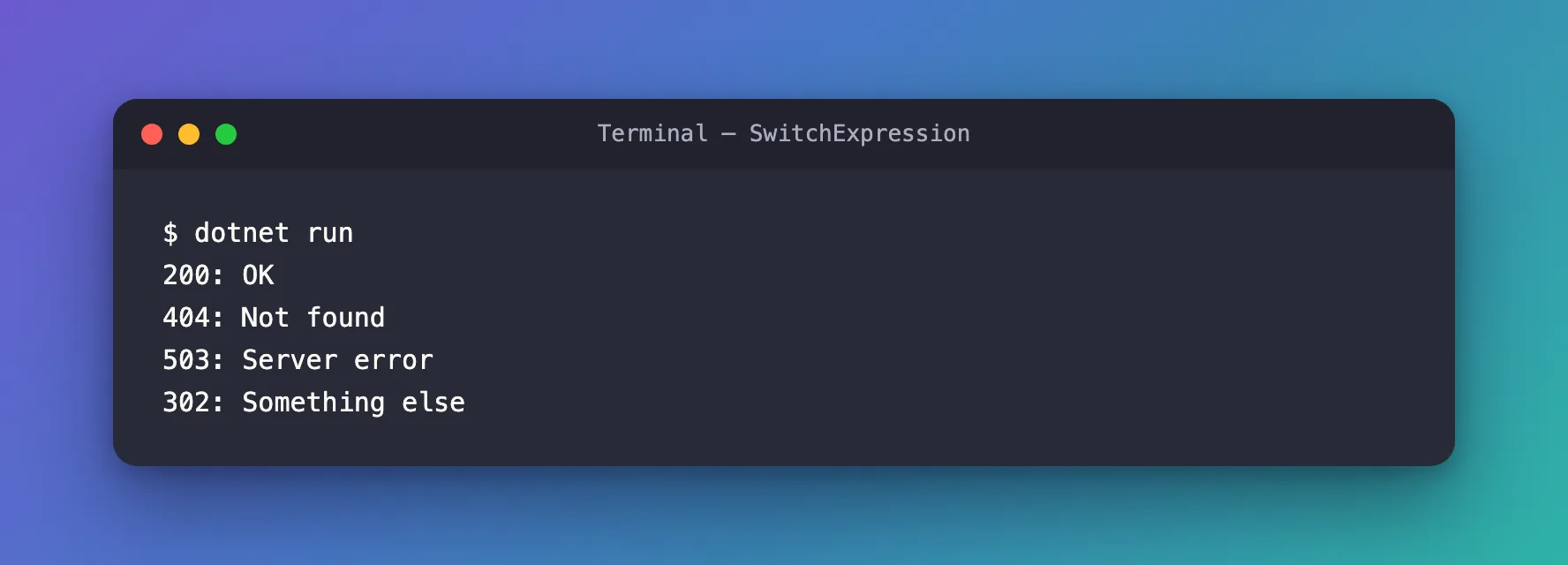
503 matched >= 500, and 302, which no other arm covers, went to _.
The Complete File
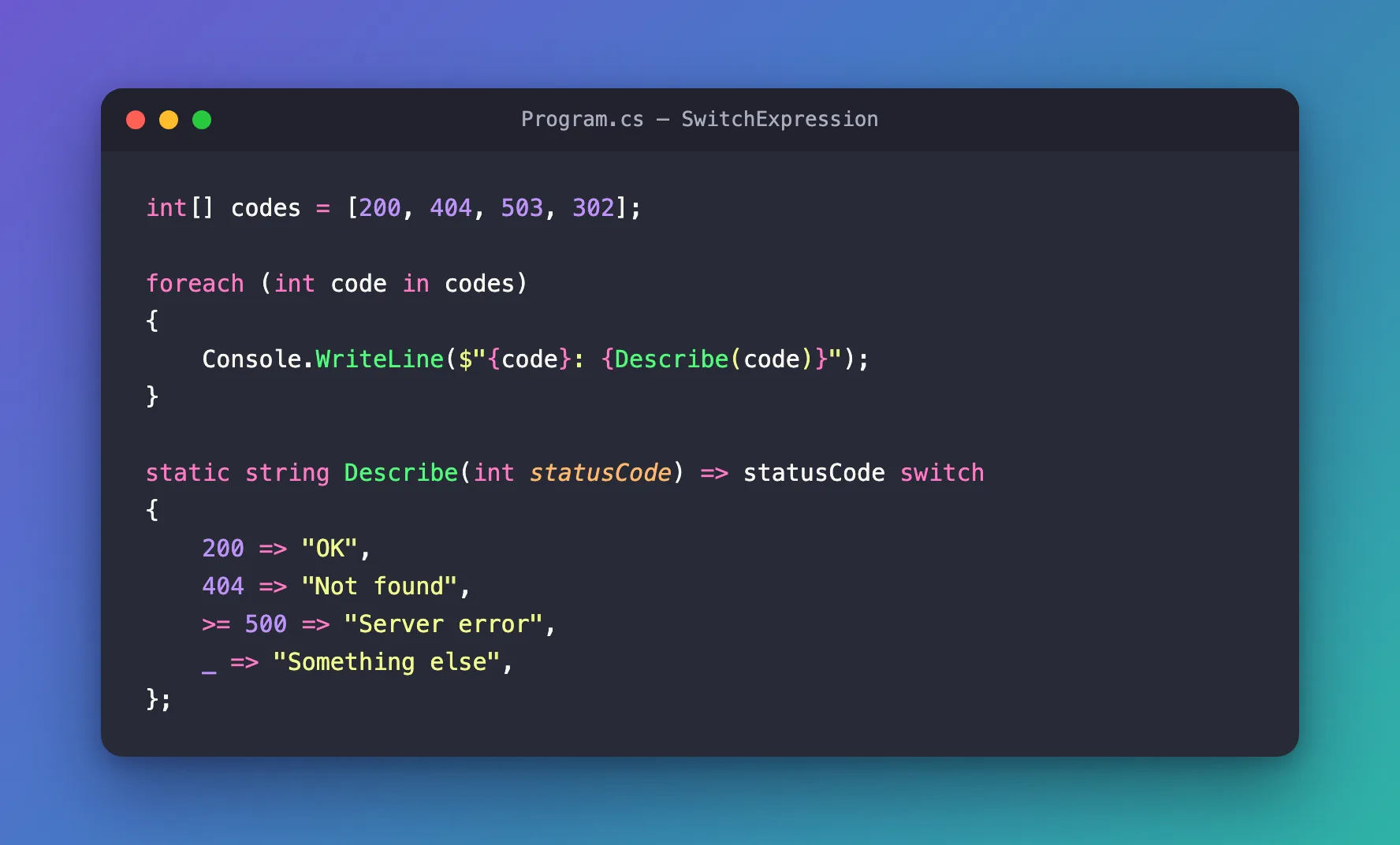
int[] codes = [200, 404, 503, 302];

foreach (int code in codes)
{
    Console.WriteLine($"{code}: {Describe(code)}");
}

static string Describe(int statusCode) => statusCode switch
{
    200 => "OK",
    404 => "Not found",
    >= 500 => "Server error",
    _ => "Something else",
};
Common Mistakes
| Mistake | What happens | Do this instead |
|---|---|---|
Leaving out the _ arm | The build warns: warning CS8509: The switch expression does not handle all possible values of its input type (it is not exhaustive). For example, the pattern '0' is not covered. Then 302 threw a SwitchExpressionException: Non-exhaustive switch expression failed to match its input. | End with a _ arm. The reference: To guarantee that a switch expression handles all possible input values, provide a switch expression arm with a discard pattern. |
Putting _ first | error CS8510: The pattern is unreachable. It has already been handled by a previous arm of the switch expression or it is impossible to match. | Put _ last, because it matches everything |
FAQ
Can an arm check a condition as well?
Yes, with when. An arm int even when even % 2 == 0 matched 4 but not 7, which went on to the _ arm.
Conclusion
A switch expression maps a value to a result, with one arm per pattern, checked from the top. Give it a _ arm at the end so that every value has a result.
Additional Resources
- The switch expression — the expression and its rules.
- Patterns — relational, discard and every other pattern.
