How to Use a Read-Only Transaction in MySQL

A report runs several queries, and if the numbers move underneath it, they won't add up. A read-only transaction with a consistent snapshot pins down what it sees and guarantees it can't change anything by accident. Here's what each part does.
Prerequisites
- MySQL, and two sessions. The examples use MySQL 9.7.4 in Docker, and the
mysqlclient from How to Connect to MySQL in a Docker Container.
Step 1: Refuse Changes with READ ONLY
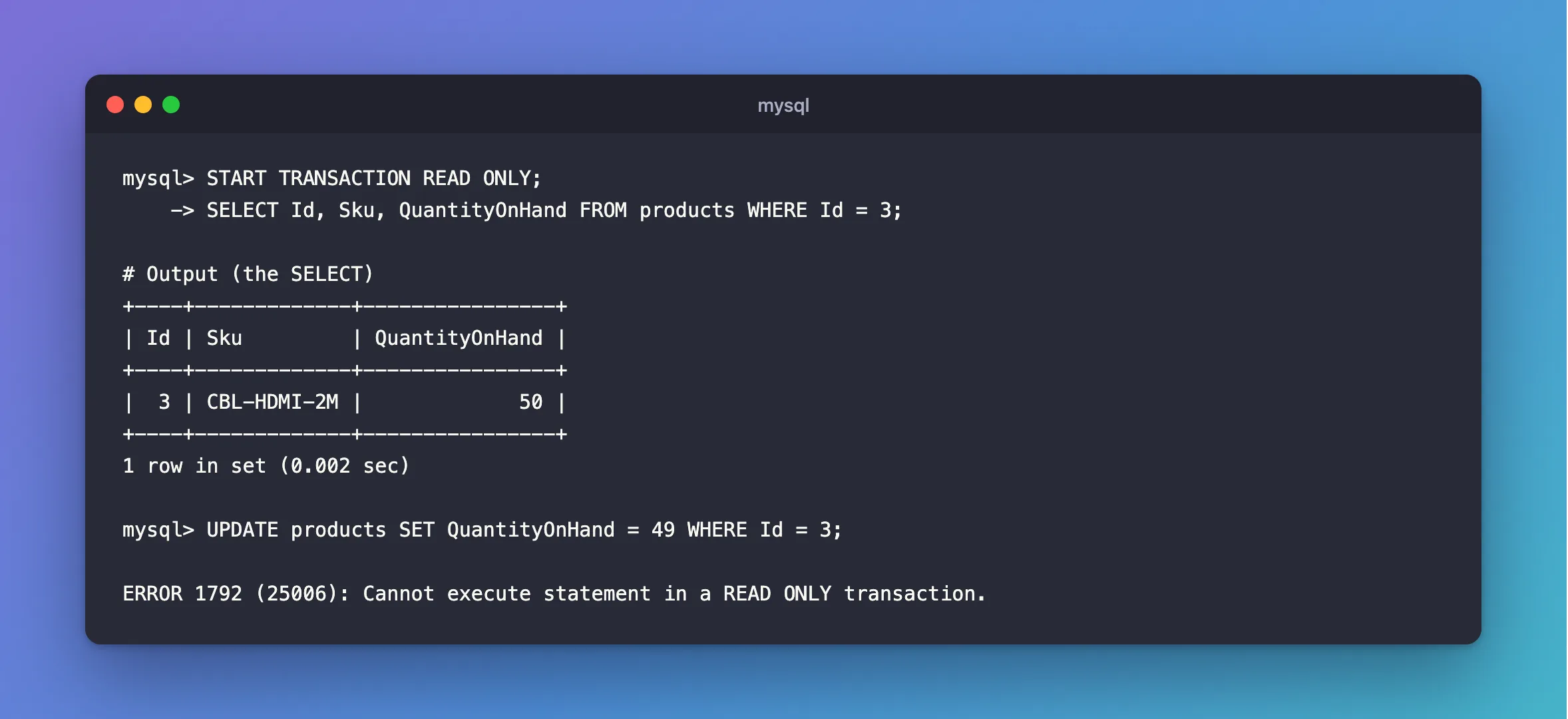
START TRANSACTION READ ONLY;
SELECT Id, Sku, QuantityOnHand FROM products WHERE Id = 3;
+----+-------------+----------------+
| Id | Sku         | QuantityOnHand |
+----+-------------+----------------+
|  3 | CBL-HDMI-2M |             50 |
+----+-------------+----------------+
1 row in set (0.002 sec)
Reading works. Changing doesn't:
UPDATE products SET QuantityOnHand = 49 WHERE Id = 3;
ERROR 1792 (25006): Cannot execute statement in a READ ONLY transaction.
MySQL's START TRANSACTION page says: "The READ ONLY restriction prevents the transaction from modifying or locking both transactional and nontransactional tables that are visible to other transactions; the transaction can still modify or lock temporary tables."
Step 2: Pin What It Sees
Add WITH CONSISTENT SNAPSHOT, and the transaction's view is fixed the moment it starts:
COMMIT;
START TRANSACTION READ ONLY, WITH CONSISTENT SNAPSHOT;
Someone else changes the row:
UPDATE products SET QuantityOnHand = 48 WHERE Id = 3;
The report doesn't see it, however many queries it runs:
SELECT Id, Sku, QuantityOnHand FROM products WHERE Id = 3;
+----+-------------+----------------+
| Id | Sku         | QuantityOnHand |
+----+-------------+----------------+
|  3 | CBL-HDMI-2M |             50 |
+----+-------------+----------------+
1 row in set (0.002 sec)
When the report is done, the new value is there:
COMMIT;
SELECT Id, Sku, QuantityOnHand FROM products WHERE Id = 3;
+----+-------------+----------------+
| Id | Sku         | QuantityOnHand |
+----+-------------+----------------+
|  3 | CBL-HDMI-2M |             48 |
+----+-------------+----------------+
1 row in set (0.001 sec)
READ COMMITTED vs REPEATABLE READ in MySQL shows when the snapshot starts without this option.
What It Can Still Change
Temporary tables belong to your session, so they're allowed, which is handy for a report's working data:
CREATE TEMPORARY TABLE scratch (Id int PRIMARY KEY);
START TRANSACTION READ ONLY;
INSERT INTO scratch VALUES (1);
COMMIT;
Query OK, 1 row affected (0.001 sec)
Create the temporary table before the transaction: CREATE TEMPORARY TABLE isn't allowed in one.
Common Mistakes
| Mistake | What happens | Do this instead |
|---|---|---|
| Using it for code that also writes | ERROR 1792 | Use a normal transaction |
Expecting READ ONLY alone to fix the snapshot | The snapshot starts at the first read | Add WITH CONSISTENT SNAPSHOT |
| Keeping it open for hours | InnoDB has to keep the old row versions | Finish the report, and commit |
Troubleshooting
| Symptom | Likely cause | Fix |
|---|---|---|
Cannot execute statement in a READ ONLY transaction | A write inside it | The fix |
| The report still sees new data | READ COMMITTED is in use | A snapshot needs REPEATABLE READ |
Transaction characteristics can't be changed | SET TRANSACTION READ ONLY inside a transaction | Run it first |
FAQ
Does it hold locks?
Not with plain SELECTs. So a long report doesn't block writers, and they don't block it.
Conclusion
START TRANSACTION READ ONLY, WITH CONSISTENT SNAPSHOT gives a report a fixed view of the data and refuses any write, without blocking anyone. End it with COMMIT, and the next read sees the newest data.
Additional Resources
- START TRANSACTION, COMMIT, and ROLLBACK Statements — the modifiers.
- Consistent Nonlocking Reads — how the snapshot works.
