How to Use a Namespace in C# with a using Directive

Every type in .NET lives in a namespace: StringBuilder lives in System.Text, Dictionary in System.Collections.Generic. A using directive at the top of a file lets you write the short name, StringBuilder, instead of the full one every time.
Syntax
using <Namespace>;
| Part | What it does |
|---|---|
using | Imports the types of a namespace into this file. |
<Namespace> | The namespace, such as System.Text. |
| Position | At the top of the file, before any other code. |
Microsoft's using directive reference: "The using directive enables you to use types defined in a namespace without specifying the fully qualified namespace of that type."
The Example
The example builds a greeting with StringBuilder, a class for assembling text piece by piece, after importing its namespace.
Prerequisites
- The .NET 10 SDK or newer, which runs a single
.csfile withdotnet run. This guide uses .NET SDK 10.0.404.
Step 1: Write the Code
Create a file named main.cs in an empty folder:
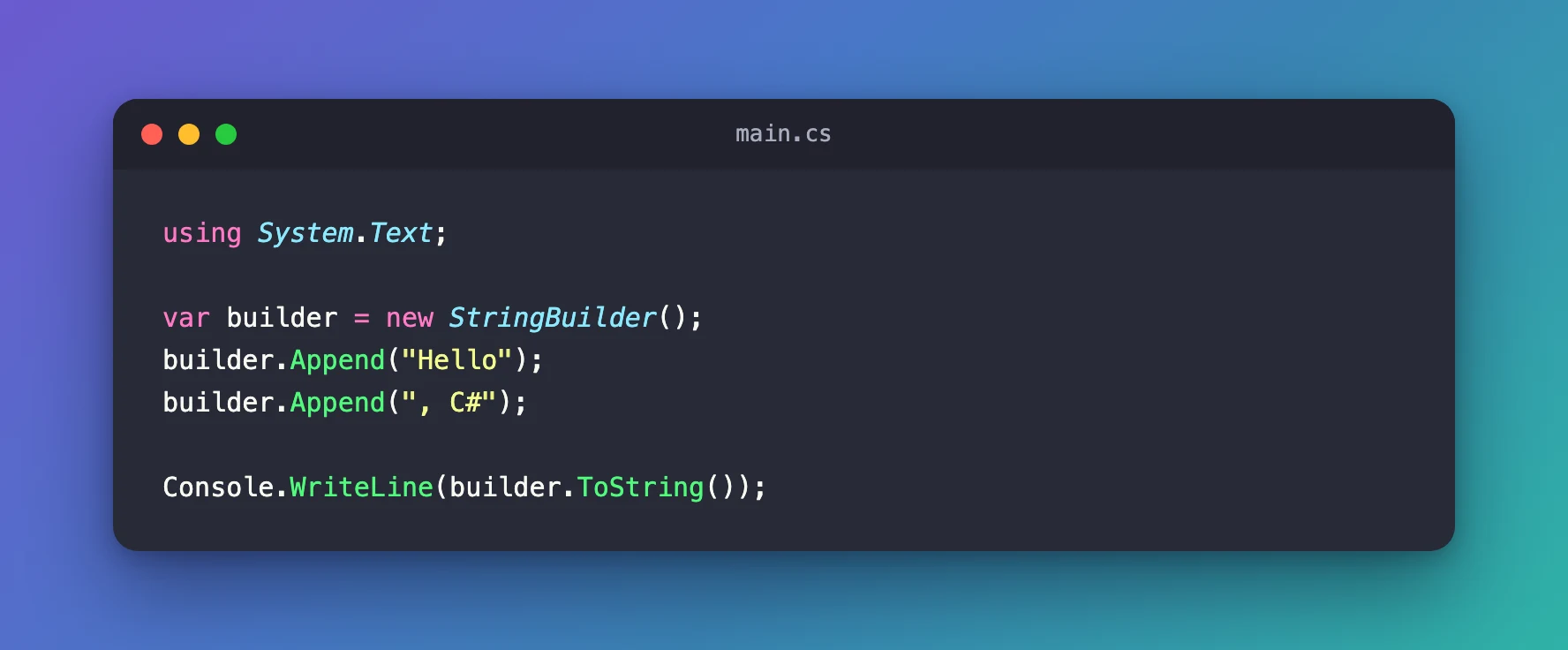
using System.Text;

var builder = new StringBuilder();
builder.Append("Hello");
builder.Append(", C#");

Console.WriteLine(builder.ToString());
using System.Text; lets the code say StringBuilder. Without it, the code would have to say System.Text.StringBuilder.
Step 2: Run It
dotnet run main.cs
Hello, C#
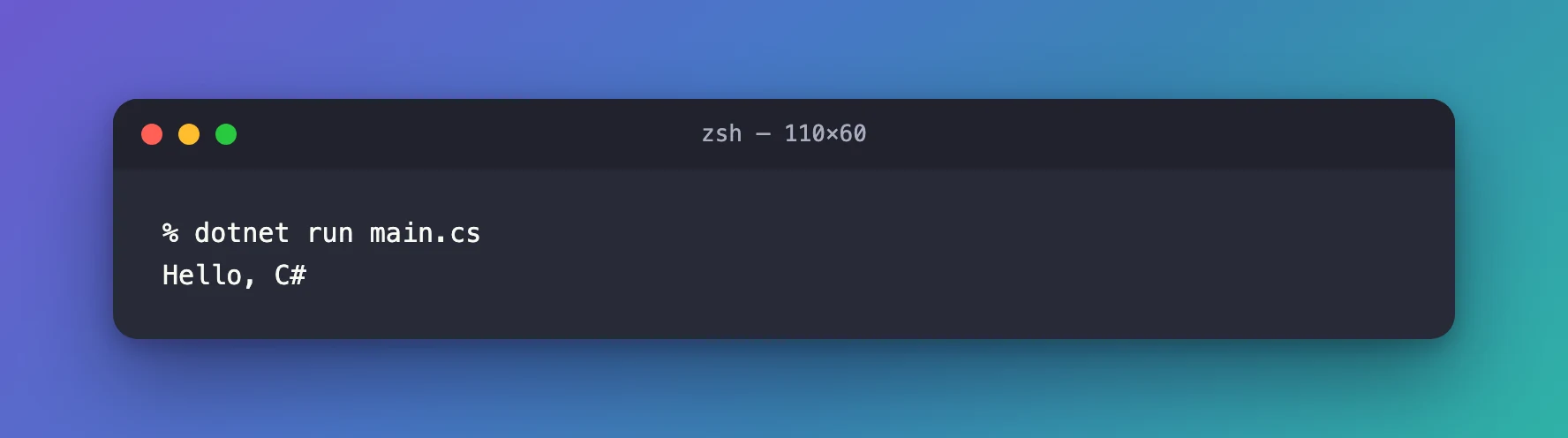
The command is the same in zsh, bash and PowerShell.
What Happens Without It
Delete the first line and run it again. The compiler can't find the class:
/Users/Shared/you/usingcheck/main.cs(2,19): error CS0246: The type or namespace name 'StringBuilder' could not be found (are you missing a using directive or an assembly reference?)

The build failed. Fix the build errors and run again.
(2,19) is the line and column: StringBuilder on line 2.
The message itself names the fix: a missing using directive.
Why Console Needs No using
Console lives in the System namespace, yet the code never imports it. .NET projects, and single-file apps like this one, add implicit global using directives for a set of common namespaces. For the standard SDK, Microsoft's project SDK documentation lists System, System.Collections.Generic, System.IO, System.Linq, System.Net.Http, System.Threading and System.Threading.Tasks. System.Text isn't on the list, so it needs its own using.
Common Mistakes
| Mistake | What happens | Do this instead |
|---|---|---|
Forgetting the using for a type outside the implicit namespaces | error CS0246: The type or namespace name '…' could not be found | Add using for its namespace |
Putting a using directive below code | error CS1529: A using clause must precede all other elements defined in the namespace except extern alias declarations | Keep using directives at the top |
| Importing a namespace you don't use | Nothing breaks, but the file gets noisy | Remove unused using lines |
Troubleshooting
| Symptom | Likely cause | Fix |
|---|---|---|
error CS0246 for a type you know exists | Its namespace isn't imported | Look up the type's namespace in its documentation and add using |
error CS0104: 'Timer' is an ambiguous reference between 'System.Timers.Timer' and 'System.Threading.Timer' | Two imported namespaces, here System.Timers and the implicit System.Threading, both have that type | Write the full name, such as System.Timers.Timer, for that use |
FAQ
What's the difference between using and global using?
global using applies to every file in the project, not just the one it's in. The implicit usings above are global usings that .NET adds for you.
Does a using directive make the program bigger?
No. It only lets you write shorter names; the program uses the same types either way.
Conclusion
using Namespace; at the top of a file lets you use that namespace's types by their short names. .NET already imports common namespaces such as System, so add using for the rest, such as System.Text.
Additional Resources
- The using directive, on Microsoft Learn.
- Implicit using directives, on Microsoft Learn.
