How to Use a List in C#

A List<string> keeps strings in order and grows as you add to it: Add puts an item at the end, Insert at a position, and Remove takes one out.
Microsoft's reference: Represents a strongly typed list of objects that can be accessed by index. Provides methods to search, sort, and manipulate lists. "Strongly typed" means each list holds one type, written between the angle brackets: List<string> holds strings, List<int> numbers.
Syntax
List<T> <list> = [<item1>, <item2>];

<list>.Add(<item>);
<list>.Insert(<index>, <item>);
<list>.Remove(<item>);

int <count> = <list>.Count;
T <item> = <list>[<index>];
bool <has> = <list>.Contains(<item>);
| Part | What it is |
|---|---|
List<T> | A list of items of type T |
Add, Insert, Remove | Add at the end, insert at a position, remove the first matching item |
Count | How many items there are, without brackets |
<list>[<index>] | The item at a position, counting from 0 |
Contains | true when the item is in the list |
The reference on positions: Elements in this collection can be accessed using an integer index. Indexes in this collection are zero-based.
The Example
A console app called ListBasics starts with two cities, adds one, inserts one at the front, removes one, and prints what's left.
Prerequisites
- The .NET 10 SDK.
dotnet --versionprints a version that starts with10.0.
Step 1: Create a Console App
dotnet new console -n ListBasics
cd ListBasics
The template "Console App" was created successfully.

Processing post-creation actions...
Restoring /Users/you/source/ListBasics/ListBasics.csproj:
  Determining projects to restore...
  Restored /Users/you/source/ListBasics/ListBasics.csproj (in 47 ms).
Restore succeeded.
dotnet new console -n ListBasics creates a folder named ListBasics with a project file and a Program.cs, and cd moves into it. Everything this example uses is part of .NET, so there's no package to add. Open the folder in VS Code, or ListBasics.csproj in Visual Studio.
Step 2: Write the Code
Replace everything in Program.cs. First the list and the changes:
List<string> cities = ["Tokyo", "London"];

cities.Add("New York");
cities.Insert(0, "Oslo");
cities.Remove("London");
["Tokyo", "London"]starts the list with two cities.Add("New York")puts a city at the end,Insert(0, "Oslo")puts one at position 0, the front, andRemove("London")takesLondonout.
Then read the list:
Console.WriteLine($"Count: {cities.Count}");
Console.WriteLine($"First: {cities[0]}");
Console.WriteLine($"Has Tokyo: {cities.Contains("Tokyo")}");
Console.WriteLine(string.Join(", ", cities));
Step 3: Run It
Run it in VS Code's terminal, or press Ctrl+F5 in Visual Studio:
dotnet run
Count: 3
First: Oslo
Has Tokyo: True
Oslo, Tokyo, New York
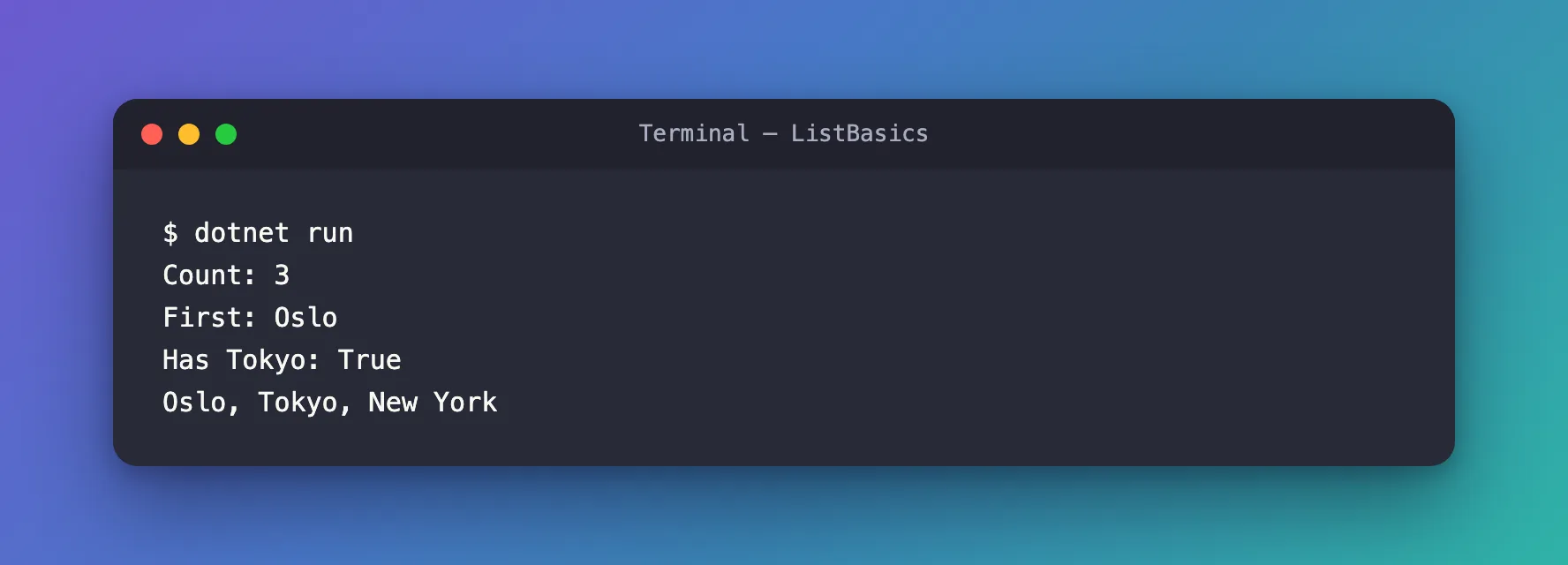
Oslo is first because it was inserted at position 0, London is gone, and New York was added at the end: three cities in all.
The Complete File
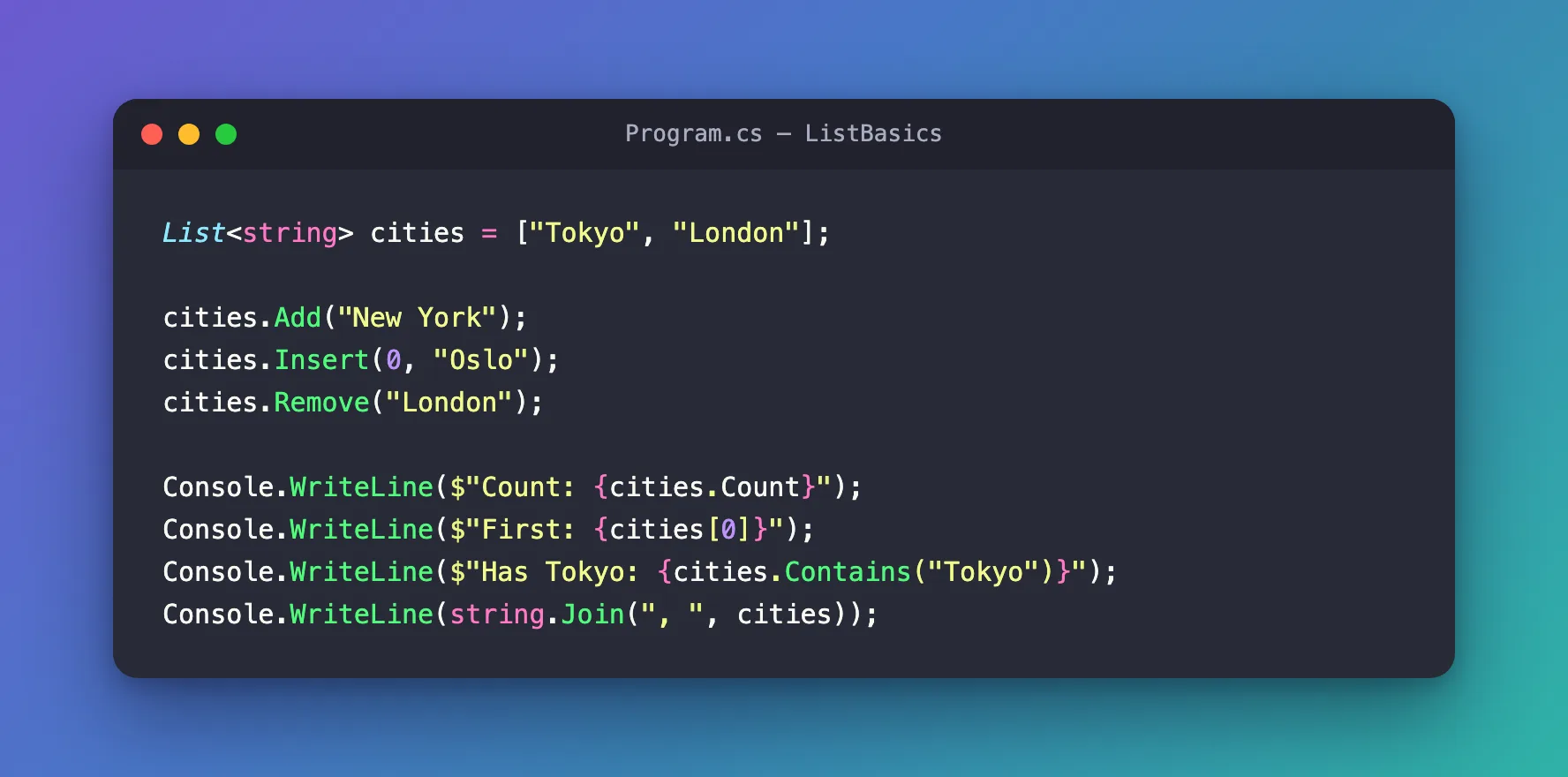
List<string> cities = ["Tokyo", "London"];

cities.Add("New York");
cities.Insert(0, "Oslo");
cities.Remove("London");

Console.WriteLine($"Count: {cities.Count}");
Console.WriteLine($"First: {cities[0]}");
Console.WriteLine($"Has Tokyo: {cities.Contains("Tokyo")}");
Console.WriteLine(string.Join(", ", cities));
Common Mistakes
| Mistake | What happens | Do this instead |
|---|---|---|
| Reading a position past the end | cities[3] on a list of three threw ArgumentOutOfRangeException: Index was out of range. Must be non-negative and less than the size of the collection. (Parameter 'index') | The last item is at Count - 1. Check Count first |
Removing items in a foreach over the same list | InvalidOperationException: Collection was modified; enumeration operation may not execute. | Use RemoveAll: cities.RemoveAll(city => city.StartsWith('N')) removed the matching cities without an error |
FAQ
What does Remove do when the item isn't there?
Nothing, and it returns false: cities.Remove("Paris") returned False, without an error.
Conclusion
A List<T> holds items of one type in order: Add, Insert and Remove change it, Count, [index] and Contains read it. Positions start at 0, and RemoveAll is the safe way to remove items that match a test.
Additional Resources
- List class — every method and property.
