How to Use a Class Literal in Java (String.class)

String.class is a class literal: an expression that gives you the Class object describing a type. Libraries use it to ask "which type do you want back?", as in a method that takes String.class and returns a String.
Syntax
Class<<Type>> <variable> = <Type>.class;
| Part | What it does |
|---|---|
<Type>.class | Gives the Class object for that type, such as String.class. |
Class<<Type>> | The type of that object: a Class that describes <Type>. |
| Methods on it | getName(), getSimpleName(), cast(value) and more. |
The Java Language Specification, section 15.8.2: "A class literal is an expression consisting of the name of a class, interface, array type, or primitive type, or the pseudo-type void, followed by a '.' and the token class."
The Example
The example takes String.class, prints its full and simple names, and uses it to cast an Object that holds a string back to a String.
Prerequisites
- A JDK, the Java Development Kit.
java Main.javaruns a single file without compiling it first. This guide uses OpenJDK 25.0.5.1.
Step 1: Write the Code
Create a file named Main.java:
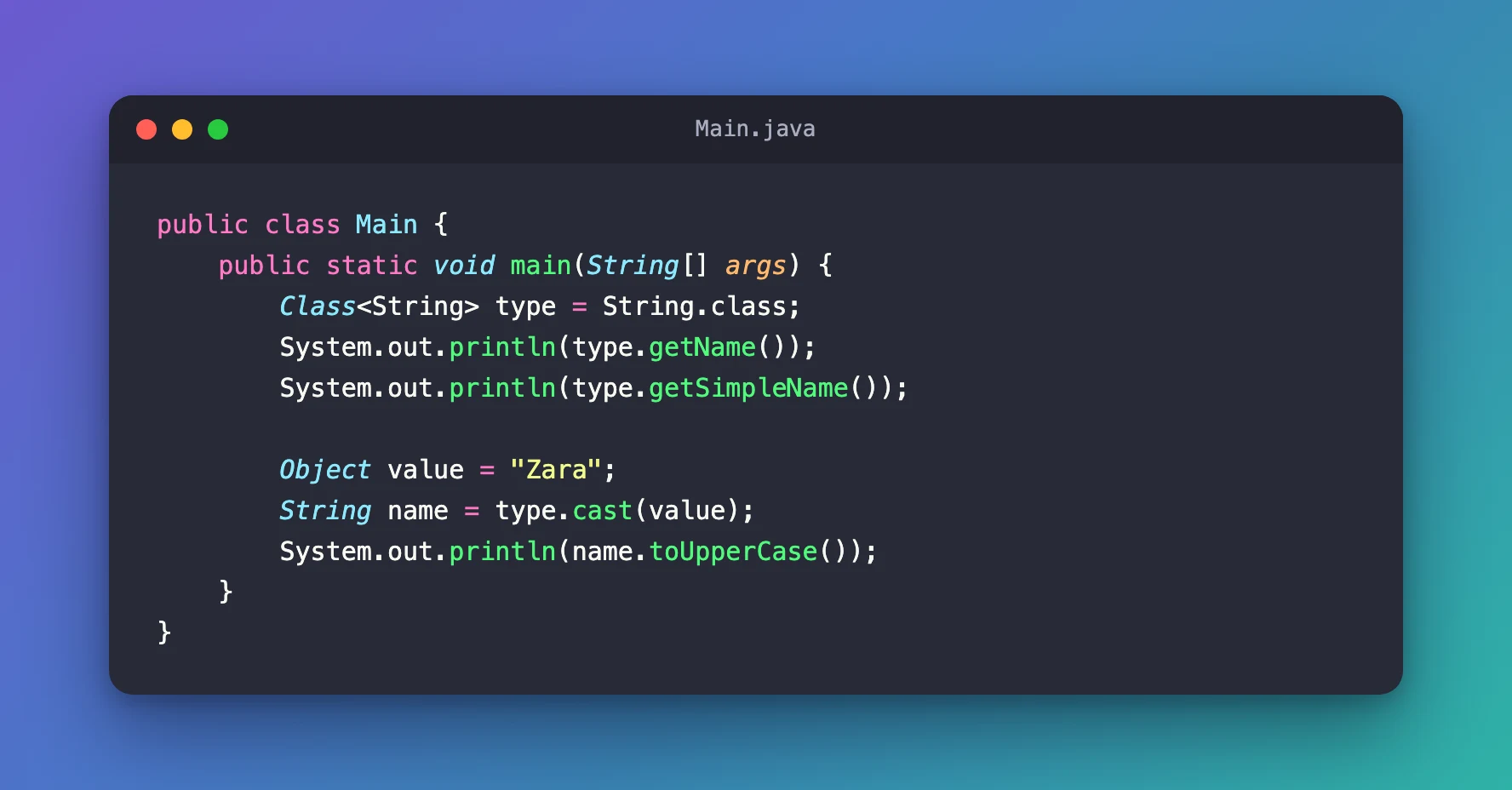
public class Main {
    public static void main(String[] args) {
        Class<String> type = String.class;
        System.out.println(type.getName());
        System.out.println(type.getSimpleName());

        Object value = "Zara";
        String name = type.cast(value);
        System.out.println(name.toUpperCase());
    }
}
String.classis theClassobject forString.type.cast(value)checks thatvaluereally is aStringand returns it typed as one, sotoUpperCase()can be called.
Step 2: Run It
java Main.java
java.lang.String
String
ZARA
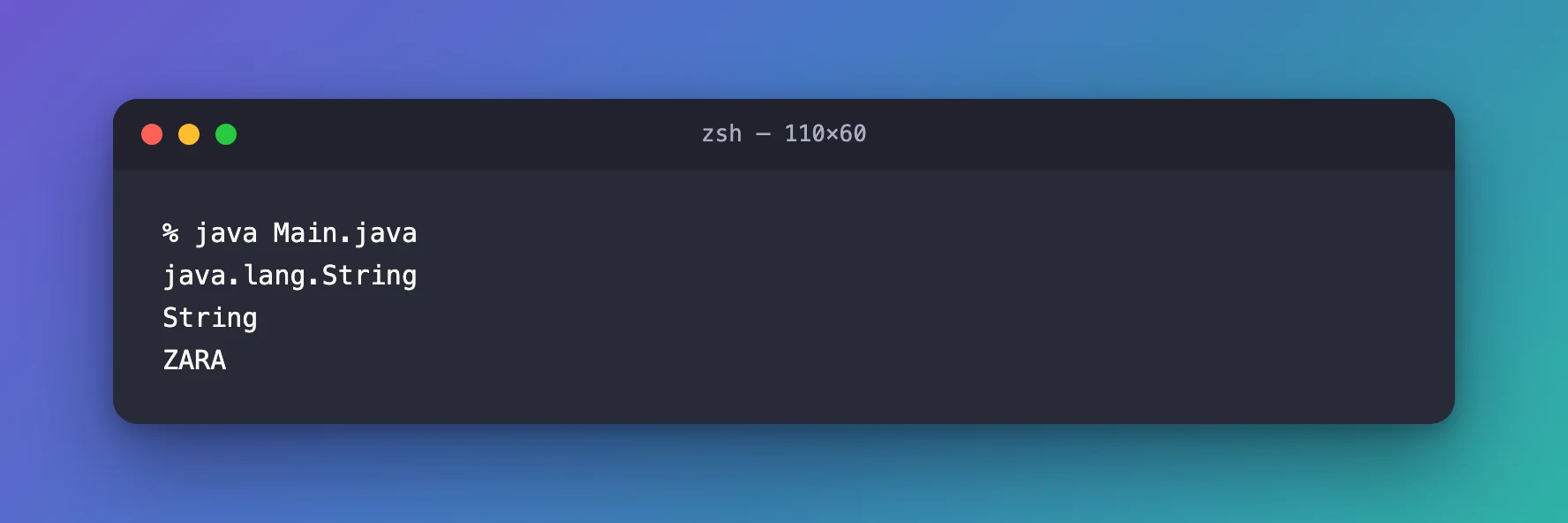
The command is the same in zsh, bash and PowerShell.
Why Libraries Ask for a Class
A method can't know at run time which type you want, because generic types are erased. Passing String.class hands it that information, so a call like get("name", String.class) can check the value and return a String, or fail clearly.
Common Mistakes
| Mistake | What happens | Do this instead |
|---|---|---|
Casting a value of another type, as in String.class.cast(42) | java.lang.ClassCastException: Cannot cast java.lang.Integer to java.lang.String | Ask for the type the value really has |
Writing String.getClass() | error: non-static method getClass() cannot be referenced from a static context | Write String.class, or value.getClass() on an object |
Expecting getName() to be short | It includes the package: java.lang.String | Use getSimpleName() |
Troubleshooting
| Symptom | Likely cause | Fix |
|---|---|---|
ClassCastException from a typed getter | The stored value has another type | Print the value's getClass() to see what it is |
cannot find symbol at .class | The type isn't imported | Import the type |
FAQ
Do primitive types have class literals?
Yes: int.class is the Class object for int, and void.class exists too.
What's the difference between String.class and value.getClass()?
String.class names a type you know while writing the code; value.getClass() asks an object at run time what it is.
Conclusion
Type.class gives the Class object for a type, with methods such as getName(), getSimpleName() and cast(). Pass it to methods that need to know which type to return.
Additional Resources
- JLS 15.8.2: Class Literals, in the Java Language Specification.
- Class, in the JDK 25 API documentation.
