How to Upgrade an MLflow Tracking Database with mlflow db upgrade

A new MLflow version can change how its database is laid out, its schema. Before the new version runs on your tracking server's database, mlflow db upgrade changes the database to match. This guide upgrades a database made by MLflow 3.16.0 for MLflow 3.18.0, the documented way, with real output.
Syntax
mlflow db upgrade <database-url>
| Part | What it means |
|---|---|
<database-url> | The server's database as a URL, such as sqlite:///mlflow.db for the mlflow.db file in the current folder |
MLflow's upgrade guide lists the steps: "Stop the server. Upgrade the package version in the environment. Run database migrations (if database backend is used). Restart the server." And it warns: "Schema migrations can be slow and are not guaranteed to be transactional. Always take a backup of the database before running the migration."
The Example
A tracking server in a folder called upgrade-demo, whose project used MLflow 3.16.0, with one run, logged-with-3.16. Its database is at the schema version MLflow 3.16.0 created; SQLite's command-line tool, sqlite3, reads it from the table alembic_version:
sqlite3 mlflow.db "select version_num from alembic_version"
b7e2c1a4d9f3
sqlite3 comes with macOS. Where it isn't installed, skip these version checks: the server starting with your runs is the check that matters.
The folder also holds backup.py from How to Back Up an MLflow Tracking Server.
Prerequisites
- A tracking server project managed with uv. This guide upgrades MLflow 3.16.0 to 3.18.0.
Step 1: Stop the Server
Go to the server's terminal and press Ctrl+C. Leave it stopped until Step 5.
Step 2: Upgrade the Package
uv add mlflow==3.18.0
Resolved 92 packages in 191ms
Uninstalled 3 packages in 190ms
Installed 3 packages in 583ms
 - mlflow==3.16.0
 + mlflow==3.18.0
 - mlflow-skinny==3.16.0
 + mlflow-skinny==3.18.0
 - mlflow-tracing==3.16.0
 + mlflow-tracing==3.18.0
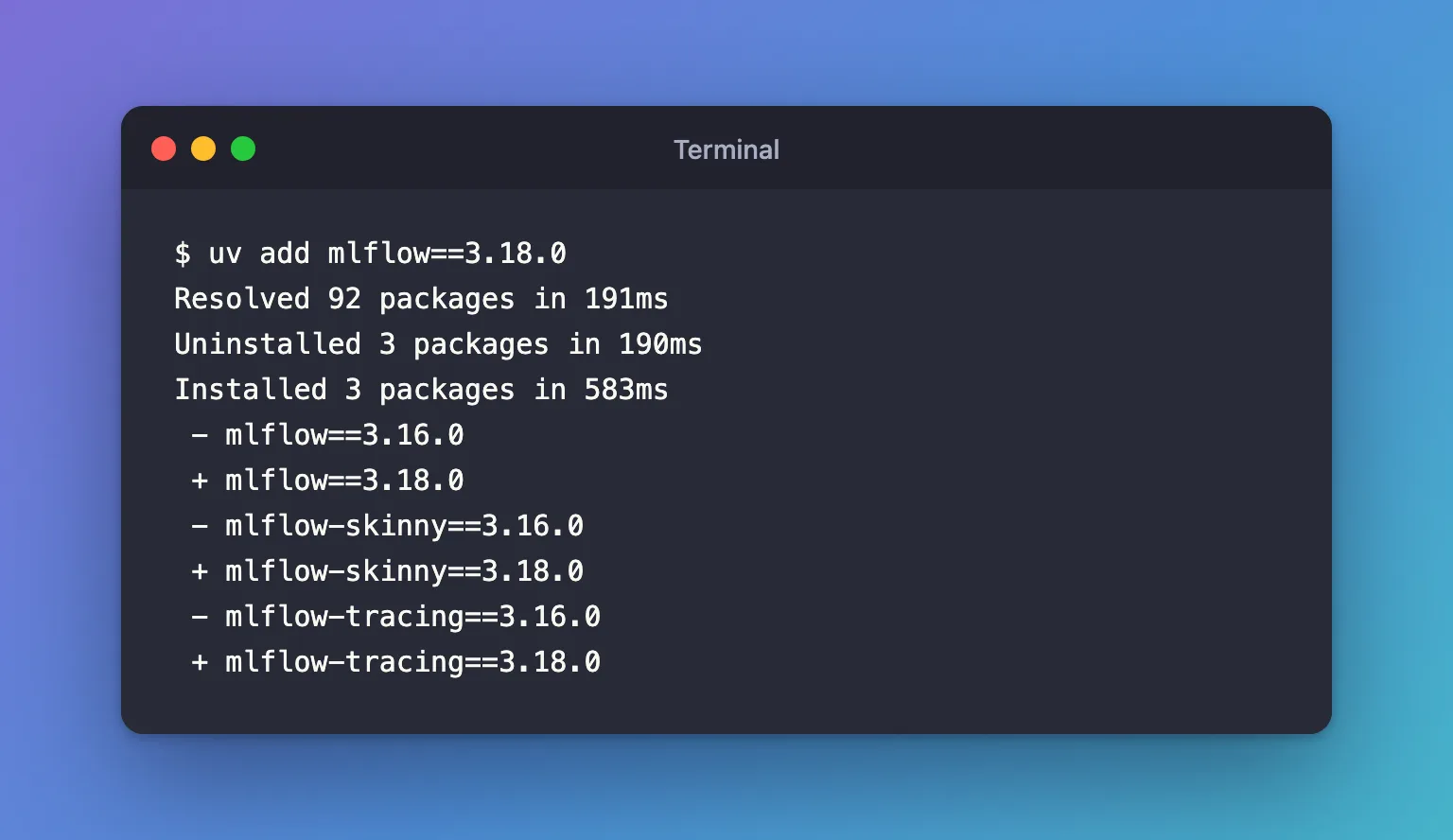
Don't start the server yet: MLflow 3.18.0 can change the database on its own as it starts, as the Common Mistakes below show.
Step 3: Back Up the Database
uv run python backup.py
Backed up the tracking server to /Users/you/source/upgrade-demo/backups/2026-11-28_14-17-03
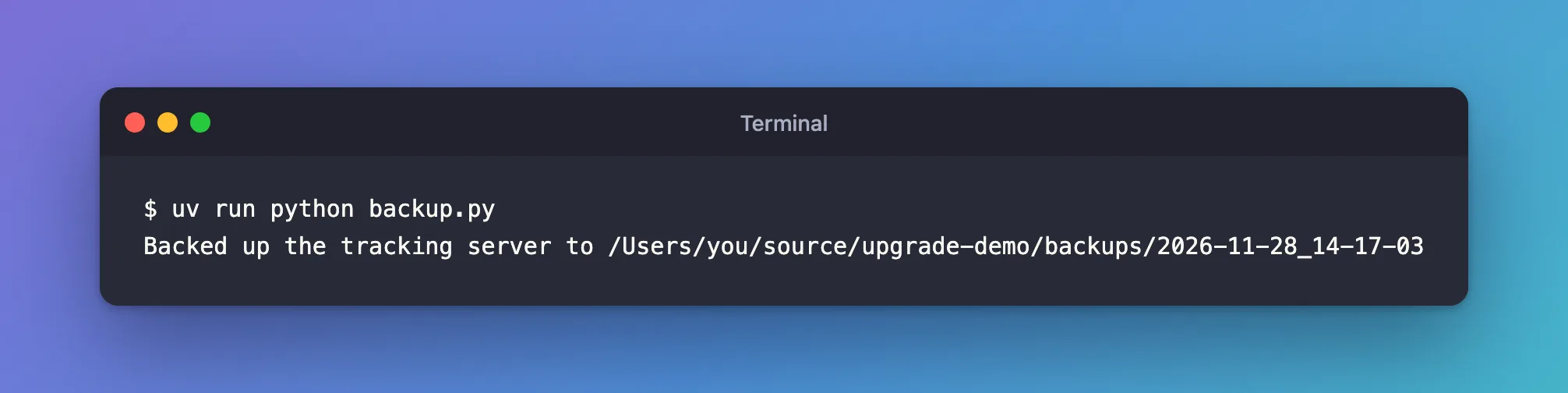
If the migration goes wrong, this backup is how you get back.
Step 4: Run the Migration
uv run mlflow db upgrade sqlite:///mlflow.db
2026/11/28 14:17:05 INFO mlflow.store.db.utils: Updating database tables
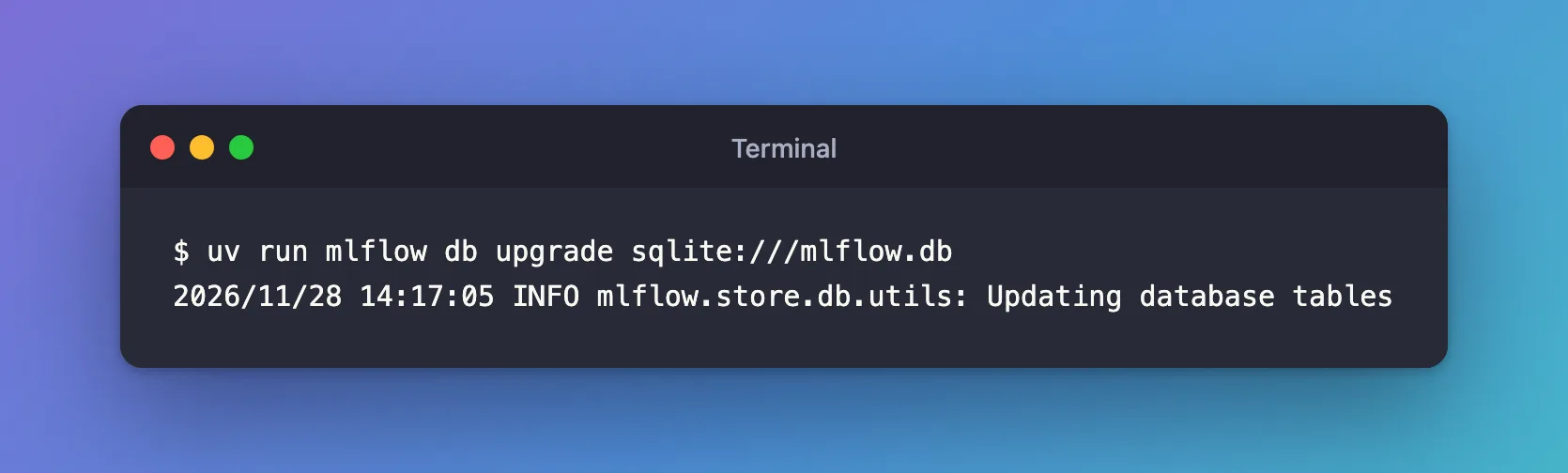
The command says little, the same line it prints for a database that's already up to date. The schema version shows that it worked:
sqlite3 mlflow.db "select version_num from alembic_version"
f4a9b2c7d1e6
The database moved from b7e2c1a4d9f3, MLflow 3.16.0's schema, to f4a9b2c7d1e6, MLflow 3.18.0's.
Step 5: Start the Server and Check
uv run mlflow server --port 8092
[MLflow] Security middleware enabled with default settings (localhost-only). To allow connections from other hosts, use --host 0.0.0.0 and configure --allowed-hosts and --cors-allowed-origins.
...
2026/11/28 14:17:16 INFO:     Uvicorn running on http://127.0.0.1:8092 (Press CTRL+C to quit)
Open the run logged-with-3.16. Its parameter, saved by MLflow 3.16.0, is still there:

Common Mistakes
| Mistake | What happens | Do this instead |
|---|---|---|
| Starting the new version before migrating | MLflow 3.18.0 migrated the 3.16.0 database on its own as it started, with no backup taken: Fixed: The MLflow Server Upgrades an Old Database on Its Own When It Starts | Back up and run mlflow db upgrade before the first start |
| Skipping the backup | Migrations "are not guaranteed to be transactional", so a failed one can leave the database half changed | Back up first, every time |
Troubleshooting
| Symptom | Likely cause | Fix |
|---|---|---|
Detected out-of-date database schema when the server starts | The database is older than the MLflow version, and the server didn't migrate it | Stop, back up, then run mlflow db upgrade |
FAQ
How do I know which schema version is current?
MLflow keeps it in the table alembic_version. The database moved from b7e2c1a4d9f3 to f4a9b2c7d1e6 here.
Do I need this for every MLflow upgrade?
Run it for every upgrade: when nothing changed, it only prints Updating database tables and leaves the database as it is.
Conclusion
With the server stopped and the package upgraded, backup.py saved the 3.16.0 database, and mlflow db upgrade sqlite:///mlflow.db moved it from b7e2c1a4d9f3 to f4a9b2c7d1e6. The server then started on MLflow 3.18.0 with the run logged-with-3.16 and its parameter intact.
Additional Resources
- How to Upgrade MLflow — the upgrade steps and migrations.
- mlflow db upgrade — the command's reference.
