How to Undo SET PERSIST in MySQL

SET PERSIST is easy to forget about, and then a setting keeps coming back after every restart. RESET PERSIST removes it, but with a catch that had me double-checking: it leaves the running value as it is.
Step 1: See What's Persisted
As an administrator:
SELECT VARIABLE_NAME, VARIABLE_VALUE FROM performance_schema.persisted_variables;
+--------------------------+----------------+
| VARIABLE_NAME            | VARIABLE_VALUE |
+--------------------------+----------------+
| require_secure_transport | ON             |
+--------------------------+----------------+
1 row in set (0.002 sec)
These live in mysqld-auto.cnf in the data folder, and they win over your configuration file. To see where one setting's value came from:
SELECT VARIABLE_NAME, VARIABLE_SOURCE, VARIABLE_PATH FROM performance_schema.variables_info WHERE VARIABLE_NAME = 'max_connections';
+-----------------+-----------------+--------------------------------+
| VARIABLE_NAME   | VARIABLE_SOURCE | VARIABLE_PATH                  |
+-----------------+-----------------+--------------------------------+
| max_connections | PERSISTED       | /var/lib/mysql/mysqld-auto.cnf |
+-----------------+-----------------+--------------------------------+
1 row in set (0.001 sec)
Step 2: Forget It
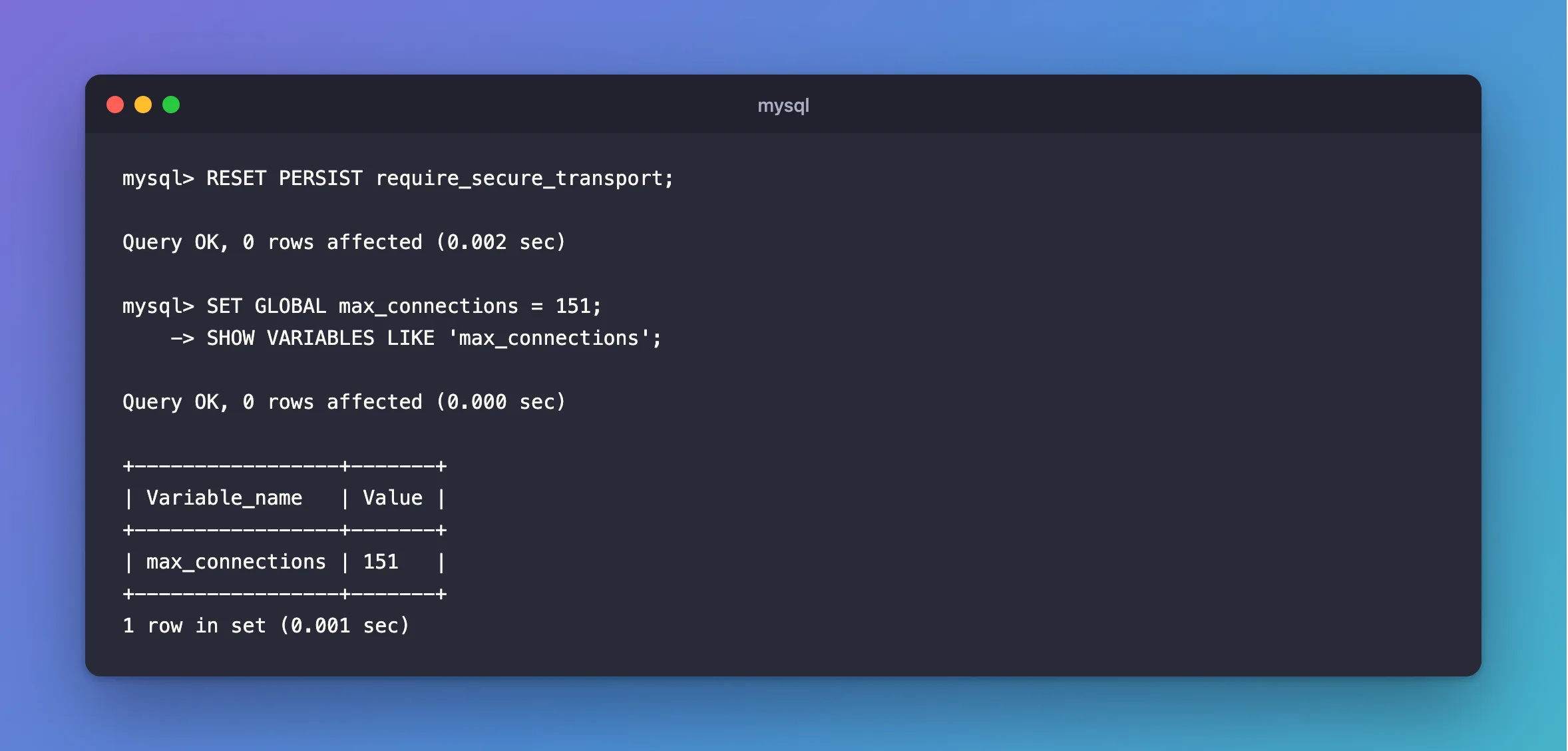
RESET PERSIST require_secure_transport;
Query OK, 0 rows affected (0.002 sec)
To avoid an error when it isn't there, use RESET PERSIST IF EXISTS require_secure_transport. With no name at all, RESET PERSIST forgets every setting, so be careful.
Step 3: Change the Running Value
This is the catch. RESET PERSIST only touches the saved copy. Here, after resetting max_connections, the running server still had 300:
+-----------------+-------+
| Variable_name   | Value |
+-----------------+-------+
| max_connections | 300   |
+-----------------+-------+
1 row in set (0.002 sec)
So set it to what you want, or restart:
SET GLOBAL max_connections = 151;
SHOW VARIABLES LIKE 'max_connections';
Query OK, 0 rows affected (0.000 sec)

+-----------------+-------+
| Variable_name   | Value |
+-----------------+-------+
| max_connections | 151   |
+-----------------+-------+
1 row in set (0.001 sec)
A restart would also do it, and it picks up the value from your configuration or the default.
Step 4: Check Nothing's Left
SELECT VARIABLE_NAME, VARIABLE_VALUE FROM performance_schema.persisted_variables;
Empty set (0.000 sec)
Common Mistakes
| Mistake | What happens | Do this instead |
|---|---|---|
RESET PERSIST alone, expecting the change now | The running value stays | Add SET GLOBAL, or restart |
SET GLOBAL alone | It comes back at the next restart | Add RESET PERSIST |
RESET PERSIST with no name, by accident | Every saved setting is forgotten | Name the setting |
Deleting mysqld-auto.cnf by hand | Works at the next restart, but it's easy to get wrong | Use the statement |
Troubleshooting
| Symptom | Likely cause | Fix |
|---|---|---|
ERROR 3615: Variable … does not exist in persisted config file | It isn't persisted | Use IF EXISTS |
A setting in my.cnf seems ignored | A persisted value wins | Check variables_info |
| The value is back after a new container | The file is in the data volume | That's by design: reset it |
Conclusion
RESET PERSIST name forgets the saved value, and SET GLOBAL name = value fixes the running one. Check persisted_variables to see what's left.
Additional Resources
- Persisted System Variables — how it works.
- RESET PERSIST Statement — every form.
