How to Turn True and False into 1 and 0 in pandas

A column of True and False often needs to be 1 and 0: many machine learning tools expect a yes/no answer as numbers. In pandas, one method does it: .astype(int). This guide converts a column, shows what happens when the values are text instead of booleans, and counts the True values without converting, with real output from pandas 3.1.1.
Syntax
frame[column] = frame[column].astype(int)
| Part | What it means |
|---|---|
frame[column] | A column of True and False, of type bool |
.astype(int) | Returns the column as whole numbers: True becomes 1, False becomes 0 |
frame[column] = ... | Puts the converted column back in place of the old one |
Step 1: Convert the Column
The example is three orders, with a paid column of booleans:
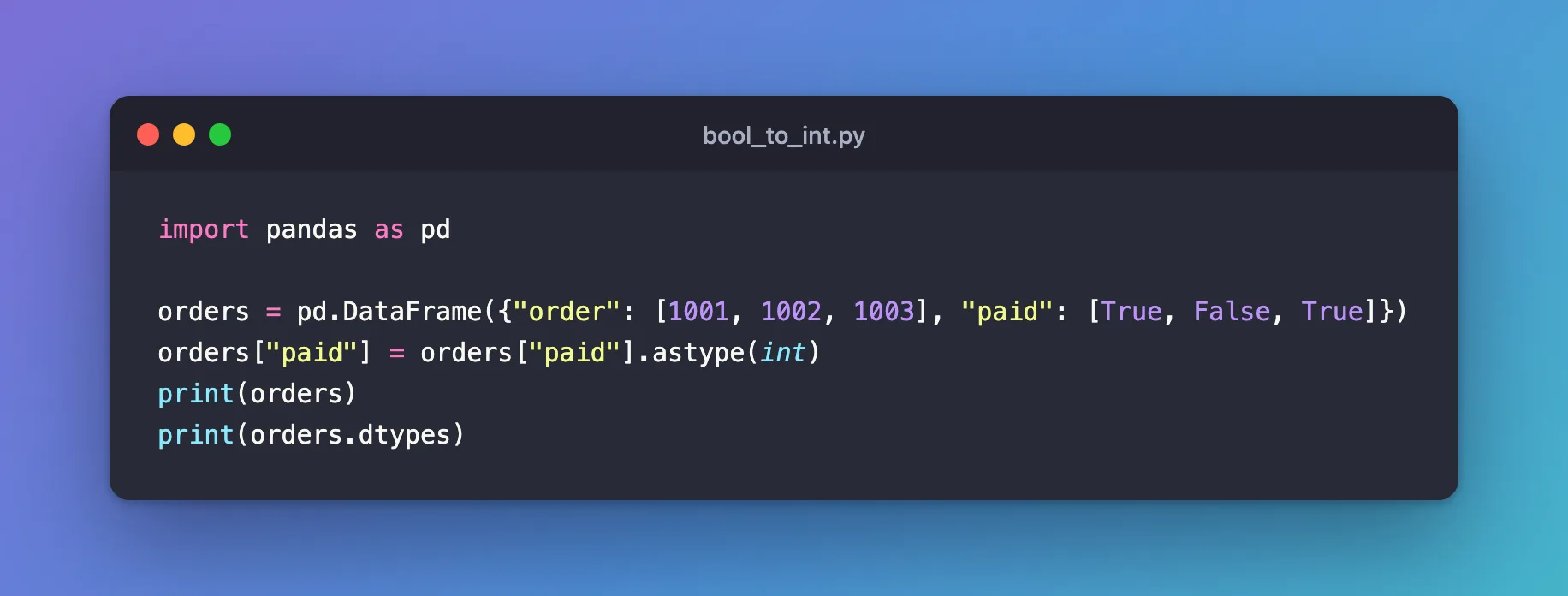
import pandas as pd

orders = pd.DataFrame({"order": [1001, 1002, 1003], "paid": [True, False, True]})
orders["paid"] = orders["paid"].astype(int)
print(orders)
print(orders.dtypes)
uv run python bool_to_int.py
   order  paid
0   1001     1
1   1002     0
2   1003     1
order    int64
paid     int64
dtype: object
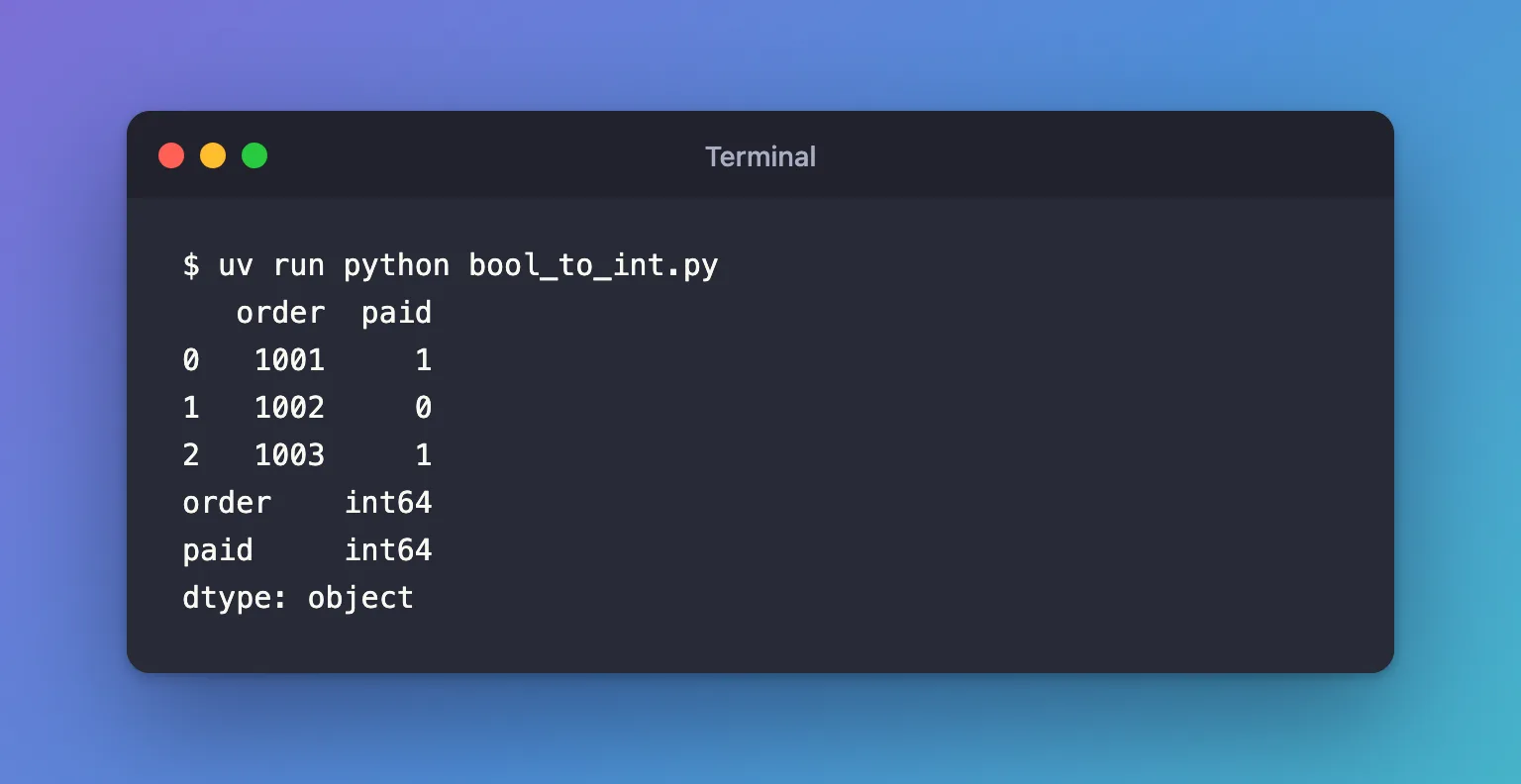
paid is now int64: 1 for the two paid orders, 0 for the other.
Step 2: Watch Out for Text That Looks Like a Boolean
A column read from a file can hold the words "True" and "False" instead of booleans. astype(int) refuses those:
import pandas as pd

orders = pd.DataFrame({"paid": [True, False, True]})
print("paid orders:", orders["paid"].sum())

text = pd.Series(["True", "False", "True"])
try:
    text.astype(int)
except ValueError as error:
    print("ValueError:", error)
print(text.eq("True").astype(int).tolist())
uv run python bool_checks.py
paid orders: 2
ValueError: invalid literal for int() with base 10: 'True'
[1, 0, 1]
ValueError: invalid literal for int() with base 10: 'True': text has to become a boolean first..eq("True")compares each value with the word and gives booleans, whichastype(int)then turns into1and0. How to Turn yes and no into 1 and 0 in pandas does the same with other words.paid orders: 2: to count theTruevalues, you don't need to convert at all..sum()countsTrueas 1.
Common Mistakes
| Mistake | What happens | Do this instead |
|---|---|---|
astype(int) on the words "True" and "False" | ValueError: invalid literal for int() with base 10: 'True' | .eq("True").astype(int) |
Converting only to count the True values | An extra step | .sum() on the boolean column |
Troubleshooting
| Symptom | Likely cause | Fix |
|---|---|---|
ValueError: invalid literal for int() with base 10: 'True' | The column holds text, not booleans | Compare with .eq("True") first |
FAQ
Does pandas read True and False from a CSV file as booleans?
Yes, when the whole column holds them: reading a CSV from a zip gave a bool column for True and False.
Can I keep the column as booleans instead?
Yes. Convert only when the tool you hand the data to wants numbers.
Conclusion
orders["paid"].astype(int) turned True and False into 1 and 0. Text needs .eq("True") first, and counting needs no conversion at all.
Additional Resources
- pandas.Series.astype — converting a column to another type.
