How to Turn On the Outbound Host Validator in the Microsoft 365 Agents SDK in C#

Every activity tells your agent where to send its reply, in its serviceUrl, and by default the Microsoft 365 Agents SDK sends the reply wherever that says. The outbound host validator limits replies to Microsoft's own hosts and the ones you list. It's off until you turn it on, with two settings in appsettings.json.
When your agent answers a message, the SDK posts the reply to the conversation at the activity's serviceUrl. For Teams, that's an address on smba.trafficmanager.net. With a real identity configured, the agent signs that request with its own token. Microsoft's guide to preparing an agent for production names the risk: An activity's service URL can become the destination of a token-bearing reply. Enable the SDK outbound-host validator explicitly and allow only destinations required by the deployment.
Microsoft's API reference describes the validator's options class as the "allowed hosts" anti-SSRF control. SSRF, server-side request forgery, is tricking a server into sending requests where an attacker wants them. And it says: Enforcement is opt-in: Enabled defaults to false so existing behavior is preserved until an operator explicitly turns it on.
Syntax
"OutboundHostValidator": {
  "Enabled": true,
  "IncludeDefaultMicrosoftHosts": true,
  "Hosts": [ "<host>" ],
  "AllowPrivateNetworkAddresses": false
}
| Setting | What it is | Default |
|---|---|---|
Enabled | Turns the check on | false |
IncludeDefaultMicrosoftHosts | Allows Microsoft's own hosts: in the API reference's words, the built-in list of Microsoft first-party hosts (Bot Connector, Graph, SharePoint, Azure Blob/AMS) | true |
Hosts | More hosts to allow. An entry also allows its subdomains: contoso.com matches files.contoso.com | none |
AllowPrivateNetworkAddresses | Whether listed hosts may point at private, loopback, link-local, or unique-local network addresses, such as localhost | false |
The SDK reads the section from configuration by itself: you don't change any code.
The Example
A small echo agent, ReplyCheck, answers You said: … to every message. It runs locally on port 3978 and has no identity configured, so it accepts requests without a token. A test message plays a forged activity: its serviceUrl is https://contoso.invalid/, a host that isn't Microsoft's. (.invalid is a top-level domain reserved for examples, so the name never resolves.)
Prerequisites
- An ASP.NET Core agent that uses the
Microsoft.Agents.Hosting.AspNetCorepackage, version 1.9.205.
Step 1: Send an Activity with a Foreign Service URL
Save the forged activity as forged.json:
{
  "type": "message",
  "id": "1",
  "channelId": "msteams",
  "serviceUrl": "https://contoso.invalid/",
  "from": { "id": "user-1" },
  "recipient": { "id": "agent" },
  "conversation": { "id": "conversation-1" },
  "text": "hello"
}
Start the agent with dotnet run, and post the activity from a second terminal:
- macOS / Linux
- Windows (PowerShell)
curl -s -o /dev/null -w "%{http_code}\n" -X POST http://localhost:3978/api/messages -H "Content-Type: application/json" --data @forged.json
-o /dev/null throws the response body away, and -w "%{http_code}\n" prints only the status code.
(Invoke-WebRequest -Method Post -Uri http://localhost:3978/api/messages -ContentType "application/json" -InFile forged.json -SkipHttpErrorCheck).StatusCode
-InFile sends the file as the body, and -SkipHttpErrorCheck (PowerShell 7) returns an error status as a value instead of throwing it.
202
The agent accepted the activity, and its log shows where it sent the reply:
info: System.Net.Http.HttpClient.Microsoft.Agents.Builder.RestChannelServiceClientFactory.LogicalHandler[100]
      Start processing HTTP request POST https://contoso.invalid/v3/conversations/conversation-1/activities/1
It went straight to the address the activity named. Here the name doesn't resolve, so the request fails a moment later (nodename nor servname provided, or not known). With a real host, the reply, and on a production agent its token, would have arrived there.
Step 2: Turn On the Validator
Add the section to appsettings.json:
{
  "Logging": {
    "LogLevel": {
      "Default": "Information",
      "Microsoft.AspNetCore": "Warning"
    }
  },
  "AllowedHosts": "*",
  "OutboundHostValidator": {
    "Enabled": true,
    "IncludeDefaultMicrosoftHosts": true
  }
}
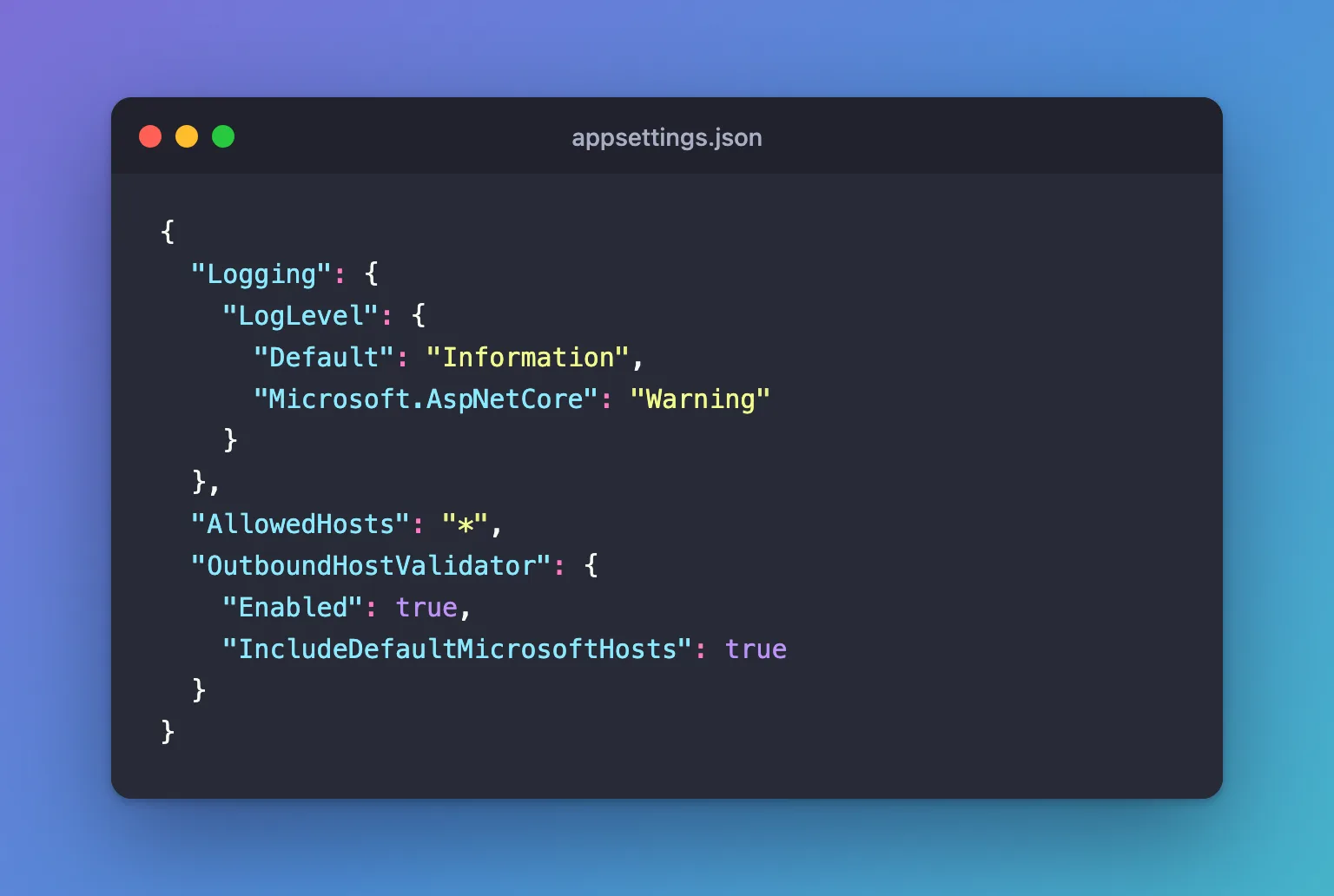
IncludeDefaultMicrosoftHosts is true by default, but writing it out makes the intent clear to the next reader. In the SDK's 1.9.205 source, the built-in list is botframework.com, smba.trafficmanager.net, teams.microsoft.com, teams.microsoft.us, graph.microsoft.com, sharepoint.com, svc.ms and blob.core.windows.net, the same list Microsoft's production guide gives. smba.trafficmanager.net is the one Teams uses.
Step 3: Send the Same Activity Again
Restart the agent so it reads the setting, and send forged.json again with the same command:
400
400 Bad Request, and the agent explains:
warn: Microsoft.Agents.Hosting.AspNetCore.CloudAdapter[11]
      ServiceUrl host is not in the configured allowed hosts. ServiceUrl='https://contoso.invalid/'
The adapter checked the service URL as the request arrived and refused it before the agent's code ran: no reply was attempted. Activities from Teams carry service URLs on smba.trafficmanager.net, which is on the built-in list, so they pass.
Step 4: Allow Your Local Test Channel
A local test channel, such as the Agents Playground, sends service URLs on localhost, and the validator refuses those too. Allow it in appsettings.Development.json only, which ASP.NET Core reads only in the Development environment:
{
  "Logging": {
    "LogLevel": {
      "Default": "Information",
      "Microsoft.AspNetCore": "Warning"
    }
  },
  "OutboundHostValidator": {
    "Hosts": [
      "localhost"
    ],
    "AllowPrivateNetworkAddresses": true
  }
}
Both lines are needed: localhost is a loopback address, which a listed host may target only when AllowPrivateNetworkAddresses is true. Fixed: "ServiceUrl host is not in the configured allowed hosts" for localhost shows what happens with Hosts alone. With this file, a Development run still answered 400 for https://contoso.invalid/: the exception covers only what it lists.
Common Mistakes
| Mistake | What happens | Do this instead |
|---|---|---|
| Assuming the validator is on | It's off until Enabled is true | Add the section to appsettings.json |
Allowing localhost in appsettings.json | The deployed agent may reply to its own machine | Keep it in appsettings.Development.json |
Setting IncludeDefaultMicrosoftHosts to false without listing Teams' hosts | Teams activities are refused | Keep the default, or list every host you need |
Troubleshooting
| Symptom | Likely cause | Fix |
|---|---|---|
400 and ServiceUrl host is not in the configured allowed hosts for a host you expect | The host isn't on the built-in list or in Hosts | Add it to Hosts |
The same for localhost with localhost listed | Loopback addresses aren't allowed | Allow private addresses in Development |
No effect after editing appsettings.json | The agent still runs with the old settings | Restart it |
FAQ
Does the validator protect every outgoing request?
No. Microsoft's guide: The SDK validator isn't a process-wide firewall. It covers the SDK's own calls, such as replies to the service URL. Your own HttpClient calls, model and tool clients need their own allow lists.
Do listed hosts include their subdomains?
Yes. The API reference: an entry matches a request host when the host equals the entry or is a subdomain of it. Microsoft's guide adds that you need your own exact-host checks when only one host may be called.
Does it work together with token validation?
Yes, and the two protect different directions: token validation checks who is calling your agent, and the outbound host validator checks where your agent sends its replies. Production agents should have both.
Conclusion
Two settings, "Enabled": true and "IncludeDefaultMicrosoftHosts": true, stop your agent from replying to whatever host an activity names: a forged service URL gets 400 and a log line instead of your agent's reply. Allow localhost with private addresses in appsettings.Development.json for local testing, and nowhere else.
Additional Resources
- OutboundHostValidatorOptions class — every option and its default.
- Prepare an agent for production: restrict outbound destinations — Microsoft's guidance.
