How to Turn On the MySQL Password Policy with validate_password

MySQL can refuse weak passwords, with a component that's off by default in the Docker image. It takes one statement to turn on, and it's easy to see its rules, or score a password, before you rely on it.
Step 1: Install It
As an administrator:
INSTALL COMPONENT 'file://component_validate_password';
Query OK, 0 rows affected (0.002 sec)
MySQL remembers installed components across restarts, in the mysql.component table.
Step 2: Read the Rules
SHOW VARIABLES LIKE 'validate_password%';
+-------------------------------------------------+--------+
| Variable_name                                   | Value  |
+-------------------------------------------------+--------+
| validate_password.changed_characters_percentage | 0      |
| validate_password.check_user_name               | ON     |
| validate_password.dictionary_file               |        |
| validate_password.length                        | 8      |
| validate_password.mixed_case_count              | 1      |
| validate_password.number_count                  | 1      |
| validate_password.policy                        | MEDIUM |
| validate_password.special_char_count            | 1      |
+-------------------------------------------------+--------+
8 rows in set (0.003 sec)
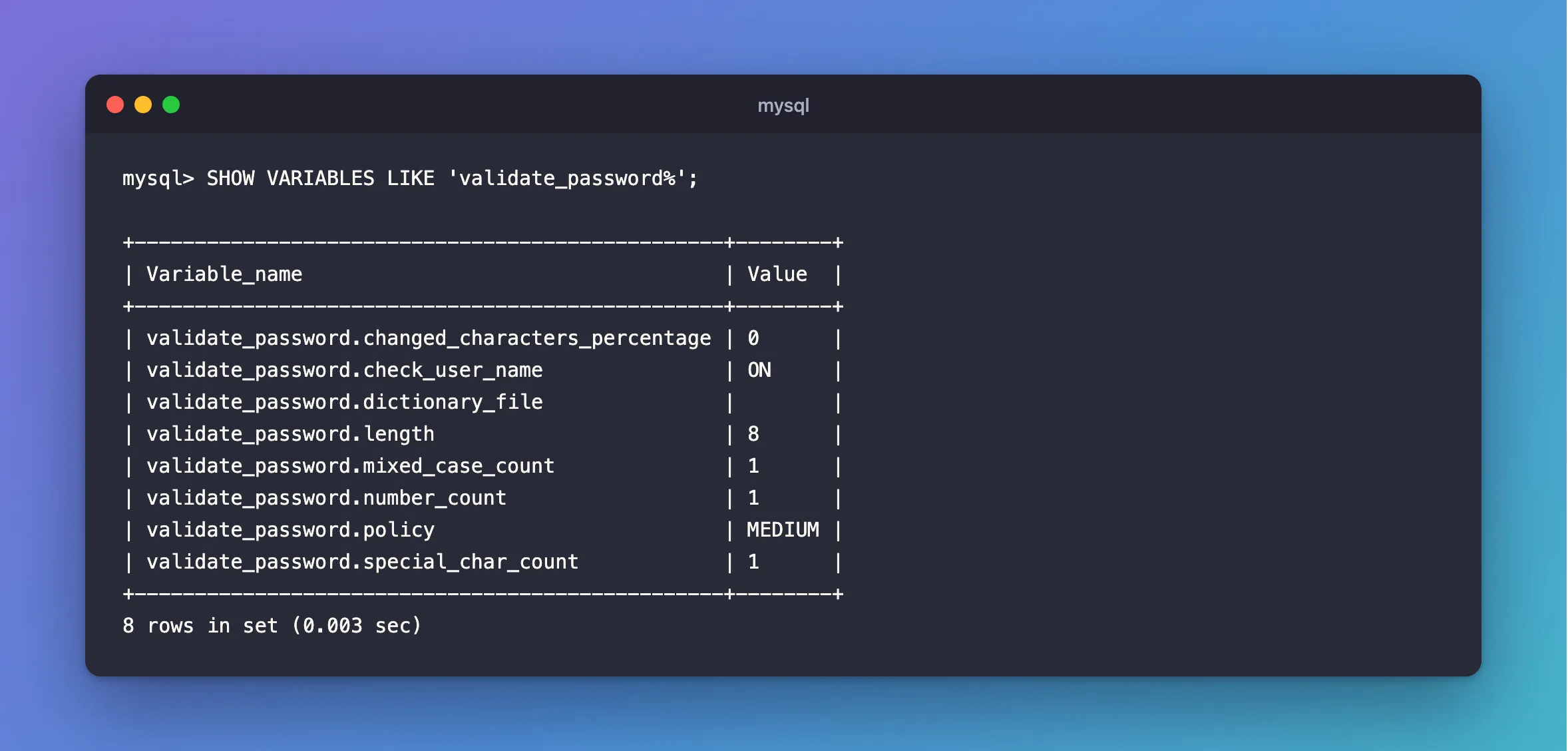
With the MEDIUM policy, a password needs a length of 8, with at least one number, mixed case letter and special character. To make it longer, for example:
SET PERSIST validate_password.length = 16;
Step 3: See It Work
CREATE USER 'weak_demo'@'%' IDENTIFIED BY 'password';
ERROR 1819 (HY000): Your password does not satisfy the current policy requirements
To score a password without creating anything, from 0 to 100:
SELECT VALIDATE_PASSWORD_STRENGTH('password') AS weak, VALIDATE_PASSWORD_STRENGTH('8f3Kd92xQm1Zr7Tw#') AS strong;
+------+--------+
| weak | strong |
+------+--------+
|   50 |    100 |
+------+--------+
1 row in set (0.000 sec)
It Can Refuse Strong Passwords
A random hex password from openssl rand -hex 24 is long and strong, but it has no uppercase letter or special character. Against MEDIUM:
+----------+
| long_hex |
+----------+
|       50 |
+----------+
1 row in set (0.000 sec)

ERROR 1819 (HY000): Your password does not satisfy the current policy requirements
So if your setup generates hex passwords, either adjust the rules, for example with SET PERSIST validate_password.special_char_count = 0, or generate them another way. How to Generate a Random Password for a MySQL Account gives you one that passes, though it holds characters a connection string needs quoted.
Step 4: Take It Out Again
UNINSTALL COMPONENT 'file://component_validate_password';
Query OK, 0 rows affected (0.010 sec)
Existing passwords aren't checked again either way. The policy only applies when a password is set.
Common Mistakes
| Mistake | What happens | Do this instead |
|---|---|---|
| Expecting it to check existing passwords | It only checks new ones | Rotate them |
| Turning it on before a script that uses weak defaults | The script fails | Fix the script's passwords |
| Lowering the policy for one password | The whole server has weaker rules | Use a better password |
Troubleshooting
| Symptom | Likely cause | Fix |
|---|---|---|
ERROR 1819 | A password fails the policy | The fix |
validate_password% shows nothing | It isn't installed | Run INSTALL COMPONENT |
ERROR 3529 (HY000): Cannot load component from specified URN | It's already installed | SELECT * FROM mysql.component |
Conclusion
INSTALL COMPONENT 'file://component_validate_password' turns on the password policy. Read its rules, test it with VALIDATE_PASSWORD_STRENGTH, and check it against how your setup generates passwords.
Additional Resources
- The Password Validation Component — what it does.
- Password Validation Options and Variables — each rule.
