How to Turn Off a Compiler Warning for Some Lines with #pragma in C#

Sometimes a warning is expected, such as when one place in your code still has to call an obsolete method. #pragma warning disable CS0618 turns that warning off, and #pragma warning restore CS0618 turns it back on right after.
Microsoft's reference: #pragma warning can enable or disable certain warnings. It works line by line: The disable takes effect beginning on the next line of the source file. The warning is restored on the line following the restore.
Syntax
#pragma warning disable <code>
// the lines that would raise the warning
#pragma warning restore <code>
| Part | What it is |
|---|---|
#pragma warning disable | Stops the compiler from reporting the warning from the next line on |
<code> | The warning's code, such as CS0618. Several codes go in a comma-separated list |
#pragma warning restore | Reports the warning again from the next line on |
The reference on the codes: The "CS" prefix is optional. When you don't specify warning numbers, disable disables all warnings and restore enables all warnings.
The Example
A console app called PragmaWarning has an obsolete OldGreeting method that one line still calls. The pragma turns off the obsolete warning for that line only.
Prerequisites
- The .NET 10 SDK.
dotnet --versionprints a version that starts with10.0.
Step 1: Create a Console App
dotnet new console -n PragmaWarning
cd PragmaWarning
The template "Console App" was created successfully.

Processing post-creation actions...
Restoring /Users/you/source/PragmaWarning/PragmaWarning.csproj:
  Determining projects to restore...
  Restored /Users/you/source/PragmaWarning/PragmaWarning.csproj (in 45 ms).
Restore succeeded.
dotnet new console -n PragmaWarning creates a folder named PragmaWarning with a project file and a Program.cs, and cd moves into it. Everything this example uses is part of .NET, so there's no package to add. Open the folder in VS Code, or PragmaWarning.csproj in Visual Studio.
Step 2: Write the Code
Replace everything in Program.cs. First the calls:
// OldGreeting is obsolete, but this one line still needs it: turn off its warning here only.
#pragma warning disable CS0618
Console.WriteLine(Greetings.OldGreeting());
#pragma warning restore CS0618

Console.WriteLine(Greetings.NewGreeting());
The disable and restore lines wrap only the call that needs it, so a new call to OldGreeting anywhere else would still warn.
Then the methods:
static class Greetings
{
    [Obsolete("Use NewGreeting instead.")]
    public static string OldGreeting() => "Hello (the old way)";

    public static string NewGreeting() => "Hello";
}
[Obsolete("Use NewGreeting instead.")] marks OldGreeting as obsolete: calling it makes the compiler warn, with that message.
Step 3: Run It
Run it in VS Code's terminal, or press Ctrl+F5 in Visual Studio:
dotnet run
Hello (the old way)
Hello
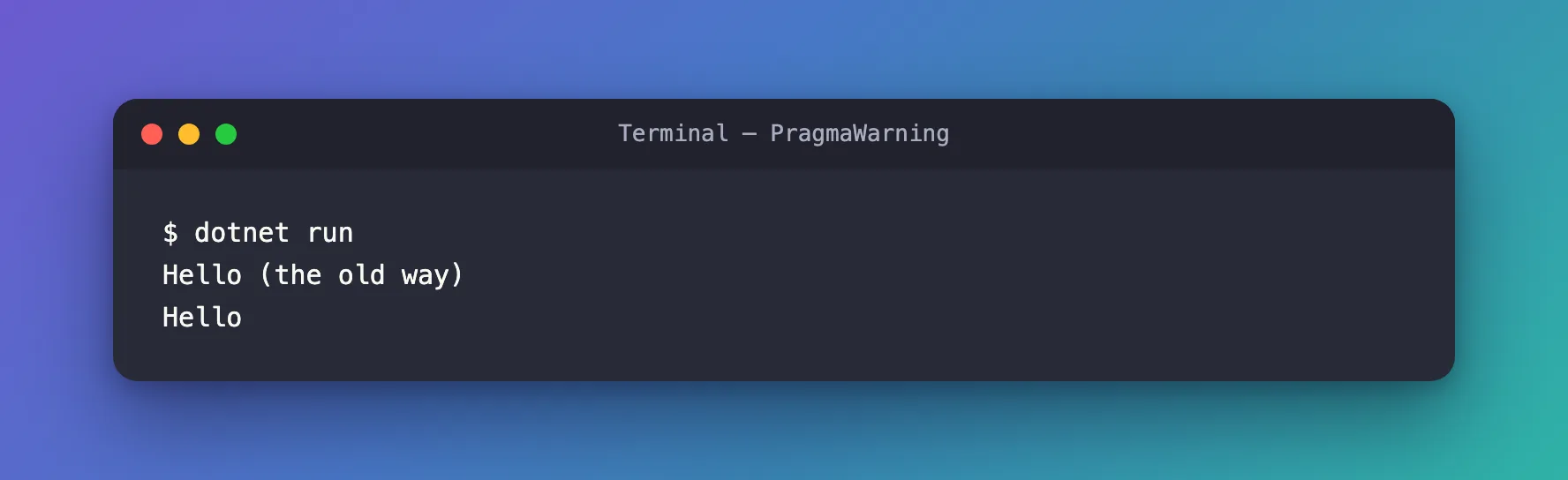
Both greetings printed: a pragma only changes what the compiler reports, never what the program does.
The Complete File
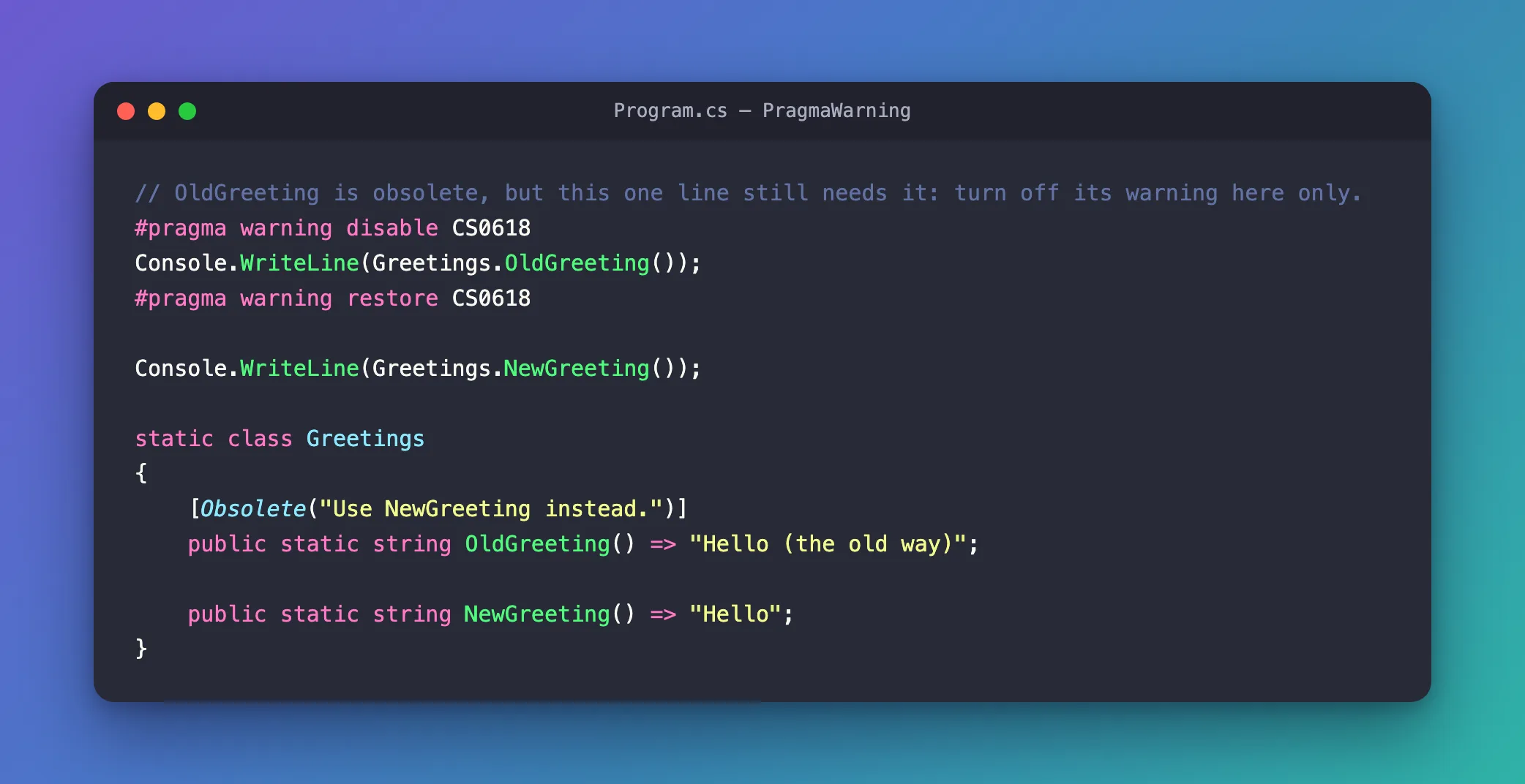
// OldGreeting is obsolete, but this one line still needs it: turn off its warning here only.
#pragma warning disable CS0618
Console.WriteLine(Greetings.OldGreeting());
#pragma warning restore CS0618

Console.WriteLine(Greetings.NewGreeting());

static class Greetings
{
    [Obsolete("Use NewGreeting instead.")]
    public static string OldGreeting() => "Hello (the old way)";

    public static string NewGreeting() => "Hello";
}
The Build With and Without the Pragma
Build the project:
dotnet build --no-incremental
  PragmaWarning -> /Users/you/source/PragmaWarning/bin/Debug/net10.0/PragmaWarning.dll
Build succeeded.
    0 Warning(s)
    0 Error(s)
No warnings. The same project with the two #pragma lines taken out:
/Users/you/source/PragmaWarning/Program.cs(2,19): warning CS0618: 'Greetings.OldGreeting()' is obsolete: 'Use NewGreeting instead.' [/Users/you/source/PragmaWarning/PragmaWarning.csproj]
  PragmaWarning -> /Users/you/source/PragmaWarning/bin/Debug/net10.0/PragmaWarning.dll
Build succeeded.
/Users/you/source/PragmaWarning/Program.cs(2,19): warning CS0618: 'Greetings.OldGreeting()' is obsolete: 'Use NewGreeting instead.' [/Users/you/source/PragmaWarning/PragmaWarning.csproj]
    1 Warning(s)
    0 Error(s)
The warning names the method, the line and the message from [Obsolete], and the build reports it once in the list and once in the summary.
Common Mistakes
| Mistake | What happens | Do this instead |
|---|---|---|
| A pragma without a warning code | It turns off every warning until the restore | Name the warning. Microsoft: Always specify the warning number, such as CS0168, rather than disabling all warnings. |
| Leaving out the restore | The warning stays off for the rest of the file. The reference: If there's no restore in the file, the warnings restore to their default state at the first line of any later files in the same compilation. | Add #pragma warning restore right after the lines that need it |
FAQ
Can a pragma turn off a diagnostic that stops the build?
Some, yes. Calling a method marked [Experimental("DEMO001")] failed with error DEMO001: 'Preview.Run()' is for evaluation purposes only and is subject to change or removal in future updates. Suppress this diagnostic to proceed. With #pragma warning disable DEMO001 around the call, it built and ran.
Conclusion
Put #pragma warning disable and #pragma warning restore with the warning's code around the few lines that need it. The rest of the file keeps the warning, so new problems still show up.
Additional Resources
- Preprocessor directives: pragma warning — the directive's rules.
- ObsoleteAttribute — marking code as obsolete.
