How to Turn a pandas DataFrame into a Dictionary with to_dict

Many libraries and web APIs want plain Python dictionaries, not DataFrames. pandas' to_dict turns a DataFrame into one, and its orient argument chooses the dictionary's shape. This guide converts a small table of cities three ways, with real output from pandas 3.1.1.
Syntax
<dataframe>.to_dict(orient="<shape>")
| Part | What it means |
|---|---|
orient="dict" | The default. One key per column; each holds {row label: value} |
orient="records" | A list with one dictionary per row |
orient="split" | Separate index, columns and data lists. Add index=False to leave the row labels out |
The pandas reference: "Convert the DataFrame to a dictionary. The type of the key-value pairs can be customized with the parameters (see below)."
Prerequisites
- pandas in your project, for example with
uv add pandas. This guide uses pandas 3.1.1 on Python 3.15.2.
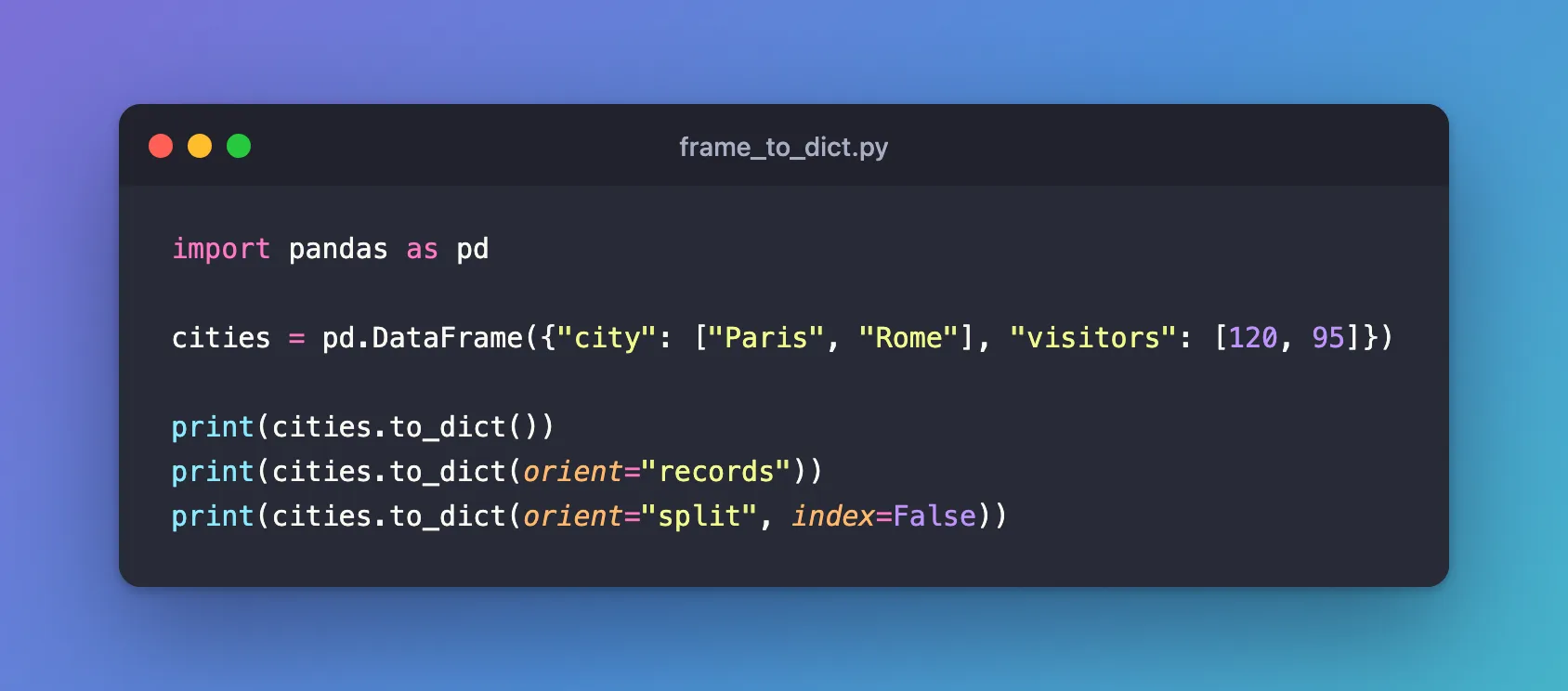
Step 1: Write the Script
import pandas as pd

cities = pd.DataFrame({"city": ["Paris", "Rome"], "visitors": [120, 95]})

print(cities.to_dict())
print(cities.to_dict(orient="records"))
print(cities.to_dict(orient="split", index=False))
Step 2: Run It
uv run python frame_to_dict.py
{'city': {0: 'Paris', 1: 'Rome'}, 'visitors': {0: 120, 1: 95}}
[{'city': 'Paris', 'visitors': 120}, {'city': 'Rome', 'visitors': 95}]
{'columns': ['city', 'visitors'], 'data': [['Paris', 120], ['Rome', 95]]}
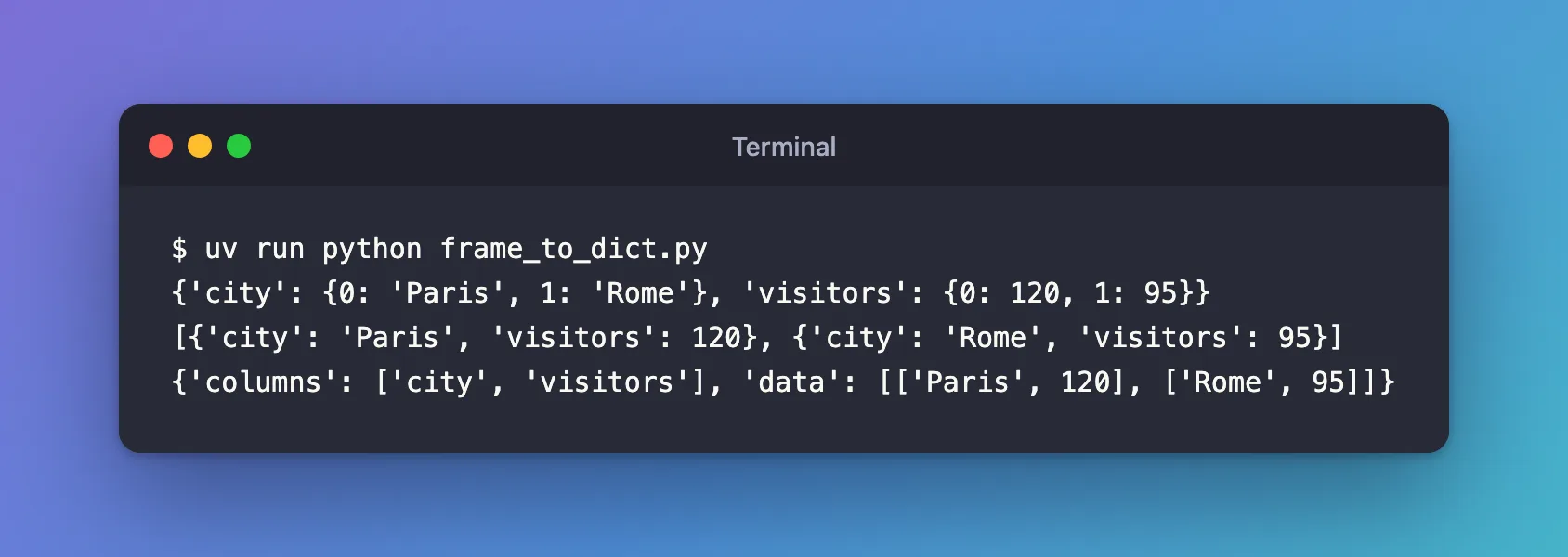
- The default keyed everything by column, then by the row labels
0and1. recordsgave one dictionary per city, the shape most web APIs expect.splitgave the column names once and the rows as lists, without row labels.
Common Mistakes
| Mistake | What happens | Do this instead |
|---|---|---|
An orient name that doesn't exist, such as "rows" | ValueError: orient 'rows' not understood | Use one of the names in the reference: dict, list, series, split, tight, records or index |
Leaving out index=False with split | An extra 'index': [0, 1] list comes first | Pass index=False when the row labels mean nothing |
Troubleshooting
| Symptom | Likely cause | Fix |
|---|---|---|
| The dictionary is nested by row numbers you didn't expect | The default orient="dict" | Choose orient="records" for one dictionary per row |
FAQ
Which orient should I use for a web API?
Whichever the API documents. records matches APIs that take a list of objects; split matches APIs that take column names and rows separately.
Does to_dict change the DataFrame?
No. It returns a new dictionary: printing cities after to_dict showed the same two rows.
Conclusion
to_dict() keyed the table by column, orient="records" gave a list of rows, and orient="split", index=False gave columns and rows as separate lists.
Additional Resources
- DataFrame.to_dict — every orient, with examples.
