How to Turn a LINQ Query into an Array or a List in C#

A LINQ query doesn't hold any results: it runs again every time you read it. ToArray() and ToList() run it once and keep what came out.
Microsoft's reference says both methods force immediate query evaluation, and that you can append this method to your query in order to obtain a cached copy of the query results. The copy doesn't change when the source does.
Syntax
T[] <array> = <query>.ToArray();
List<T> <list> = <query>.ToList();
| Part | What it is |
|---|---|
<query> | Any sequence, such as the result of Select |
ToArray() | Runs it and returns an array, which has a fixed size |
ToList() | Runs it and returns a List<T>, which you can add to and remove from |
The Example
A console app called LinqToArray builds a query that uppercases three names, keeps its results in an array and a list, and then adds a fourth name to the source.
Prerequisites
- The .NET 10 SDK.
dotnet --versionprints a version that starts with10.0.
Step 1: Create a Console App
dotnet new console -n LinqToArray
cd LinqToArray
The template "Console App" was created successfully.

Processing post-creation actions...
Restoring /Users/you/source/LinqToArray/LinqToArray.csproj:
  Determining projects to restore...
  Restored /Users/you/source/LinqToArray/LinqToArray.csproj (in 47 ms).
Restore succeeded.
dotnet new console -n LinqToArray creates a folder named LinqToArray with a project file and a Program.cs, and cd moves into it. Everything this example uses is part of .NET, so there's no package to add. Open the folder in VS Code, or LinqToArray.csproj in Visual Studio.
Step 2: Write the Code
Replace everything in Program.cs. First the names, the query and the two copies:
List<string> names = ["Asha", "Ravi", "Mia"];

IEnumerable<string> query = names.Select(name => name.ToUpperInvariant());
string[] array = query.ToArray();
List<string> list = query.ToList();
Then change the source and print all three:
// The query runs again every time you read it; the array and the list keep what they got.
names.Add("Leo");

Console.WriteLine($"Query: {string.Join(", ", query)}");
Console.WriteLine($"Array: {string.Join(", ", array)}");
Console.WriteLine($"List:  {string.Join(", ", list)}");
Step 3: Run It
Run it in VS Code's terminal, or press Ctrl+F5 in Visual Studio:
dotnet run
Query: ASHA, RAVI, MIA, LEO
Array: ASHA, RAVI, MIA
List:  ASHA, RAVI, MIA
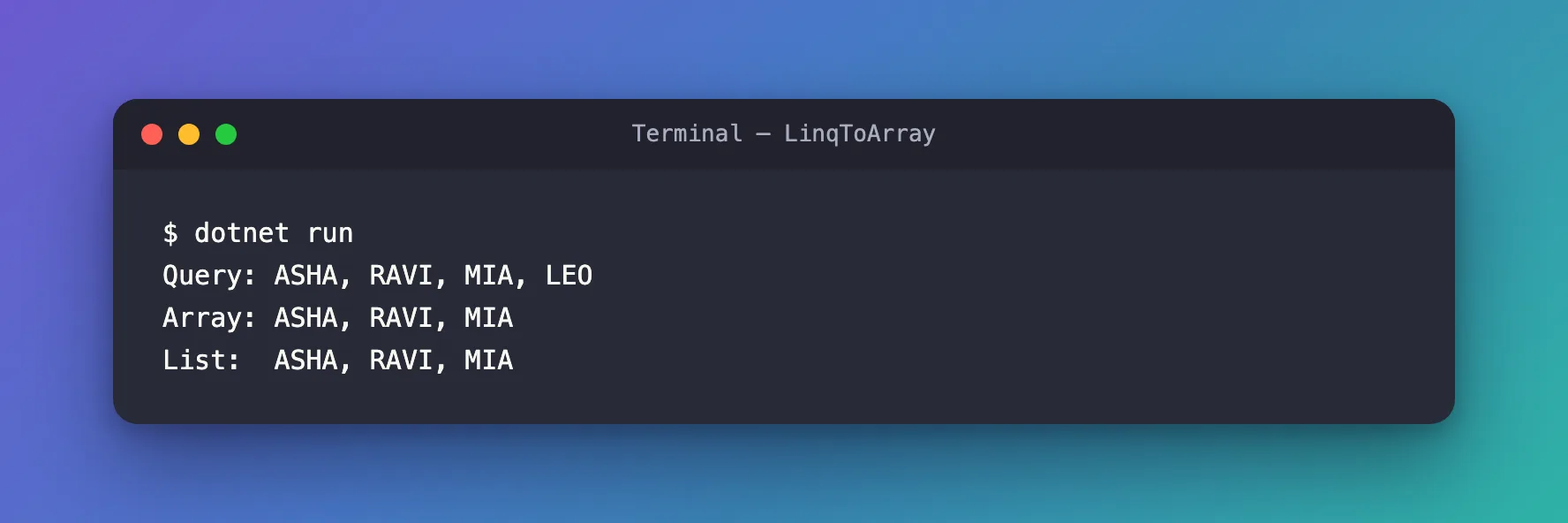
The query ran again when it was printed, so it picked up Leo and returned four names. The array and the list kept the three names they got when they were made.
The Complete File
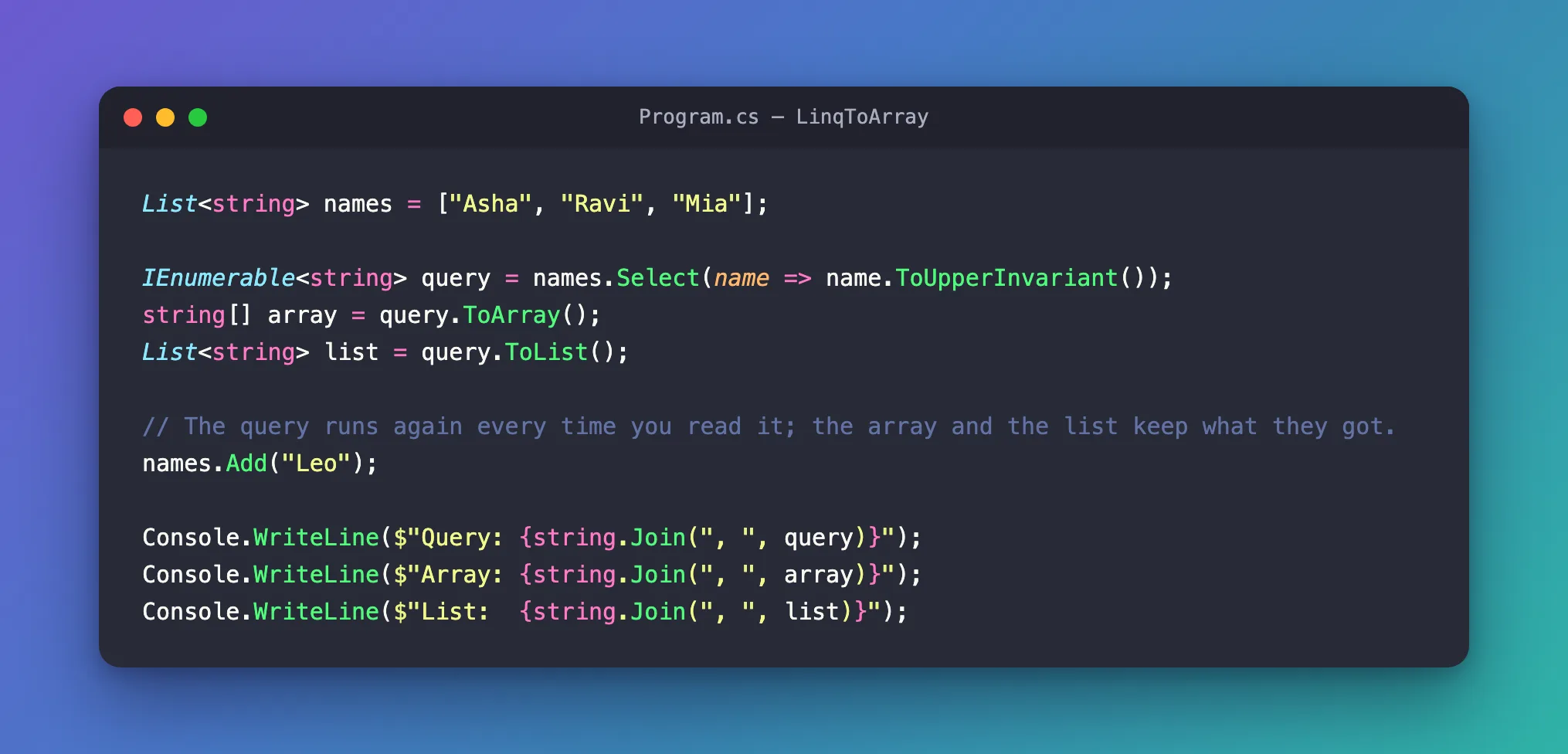
List<string> names = ["Asha", "Ravi", "Mia"];

IEnumerable<string> query = names.Select(name => name.ToUpperInvariant());
string[] array = query.ToArray();
List<string> list = query.ToList();

// The query runs again every time you read it; the array and the list keep what they got.
names.Add("Leo");

Console.WriteLine($"Query: {string.Join(", ", query)}");
Console.WriteLine($"Array: {string.Join(", ", array)}");
Console.WriteLine($"List:  {string.Join(", ", list)}");
Common Mistakes
| Mistake | What happens | Do this instead |
|---|---|---|
| Reading a query several times | It runs every time: reading it twice called the Select lambda 6 times for 3 names | Call ToList() once: reading the list twice afterwards made only the 3 calls ToList() needed |
| Trying to add to the array | An array has a fixed size: array.Add("LEO") doesn't build, with error CS1061: 'string[]' does not contain a definition for 'Add' | Use ToList() when you need to add items |
FAQ
ToArray or ToList?
ToList() when you'll add or remove items afterwards, ToArray() when the results stay as they are. Both run the query once.
Conclusion
query.ToArray() and query.ToList() run a query once and keep a copy of its results, which won't follow later changes to the source. Use them when you read the results more than once or need them as they were at that moment.
Additional Resources
- Enumerable.ToArray — the array copy.
- Enumerable.ToList — the list copy.
