How to Transform Only Some Columns with ColumnTransformer in scikit-learn

Real tables mix columns that need work, such as words to encode, with columns that are fine as they are, such as counts. ColumnTransformer applies each step to the columns you name and, with remainder="passthrough", keeps the rest untouched. This guide one-hot encodes the city of three flats and passes their number of rooms through, with real output from scikit-learn 1.9.1.
Syntax
prepare = ColumnTransformer(
    [(name, transformer, columns)],
    remainder="passthrough",
)
table = prepare.fit_transform(frame)
| Part | What it means |
|---|---|
(name, transformer, columns) | One step: a name you choose, the transformer to apply, and the column names it applies to. List as many steps as you need |
remainder="passthrough" | Keep every column no step names, unchanged. The default, "drop", leaves them out |
fit_transform(frame) | Learns what each transformer needs, then returns one table with all the results side by side |
Step 1: Encode One Column, Keep the Other
Create column_transformer.py:
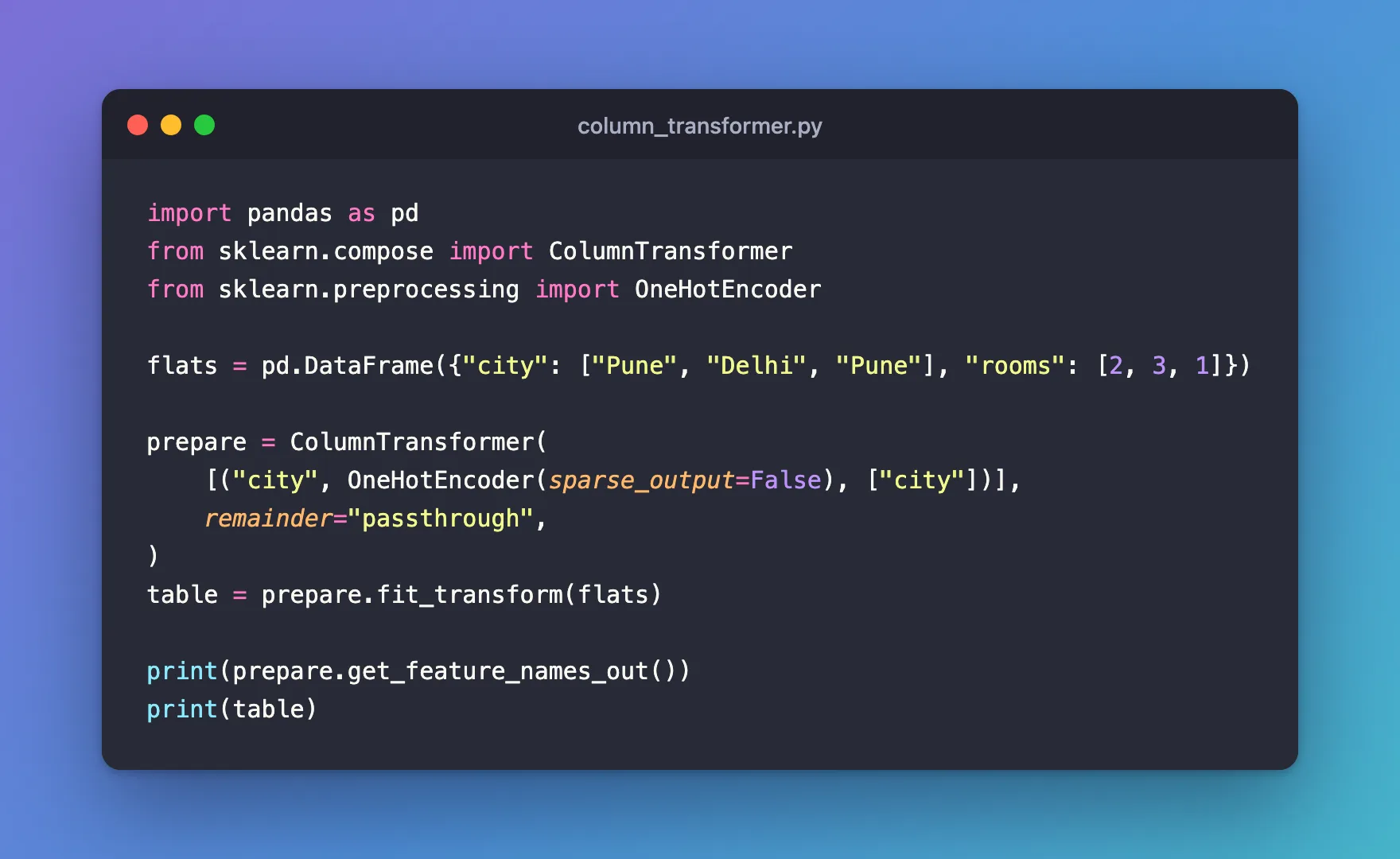
import pandas as pd
from sklearn.compose import ColumnTransformer
from sklearn.preprocessing import OneHotEncoder

flats = pd.DataFrame({"city": ["Pune", "Delhi", "Pune"], "rooms": [2, 3, 1]})

prepare = ColumnTransformer(
    [("city", OneHotEncoder(sparse_output=False), ["city"])],
    remainder="passthrough",
)
table = prepare.fit_transform(flats)

print(prepare.get_feature_names_out())
print(table)
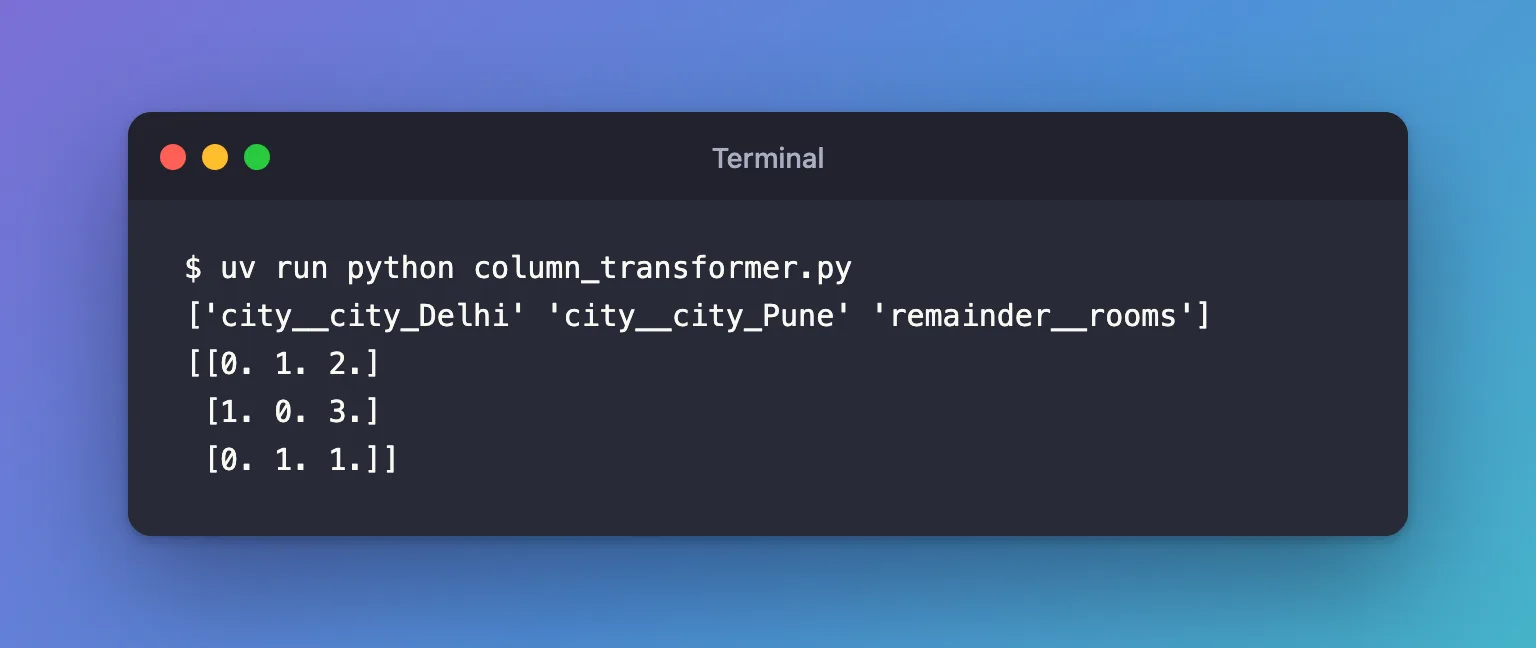
uv run python column_transformer.py
['city__city_Delhi' 'city__city_Pune' 'remainder__rooms']
[[0. 1. 2.]
 [1. 0. 3.]
 [0. 1. 1.]]
Step 2: Read the Columns
city__city_Delhiandcity__city_Punecame from the step namedcity: the encoder's own names,city_Delhiandcity_Pune, after the step's name and two underscores.remainder__roomsis theroomscolumn, passed through untouched, after the transformed ones.
So the first flat, in Pune with 2 rooms, became [0. 1. 2.]. How to One-Hot Encode a Column with OneHotEncoder in scikit-learn explains the encoder's part.
Common Mistakes
| Mistake | What happens | Do this instead |
|---|---|---|
Leaving out remainder | The default, "drop", removes rooms: the output only has city__city_Delhi and city__city_Pune | remainder="passthrough" for the columns you want to keep |
| Naming a column that isn't in the table | ValueError: Some column names are not columns of the dataframe: {'town'} | Check frame.columns |
| Expecting the original column order | Transformed columns come first, the remainder last | Read the order from get_feature_names_out() |
Troubleshooting
| Symptom | Likely cause | Fix |
|---|---|---|
| A column is missing from the output | remainder is "drop", the default | Set remainder="passthrough" |
| The output is a sparse matrix | A step returned sparse output and the whole result is less than 30% non-zero, the default sparse_threshold | sparse_output=False on the encoder, or sparse_threshold=0 |
FAQ
Can each column get a different step?
Yes: list one (name, transformer, columns) per step, such as an encoder for the text columns and a scaler for the number columns.
How do I use it with a model?
Put it first in a Pipeline, so the same preparation runs on training data and on every prediction: How to Chain Preprocessing and a Model with a Pipeline in scikit-learn.
Conclusion
ColumnTransformer([("city", OneHotEncoder(sparse_output=False), ["city"])], remainder="passthrough") encoded the city and kept the rooms, naming each output column after its step. Set remainder="passthrough" to keep the columns you don't transform, and read the column order from get_feature_names_out().
Additional Resources
- ColumnTransformer — its parameters, including
remainder.
