How to Transform Every Item with LINQ Select in C#

Select takes a list and a rule, and gives back a new sequence with the rule applied to every item: every name in uppercase, every price doubled. The original list stays exactly as it was.
Microsoft's reference: Projects each element of a sequence into a new form. The new values come out in the same order as the items, one for each.
Syntax
IEnumerable<T> <results> = <items>.Select(<item> => <newValue>);
IEnumerable<T> <results> = <items>.Select((<item>, <index>) => <newValue>);
| Part | What it is |
|---|---|
<items> | The list to transform |
<item> => <newValue> | A lambda that turns one item into its new value |
(<item>, <index>) => ... | The same, with the item's position, counting from 0 |
T | The type of the new values, whatever the lambda returns |
The new sequence is worked out when you read it, not when you call Select. The reference: This method is implemented by using deferred execution.
The Example
A console app called LinqSelect puts three city names in uppercase, numbers them, and doubles three prices.
Prerequisites
- The .NET 10 SDK.
dotnet --versionprints a version that starts with10.0.
Step 1: Create a Console App
dotnet new console -n LinqSelect
cd LinqSelect
The template "Console App" was created successfully.

Processing post-creation actions...
Restoring /Users/you/source/LinqSelect/LinqSelect.csproj:
  Determining projects to restore...
  Restored /Users/you/source/LinqSelect/LinqSelect.csproj (in 46 ms).
Restore succeeded.
dotnet new console -n LinqSelect creates a folder named LinqSelect with a project file and a Program.cs, and cd moves into it. Everything this example uses is part of .NET, so there's no package to add. Open the folder in VS Code, or LinqSelect.csproj in Visual Studio.
Step 2: Write the Code
Replace everything in Program.cs. First the two lists:
string[] cities = ["tokyo", "london", "new york"];
int[] prices = [100, 250, 75];
Then the three transformations:
IEnumerable<string> upper = cities.Select(city => city.ToUpperInvariant());
IEnumerable<string> numbered = cities.Select((city, index) => $"{index + 1}. {city}");
IEnumerable<int> doubled = prices.Select(price => price * 2);
city => city.ToUpperInvariant()turns each city into uppercase.(city, index) => $"{index + 1}. {city}"uses each city's position: it adds 1 because positions start at 0.price => price * 2doubles each price.
And print the results:
Console.WriteLine(string.Join(", ", upper));
Console.WriteLine(string.Join(", ", numbered));
Console.WriteLine(string.Join(", ", doubled));
Step 3: Run It
Run it in VS Code's terminal, or press Ctrl+F5 in Visual Studio:
dotnet run
TOKYO, LONDON, NEW YORK
1. tokyo, 2. london, 3. new york
200, 500, 150
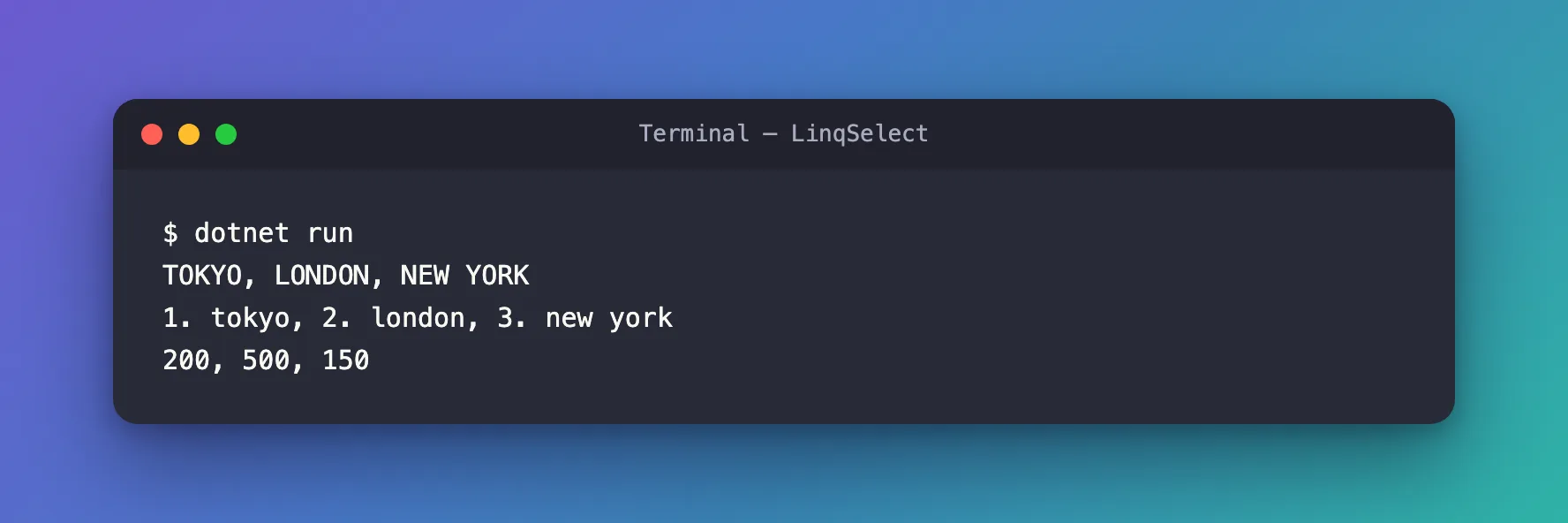
Each line has one value per item, in the original order. The cities and prices themselves didn't change: Select built new sequences from them.
The Complete File
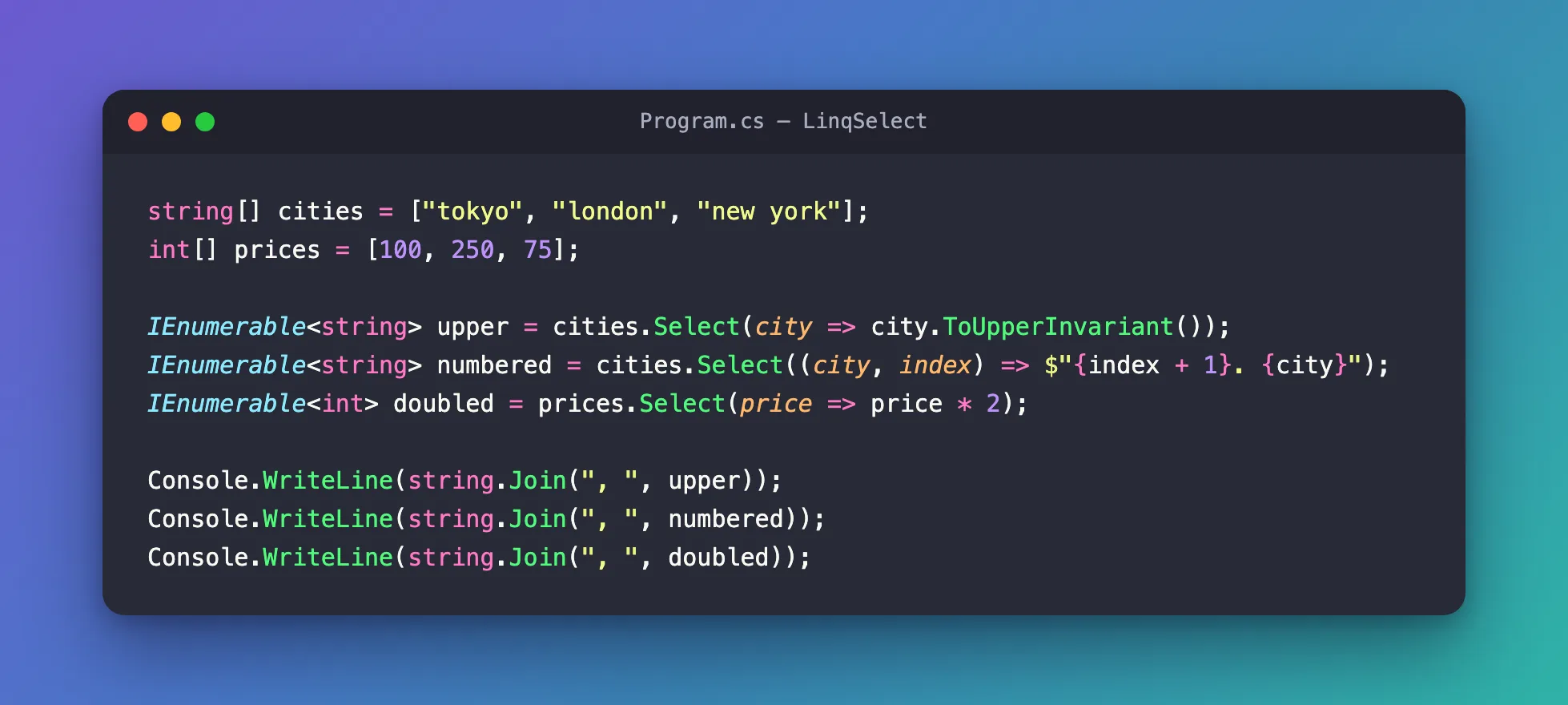
string[] cities = ["tokyo", "london", "new york"];
int[] prices = [100, 250, 75];

IEnumerable<string> upper = cities.Select(city => city.ToUpperInvariant());
IEnumerable<string> numbered = cities.Select((city, index) => $"{index + 1}. {city}");
IEnumerable<int> doubled = prices.Select(price => price * 2);

Console.WriteLine(string.Join(", ", upper));
Console.WriteLine(string.Join(", ", numbered));
Console.WriteLine(string.Join(", ", doubled));
Common Mistakes
| Mistake | What happens | Do this instead |
|---|---|---|
Expecting Select to change the list | cities.Select(city => city.ToUpperInvariant()); on its own left cities as tokyo, london | Keep the result in a variable |
| Changing the source after building the query | The query runs when you read it: after numbers[0] = 5, a query built from [1, 2, 3] gave 50, 20, 30 | Call ToArray() or ToList() to keep the values as they are at that moment |
FAQ
Why does the index start at 0?
Positions in C# count from 0. The example adds 1 to print 1. tokyo.
What type does Select return?
A sequence of whatever the lambda returns: upper is an IEnumerable<string>, because ToUpperInvariant returns strings, and doubled is an IEnumerable<int>.
Conclusion
items.Select(item => newValue) gives a new sequence with one new value per item, and the form with an index tells you each item's position. It never changes the original list, and it runs when you read the result.
Additional Resources
- Enumerable.Select — both forms, and deferred execution.
