How to Train a Logistic Regression Model with scikit-learn

Logistic regression is a simple, fast classifier and a good first model for a yes-or-no question. In scikit-learn it's LogisticRegression: you fit it on examples with known answers, then predict new ones. This guide trains one on the breast cancer dataset, with real output from scikit-learn 1.9.1.
Syntax
from sklearn.linear_model import LogisticRegression

<model> = LogisticRegression(max_iter=<number>)
<model>.fit(<X_train>, <y_train>)
<model>.score(<X_test>, <y_test>)
<model>.predict(<X_new>)
| Part | What it means |
|---|---|
max_iter= | How many steps the solver may take to fit the model. The default is 100 |
fit(X_train, y_train) | Learns from the training rows and their known classes |
score(X_test, y_test) | The accuracy on rows the model hasn't seen: the share it predicts right |
predict(X_new) | The predicted class of each new row |
The scikit-learn reference: "Logistic Regression (aka logit, MaxEnt) classifier. This class implements regularized logistic regression using a set of available solvers."
Prerequisites
- scikit-learn in your project, for example with
uv add scikit-learn. This guide uses scikit-learn 1.9.1 on Python 3.15.2.
Step 1: Write the Script
The script splits the breast cancer data into training and test rows, trains the model, and checks it on the test rows.
from sklearn.datasets import load_breast_cancer
from sklearn.linear_model import LogisticRegression
from sklearn.model_selection import train_test_split

X, y = load_breast_cancer(return_X_y=True)
X_train, X_test, y_train, y_test = train_test_split(X, y, random_state=0)

model = LogisticRegression(max_iter=5000)
model.fit(X_train, y_train)

print(f"Accuracy: {model.score(X_test, y_test):.3f}")
print(model.predict(X_test[:5]))
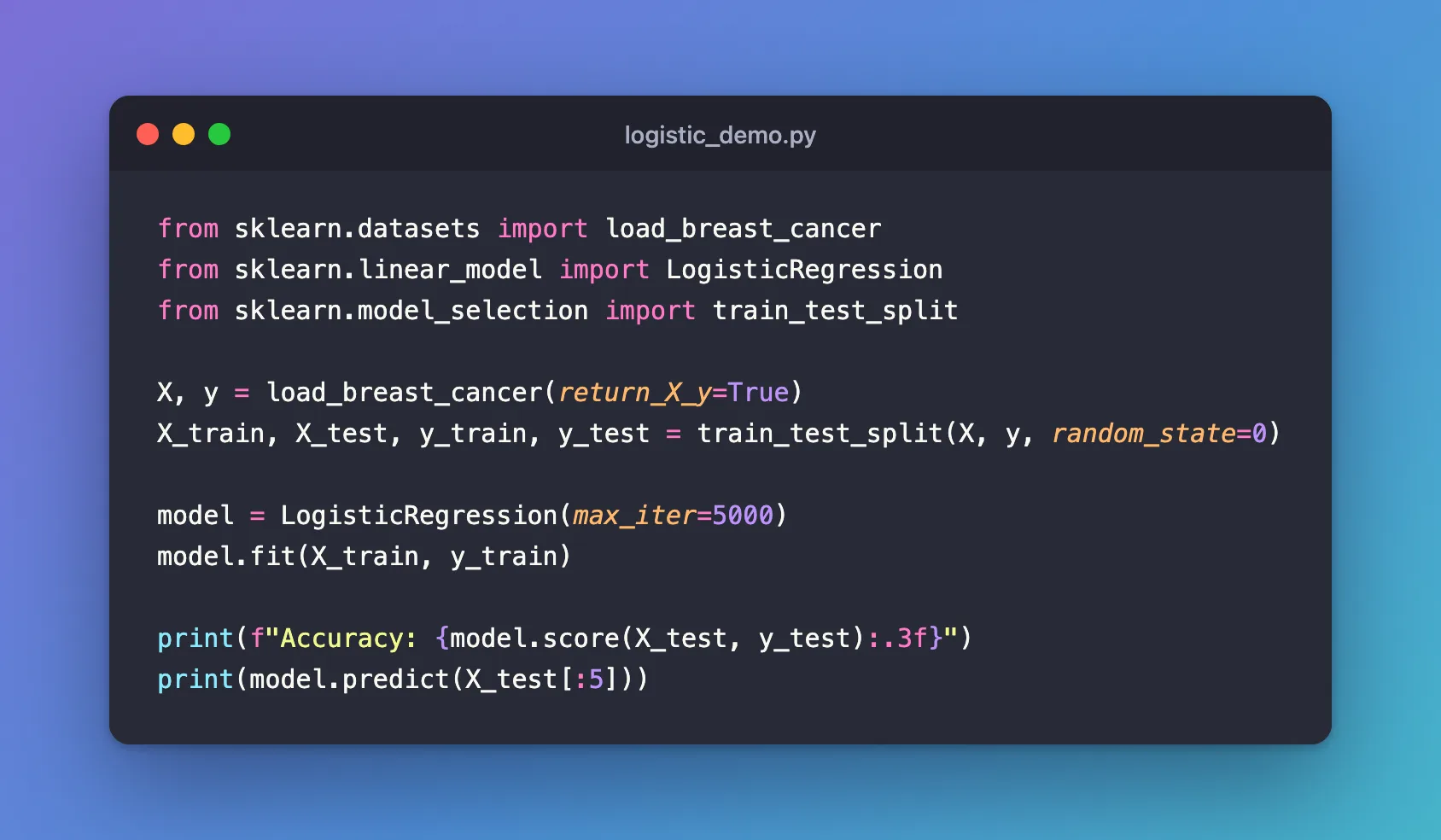
max_iter=5000: these 30 features aren't scaled, so the solver needs more than the default 100 steps.
Step 2: Run It
uv run python logistic_demo.py
Accuracy: 0.951
[0 1 1 1 1]

The model classified 95.1% of the test rows correctly. The five predictions are class codes: in this dataset 0 is malignant and 1 benign.
Common Mistakes
| Mistake | What happens | Do this instead |
|---|---|---|
Keeping the default max_iter on unscaled data | ConvergenceWarning: lbfgs failed to converge after 100 iteration(s) | Scale the features, or raise max_iter: Fixed: ConvergenceWarning: lbfgs failed to converge after 100 iteration(s) |
| Scoring on the training rows | The model has seen them, so the score looks better than it is | Score on a test set it hasn't seen |
Troubleshooting
| Symptom | Likely cause | Fix |
|---|---|---|
| You need a likelihood, not just a class | predict returns only the class | Use predict_proba, below |
FAQ
How sure is the model of each prediction?
predict_proba gives a probability per class: for the first two test rows it returned [0.995 0.005] and [0.032 0.968], one column per entry of model.classes_, which was [0 1].
Does it work for more than two classes?
Yes, with the same fit and predict. Trained on the three iris species, its classes_ were [0 1 2], and rows 0, 60 and 120 were predicted as [0 1 2].
Conclusion
LogisticRegression(max_iter=5000) trained on 75% of the breast cancer rows reached an accuracy of 0.951 on the rest. Scale the features or raise max_iter when the solver warns that it didn't converge.
Additional Resources
- LogisticRegression — every parameter and solver.
- Logistic regression in the user guide — how the model works.
