How to Train a Lasso Regression Model with scikit-learn

Lasso is linear regression that can drop features on its own: its penalty pushes the weights of less useful features to exactly zero. That makes the model simpler and shows which features it relies on. This guide trains Lasso on the diabetes dataset, with real output from scikit-learn 1.9.1.
Syntax
from sklearn.linear_model import Lasso

<model> = Lasso(alpha=<strength>)
<model>.fit(<X_train>, <y_train>)
| Part | What it means |
|---|---|
alpha= | How strong the penalty is. Larger values set more coefficients to zero. 1.0 by default |
<model>.coef_ | One weight per feature; a 0.0 means the feature isn't used |
The scikit-learn reference: "Linear Model trained with L1 prior as regularizer (aka the Lasso)."
Prerequisites
- scikit-learn and pandas in your project, for example with
uv add scikit-learn pandas. This guide uses scikit-learn 1.9.1 and pandas 3.1.1 on Python 3.15.2.
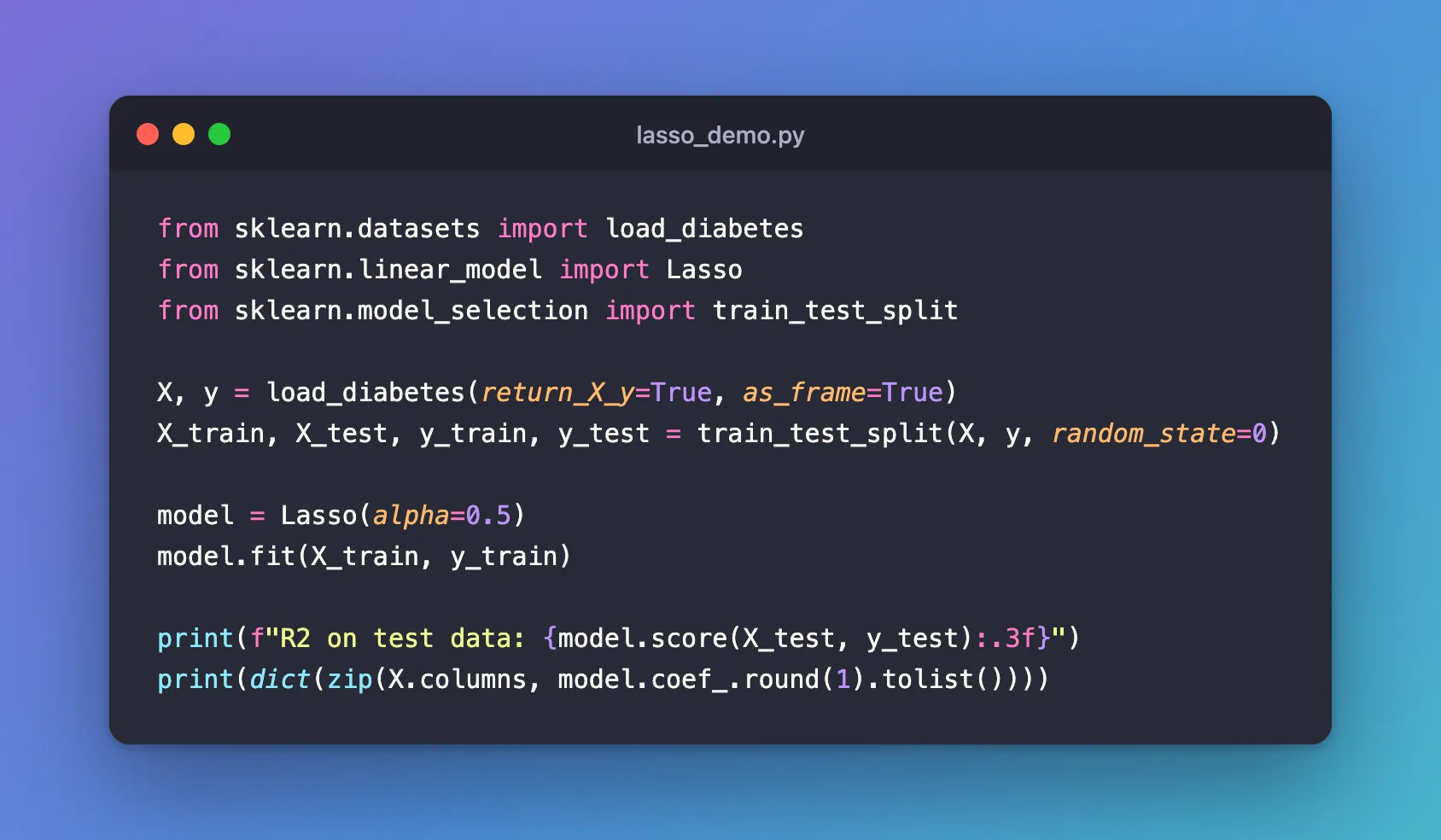
Step 1: Write the Script
from sklearn.datasets import load_diabetes
from sklearn.linear_model import Lasso
from sklearn.model_selection import train_test_split

X, y = load_diabetes(return_X_y=True, as_frame=True)
X_train, X_test, y_train, y_test = train_test_split(X, y, random_state=0)

model = Lasso(alpha=0.5)
model.fit(X_train, y_train)

print(f"R2 on test data: {model.score(X_test, y_test):.3f}")
print(dict(zip(X.columns, model.coef_.round(1).tolist())))
Step 2: Run It
uv run python lasso_demo.py
R2 on test data: 0.329
{'age': 0.0, 'sex': -0.0, 'bmi': 542.7, 'bp': 97.7, 's1': -0.0, 's2': -0.0, 's3': -71.0, 's4': 0.0, 's5': 426.0, 's6': 0.0}
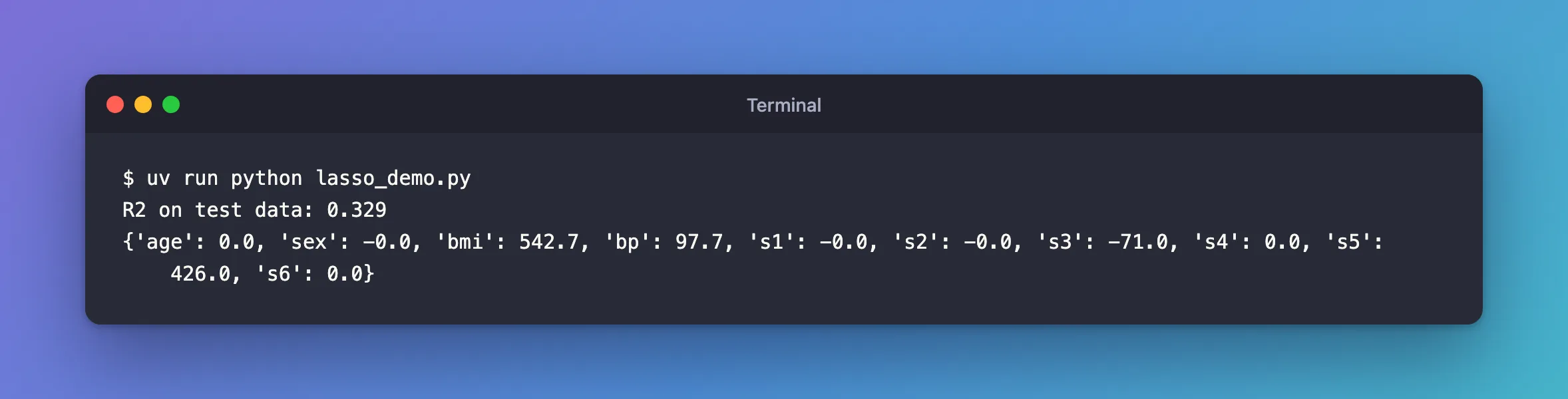
Six of the ten coefficients are zero (-0.0 is zero too), so the model uses only bmi, bp, s3 and s5, at an R² of 0.329.
Common Mistakes
| Mistake | What happens | Do this instead |
|---|---|---|
alpha=0 to turn the penalty off | UserWarning: With alpha=0, this algorithm does not converge well. You are advised to use the LinearRegression estimator | Use LinearRegression for no penalty |
An alpha far too large | Every feature is dropped: with alpha=10, all ten coefficients were 0. | Try smaller values and compare them on validation data |
Troubleshooting
| Symptom | Likely cause | Fix |
|---|---|---|
| All coefficients are zero | alpha is too strong for the scale of the target | Lower alpha |
FAQ
Why use Lasso instead of linear regression?
For a simpler model: it keeps only the features that earn their place. The user guide: "The Lasso is a linear model that estimates sparse coefficients, i.e., it is able to set coefficients exactly to zero."
How does it compare with Ridge?
Ridge shrinks every coefficient but keeps them all; Lasso drops some entirely, as the six zeros here show.
Conclusion
Lasso(alpha=0.5) kept four of the ten diabetes features and set the other six to zero, at an R² of 0.329. Tune alpha: too large drops every feature, and 0 belongs to LinearRegression.
Additional Resources
- Lasso — the class and its parameters.
- Lasso in the user guide — how the L1 penalty works.
