How to Store Secrets with .NET C# User Secrets Instead of appsettings.json

An API key, a password or a client secret doesn't belong in appsettings.json: that file goes into source control, and so would the secret. .NET's user secrets keep such values in a file in your user profile instead, outside the project, and ASP.NET Core reads them as if they were in appsettings.json. This guide sets one up, reads it from C#, and shows where it's stored and when it isn't loaded.
Syntax
dotnet user-secrets <command> [arguments] [--project <path>]
| Part | What it is |
|---|---|
<command> | What to do: init, set, list, remove or clear |
[arguments] | What the command needs: a key for remove, a key and a value for set |
--project <path> | The project to work on. Leave it out to use the project in the current folder |
The five commands, as dotnet user-secrets --help lists them:
| Command | What it does |
|---|---|
init | Sets a user secrets ID to enable secret storage |
set <key> <value> | Sets the user secret to the specified value |
list | Lists all the application secrets |
remove <key> | Removes the specified user secret |
clear | Deletes all the application secrets |
A key is a configuration path, with : between levels, such as WeatherApi:Key. It's the same path your code uses to read the value.
The Example
The example is a small ASP.NET Core app that will call a weather service and needs that service's API key. The key goes into user secrets, and a page reports whether the app can see it, without ever showing the key.
Prerequisites
- The .NET SDK.
dotnet --versionshould print a version number; this page used10.0.404.
Step 1: Create the App and Turn On User Secrets
dotnet new web -o SecretsDemo
cd SecretsDemo
dotnet user-secrets init
Set UserSecretsId to '00000000-0000-0000-0000-000000000000' for MSBuild project '/Users/you/source/SecretsDemo/SecretsDemo.csproj'.
init adds a UserSecretsId to the project file, a GUID that names this project's secrets. Yours will be a different GUID:
<UserSecretsId>00000000-0000-0000-0000-000000000000</UserSecretsId>
Step 2: Set the Secret
dotnet user-secrets set "WeatherApi:Key" "demo-key-12345"
Successfully saved WeatherApi:Key to the secret store.
The output names the key, never the value. list shows both, so only run it where nobody can read your screen:
dotnet user-secrets list
WeatherApi:Key = demo-key-12345
Step 3: Read It in Your Code
Replace Program.cs:
var builder = WebApplication.CreateBuilder(args);

string? weatherApiKey = builder.Configuration["WeatherApi:Key"];

var app = builder.Build();

app.MapGet("/", () => weatherApiKey is null
    ? "The weather API key isn't set."
    : $"The weather API key is set ({weatherApiKey.Length} characters).");

app.Run();
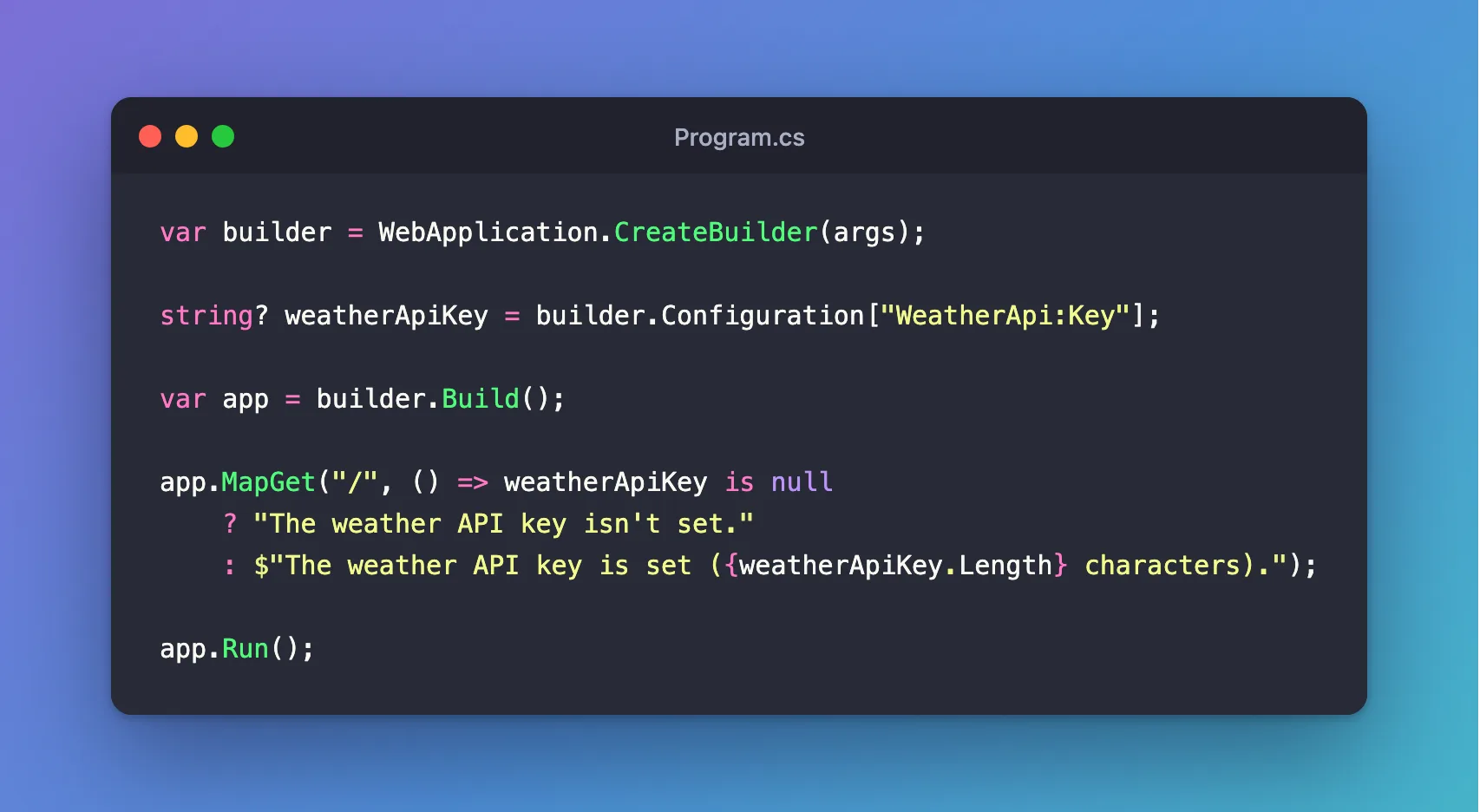
builder.Configuration["WeatherApi:Key"]reads the value the same way it would read it fromappsettings.json. The code doesn't know or care that it came from user secrets.- The page shows the key's length, not the key. A real app would pass the key to the weather service; printing it anywhere would defeat the point.
Nothing else is needed. Microsoft's documentation explains why: WebApplication.CreateBuilder calls AddUserSecrets when the EnvironmentName property is Development.
Step 4: Run It
dotnet run
Using launch settings from /Users/you/source/SecretsDemo/Properties/launchSettings.json...
info: Microsoft.Hosting.Lifetime[14]
      Now listening on: http://localhost:5291
info: Microsoft.Hosting.Lifetime[0]
      Application started. Press Ctrl+C to shut down.
info: Microsoft.Hosting.Lifetime[0]
      Hosting environment: Development
info: Microsoft.Hosting.Lifetime[0]
      Content root path: /Users/you/source/SecretsDemo
Open the address from your output in a browser, or call it from a second terminal. Your port will be different from 5291:
curl http://localhost:5291/
The weather API key is set (14 characters).
demo-key-12345 has 14 characters: the app found the secret.
Step 5: See That It's Only for Development
Stop the app with Ctrl+C, and run it as if it were in production. This command is the same in bash, zsh and PowerShell:
dotnet run -e ASPNETCORE_ENVIRONMENT=Production
info: Microsoft.Hosting.Lifetime[0]
      Hosting environment: Production
The weather API key isn't set.
In any environment other than Development, user secrets aren't loaded at all. That's deliberate: they're a convenience for your own machine. A deployed app gets its secrets from somewhere meant for it, such as environment variables set by the host or Azure Key Vault.
Where the Secrets Are Stored
In a JSON file in your user profile, named after the UserSecretsId, according to Microsoft's documentation:
| System | Path |
|---|---|
| macOS and Linux | ~/.microsoft/usersecrets/<UserSecretsId>/secrets.json |
| Windows | %APPDATA%\Microsoft\UserSecrets\<UserSecretsId>\secrets.json |
On my Mac, the file held exactly what I had set:
{
  "WeatherApi:Key": "demo-key-12345"
}
The file is outside the project folder, so it can't be committed by accident. It is not encrypted: Microsoft's documentation says the Secret Manager doesn't encrypt the stored secrets and shouldn't be treated as a trusted store. It keeps secrets out of your repository, not away from anyone who can read your user profile.
Remove a Secret
dotnet user-secrets remove "WeatherApi:Key"
dotnet user-secrets list
No secrets configured for this application.
remove prints nothing. clear removes every secret of the project at once.
Common Mistakes
| Mistake | What happens | Do this instead |
|---|---|---|
Running set before init | Could not find the global property 'UserSecretsId' in MSBuild project | Run dotnet user-secrets init once per project |
| Running the commands in a folder without a project | Could not find a MSBuild project file in the folder | Run them in the project folder, or add --project <path> |
| Expecting user secrets in production | The value is missing outside Development | Use the host's environment variables or a key vault |
Pasting list output into a ticket or chat | The secret leaks after all | Share the key names only |
Troubleshooting
| Symptom | Likely cause | Fix |
|---|---|---|
The value reads as null | The app isn't running in Development, or the key differs | Check Hosting environment in the output, and the key's spelling |
The app uses the value from appsettings.json instead | The secret's key is spelled differently, so it's a different setting | Use exactly the same key. With the same key, the user secret wins, because it's read after appsettings.json |
FAQ
Does user secrets work in a console app?
Not by itself: Microsoft's documentation says projects that use the web SDK get it automatically, and other projects need the Microsoft.Extensions.Configuration.UserSecrets package and a call to AddUserSecrets.
Can I edit secrets.json by hand?
You can, but Microsoft advises against depending on its location or format, which may change. Use the dotnet user-secrets commands.
Conclusion
User secrets keep development secrets out of your project and out of source control. Run dotnet user-secrets init once, set each value with the same key your code reads, and ASP.NET Core loads them in Development as if they were in appsettings.json. For anything deployed, use the host's own secret storage instead.
Additional Resources
- Safe storage of app secrets in development in ASP.NET Core — the Secret Manager, its commands, and where the file is stored.
- Configuration in ASP.NET Core — the order in which configuration sources are read.
