How to Stop and Remove a Docker Container

A stopped container isn't gone: Docker keeps it, with its name and its log, until you remove it. docker stop shuts it down, and docker rm deletes it. This guide stops an nginx container, finds it among the stopped ones, removes it, and shows --rm, which removes a container as soon as it stops, with real output from Docker Desktop 4.100.1.
Syntax
docker stop NAME
docker rm NAME
| Part | What it means |
|---|---|
docker stop NAME | Ask the container's program to stop, and wait until it does |
docker rm NAME | Delete a stopped container |
docker ps -a | List every container, running or stopped |
The docker stop reference: "The main process inside the container will receive SIGTERM, and after a grace period, SIGKILL." SIGTERM asks the program to shut down cleanly; SIGKILL ends it if it hasn't. The same commands work in PowerShell.
Prerequisites
- Docker: Docker Desktop on Mac or Windows, running.
- A running container. This guide uses one named
web, started withdocker run -d --name web nginx:alpine.
Step 1: Stop the Container
docker stop web
web
Docker printed the name once the container had stopped. It's still there:
docker ps -a --filter name=web
CONTAINER ID   IMAGE          COMMAND                  CREATED         STATUS                              PORTS     NAMES
540be37b12b6   nginx:alpine   "/docker-entrypoint.…"   4 seconds ago   Exited (0) Less than a second ago             web
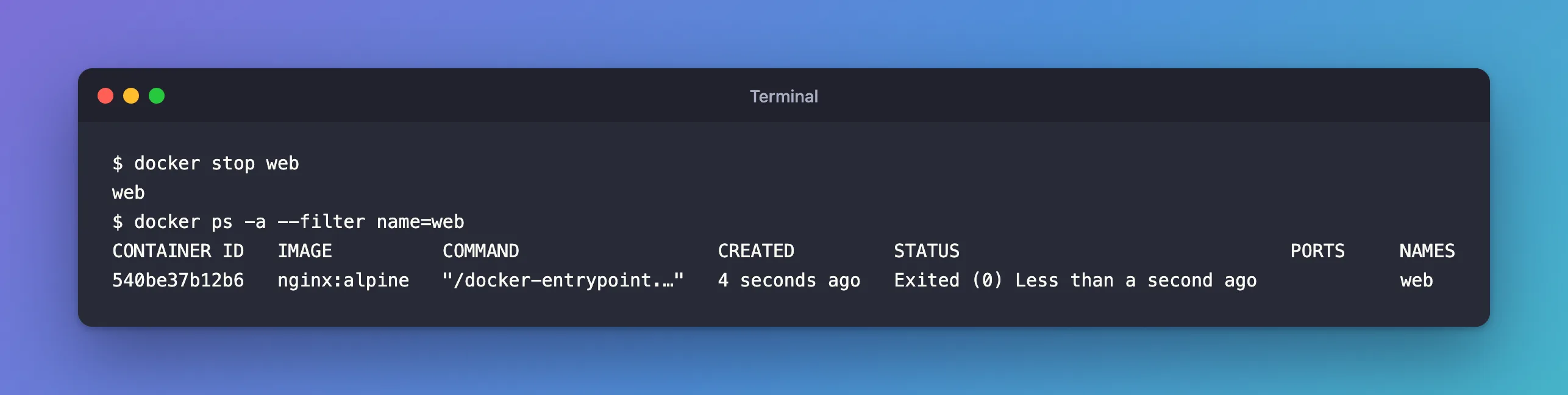
Exited (0): nginx shut down cleanly, with exit code 0. -a matters here: plain docker ps shows only running containers.
Step 2: Remove It
docker rm web
docker ps -a --filter name=web
web
CONTAINER ID   IMAGE     COMMAND   CREATED   STATUS    PORTS     NAMES
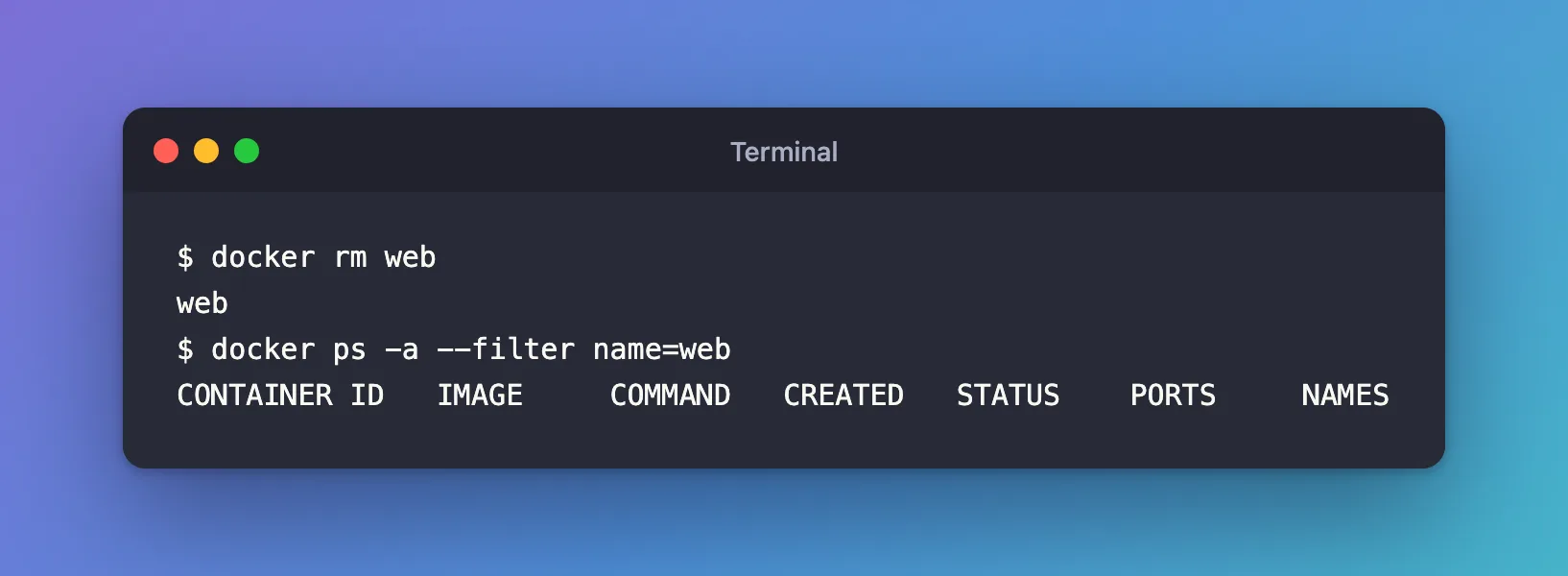
The container is gone, and the name web is free again. The image, nginx:alpine, stays.
Step 3: Let Docker Remove It for You
--rm deletes the container as soon as its program ends. A container that only prints something:
docker run --rm --name rmtest alpine:latest echo hello
docker logs rmtest
hello
Error response from daemon: No such container: rmtest
It printed hello, stopped, and was removed straight away, so there's no log to read afterwards.
Common Mistakes
| Mistake | What happens | Do this instead |
|---|---|---|
| Starting a new container with the old name while the stopped one is still there | Conflict. The container name "/web" is already in use | docker rm web first |
--rm on a container whose log you need later | The log goes with the container | Leave out --rm, and remove it yourself |
Troubleshooting
| Symptom | Likely cause | Fix |
|---|---|---|
Error response from daemon: No such container | The name is wrong, or it's already removed | docker ps -a |
docker ps doesn't list a container you just stopped | Plain docker ps shows running containers only | docker ps -a |
FAQ
Can I start a stopped container again?
Yes, with docker start NAME, as long as you haven't removed it. Its earlier log is kept.
Does removing a container delete the image?
No: docker rm deletes the container only. Images are removed with docker rmi: How to Remove a Docker Image.
Conclusion
docker stop web shut nginx down cleanly, Exited (0), docker ps -a still listed it, and docker rm web deleted it and freed its name. docker run --rm removed a container by itself the moment it stopped.
Additional Resources
- docker container stop — SIGTERM, SIGKILL and the grace period.
- docker container rm — removing containers.
