How to Stop a Streaming Microsoft Agent Framework Agent Run Early in C#

Sometimes you don't need the rest of an answer: the person pressed Stop, or you already have what you asked for. A streamed agent run can be stopped halfway with a CancellationToken, and the run tells you it was cut short.
Syntax
using CancellationTokenSource <stop> = new();

try
{
    await foreach (AgentResponseUpdate <update> in <agent>.RunStreamingAsync(<message>, cancellationToken: <stop>.Token))
    {
        // … when you have enough:
        <stop>.Cancel();
    }
}
catch (OperationCanceledException)
{
    // The run was stopped before it finished.
}
| Part | What it is |
|---|---|
CancellationTokenSource | The switch. Its Token goes to the run, and Cancel() flips it |
cancellationToken: | The parameter of RunStreamingAsync that takes the token. Microsoft's reference: The CancellationToken to monitor for cancellation requests. |
<stop>.Cancel() | Asks the run to stop. Call it from anywhere: inside the loop, a timer, or a Stop button |
OperationCanceledException | What the stream throws when it stops because of the token |
The Example
An agent is asked to Count from 1 to 50, one number per line. The app prints the numbers as they stream in, and stops the run as soon as it has seen 10.
Prerequisites
- A model deployment in a Microsoft Foundry project, and the Foundry User role on the Foundry resource for your account. The app calls the model as you.
- The .NET 10 SDK (
dotnet --versionprints a version that starts with10.0) and the Azure CLI, signed in withaz login.
Step 1: Create a Console App
dotnet new console -n CountToFifty
cd CountToFifty
dotnet add package Microsoft.Agents.AI.Foundry --version 1.28.0-preview.261106.1
dotnet add package Azure.Identity --version 1.21.0
Microsoft.Agents.AI.Foundry turns a model in a Foundry project into an agent, and brings in Agent Framework. Azure.Identity signs the app in with your Azure CLI sign-in. Open the folder in VS Code, or CountToFifty.csproj in Visual Studio.
Step 2: Stream with a Token, and Cancel It
Replace everything in Program.cs:
using System.Diagnostics;
using System.Text;
using Azure.AI.Projects;
using Azure.Identity;
using Microsoft.Agents.AI;

AIAgent agent = new AIProjectClient(
        new Uri("https://foundry-devblogs-exp.services.ai.azure.com/api/projects/proj-devblogs-exp"),
        new AzureCliCredential())
    .AsAIAgent(model: "gpt-5.6-luna", instructions: "You count out loud.", name: "Counter");

// 1. The switch that stops the run. Pass its token to RunStreamingAsync.
using CancellationTokenSource stop = new();
StringBuilder answer = new();
Stopwatch clock = Stopwatch.StartNew();

try
{
    await foreach (AgentResponseUpdate update in agent.RunStreamingAsync(
        "Count from 1 to 50, one number per line.", cancellationToken: stop.Token))
    {
        answer.Append(update.Text);
        Console.Write(update.Text);

        // 2. Enough: once the answer reaches 10, flip the switch.
        if (answer.ToString().Split('\n').Contains("10"))
        {
            stop.Cancel();
        }
    }

    Console.WriteLine();
    Console.WriteLine("The run finished by itself.");
}
catch (OperationCanceledException)
{
    // 3. The run stops with OperationCanceledException: that's how you know it was cut short.
    Console.WriteLine();
    Console.WriteLine($"Stopped after {clock.Elapsed.TotalSeconds:0.0} s, with {answer.Length} characters of the answer.");
}
stop.Tokengoes toRunStreamingAsyncthroughcancellationToken:. The run watches it.answercollects the text, so the app can check what has arrived.Split('\n').Contains("10")is true once 10 is on a line of its own.stop.Cancel()asks the run to stop. Theawait foreachthen ends with anOperationCanceledExceptioninstead of the next update.- The
catchis the normal path for a stopped run, not an error. The message after the loop only prints if the run finished by itself.
Use your own Foundry project endpoint and model deployment.
Step 3: Run It
Run dotnet run in VS Code's terminal, or press Ctrl+F5 in Visual Studio:
1
2
3
4
5
6
7
8
9
10

Stopped after 3.3 s, with 21 characters of the answer.
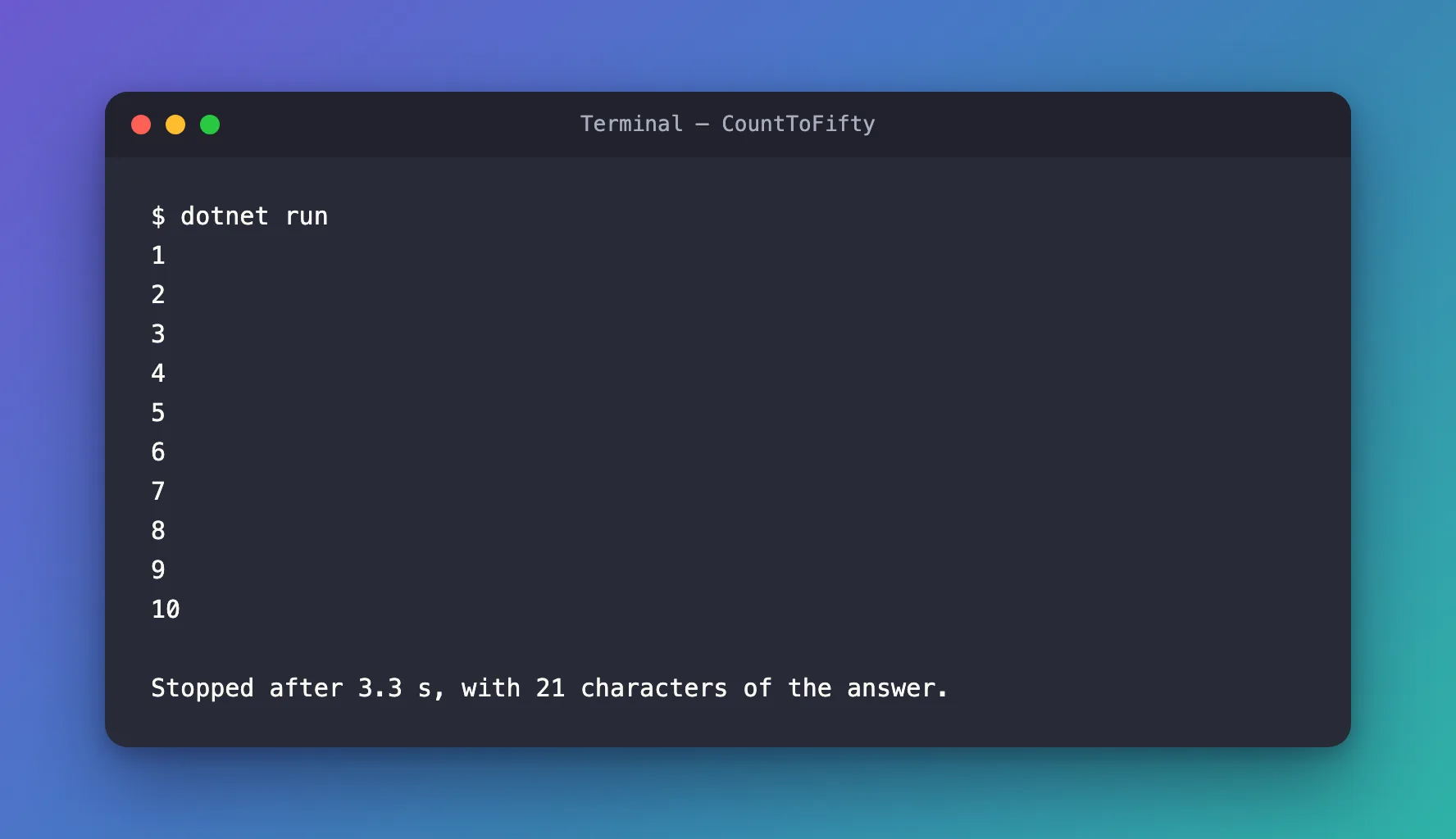
The agent was asked for 50 numbers and the app stopped it at 10: the next step of the loop threw OperationCanceledException, and the catch reported where it stopped. The 21 characters are the nine numbers from 1 to 9 with their line breaks, then 10 and its line break.
The Complete File
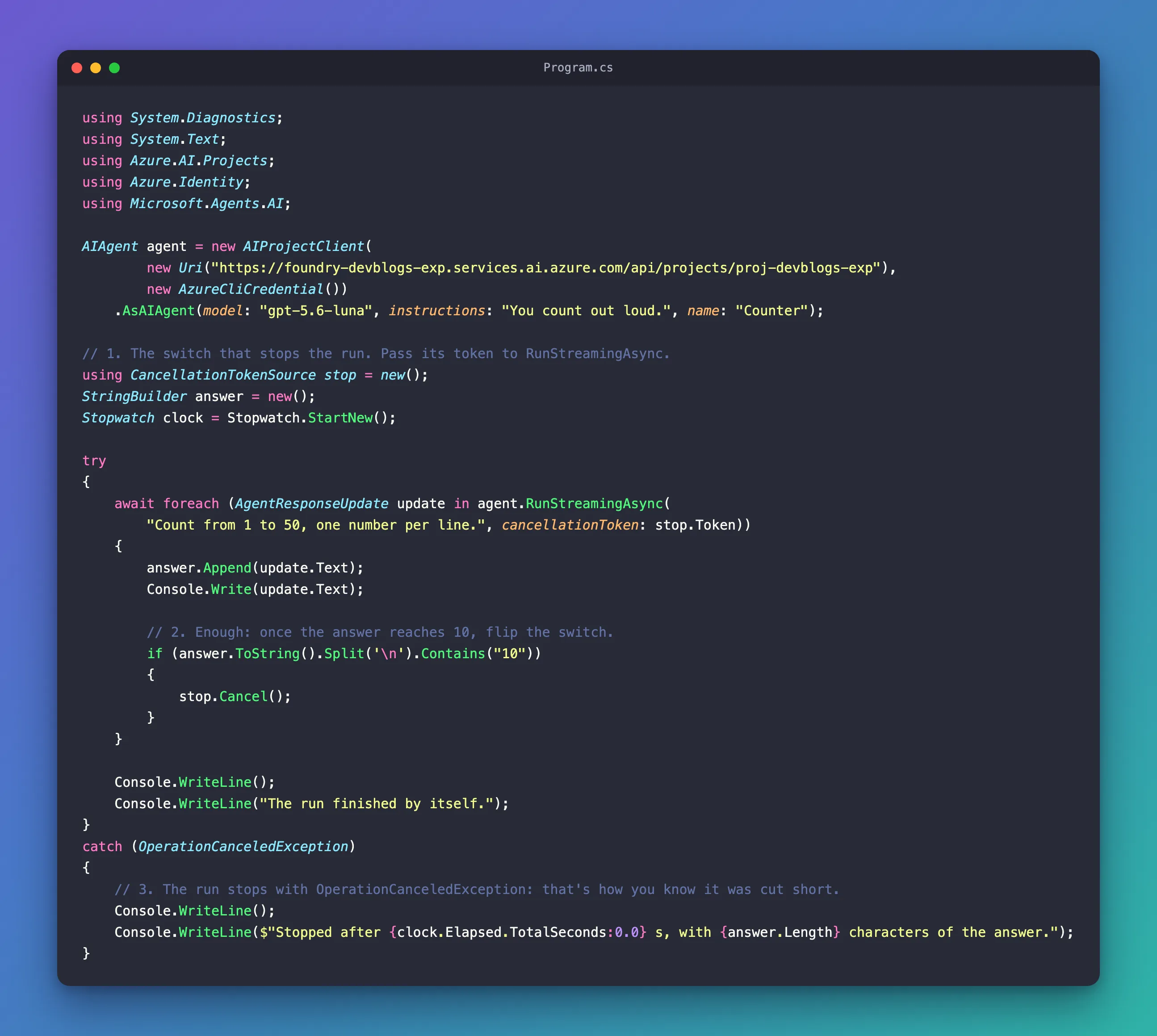
Program.cs from Step 2 is the whole program.
Common Mistakes
| Mistake | What happens | Do this instead |
|---|---|---|
Creating the token but not passing it to RunStreamingAsync | Cancel() stops nothing, and the whole answer streams | Pass cancellationToken: stop.Token |
No catch for OperationCanceledException | The app ends with an unhandled exception when you stop the run | Catch it, and treat it as a stopped run |
| Catching every exception the same way | A real error looks like a stop | Catch OperationCanceledException separately |
Forgetting using on the CancellationTokenSource | It isn't disposed when you're done | Declare it with using |
FAQ
Can I stop a run after a time limit instead?
Yes. A CancellationTokenSource can cancel itself after a delay: create it with a TimeSpan, or call CancelAfter, and pass its token the same way. I tried new CancellationTokenSource(TimeSpan.FromSeconds(3)) without the check for 10: the run stopped after 3.0 seconds, at the number 3, through the same catch.
Does RunAsync take a token too?
Yes, the same cancellationToken parameter. With RunAsync there's nothing to show before the end, so stopping it means getting no answer at all.
Where is this used in a real app?
Behind a Stop button. In a web app, the token can come from the request: ASP.NET Core cancels HttpContext.RequestAborted when the browser goes away, so a run that nobody is reading stops too.
Conclusion
To stop a streamed agent run early, create a CancellationTokenSource, pass its Token to RunStreamingAsync with cancellationToken:, and call Cancel() when you have enough. The stream then ends with an OperationCanceledException: catch it, and you know the run was cut short on purpose.
Additional Resources
- AIAgent.RunStreamingAsync — the
cancellationTokenparameter on every overload. - Cancellation in managed threads —
CancellationTokenSource, tokens andOperationCanceledException. - Running Agents — streaming and non-streaming runs.
