How to Stop a Loop Early in PowerShell with break

A loop doesn't always have to run to the end. Once you've found the item you were looking for, or hit a limit, break leaves the loop at once and carries on after it. This guide stops a loop over the numbers 1 to 10 at 4, with real output from PowerShell 7.6.10.
Syntax
foreach (<item> in <collection>) {
    if (<condition>) {
        break
    }
    <commands>
}
| Part | What it means |
|---|---|
break | Ends the loop immediately. The commands after the loop run next |
if (<condition>) | Decides when to leave |
The about_Break page: "The break statement provides a way to exit the current control block."
Prerequisites
- PowerShell 7. This guide uses PowerShell 7.6.10.
Step 1: Stop at Four
1..10 is the numbers 1 to 10. The loop prints each one, but leaves when it reaches 4:
foreach ($number in 1..10) {
    if ($number -eq 4) {
        break
    }
    $number
}
1
2
3
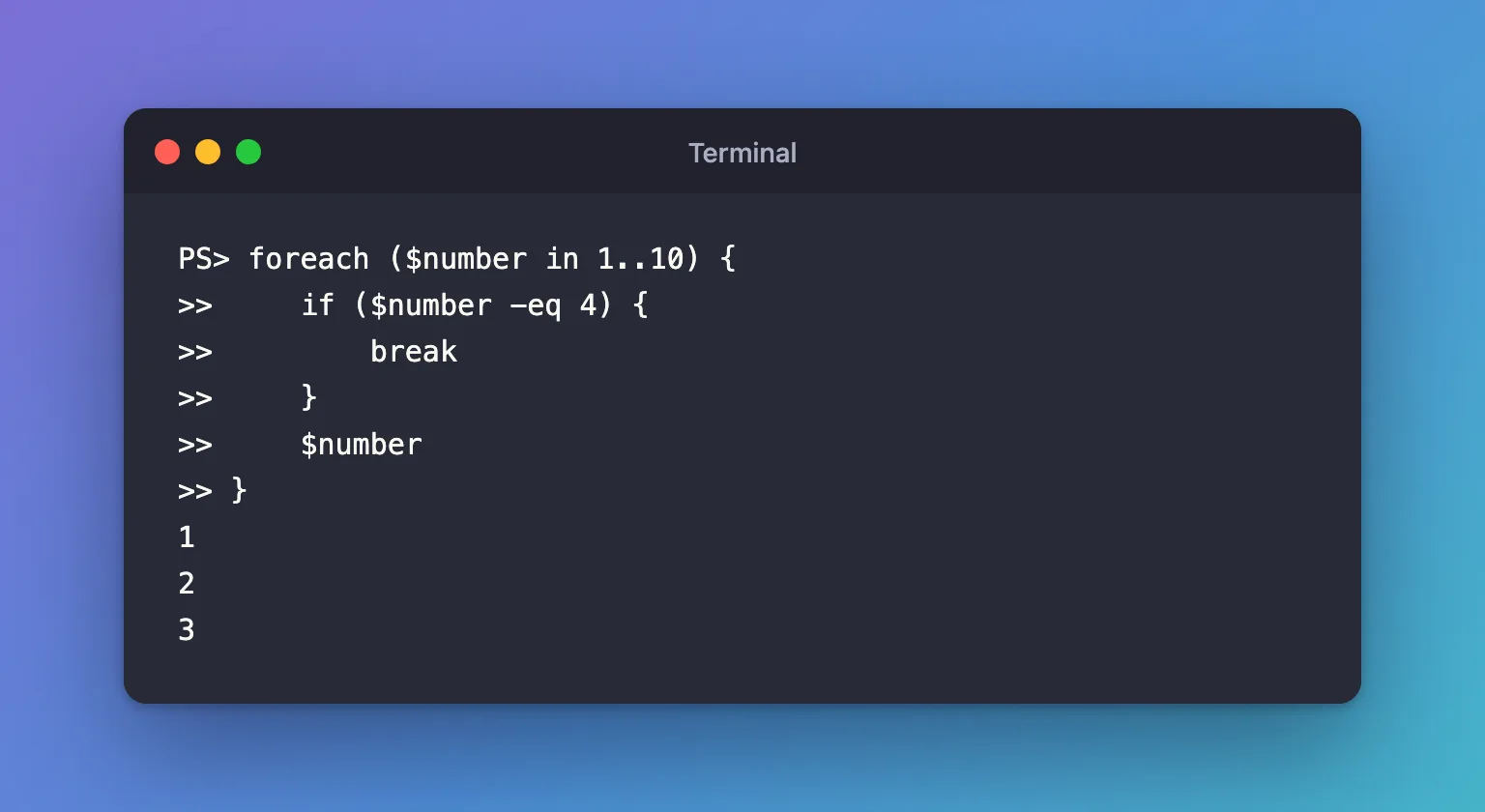
At 4, break ran before the print, so the loop ended with 1, 2 and 3; the numbers 5 to 10 were never reached.
Common Mistakes
| Mistake | What happens | Do this instead |
|---|---|---|
Using break to skip one item | The whole loop ends | Use continue: skipping 3 in 1 to 5 printed 1, 2, 4, 5 |
Putting break after the print | The item that triggered it is printed first | Check the condition before the work you want to skip |
Troubleshooting
| Symptom | Likely cause | Fix |
|---|---|---|
| The loop stops sooner than expected | The if condition is true earlier than you thought | Print the item before the if to see where it stops |
FAQ
What's the difference between break and continue?
break ends the loop; continue ends only the current pass and goes on with the next item.
Does break work in while loops too?
Yes. The about_Break page: "When a break statement appears in a loop, such as a foreach, for, do, or while loop, PowerShell immediately exits the loop." In a while ($true) loop, break stopped it with the counter at 3.
Conclusion
break inside if ($number -eq 4) ended the loop after printing 1, 2 and 3. Use continue when you want to skip one item and keep going.
Additional Resources
- about_Break —
breakin loops andswitch. - about_Continue — skipping one pass.
