How to Split a String in Python with split

str.split cuts a string into pieces wherever a separator appears and returns the pieces as a list. "2026-11-28".split("-") gives the year, the month and the day.
Syntax
<pieces> = <text>.split(<separator>)
<pieces> = <text>.split(<separator>, <maxsplit>)
<pieces> = <text>.split()
| Part | What it does |
|---|---|
<separator> | The text to cut at. It doesn't appear in the pieces. |
<maxsplit> | Optional. The most cuts to make; whatever is left stays together in the last piece. |
.split() with no separator | Cuts at any run of spaces, tabs and line breaks, and ignores them at both ends. |
<pieces> | A list of strings. |
The Python documentation for str.split: "Return a list of the words in the string, using sep as the delimiter string."
The Example
The example splits a date at its dashes, splits it again with maxsplit set to 1, splits a name that has a double space and a tab with no separator at all, and splits a list with an empty spot in it.
Prerequisites
- uv and Python. This guide uses uv 0.13.10 with Python 3.15.2.
Step 1: Write the Code
Create a file named main.py:
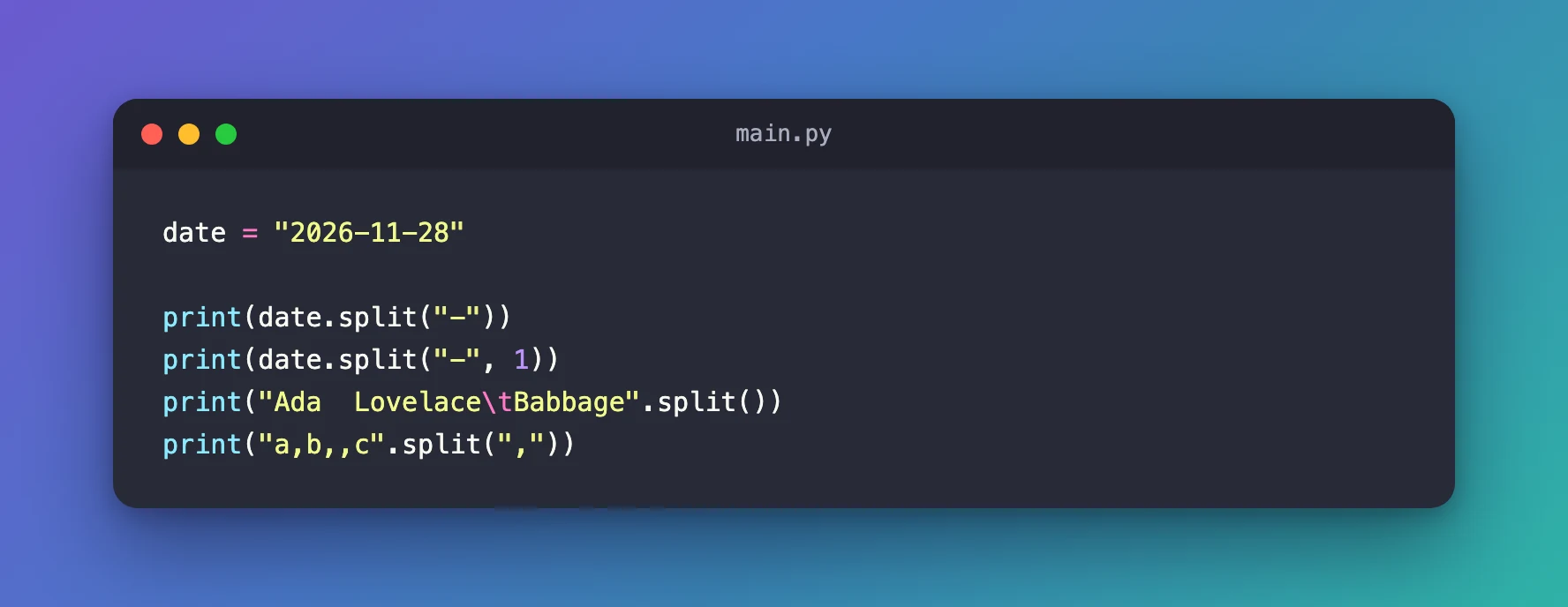
date = "2026-11-28"

print(date.split("-"))
print(date.split("-", 1))
print("Ada  Lovelace\tBabbage".split())
print("a,b,,c".split(","))
Step 2: Run It
uv run python main.py
['2026', '11', '28']
['2026', '11-28']
['Ada', 'Lovelace', 'Babbage']
['a', 'b', '', 'c']
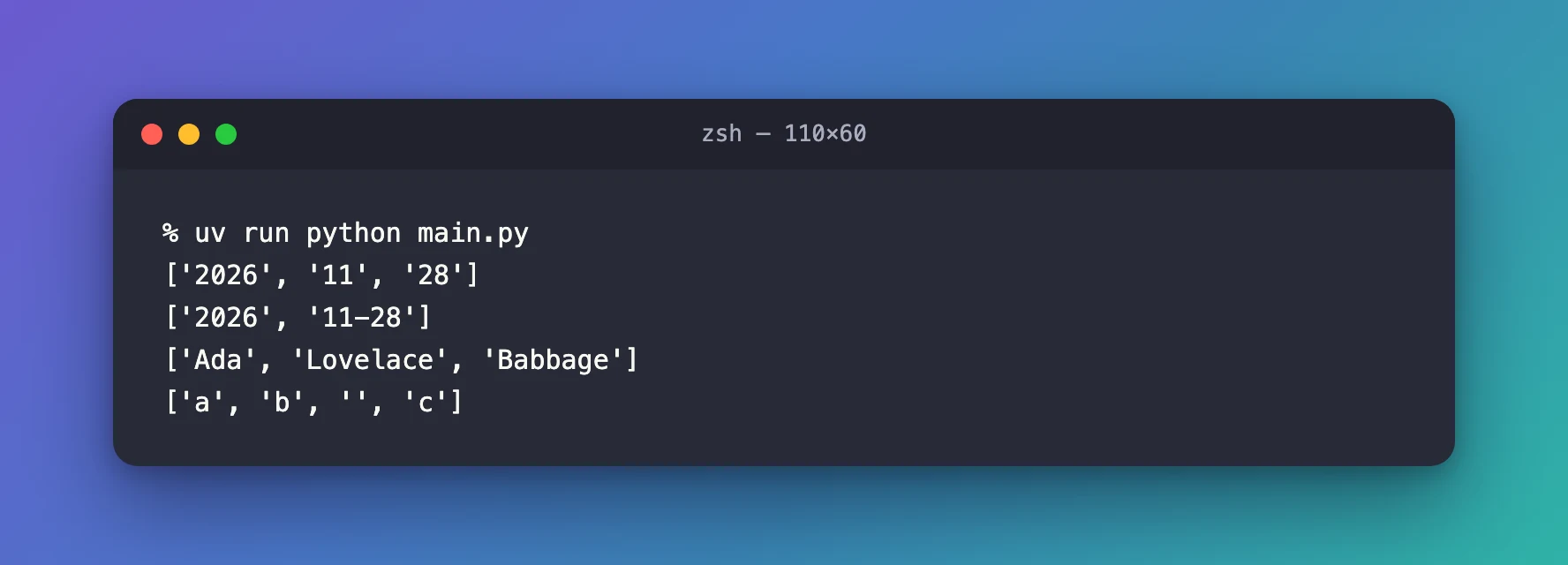
uv run python main.py runs the file with the Python that uv finds. The command is the same in zsh, bash and PowerShell.
What Happened
split("-")cut the date at both dashes.split("-", 1)made one cut only, and kept the rest,11-28, together in the last piece.split()with no argument treated the double space and the tab as single breaks.- With an explicit
",", the two commas side by side left an empty string,'', between them.
Common Mistakes
| Mistake | What happens | Do this instead |
|---|---|---|
Passing an empty separator, split("") | ValueError: empty separator | Use list(text) to get the single characters |
Splitting on " " when the spaces vary | Double spaces leave empty strings in the list | Call split() with no argument |
Expecting maxsplit to drop the rest | The rest stays in the last piece: "a b c d".split(maxsplit=1) gave ['a', 'b c d'] | Split fully and take what you need |
Troubleshooting
| Symptom | Likely cause | Fix |
|---|---|---|
| A list with one item, the whole string | The separator doesn't occur in the string | Check the separator |
AttributeError: 'int' object has no attribute 'split' | The value isn't a string | Convert it first with str(value) |
FAQ
Does split change the original string?
No. Strings in Python never change; split returns a new list.
How do I get the pieces into separate variables?
Unpack the list: year, month, day = "2026-11-28".split("-"). The number of names must match the number of pieces.
Conclusion
text.split(separator) returns the pieces between the separators as a list. Use maxsplit to make fewer cuts, and call it with no argument to split on any whitespace.
Additional Resources
- str.split, in the Python documentation.
