How to Split a String in JavaScript with split

split cuts a string into pieces wherever a separator appears, and gives you the pieces as an array. '2026-11-28'.split('-') turns a date into its year, month and day.
Syntax
const <pieces> = <text>.split(<separator>);
const <pieces> = <text>.split(<separator>, <limit>);
| Part | What it does |
|---|---|
<text> | The string to cut. It isn't changed. |
<separator> | The text to cut at. It doesn't appear in the pieces. |
<limit> | Optional. The most pieces to return; the rest of the string is dropped. |
<pieces> | An array of the pieces, in order. |
MDN's split reference: "The split() method of String values takes a pattern and divides this string into an ordered list of substrings by searching for the pattern, puts these substrings into an array, and returns the array."
The Example
The example splits a date at its dashes, splits it again with a limit of two pieces, splits it at a separator it doesn't contain, and splits a list with an empty spot in it.
Prerequisites
- Node.js. This guide uses Node.js 26.13.1.
Step 1: Write the Code
Create a file named main.js:
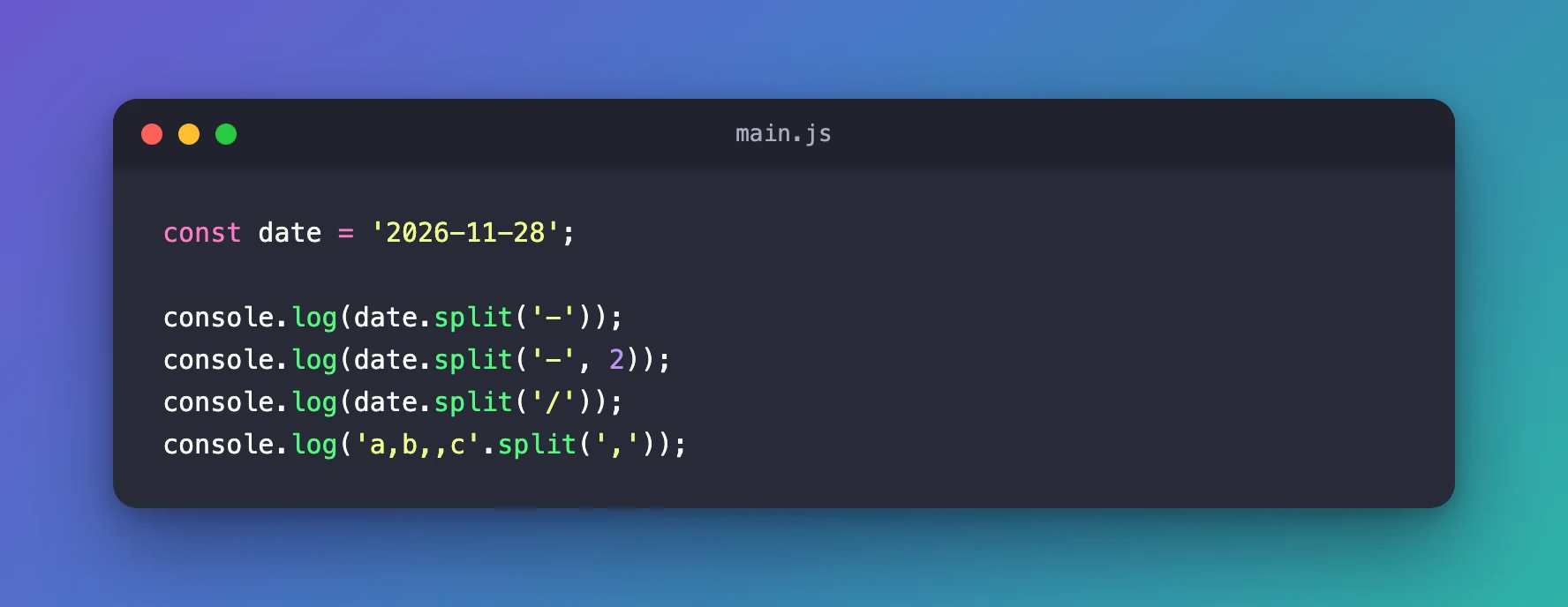
const date = '2026-11-28';

console.log(date.split('-'));
console.log(date.split('-', 2));
console.log(date.split('/'));
console.log('a,b,,c'.split(','));
Step 2: Run It
node main.js
[ '2026', '11', '28' ]
[ '2026', '11' ]
[ '2026-11-28' ]
[ 'a', 'b', '', 'c' ]
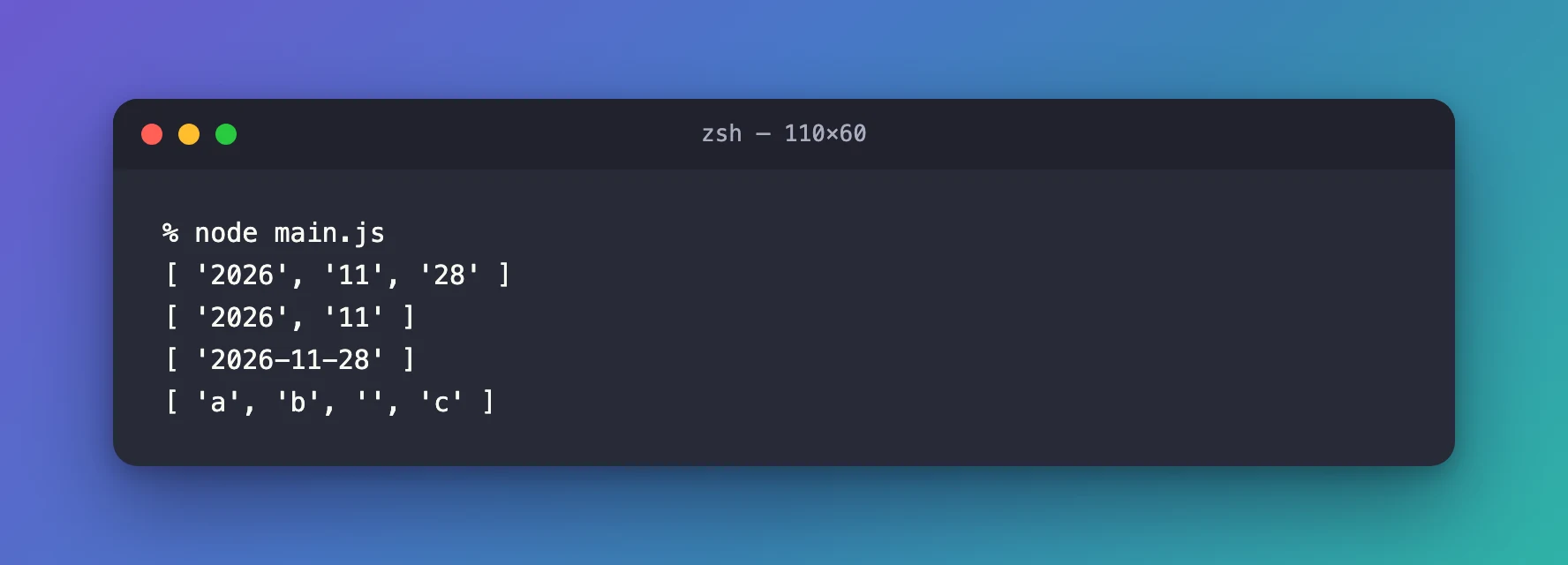
The command is the same in zsh, bash and PowerShell.
What Happened
split('-')returned the three parts of the date.- With a limit of
2, it returned only the first two and dropped the day. - The date has no
/, sosplit('/')returned an array with the whole string as its only item. 'a,b,,c'has two commas side by side, so the piece between them is an empty string,''.splitkeeps it.
Common Mistakes
| Mistake | What happens | Do this instead |
|---|---|---|
Calling split() with no separator | You get the whole string back as one item: [ '2026-11-28' ] | Pass the separator |
| Expecting empty pieces to disappear | 'a,b,,c'.split(',') keeps '' | Remove them with .filter(Boolean) if you don't want them |
Expecting limit to keep the rest in the last piece | The rest of the string is dropped | Split fully, then join what you need |
Troubleshooting
| Symptom | Likely cause | Fix |
|---|---|---|
| The array has one item, the whole string | The separator doesn't occur in the string | Check the separator, including spaces |
TypeError: text.split is not a function | text isn't a string | Convert it first with String(text) |
FAQ
How do I split a string into single characters?
Pass an empty string: 'abc'.split('') returned [ 'a', 'b', 'c' ].
Does split change the original string?
No. Strings in JavaScript never change; split returns a new array and leaves the string as it was.
Conclusion
text.split(separator) returns the pieces between the separators as an array. A missing separator gives you the whole string as one piece, side-by-side separators give you empty pieces, and a limit keeps only the first pieces.
Additional Resources
- String.prototype.split(), in MDN's JavaScript reference.
