How to Split a String in Go with strings.Split

strings.Split cuts a string into pieces wherever a separator appears and returns the pieces as a slice of strings. strings.Split("2026-11-28", "-") gives the year, the month and the day.
Syntax
<pieces> := strings.Split(<text>, <separator>)
<pieces> := strings.SplitN(<text>, <separator>, <count>)
| Part | What it does |
|---|---|
<text> | The string to cut. |
<separator> | The text to cut at. It doesn't appear in the pieces. |
<count> | For SplitN: the most pieces to return; the last one keeps the rest. -1 means all of them. |
<pieces> | A []string with the pieces, in order. |
The Go documentation for strings.Split: "Split slices s into all substrings separated by sep and returns a slice of the substrings between those separators." It adds: "If s does not contain sep and sep is not empty, Split returns a slice of length 1 whose only element is s."
The Example
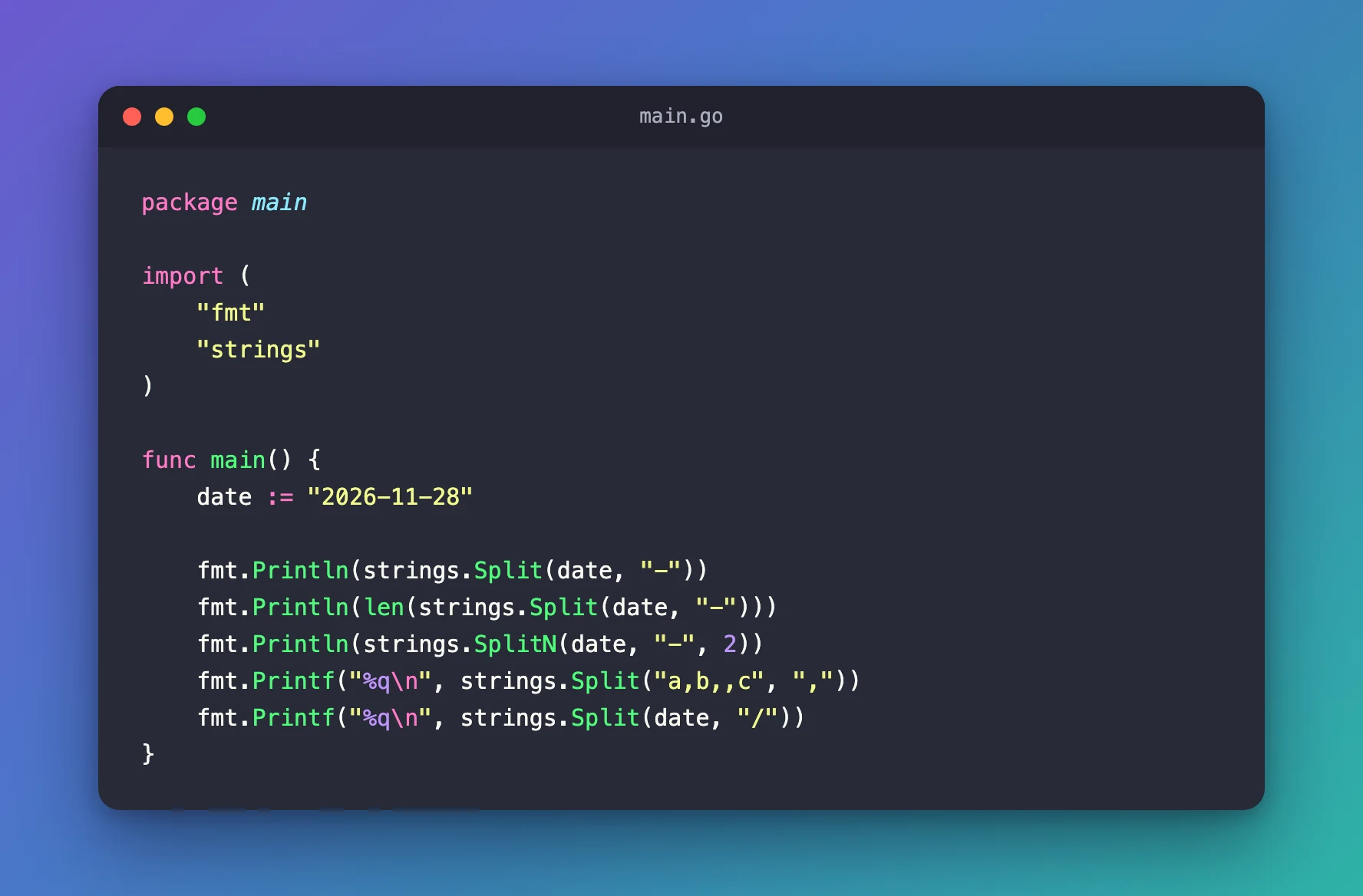
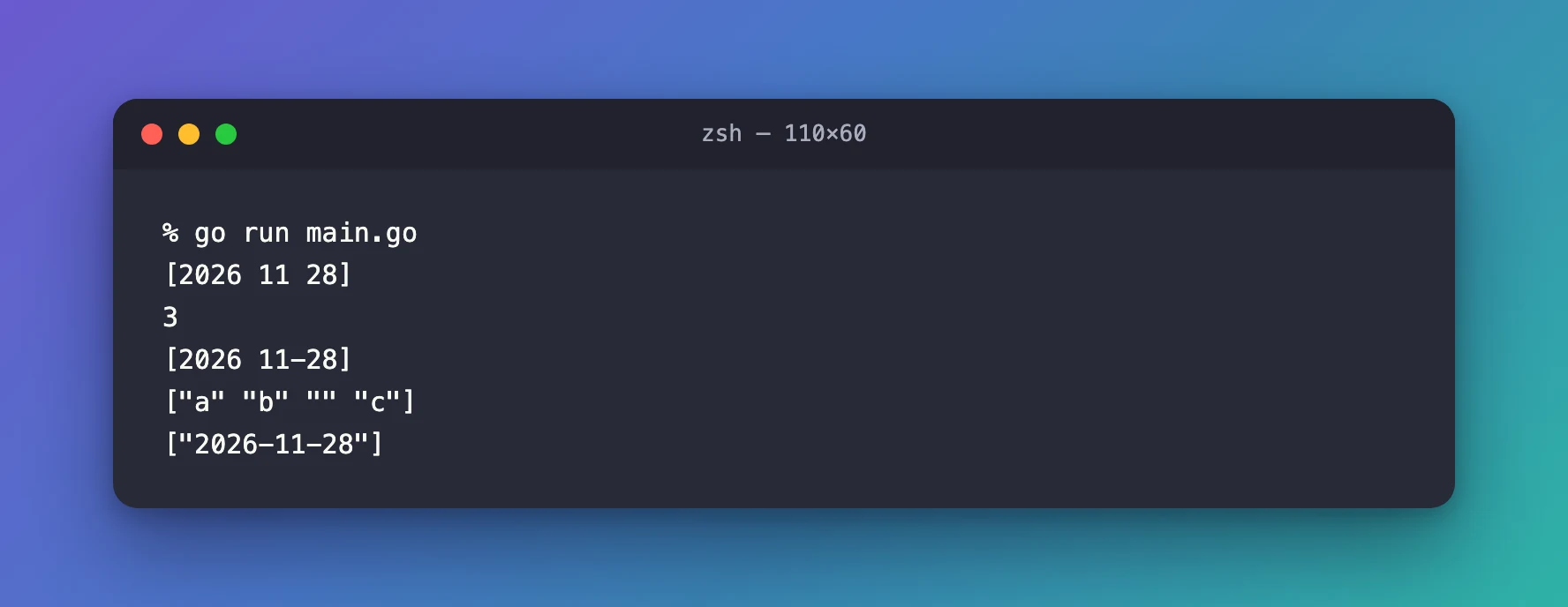
The example splits a date at its dashes and counts the pieces, splits it again into at most two pieces with SplitN, splits a list with an empty spot in it, and splits the date at a separator it doesn't contain. %q prints each piece in quotes, so empty ones are easy to see.
Prerequisites
- Go.
go runcompiles and runs a single file. This guide uses Go 1.27.4.
Step 1: Write the Code
Create a file named main.go:
package main

import (
	"fmt"
	"strings"
)

func main() {
	date := "2026-11-28"

	fmt.Println(strings.Split(date, "-"))
	fmt.Println(len(strings.Split(date, "-")))
	fmt.Println(strings.SplitN(date, "-", 2))
	fmt.Printf("%q\n", strings.Split("a,b,,c", ","))
	fmt.Printf("%q\n", strings.Split(date, "/"))
}
Step 2: Run It
go run main.go
[2026 11 28]
3
[2026 11-28]
["a" "b" "" "c"]
["2026-11-28"]
The command is the same in zsh, bash and PowerShell.
What Happened
Splitcut the date at both dashes into three pieces, andlencounted them.SplitNwith a count of2made one cut and kept11-28together in the last piece.- The two commas side by side left an empty string,
"", between them. - The date has no
/, soSplitreturned one piece: the whole string.
Common Mistakes
| Mistake | What happens | Do this instead |
|---|---|---|
| Expecting empty pieces to disappear | "a,b,,c" gives an empty "" between the commas | Skip empty pieces in a loop, or use strings.Fields for whitespace |
Reading parts[1] without checking the length | When the separator is missing, there's only parts[0], so parts[1] panics | Check len(parts) first |
| Passing an empty separator by accident | Split("abc", "") splits after every character: ["a" "b" "c"] | Pass the separator you mean |
Troubleshooting
| Symptom | Likely cause | Fix |
|---|---|---|
panic: runtime error: index out of range [1] with length 1 after a split | The separator wasn't found | Check len(parts) |
undefined: strings | The strings package isn't imported | Add "strings" to the imports |
FAQ
How do I split on any amount of whitespace?
Use strings.Fields(text), which splits around runs of spaces, tabs and line breaks and never returns empty pieces.
Does Split change the original string?
No. Strings in Go can't change; Split returns a new slice.
Conclusion
strings.Split(text, sep) returns the pieces between the separators as a []string. Use strings.SplitN to stop after a number of pieces, and check the length before you index the result.
Additional Resources
- strings.Split, strings.SplitN and strings.Fields, in the Go documentation.
