How to Sort EF Core Results from a Query String Safely

Clients want to choose a list's sort order, as in ?sort=-price. It's tempting to pass that text through to the query, but a query string should never decide which columns your database sorts on. An allow-list and a C# switch give clients the choice, and keep the control in your code.
Prerequisites
- A .NET 10 minimal API with EF Core and
AddValidation. The examples use Oracle'sMySql.EntityFrameworkCore, MySQL 9.7, and aproductstable. How to Validate Minimal API Requests in .NET 10 covers the validation.
Step 1: List the Sort Orders You Offer
Add Sort to the record that holds the list's options, with [AllowedValues]:
[property: AllowedValues("name", "-name", "price", "-price", "newest", null, ErrorMessage = "Sort must be name, -name, price, -price or newest.")]
string? Sort = null,
A leading - for descending is a common convention. null is in the list, so leaving sort out is allowed. property: is needed on a record used with [AsParameters], because of a bug in ASP.NET Core 10.
Anything else gets a 400 before your code runs:
HTTP/1.1 400 Bad Request
Content-Type: application/problem+json

{
  "type": "https://tools.ietf.org/html/rfc9110#section-15.5.1",
  "title": "One or more validation errors occurred.",
  "status": 400,
  "errors": {
    "Sort": [
      "Sort must be name, -name, price, -price or newest."
    ]
  },
  "traceId": "00-916d9c346513e8f97c203032b49ce27c-b1283f7f49c2bbdc-00"
}
Step 2: Map Each Value to a Sort
A switch turns each allowed value into real code:
// Every sort ends with the Id, so rows with the same name or price keep a fixed order
// and can't move between pages.
var sorted = query.Sort switch
{
    "-name" => products.OrderByDescending(p => p.Name).ThenBy(p => p.Id),
    "price" => products.OrderBy(p => p.UnitPrice).ThenBy(p => p.Id),
    "-price" => products.OrderByDescending(p => p.UnitPrice).ThenBy(p => p.Id),
    "newest" => products.OrderByDescending(p => p.CreatedAtUtc).ThenBy(p => p.Id),
    _ => products.OrderBy(p => p.Name).ThenBy(p => p.Id),
};
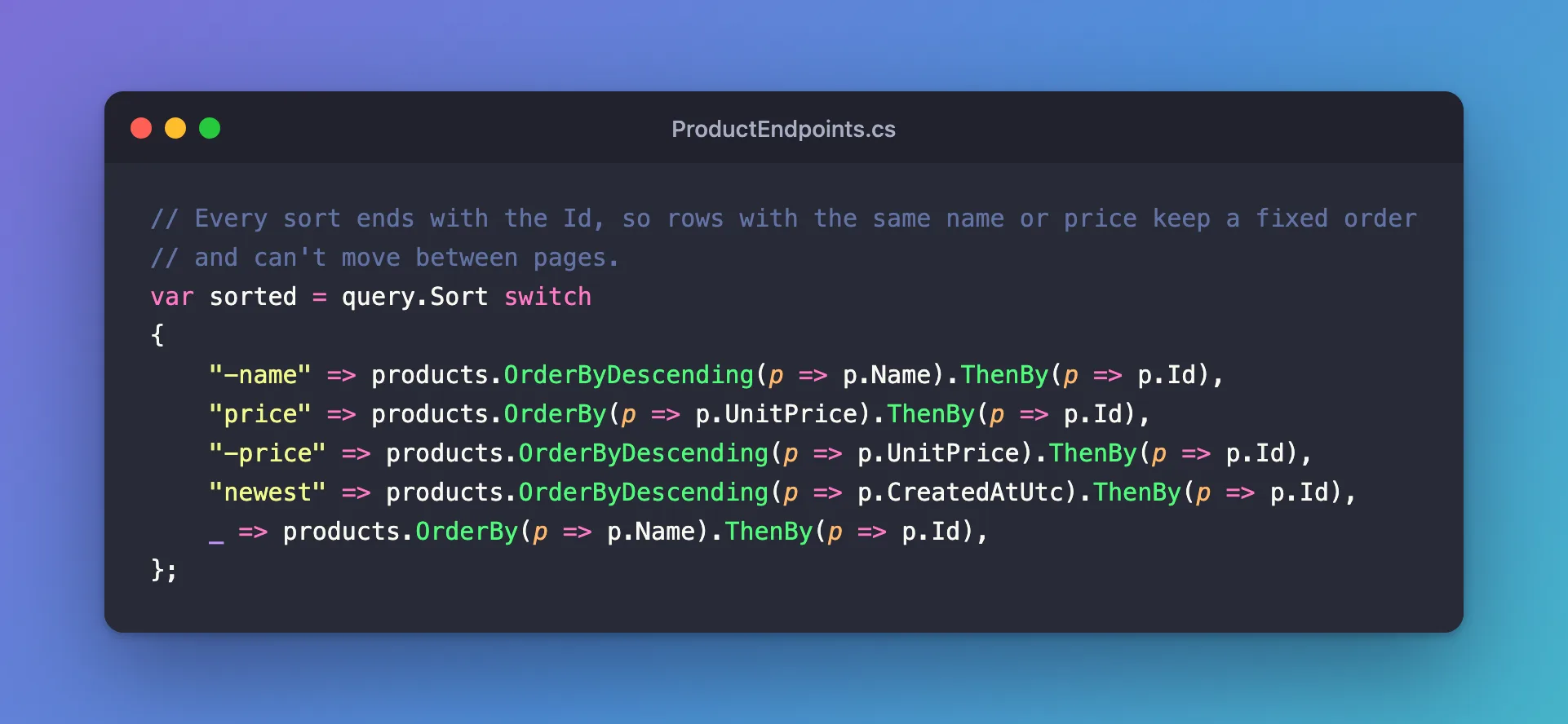
The _ arm is the default, for no sort at all. The client's text is only ever compared with fixed strings, so it never reaches the SQL. Every sort is a property you chose, which also lets you make sure it has an index if it needs one.
Step 3: Read the SQL
?sort=-price:
ORDER BY `p`.`UnitPrice` DESC, `p`.`Id`
The ThenBy is there, so two products with the same price always come in the same order. EF Core's pagination page gives the reason: "always make sure that your ordering is fully unique".
Why Not Accept Any Column?
Building OrderBy from a column name takes extra code or a library, and it opens up things you may not want:
- Sorting on columns that have no index, which is slow on a big table.
- Sorting on data the client shouldn't know about, because the order itself reveals it.
- Column names become part of your API, so renaming one breaks clients.
A short list of named sorts avoids all three, and it's easy to add to.
Common Mistakes
| Mistake | What happens | Do this instead |
|---|---|---|
| Using the client's text in raw SQL | SQL injection | Map it with a switch |
No ThenBy on a unique column | Rows that tie can move between pages | End with the key |
| No default sort | Results have no order | Give the _ arm a sort |
[AllowedValues] without null | Leaving out sort gets a 400 | Include null |
Forgetting property: on the attribute | /openapi/v1.json answers 500 | Add it |
FAQ
Why does the variable need no type?
The arms of the switch are all IOrderedQueryable<Product>, so var works. You then call Skip and Take on it.
Can clients sort by two columns?
Not with this design. Add a named sort, such as category-price, if you need one. It's more code per option, and much easier to reason about.
Conclusion
Allow a short list of sort names with [AllowedValues], map each one to OrderBy in a switch, end each with ThenBy on the key, and give the default arm a sort. Clients choose from what you offer, and their text never reaches the SQL.
Additional Resources
- Pagination in EF Core — why the ordering must be unique.
- AllowedValuesAttribute Class — the API reference.
