How to Skip to the Next Loop Iteration with continue in C#

Sometimes a loop should ignore some items, such as blank lines in a file or messages that aren't meant for you. In C#, continue skips the rest of the loop's body for the current item and moves straight on to the next one.
Syntax
foreach (<Type> <item> in <collection>)
{
    if (<skipCondition>)
    {
        continue;
    }

    <statements that run only for items that weren't skipped>
}
| Part | What it does |
|---|---|
if (<skipCondition>) | Decides which items to skip. |
continue; | Ends this pass through the loop at once; the loop goes on with the next item. |
| The statements after it | Run only for items the condition didn't skip. |
continue works the same way in for, while and do loops. Microsoft's jump statements reference: "The continue statement starts a new iteration of the closest enclosing iteration statement (that is, for, foreach, while, or do loop)".
The Example
The example walks through the numbers 1 to 6 and prints only the odd ones, skipping each even number with continue.
Prerequisites
- The .NET 10 SDK or newer, which runs a single
.csfile withdotnet run. This guide uses .NET SDK 10.0.404.
Step 1: Write the Code
Create a file named main.cs in an empty folder:
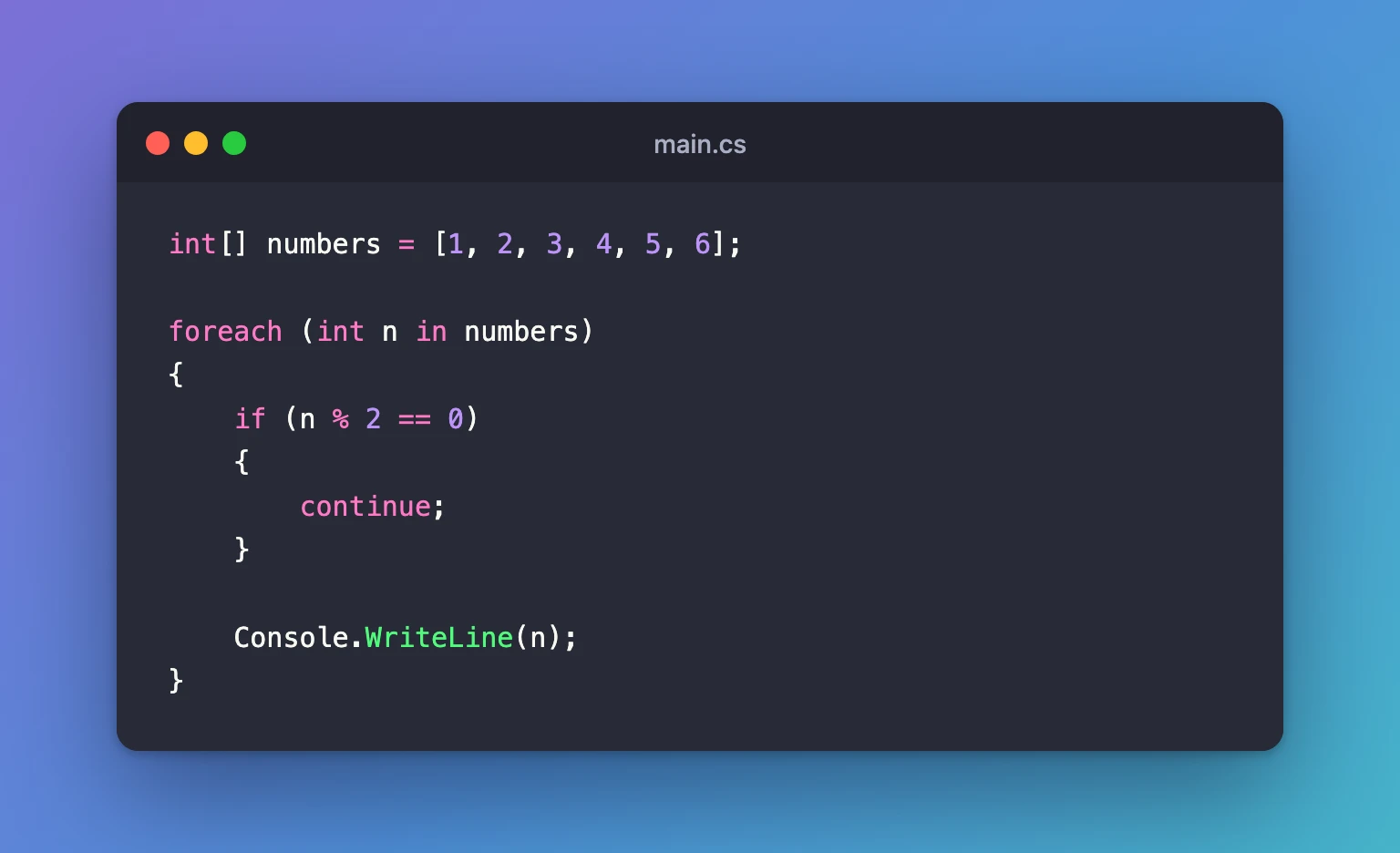
int[] numbers = [1, 2, 3, 4, 5, 6];

foreach (int n in numbers)
{
    if (n % 2 == 0)
    {
        continue;
    }

    Console.WriteLine(n);
}
n % 2 == 0 is true for even numbers, because dividing them by 2 leaves nothing over.
Step 2: Run It
dotnet run main.cs
1
3
5
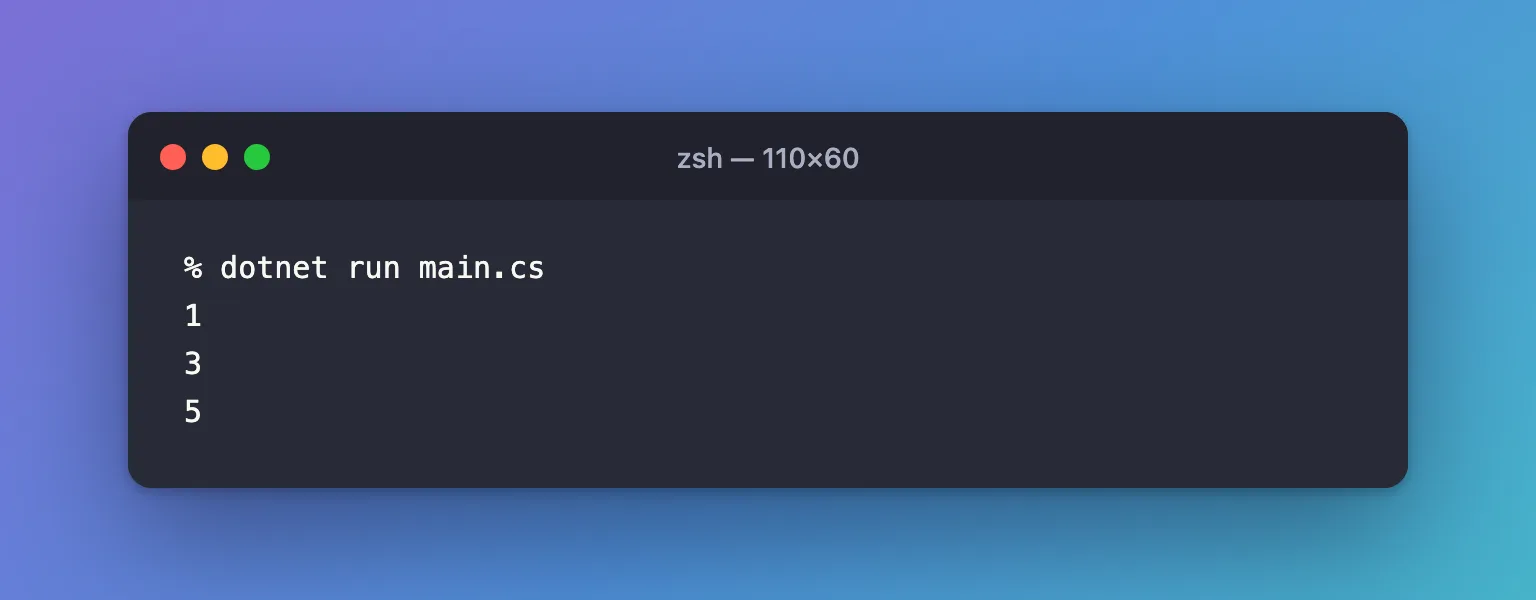
For 2, 4 and 6, continue jumped past Console.WriteLine, and the loop went on with the next number. The command is the same in zsh, bash and PowerShell.
continue Compared with break
break looks similar but ends the whole loop. With break in place of continue, the same program prints only this:
1
The loop stopped at 2, the first even number, and never looked at 3 to 6. The reference: "The break statement terminates the closest enclosing iteration statement (that is, for, foreach, while, or do loop) or switch statement."
Common Mistakes
| Mistake | What happens | Do this instead |
|---|---|---|
Using break to skip one item | The loop ends, and every later item is skipped too | Use continue |
Putting a while loop's counter increment after continue | continue jumps back to the condition before the increment runs, so the counter never changes and the loop never ends | Increment before continue, or use a for loop |
Nesting the main work deeper and deeper inside if blocks | Hard-to-read code | Skip the unwanted items first with if (...) continue; |
Troubleshooting
| Symptom | Likely cause | Fix |
|---|---|---|
| The loop stops after the first skipped item | break instead of continue | Change it to continue |
A while loop never ends | A skipped increment | Move the increment above continue |
FAQ
Does continue work in nested loops?
It affects only the innermost loop it's in. In a loop inside another loop, continue moves the inner loop to its next item; the outer loop carries on as normal.
Is continue the same as return?
No. return leaves the whole method, so the loop ends too. continue only ends the current pass through the loop.
Conclusion
if (<condition>) continue; skips the rest of the loop body for the items you don't want and goes on with the next one. Use break when you want to stop the loop altogether.
Additional Resources
- The continue statement, on Microsoft Learn.
- The break statement, on Microsoft Learn.
