How to Sign Users Out with MSAL React

Signing out of an app that uses Microsoft Entra ID is more than forgetting the user: the browser still has a session with Microsoft, and the next Sign in would quietly use it. MSAL's logoutRedirect() ends both. This guide adds a Sign out button to a React app and follows a real sign-out from the click to the page coming back.
Syntax
instance.logoutRedirect({ account: <account>, postLogoutRedirectUri: <address> })
| Part | What to put there |
|---|---|
instance | The PublicClientApplication, which useMsal() returns in any component inside MsalProvider |
account | The account to sign out, such as accounts[0] from useMsal(). MSAL uses it to sign out without asking which account |
postLogoutRedirectUri | Optional. Where Microsoft sends the browser afterwards. Without it, MSAL uses the postLogoutRedirectUri of its configuration |
MSAL's documentation describes the two steps a sign-out takes: Clear the MSAL cache and Clear the session on the identity server. logoutRedirect() does the first in the browser, then sends the whole page to Microsoft's sign-out page for the second. Its promise, the documentation adds, is not expected to resolve: the page is leaving.
The Example
The example adds a Sign out button to a Next.js app that signs people in with MSAL React (How to Sign Users In to a Next.js App with MSAL React). Its MSAL configuration already names a post-logout page:
auth: {
  clientId: process.env.NEXT_PUBLIC_ENTRA_CLIENT_ID ?? "",
  authority: `https://login.microsoftonline.com/${process.env.NEXT_PUBLIC_ENTRA_TENANT_ID}`,
  redirectUri: "/redirect",
  postLogoutRedirectUri: "/redirect",
},
/redirect is the app's redirect bridge page, and it's registered as a redirect URI of the app (How to Add the MSAL Redirect Bridge Page to a Next.js App). MSAL's documentation lists the conditions for Microsoft to send the browser back there: the address is registered as a reply URL on the app registration, it's provided as postLogoutRedirectUri, and the person still has an active session. Otherwise the page stays on Microsoft's sign-out page.
Step 1: Add the Button
In app/account.tsx, add the button to the part only signed-in people see:
<AuthenticatedTemplate>
  <p>
    Signed in as <strong>{account?.name}</strong> ({account?.username})
  </p>
  <button
    type="button"
    disabled={inProgress !== InteractionStatus.None}
    onClick={() => void instance.logoutRedirect({ account })}
  >
    Sign out
  </button>
</AuthenticatedTemplate>
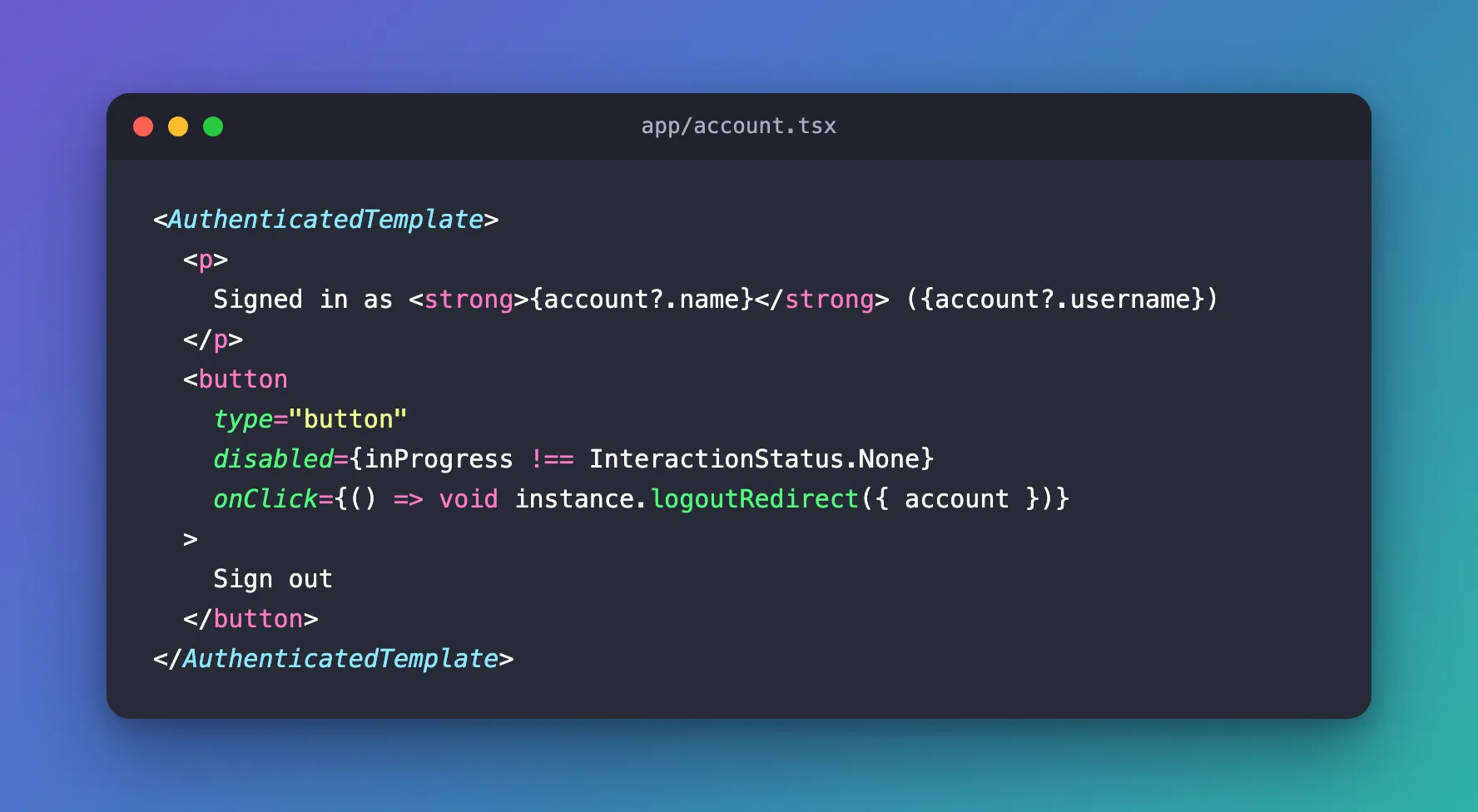
| Piece | What it does |
|---|---|
logoutRedirect({ account }) | Signs out this account. With account, MSAL adds a logout hint to the request, so Microsoft doesn't ask which account to sign out |
void | Says on purpose that nothing waits for the promise; the page is leaving |
disabled={inProgress !== InteractionStatus.None} | Keeps the button from starting a sign-out while MSAL is busy with something else |
The logout hint comes from the ID token. MSAL's documentation: MSAL will check to see if the login_hint claim is available in the account's ID token and automatically add it to the end session request as logout_hint to skip the account picker prompt. Without an account, it will prompt the user to select the account they wish to sign out of.
The complete file:
"use client";

import { InteractionStatus } from "@azure/msal-browser";
import {
  AuthenticatedTemplate,
  UnauthenticatedTemplate,
  useMsal,
} from "@azure/msal-react";

// Shows a Sign in button to visitors, and the account to signed-in users.
export function Account() {
  const { instance, accounts, inProgress } = useMsal();
  const account = accounts[0];

  return (
    <>
      <UnauthenticatedTemplate>
        <p>You aren't signed in.</p>
        <button
          type="button"
          disabled={inProgress !== InteractionStatus.None}
          onClick={() => void instance.loginRedirect()}
        >
          Sign in
        </button>
      </UnauthenticatedTemplate>
      <AuthenticatedTemplate>
        <p>
          Signed in as <strong>{account?.name}</strong> ({account?.username})
        </p>
        <button
          type="button"
          disabled={inProgress !== InteractionStatus.None}
          onClick={() => void instance.logoutRedirect({ account })}
        >
          Sign out
        </button>
      </AuthenticatedTemplate>
    </>
  );
}
Step 2: Sign Out
Signed in, the page shows the account and the new button:
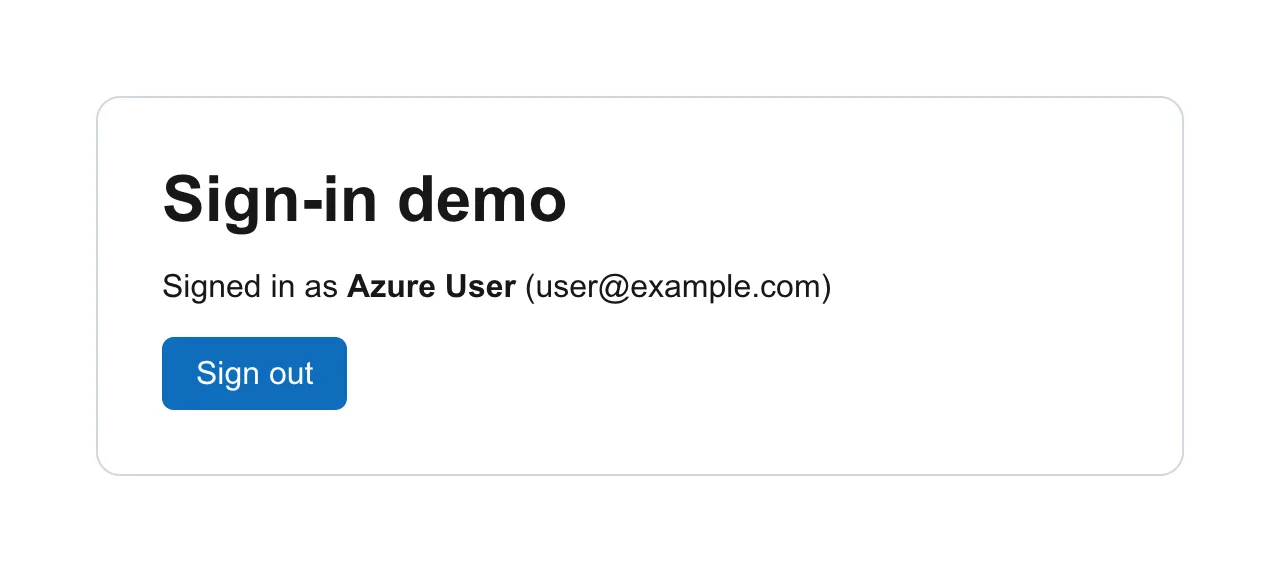
Select Sign out. The browser went through three pages in a few seconds, without stopping on any of them:
| Address | What happened |
|---|---|
login.microsoftonline.com/<tenant ID>/oauth2/v2.0/logout | Microsoft ended the session. No account picker: the logout hint named the account |
localhost:3000/redirect | Microsoft sent the browser to postLogoutRedirectUri, the bridge page |
localhost:3000/ | The bridge sent it back to the page the sign-out started on |
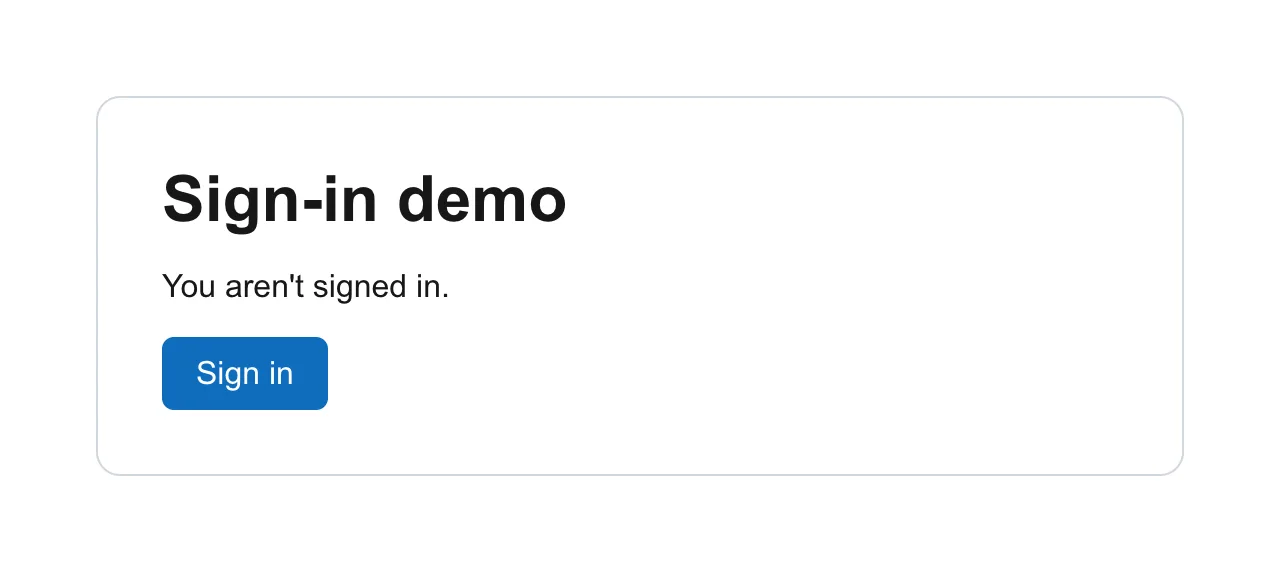
The page is signed out:
Step 3: Check That the Session Ended
MSAL's cache is empty, which is why the page shows Sign in again. To see that the Microsoft session ended too, select Sign in. Before the sign-out, Microsoft never asked which account to use: it knew the session. Now it asks:
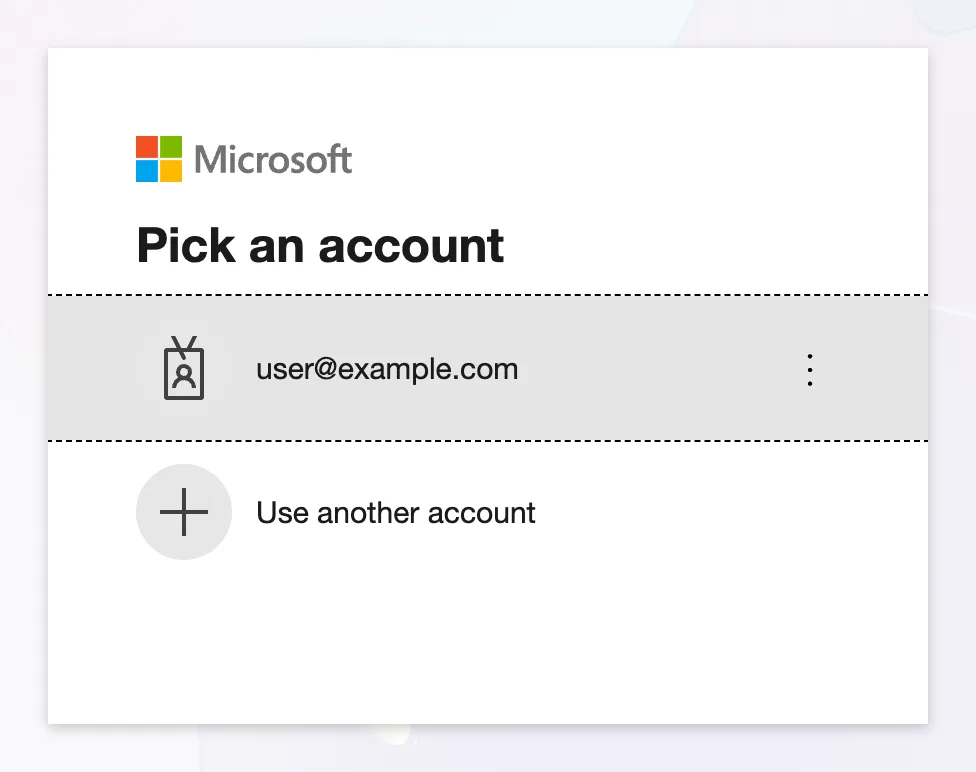
Microsoft still lists the account on this device, but no longer knows that it's the one signed in. Close the page, or pick the account to sign in again.
Common Mistakes
| Mistake | What happens | Do this instead |
|---|---|---|
| Removing the account from your own state only | MSAL's cache and the Microsoft session survive, so the next Sign in can go straight through | Call logoutRedirect() |
Calling logoutRedirect() without the account | Microsoft asks which account to sign out of | Pass { account } |
A postLogoutRedirectUri that isn't a registered redirect URI | The browser stays on Microsoft's sign-out page | Use a registered address, such as the bridge page |
| Interrupting the navigation, for example with another redirect right after | MSAL's documentation warns the cache may be cleared while the session persists | Let the sign-out navigation finish |
Troubleshooting
| Symptom | Likely cause | Fix |
|---|---|---|
| The browser stays on a Microsoft page after signing out | postLogoutRedirectUri isn't registered, or isn't set | Register it and set it in the configuration or the request |
| Microsoft asks which account to sign out | No account was passed, or its ID token has no login_hint | Pass { account } from useMsal() |
| The next Sign in doesn't ask for anything | The Microsoft session wasn't ended, for example because only local state was cleared | Sign out with logoutRedirect() |
FAQ
logoutRedirect or logoutPopup?
logoutRedirect() sends the whole page to Microsoft and back. logoutPopup() does it in a popup window and leaves the page where it is; MSAL's documentation says its postLogoutRedirectUri must point to a page with the redirect bridge, so the popup can close.
Can I sign out of the app only and keep the Microsoft session?
MSAL's documentation shows how, with an onRedirectNavigate callback that returns false, and warns that the user's session will remain active on the server and can be signed back into your application without providing credentials again.
Does signing out revoke the tokens already issued?
No. MSAL deletes them from the browser's cache, and the session ends, but an access token someone copied stays valid until it expires. Keep tokens out of logs and screens for that reason.
Conclusion
Sign people out with instance.logoutRedirect({ account }). It clears MSAL's cache, sends the page to Microsoft to end the session without an account picker, and comes back through postLogoutRedirectUri — here the app's registered /redirect bridge, which returns the browser to the page it left. The proof that the session ended: the next Sign in asks which account to use.
Additional Resources
- MSAL Browser: logging out — both steps, the conditions and promptless logout.
- MSAL Browser: redirect bridge — the bridge and sign-out.
