How to Show MySQL Query Results Vertically with \G

A table with a dozen columns doesn't fit in a terminal, and the mysql client's boxed output wraps into lines nobody can read. Ending the statement with \G instead of ; prints each row vertically, one column: value per line. This guide shows the difference on a real MySQL 9.7 table, and the client option that makes every result vertical.
Prerequisites
- The mysql command-line client, connected to a database. The examples use MySQL 9.7 in Docker, from How to Run MySQL in Docker with Docker Compose, and its built-in client:
docker compose exec mysql mysql --user=inventory_app --password inventory
Step 1: See the Problem
The products table has twelve columns. Asking for one product the usual way:
SELECT * FROM products WHERE Sku = 'ADP-HDMI-01';
+----+-------------+-----------------------+-------------+------------+-----------+----------------+--------------+------------+---------------+----------------------------+----------------------------+
| Id | Sku         | Name                  | Description | CategoryId | UnitPrice | QuantityOnHand | ReorderLevel | IsArchived | ArchivedAtUtc | CreatedAtUtc               | UpdatedAtUtc               |
+----+-------------+-----------------------+-------------+------------+-----------+----------------+--------------+------------+---------------+----------------------------+----------------------------+
|  3 | ADP-HDMI-01 | USB-C to HDMI adapter |             |          6 |     20.00 |              8 |            2 |          0 | NULL          | 2026-11-03 04:35:17.483586 | 2026-11-03 04:35:17.483586 |
+----+-------------+-----------------------+-------------+------------+-----------+----------------+--------------+------------+---------------+----------------------------+----------------------------+
1 row in set (0.000 sec)
That's 200 characters per line. In a normal terminal window, each line wraps two or three times, and matching a value to its column becomes guesswork.
Step 2: End It with \G
Same statement, with \G in place of the semicolon:
SELECT * FROM products WHERE Sku = 'ADP-HDMI-01'\G
*************************** 1. row ***************************
            Id: 3
           Sku: ADP-HDMI-01
          Name: USB-C to HDMI adapter
   Description:
    CategoryId: 6
     UnitPrice: 20.00
QuantityOnHand: 8
  ReorderLevel: 2
    IsArchived: 0
 ArchivedAtUtc: NULL
  CreatedAtUtc: 2026-11-03 04:35:17.483586
  UpdatedAtUtc: 2026-11-03 04:35:17.483586
1 row in set (0.000 sec)
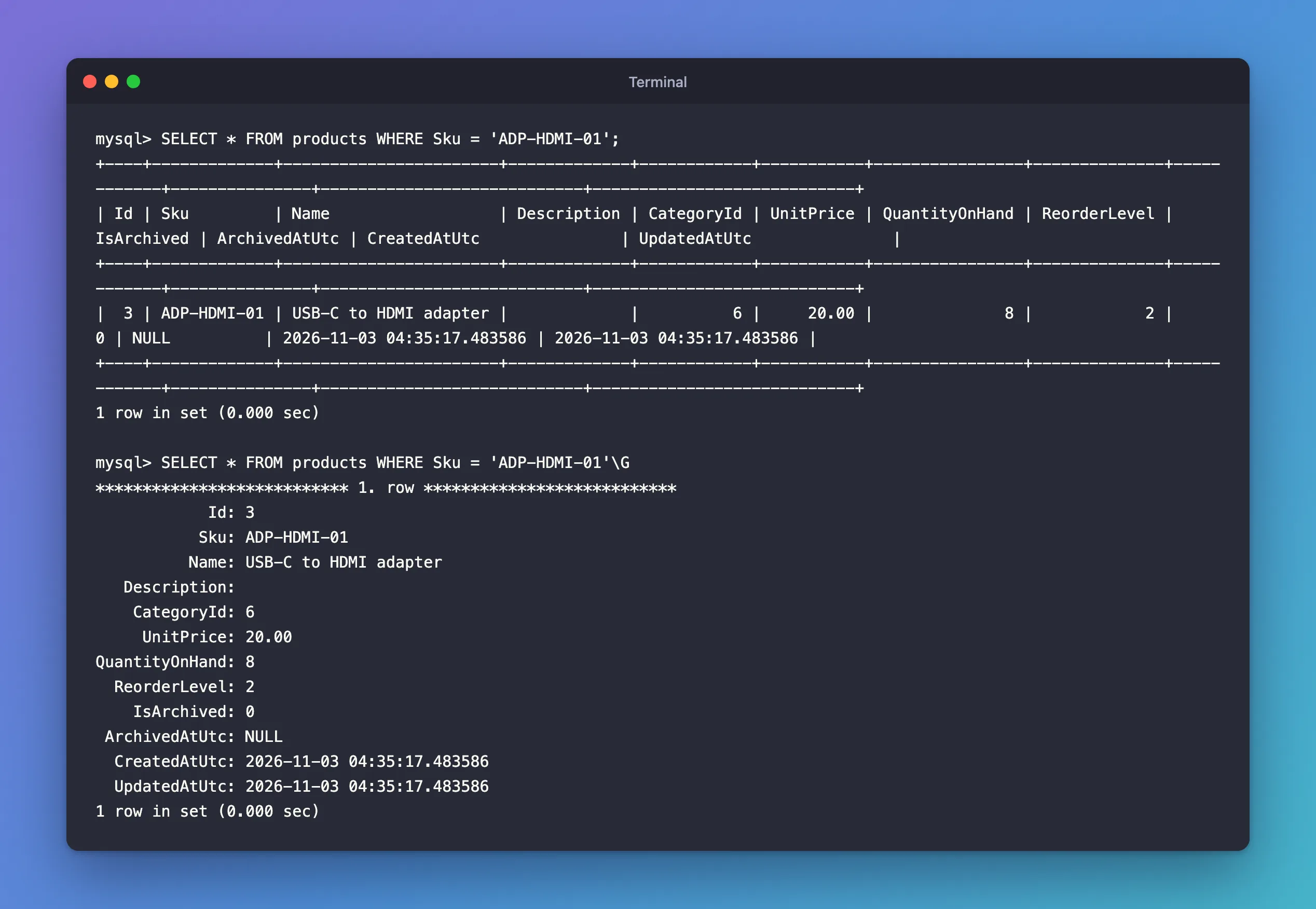
Each row starts with a line of stars and its number, then one line per column: the name, right-aligned, a colon, and the value. Nothing wraps. The manual's mysql commands page describes \G (also called ego) as: "Send the current statement to the server to be executed and display the result using vertical format."
\G replaces the semicolon; don't type both. SELECT … \G; runs the statement vertically, then prints ERROR: and No query specified, because the client sees an empty statement after the \G.
Where \G Helps Most
| Statement | Why |
|---|---|
SHOW CREATE TABLE products\G | The definition is one huge value. Vertically, it prints as readable SQL |
SHOW INDEX FROM products\G | Fifteen columns per index |
SELECT * FROM … WHERE Id = …\G | One wide row |
For many short rows, keep the semicolon: a narrow table of 50 rows is easier to scan than 50 vertical blocks.
Step 3: Make Every Result Vertical
When you run a single query from your own terminal, the --vertical option (short form -E) prints every result vertically, with no \G needed:
docker compose exec mysql mysql --user=inventory_app --password --vertical --execute="SELECT Id, Name, CreatedAtUtc FROM categories;" inventory
Enter password:
*************************** 1. row ***************************
          Id: 1
        Name: Desks
CreatedAtUtc: 2026-11-03 05:12:30.635562
*************************** 2. row ***************************
          Id: 2
        Name: Shelves
CreatedAtUtc: 2026-11-03 05:12:36.577716
The manual's option page describes it: "Print query output rows vertically (one line per column value). Without this option, you can specify vertical output for individual statements by terminating them with \G." It works the same for an interactive session: start the client with --vertical and every result is vertical.
Common Mistakes
| Mistake | What happens | Do this instead |
|---|---|---|
Typing \G; | The result, then ERROR: and No query specified for the empty statement after it | Use \G alone |
Lowercase \g | Runs the statement as a normal table | Use uppercase \G |
Using \G for long lists | Pages of blocks that are hard to scan | Keep ; and choose fewer columns |
Troubleshooting
| Symptom | Likely cause | Fix |
|---|---|---|
\G doesn't work in a GUI tool | It's a command of the mysql client, not SQL | Use the tool's own record view |
FAQ
Is \G part of SQL?
No. It's a command of the mysql client, which it handles itself, then sends the statement to the server. Other tools don't understand it.
What's the lowercase \g?
\g is the same as a semicolon: it runs the statement with normal table output. Only the uppercase \G is vertical.
Conclusion
End a statement with \G instead of ; and the mysql client prints each row as a vertical list of column: value lines, which is what wide rows, SHOW CREATE TABLE and SHOW INDEX need. Start the client with --vertical (-E) to make every result vertical.
Additional Resources
- mysql Client Commands —
\Gand the other client commands. - mysql Client Options —
--verticaland every other option.
