How to Show Each Person Their Own Adaptive Card in Microsoft Teams with the Microsoft 365 Agents SDK in C#

In a Teams chat, one Adaptive Card message can show each person something different: buttons only the organizer needs, or a line just for them. The card asks Teams to refresh it for the people you list, and your agent answers each refresh with that person's own card.
Syntax
The card carries a refresh:
"refresh": {
  "action": { "type": "Action.Execute", "verb": "<refresh verb>" },
  "userIds": [ "<Teams user ID>", "<Teams user ID>" ]
}
And your agent routes the refresh verb to a handler that builds the card for the person in the invoke:
AdaptiveCards.OnActionExecute("<refresh verb>", handler);

// In the handler:
string userId = turnContext.Activity.From.Id;
return Task.FromResult(AdaptiveCardInvokeResponseFactory.AdaptiveCard(cardForThisPerson));
refresh.actionis anAction.Executethat Teams runs for people, instead of a button they select.refresh.userIdslists the people Teams runs it for automatically, by Teams user ID, the29:ID inActivity.From.Id. Microsoft's guide sets the limit: a maximum of 60 (sixty) user MRIs.- The handler gets an
adaptiveCard/actioninvoke from the person it's for, soturnContext.Activity.From.Idsays whose card to build. AdaptiveCardInvokeResponseFactory.AdaptiveCardreturns that card, which Teams shows only to that person.
Microsoft calls these user-specific views: The same Adaptive Card can now refresh to a User Specific Adaptive Card. Everyone not in userIds sees the card in the message, the base card.
The Example
The agent for this post answers hello in a group chat with a card that says Everyone sees this card., and lists the sender in userIds. When the sender sees it, Teams refreshes it for them, and the agent answers with Only you see this view, and their first name. Leo Martin sends hello in a group chat with Maya Patel, as an @mention of the app, Card Demo.
The agent is one class in an ASP.NET Core project with the Agents SDK, set up to run in Teams: its own bot registration and identity, token validation, and an app package whose bot allows groupChat.
Prerequisites
- An agent that runs in Microsoft Teams, in a group chat. Microsoft's guide to channel and group chat conversations lists what that needs: the
groupChatscope in the app's manifest, and the app added to the chat. - A second person in the chat, to see the card everyone else sees.
Step 1: Send the Card and Answer Its Refresh
using System.Text.Json.Nodes;
using Microsoft.Agents.Builder;
using Microsoft.Agents.Builder.App;
using Microsoft.Agents.Builder.App.AdaptiveCards;
using Microsoft.Agents.Builder.State;
using Microsoft.Agents.Core.Models;

namespace CardViews;

public class ViewsAgent : AgentApplication
{
    public ViewsAgent(AgentApplicationOptions options) : base(options)
    {
        OnMessage("hello", SendCardAsync);
        AdaptiveCards.OnActionExecute("myView", ShowMyViewAsync);
    }

    // Everyone in the chat gets this card. The refresh asks for a personal view for the sender only.
    private Task SendCardAsync(ITurnContext turnContext, ITurnState turnState, CancellationToken cancellationToken)
    {
        JsonObject card = Card("Everyone sees this card.", turnContext.Activity.From.Id);
        return turnContext.SendActivityAsync(
            MessageFactory.Attachment(new Attachment { ContentType = ContentTypes.AdaptiveCard, Content = card }),
            cancellationToken);
    }

    // Teams calls this when it refreshes the card for someone; the answer is shown only to that person.
    private Task<AdaptiveCardInvokeResponse> ShowMyViewAsync(ITurnContext turnContext, ITurnState turnState, object data, CancellationToken cancellationToken)
    {
        string firstName = turnContext.Activity.From.Name?.Split(' ')[0] ?? "there";
        JsonObject card = Card($"Only you see this view, {firstName}.", turnContext.Activity.From.Id);
        return Task.FromResult(AdaptiveCardInvokeResponseFactory.AdaptiveCard(card.ToJsonString()));
    }

    private static JsonObject Card(string text, string userId) => new()
    {
        ["type"] = "AdaptiveCard",
        ["version"] = "1.5",
        ["refresh"] = new JsonObject
        {
            ["action"] = new JsonObject { ["type"] = "Action.Execute", ["verb"] = "myView" },
            ["userIds"] = new JsonArray { userId },
        },
        ["body"] = new JsonArray
        {
            new JsonObject { ["type"] = "TextBlock", ["text"] = text, ["wrap"] = true },
        },
    };
}
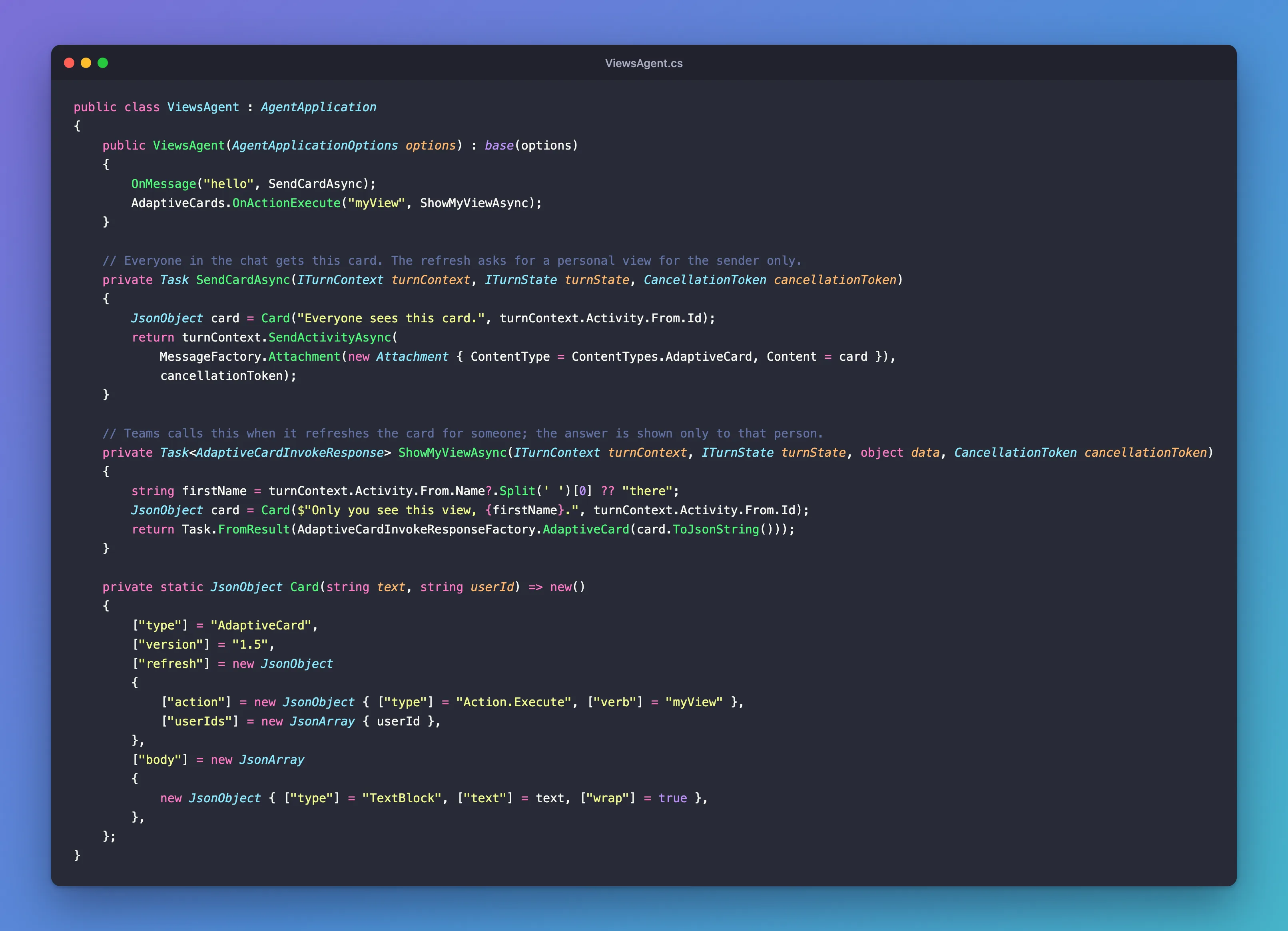
SendCardAsyncsends the base card, with the sender's ID inuserIds.ShowMyViewAsyncanswers the refresh with a card forFrom, the person Teams refreshed it for.- The answer keeps a
refreshtoo, listing the same person, so their own card stays theirs when Teams refreshes it again.
Step 2: Try It in a Group Chat
As Leo, mention the app and send hello: type @, pick Card Demo, then type hello. Here's Leo's card:

And here's the same message in Maya's Teams, at the same time:

One message, two cards. Leo is in userIds, so as soon as the card appeared, Teams invoked myView for him, and showed him the answer, marked Updated. Maya isn't in the list, so she sees the base card.
A refresh that Teams runs by itself arrives with "trigger": "automatic" in the invoke's value, where a button gives "manual". In this series' tests, Teams also added "trigger": "automatic" and "isRefresh": true to the refresh action's data.
Common Mistakes
| Mistake | What happens | Do this instead |
|---|---|---|
More than 60 IDs in userIds | Microsoft's guide caps the list at 60 | Keep the 60 who most need their own view |
No refresh in the answer card | The card the person now sees carries no refresh | Keep the refresh in every card you return, as Microsoft's examples do |
Card version below 1.5 | Microsoft's Teams guide: Card isn't refreshed | Use "version": "1.5" |
| Testing with one person only | Everyone you can see is in userIds, so you never see the base card | Have a second person open the chat |
Troubleshooting
| Symptom | Likely cause | Fix |
|---|---|---|
| The sender sees the base card too | No route for the refresh verb, or the sender's ID isn't in userIds | Route the verb with OnActionExecute, and log the invoke |
| Everyone sees the personal card | The personal content was put in the base card | Put it only in the refresh's answer |
The agent never gets the hello | In a group chat, Teams sends only messages that @mention the agent | Pick the app from the @ list |
FAQ
What about people not in userIds?
They see the base card, and they can ask for their own view by hand: in the new Teams, Refresh card in the message's More options menu, or under More actions there. Microsoft's guide: For users to manually trigger card refresh, they can select Refresh from the message options menu.
Can I leave userIds out?
Yes, in small chats. Microsoft's guide: If the userIds field isn't specified in the Refresh property, Teams client can automatically trigger refresh for all users when there are less than or equal to 60 members in the conversation. An empty list, "userIds": [], turns automatic refresh off instead.
Can I try this in the Agents Playground?
You use the Playground as one person, even in its group chat, so you can't see a second person's view there. The Playground did run Action.Execute cards in this series' tests. For different views, you need Teams and two people.
Who else gets the personal card?
Nobody. Microsoft's guide: The User Specific Card returned by the bot is sent only to the specific client that requested for it. If the person opens Teams on another device, Teams asks your agent again.
Conclusion
To show each person their own card, add a refresh to the card with an Action.Execute and the userIds of the people who need their own view, route the refresh verb with AdaptiveCards.OnActionExecute, and answer with a card built for Activity.From. Everyone else sees the card in the message.
Additional Resources
- User Specific Views, on Microsoft Learn.
- Work with Universal Actions for Adaptive Cards, on Microsoft Learn:
refreshanduserIds. - Channel and group chat conversations for agents, on Microsoft Learn.
Related
- How to Return an Updated Adaptive Card from Action.Execute in the Microsoft 365 Agents SDK in C#
- How to Refresh an Adaptive Card in Microsoft Teams
- How to Add an App to a Group Chat in Microsoft Teams
- Microsoft 365 Agents SDK Fundamentals in C# — Part 9: Universal Actions: Adaptive Cards That Update
