How to Set Up Logging in Python with logging.basicConfig

print is fine for quick checks, but a real program needs messages with a level, such as information, warnings and errors, so you can choose which ones to show. Python's logging module does that, and logging.basicConfig sets it up in one line. This guide turns logging on for a small script, with real output from Python 3.15.2.
Syntax
import logging

logging.basicConfig(level=<lowest level shown>, format="<line layout>")
| Part | What it means |
|---|---|
level= | The lowest level that's shown: logging.DEBUG, logging.INFO, logging.WARNING, logging.ERROR or logging.CRITICAL. Without it, the level is WARNING. |
format= | The layout of each line. %(levelname)s is the level, %(name)s the logger's name and %(message)s the message. |
The logging reference: "Does basic configuration for the logging system by either creating a StreamHandler with a default Formatter or using the given formatter instance, and adding it to the root logger."
Prerequisites
- uv and Python 3. This guide uses uv 0.13.10 with Python 3.15.2, in a project made with
uv init.
Step 1: Write the Script
The script turns logging on at the INFO level, then logs one message at each of three levels.
import logging

logging.basicConfig(level=logging.INFO, format="%(levelname)s %(name)s: %(message)s")

logging.info("The program started.")
logging.debug("This line is below the INFO level, so it isn't shown.")
logging.warning("Disk space is low.")
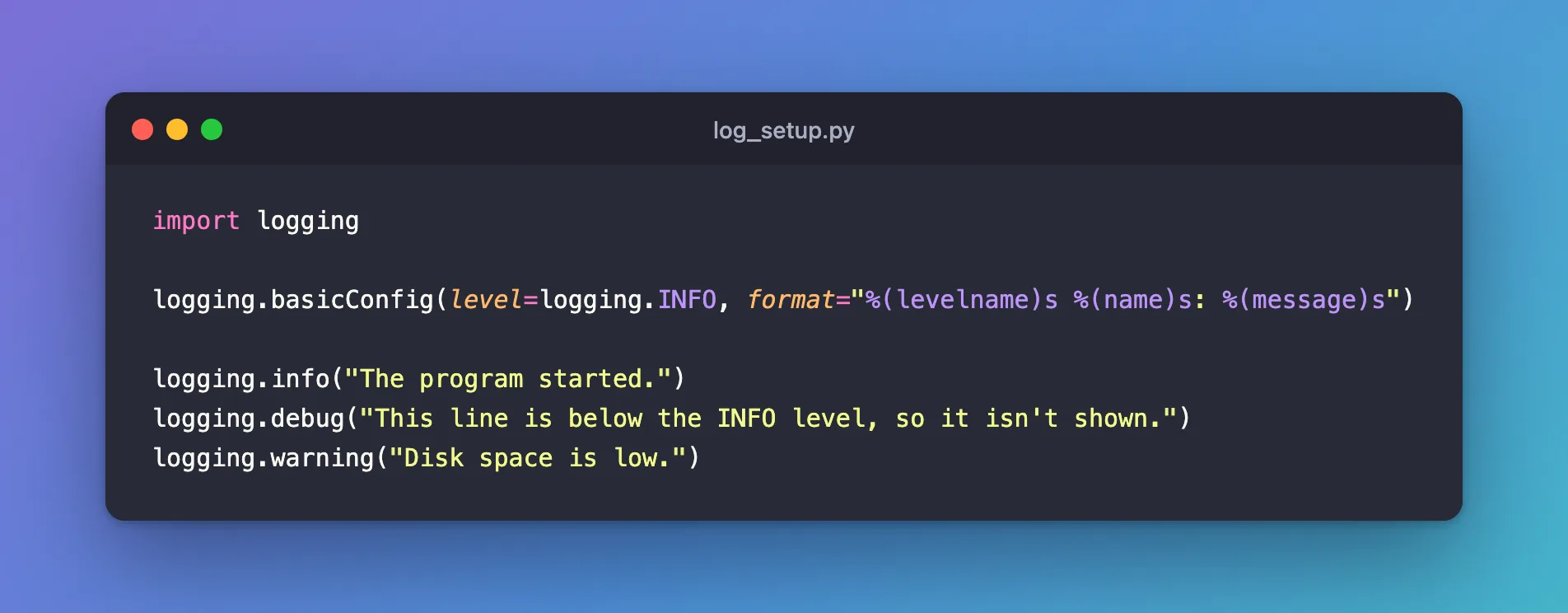
level=logging.INFO:INFOand everything above it is shown;DEBUGis below it.logging.info(...): logs through the root logger, the onebasicConfigsets up. Its name isroot.
Step 2: Run It
uv run python log_setup.py
INFO root: The program started.
WARNING root: Disk space is low.
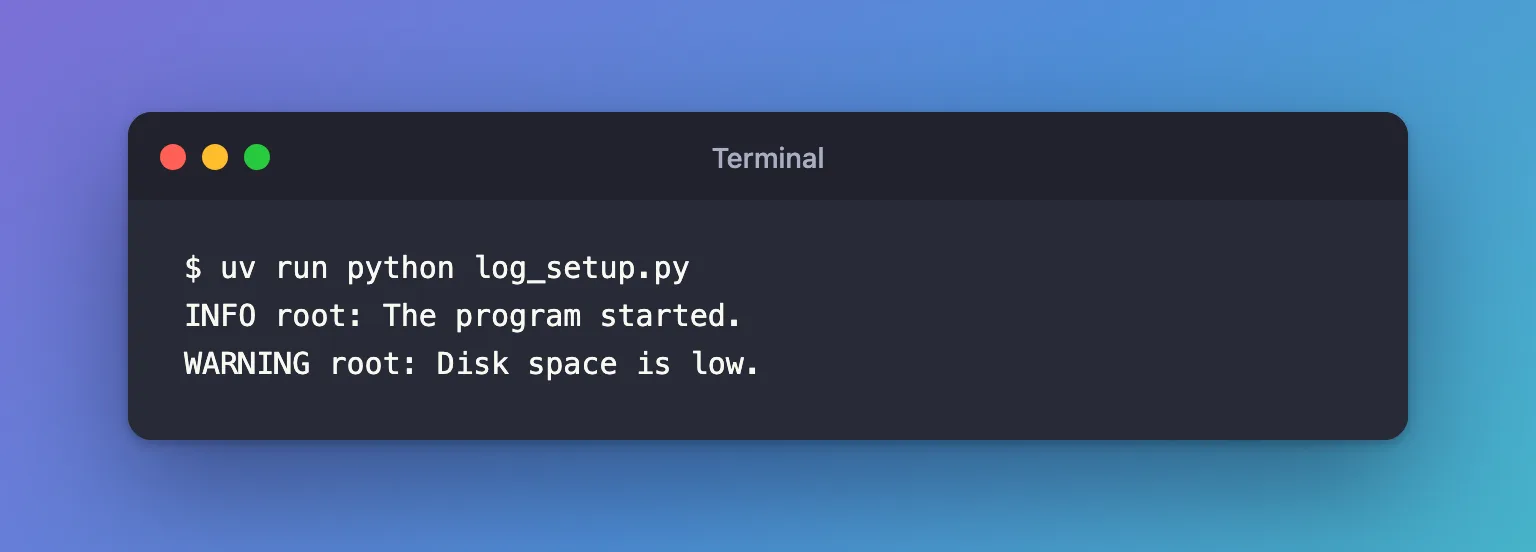
Two lines, in the format from Step 1. The debug message isn't there, because DEBUG is below the INFO level.
Common Mistakes
| Mistake | What happens | Do this instead |
|---|---|---|
No basicConfig call | logging.info prints nothing: the default level is WARNING. Only WARNING:root:Disk space is low. appeared, in the default format | Call basicConfig with level=logging.INFO at the start |
Logging before basicConfig | The first log call sets logging up with the defaults, and the later basicConfig does nothing: the info line stayed hidden and the format stayed WARNING:root:... | Call basicConfig before the first log call |
Troubleshooting
| Symptom | Likely cause | Fix |
|---|---|---|
A change to level= or format= has no effect | Something logged before basicConfig ran | Move basicConfig to the top of the program |
| You need the messages in a file | basicConfig writes to the terminal by default | Add filename="app.log": the line INFO Saved to the file, not the screen. went into app.log instead |
FAQ
Where do the messages go?
To the standard error stream, stderr, not to standard output. In a check, the handler basicConfig created wrote to sys.stderr. The terminal shows both streams, so you see them either way.
Why does basicConfig run on its own?
The reference: "The functions debug(), info(), warning(), error() and critical() will call basicConfig() automatically if no handlers are defined for the root logger." That's why a log call before your own basicConfig locks in the defaults.
Conclusion
logging.basicConfig(level=logging.INFO, format="%(levelname)s %(name)s: %(message)s") turned logging on: the script printed its info and warning lines in that layout, and left the debug line out.
Additional Resources
- logging.basicConfig — every argument it takes.
- Logging HOWTO — the levels and when to use each one.
