How to Set the Parameters of a Pipeline Step in scikit-learn

Once a model sits inside a Pipeline, its settings have longer names: the step's name, two underscores, then the setting. model__C is the C setting of the step named model. The same names work to read, change and tune settings. This guide lists them, changes one, and tunes one with GridSearchCV, with real output from scikit-learn 1.9.1.
Syntax
pipeline.set_params(<step name>__<setting>=value)
param_grid = {"<step name>__<setting>": [value_1, value_2]}
| Part | What it means |
|---|---|
<step name> | The name you gave the step in the pipeline, such as "model" |
__ | Two underscores, joining the step's name and the setting |
<setting> | The setting's own name in that step, such as C for a LogisticRegression |
Step 1: List, Change and Tune a Step's Setting
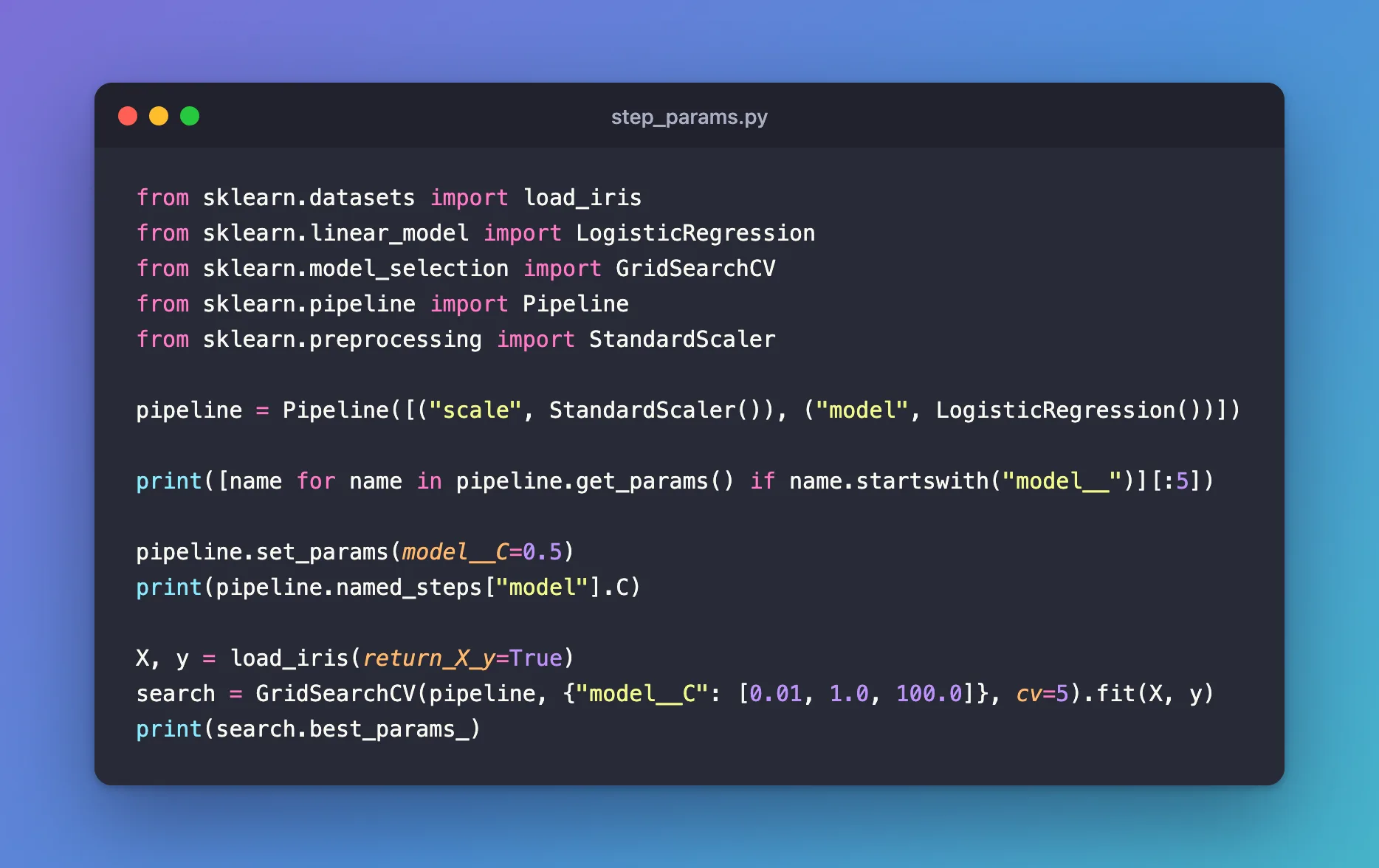
The example is a pipeline that scales the iris measurements and then fits a logistic regression, with steps named scale and model. Create step_params.py:
from sklearn.datasets import load_iris
from sklearn.linear_model import LogisticRegression
from sklearn.model_selection import GridSearchCV
from sklearn.pipeline import Pipeline
from sklearn.preprocessing import StandardScaler

pipeline = Pipeline([("scale", StandardScaler()), ("model", LogisticRegression())])

print([name for name in pipeline.get_params() if name.startswith("model__")][:5])

pipeline.set_params(model__C=0.5)
print(pipeline.named_steps["model"].C)

X, y = load_iris(return_X_y=True)
search = GridSearchCV(pipeline, {"model__C": [0.01, 1.0, 100.0]}, cv=5).fit(X, y)
print(search.best_params_)
uv run python step_params.py
['model__C', 'model__class_weight', 'model__dual', 'model__fit_intercept', 'model__intercept_scaling']
0.5
{'model__C': 100.0}
Step 2: Read the Three Results
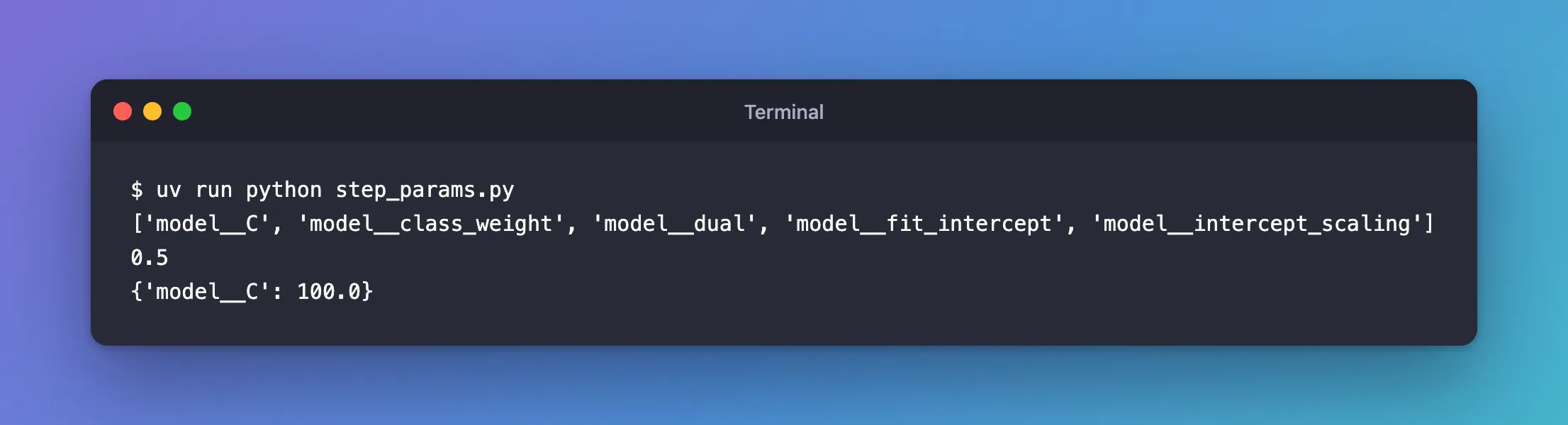
get_params()lists every setting of every step under its long name. Filtering onmodel__shows the model's settings;[:5]keeps the first five.set_params(model__C=0.5)changed theCof the step namedmodel, whichnamed_steps["model"].Cconfirms.GridSearchCVtook the same name as a key of its grid and found thatC=100.0scored best of the three.
Common Mistakes
| Mistake | What happens | Do this instead |
|---|---|---|
One underscore, model_C | ValueError: Invalid parameter 'model_C' for estimator Pipeline(...) | Two underscores: model__C |
A misspelled step name, modle__C | ValueError: Invalid parameter 'modle' for estimator Pipeline(...) | Use the name from the pipeline's step list |
The setting's short name, C, in a grid for a pipeline | ValueError: Invalid parameter 'C' for estimator Pipeline(...) | Prefix it with the step's name |
Troubleshooting
| Symptom | Likely cause | Fix |
|---|---|---|
ValueError: Invalid parameter '...' for estimator Pipeline(...) | The step name or the setting is wrong | The error lists the valid names; or print pipeline.get_params().keys() |
| A grid search seems to ignore a value | It set a different step's setting | Check the step name in the key |
FAQ
What if a step contains steps?
Keep adding names and double underscores. In a pipeline whose prepare step is a ColumnTransformer with a step named categories, the encoder's handle_unknown is prepare__categories__handle_unknown.
Where do I see every setting with its value?
pipeline.get_params() returns them all: How to See Every Setting of a scikit-learn Model with get_params.
Conclusion
model__C reached the C setting of the step named model: get_params() listed it, set_params(model__C=0.5) changed it, and GridSearchCV tuned it. Join step names and settings with two underscores, and copy the names from get_params() when in doubt.
Additional Resources
- Pipeline —
set_paramsand nested parameters. - GridSearchCV —
param_grid.
