How to Set Microsoft.Identity.Web Log Levels in ASP.NET Core

An ASP.NET Core API protected with Microsoft.Identity.Web writes four lines to its log for every request that carries a valid token. They help while you investigate a refused token and are noise the rest of the time. One line in appsettings.json keeps only the failures; this guide shows the lines, the setting, and how to bring the detail back when you need it.
Where the Lines Come From
The example is a minimal API with one protected endpoint, /hello, built in How to Protect an ASP.NET Core Minimal API with Microsoft.Identity.Web. It runs on .NET 10 with Microsoft.Identity.Web 4.18.0, and its appsettings.json still has the logging section the template wrote:
  "Logging": {
    "LogLevel": {
      "Default": "Information",
      "Microsoft.AspNetCore": "Warning"
    }
  },
The first request with a valid token added these lines to the API's terminal:
info: Microsoft.IdentityModel.LoggingExtensions.IdentityLoggerAdapter[0]
      Microsoft.IdentityModel Version: 8.23.0.0. Date 11/19/2026 13:03:48. PII logging is OFF. See https://aka.ms/IdentityModel/PII for details.
      IDX10242: Security token: '[PII of type 'Microsoft.IdentityModel.JsonWebTokens.JsonWebToken' is hidden. For more details, see https://aka.ms/IdentityModel/PII.]' has a valid signature.
info: Microsoft.IdentityModel.LoggingExtensions.IdentityLoggerAdapter[0]
      IDX10239: Lifetime of the token is valid.
info: Microsoft.IdentityModel.LoggingExtensions.IdentityLoggerAdapter[0]
      IDX10234: Audience Validated.Audience: 'api://22222222-2222-2222-2222-222222222222'
info: Microsoft.IdentityModel.LoggingExtensions.IdentityLoggerAdapter[0]
      IDX10245: Creating claims identity from the validated token: '[PII of type 'Microsoft.IdentityModel.JsonWebTokens.JsonWebToken' is hidden. For more details, see https://aka.ms/IdentityModel/PII.]'.
Every later request added the same four info entries, without the version line.
| Line | What it confirms |
|---|---|
IDX10242 | The token's signature is valid: nobody changed it |
IDX10239 | The token hasn't expired |
IDX10234 | The token was issued for this API, its audience |
IDX10245 | The API built the caller's identity from the token's claims |
The category, Microsoft.IdentityModel.LoggingExtensions.IdentityLoggerAdapter, belongs to IdentityModel, Microsoft's token library. Microsoft.Identity.Web uses it to check every token and passes its messages to ASP.NET Core's logging. Microsoft's logging guide for Microsoft.Identity.Web lists the parts that log:
| Component | Log source | Purpose |
|---|---|---|
| Microsoft.Identity.Web | Core authentication logic | Configuration, token acquisition, API calls |
| MSAL.NET | Microsoft.Identity.Client | Token cache operations, authority validation |
| IdentityModel | Token validation | JWT parsing, signature validation, claims extraction |
The [PII … is hidden] parts are the token library keeping personal data out of the log, as its first line says: PII logging is OFF.
Step 1: Keep Only Warnings and Errors
Add one line to Logging:LogLevel in appsettings.json, "Microsoft.Identity": "Warning". The complete file:
{
  "Logging": {
    "LogLevel": {
      "Default": "Information",
      "Microsoft.AspNetCore": "Warning",
      "Microsoft.Identity": "Warning"
    }
  },
  "AllowedHosts": "*",
  "AzureAd": {
    "Instance": "https://login.microsoftonline.com/",
    "TenantId": "11111111-1111-1111-1111-111111111111",
    "ClientId": "22222222-2222-2222-2222-222222222222"
  }
}
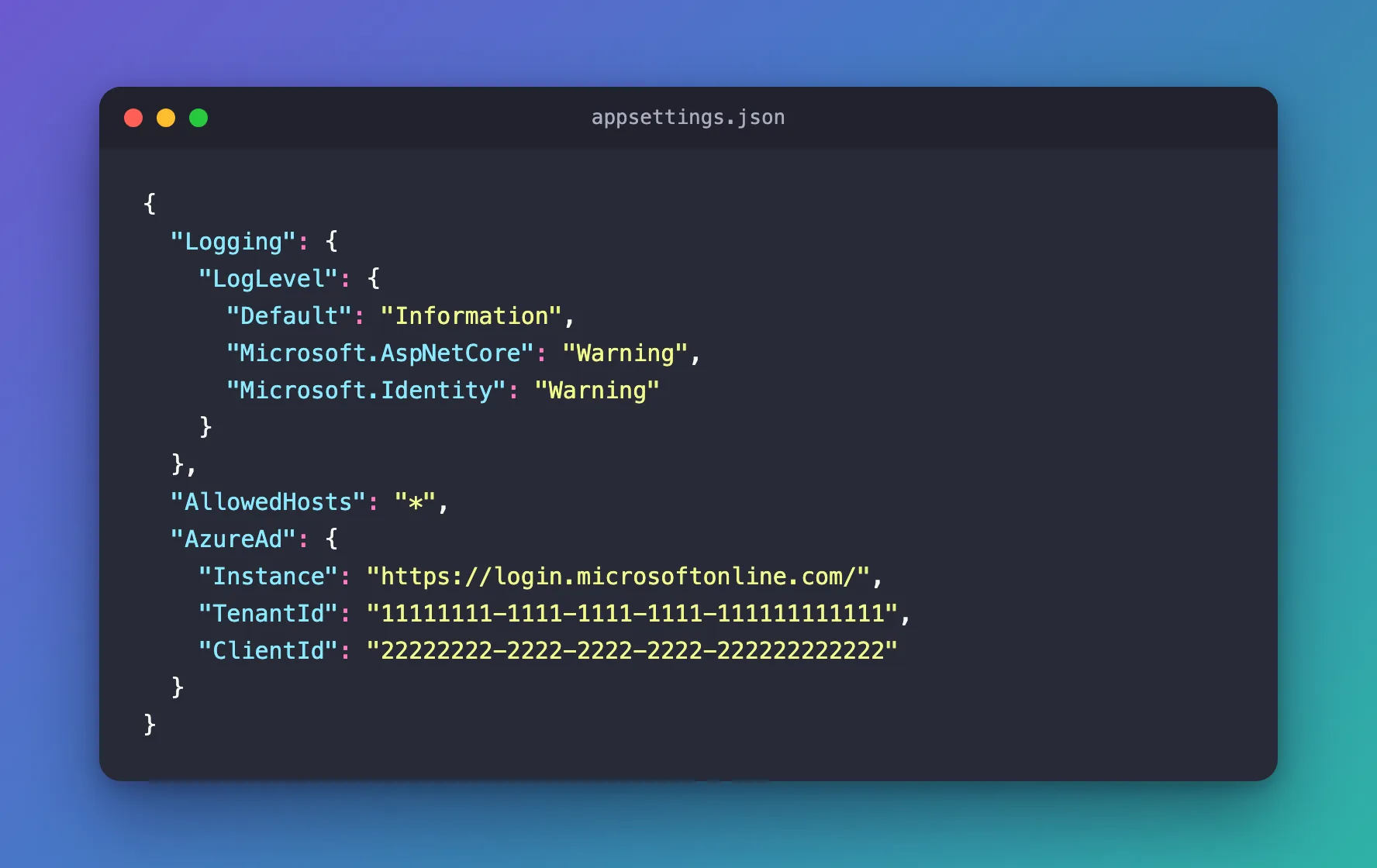
The lines come from a category named Microsoft.IdentityModel…, yet the setting says Microsoft.Identity. That works because a log level applies to every category whose name starts with the setting's name. .NET's logging documentation describes how the rule for a category is picked: "select rules with longest matching category prefix". Microsoft.Identity is the start of all three names in the table above, so this one line covers Microsoft.Identity.Web, MSAL.NET and IdentityModel. It's the value Microsoft's logging guide uses in its production configuration.
Stop the API with Ctrl+C, start it again with dotnet run, and send four requests: two with a valid token, one with a token for another API and one without a token. Only the token for another API left a trace:
fail: Microsoft.IdentityModel.LoggingExtensions.IdentityLoggerAdapter[0]
      Microsoft.IdentityModel Version: 8.23.0.0. Date 11/19/2026 13:05:08. PII logging is OFF. See https://aka.ms/IdentityModel/PII for details.
      IDX10214: Audience validation failed. See https://aka.ms/identitymodel/app-context-switches
The two successful requests logged nothing, and neither did the one without a token: there was no token to check. The failed audience check is logged at the Error level, shown as fail, which is above Warning, so it still appears. That's the balance you want in production: quiet while things work, a line when a check fails.
Step 2: See Every Check While You Investigate
When a caller keeps getting 401 and you want to know why, turn the detail back on for your own machine only. ASP.NET Core reads appsettings.Development.json after appsettings.json when the app runs in the Development environment, as dotnet run does here, and its values win. Add two lines to it:
{
  "Logging": {
    "LogLevel": {
      "Default": "Information",
      "Microsoft.AspNetCore": "Warning",
      "Microsoft.AspNetCore.Authentication": "Information",
      "Microsoft.Identity": "Information"
    }
  }
}
| Setting | What it adds |
|---|---|
"Microsoft.Identity": "Information" | The token library's lines again, one for each check |
"Microsoft.AspNetCore.Authentication": "Information" | ASP.NET Core's own authentication lines, including why it refused a request. It's more specific than Microsoft.AspNetCore, so it wins for these categories |
Restart the API. A request without a token now leaves one line:
info: Microsoft.AspNetCore.Authentication.JwtBearer.JwtBearerHandler[12]
      AuthenticationScheme: Bearer was challenged.
Challenged means the API answered 401 and asked for a bearer token. A request with a token that expired at 11:59 gave the whole story:
info: Microsoft.IdentityModel.LoggingExtensions.IdentityLoggerAdapter[0]
      IDX10242: Security token: '[PII of type 'Microsoft.IdentityModel.JsonWebTokens.JsonWebToken' is hidden. For more details, see https://aka.ms/IdentityModel/PII.]' has a valid signature.
fail: Microsoft.IdentityModel.LoggingExtensions.IdentityLoggerAdapter[0]
      IDX10223: Lifetime validation failed. The token is expired. ValidTo (UTC): '19/11/2026 11:59:10 AM', Current time (UTC): '19/11/2026 1:05:42 PM'.
info: Microsoft.AspNetCore.Authentication.JwtBearer.JwtBearerHandler[1]
      Failed to validate the token.
      Microsoft.IdentityModel.Tokens.SecurityTokenExpiredException: IDX10223: Lifetime validation failed. The token is expired. ValidTo (UTC): '19/11/2026 11:59:10 AM', Current time (UTC): '19/11/2026 1:05:42 PM'.
         at Microsoft.IdentityModel.Tokens.ValidatorUtilities.ValidateLifetime(Nullable`1 notBefore, Nullable`1 expires, SecurityToken securityToken, TokenValidationParameters validationParameters)
info: Microsoft.AspNetCore.Authentication.JwtBearer.JwtBearerHandler[7]
      Bearer was not authenticated. Failure message: IDX10223: Lifetime validation failed. The token is expired. ValidTo (UTC): '19/11/2026 11:59:10 AM', Current time (UTC): '19/11/2026 1:05:42 PM'.
info: Microsoft.AspNetCore.Authentication.JwtBearer.JwtBearerHandler[12]
      AuthenticationScheme: Bearer was challenged.
Read it from the top: the signature was fine, the lifetime check failed, ASP.NET Core refused the token and said why in its Failure message, then answered 401. A token for another API reads the same way, with IDX10214: Audience validation failed in place of IDX10223. The line that names the reason, Bearer was not authenticated. Failure message: …, is the one to look for.
When you've found the cause, delete the two lines again, or keep them if you like the detail on your own machine. appsettings.json, which production uses, stays at Warning either way.
Common Mistakes
| Mistake | What happens | Do this instead |
|---|---|---|
Setting "Microsoft.Identity.Web": "Warning" | The four lines stay: they come from Microsoft.IdentityModel…, which doesn't start with Microsoft.Identity.Web | Use "Microsoft.Identity", which covers all three libraries |
Raising "Default" to Warning to hide them | Default applies to every category without a rule of its own, including your app's own Information logs | Set the level for the noisy category only |
Turning the detail on in appsettings.json | Production gets four extra lines for every request | Put it in appsettings.Development.json |
| Turning on personal data in the log in production | Names and token details can end up in production logs | Keep EnablePiiLogging off outside your own machine |
Troubleshooting
| Symptom | Likely cause | Fix |
|---|---|---|
The IDX lines still appear after you set Warning | appsettings.Development.json sets Microsoft.Identity lower, and its value wins in Development | Change or remove the line there |
Log lines show [PII of type '…' is hidden …] instead of values | Personal data is left out of logs by default | Expected. See the FAQ before you change it |
A 401 leaves no line at all | The request had no token, and ASP.NET Core logs that only at Information | Add "Microsoft.AspNetCore.Authentication": "Information" while you investigate |
| A new level has no effect | The API was still running with the old settings | Restart it |
FAQ
Is Microsoft.IdentityModel enough?
For these lines, yes: with "Microsoft.IdentityModel": "Warning" instead, the four lines disappeared just the same; I tried both. Microsoft.Identity also covers Microsoft.Identity.Web and MSAL.NET, which write their own lines once the API calls other APIs with tokens of its own.
Can the log show who signed in, or the token?
Microsoft.Identity.Web hides personal data by default, which is what PII logging is OFF means. Its logging guide shows the "AzureAd": { "EnablePiiLogging": true } setting for development only, warns that you're "responsible for complying with all applicable regulatory requirements" first, and counts "token values, claims" as personal data. Never turn it on in production.
What do the levels mean?
From least to most severe: Trace, Debug, Information, Warning, Error, Critical. A setting of Warning shows Warning and everything above it. The console shows Information as info, Warning as warn and Error as fail.
Conclusion
The four info lines per request came from IdentityModel, the token library Microsoft.Identity.Web uses. "Microsoft.Identity": "Warning" in appsettings.json removed them and kept fail lines such as IDX10214: Audience validation failed. In appsettings.Development.json, Microsoft.Identity and Microsoft.AspNetCore.Authentication at Information bring back every check, with Bearer was not authenticated. Failure message: … naming the reason for each 401.
Additional Resources
- Configure logging in Microsoft.Identity.Web — log levels per environment and personal data in logs.
- Logging in C# and .NET: how filtering rules are applied — why a category setting covers every name that starts with it.
- Logging in .NET and ASP.NET Core —
appsettings.json, log levels and providers.
