How to Set an Environment Variable in the Terminal

An environment variable is a named value that the terminal hands to every program it starts. Programs read settings and secrets from them, such as a database address or a signing key, so the values never have to sit in the code. Setting one takes a single command in any terminal.
Syntax
In zsh and bash:
export NAME=value
NAME=value <command>
unset NAME
| Part | What it does |
|---|---|
export NAME=value | Sets NAME for this terminal and for every program you start from it. Quote the value when it has spaces: NAME='two words'. |
NAME=value <command> | Sets NAME for that one command only. |
unset NAME | Removes it. |
$NAME | Reads it, as in echo "$NAME". |
In PowerShell:
$env:NAME = 'value'
Remove-Item Env:NAME
| Part | What it does |
|---|---|
$env:NAME = 'value' | Sets NAME for this PowerShell window and every program you start from it. |
$env:NAME | Reads it. |
Remove-Item Env:NAME | Removes it. |
The Example
The example stores a greeting in a variable named GREETING, reads it in the terminal, checks that a separate program can read it too, and removes it again.
Step 1: Set the Variable and Read It Back
- macOS / Linux
- Windows (PowerShell)
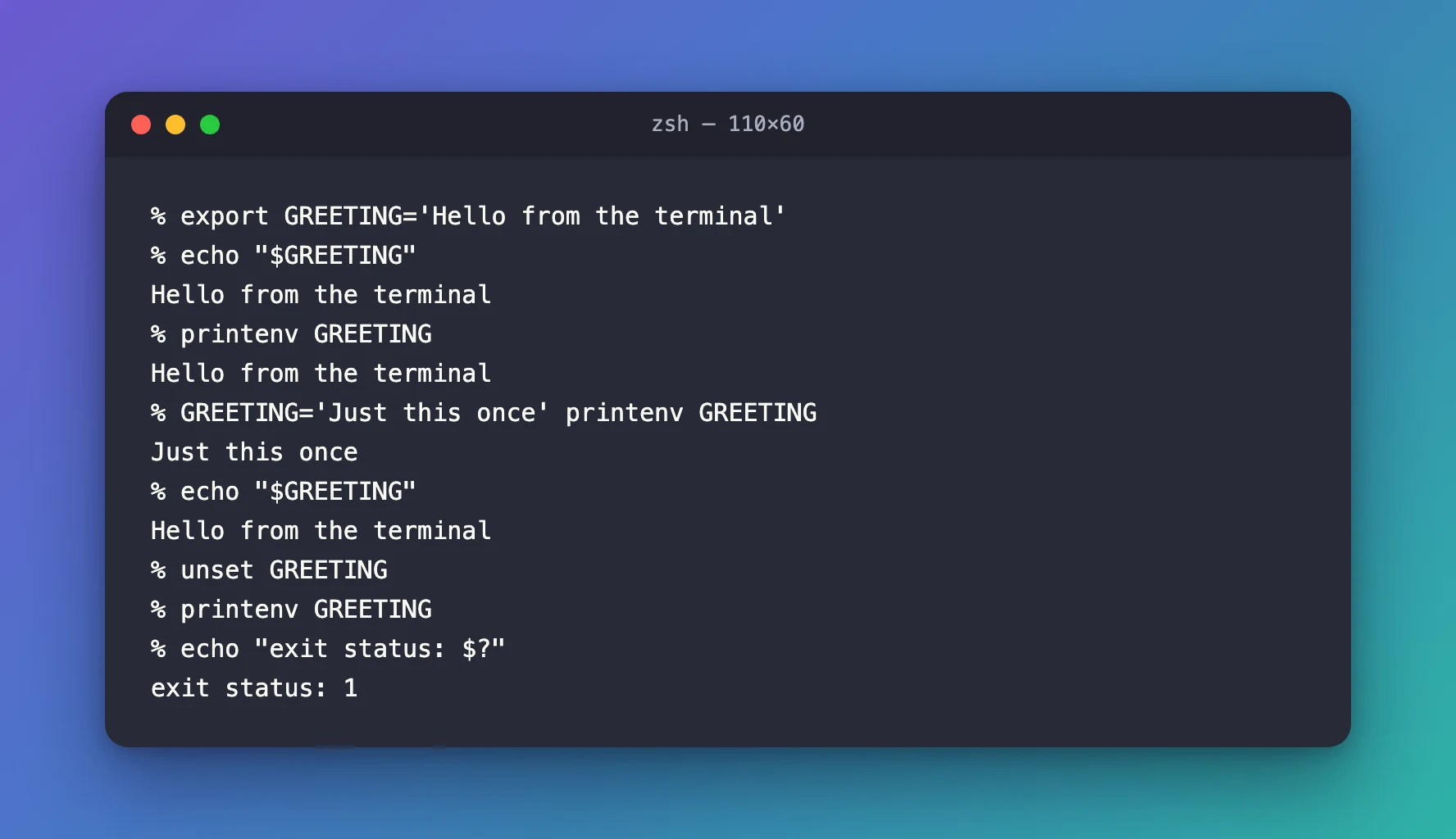
export GREETING='Hello from the terminal'
echo "$GREETING"
Hello from the terminal
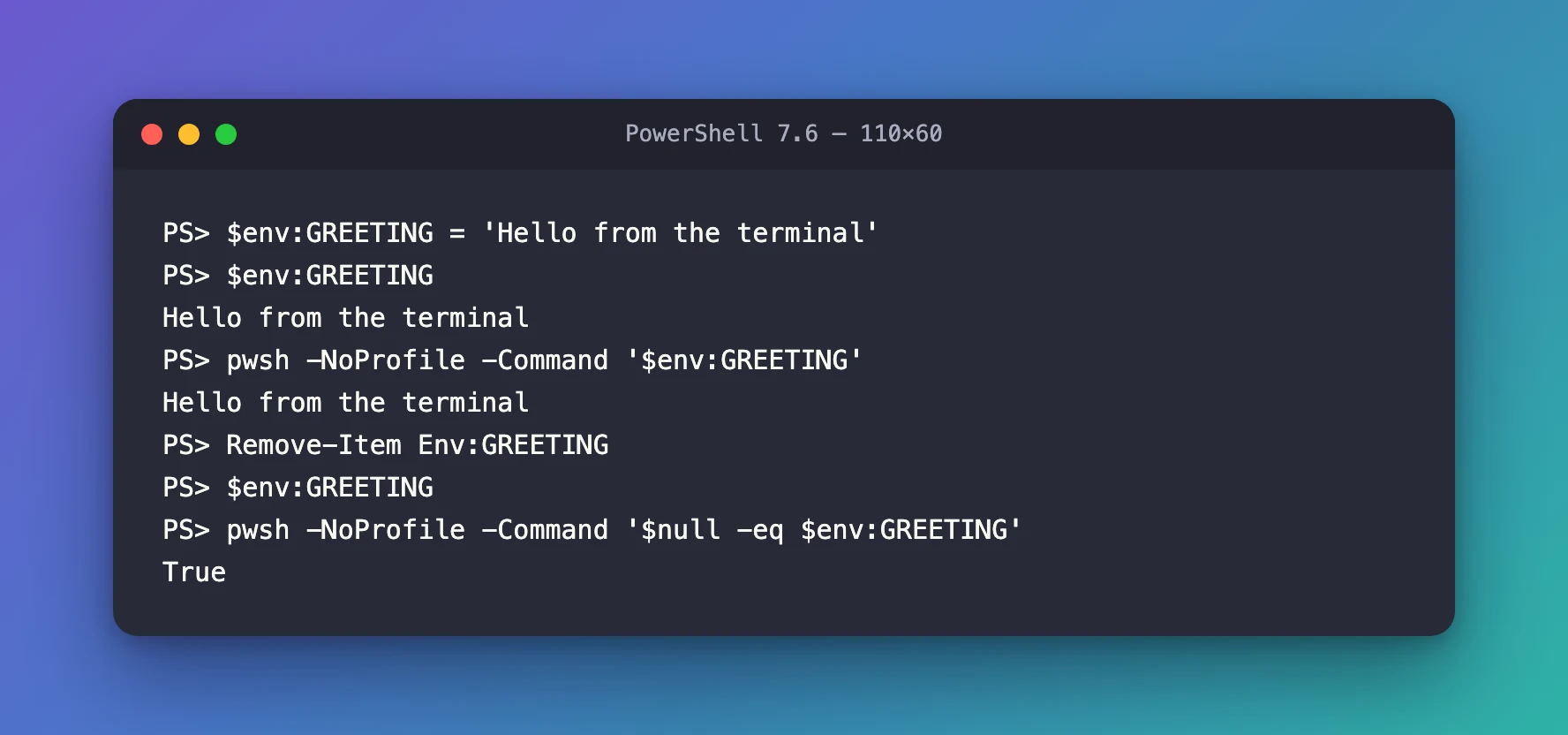
$env:GREETING = 'Hello from the terminal'
$env:GREETING
Hello from the terminal
Step 2: Check That Other Programs See It
The point of an environment variable is that programs you start can read it. Start one and ask:
- macOS / Linux
- Windows (PowerShell)
printenv GREETING
Hello from the terminal
printenv is a separate program, and it printed the value it received from the terminal.
pwsh -NoProfile -Command '$env:GREETING'
Hello from the terminal
This starts a second PowerShell and prints the variable from inside it.
In zsh and bash, a variable set without export, such as GREETING=hello, stays inside the shell, and the programs it starts don't see it. export is what passes it on.
Step 3: Set a Variable for One Command Only
zsh and bash can set a variable for just one command, by writing it in front:
GREETING='Just this once' printenv GREETING
echo "$GREETING"
Just this once
Hello from the terminal
printenv saw the one-off value, and the terminal's own GREETING didn't change. PowerShell has no short form for this: set the variable, run the command, then set it back or remove it.
Step 4: Remove the Variable
- macOS / Linux
- Windows (PowerShell)
unset GREETING
printenv GREETING
echo "exit status: $?"
exit status: 1
printenv prints nothing for a variable that doesn't exist, and it ends with exit status 1 to say it found nothing.
Remove-Item Env:GREETING
$env:GREETING
pwsh -NoProfile -Command '$null -eq $env:GREETING'
True
$env:GREETING printed nothing, and the second PowerShell confirms the variable is gone: it isn't empty, it doesn't exist.
How Long It Lasts
A variable set this way lives only as long as that terminal window. Close it, or open a new one, and it's gone. That's often what you want for a secret: it exists while you work and is never written to a file. To set a variable in every new terminal, put the same line in the file your shell runs when it starts:
- macOS / Linux
- Windows (PowerShell)
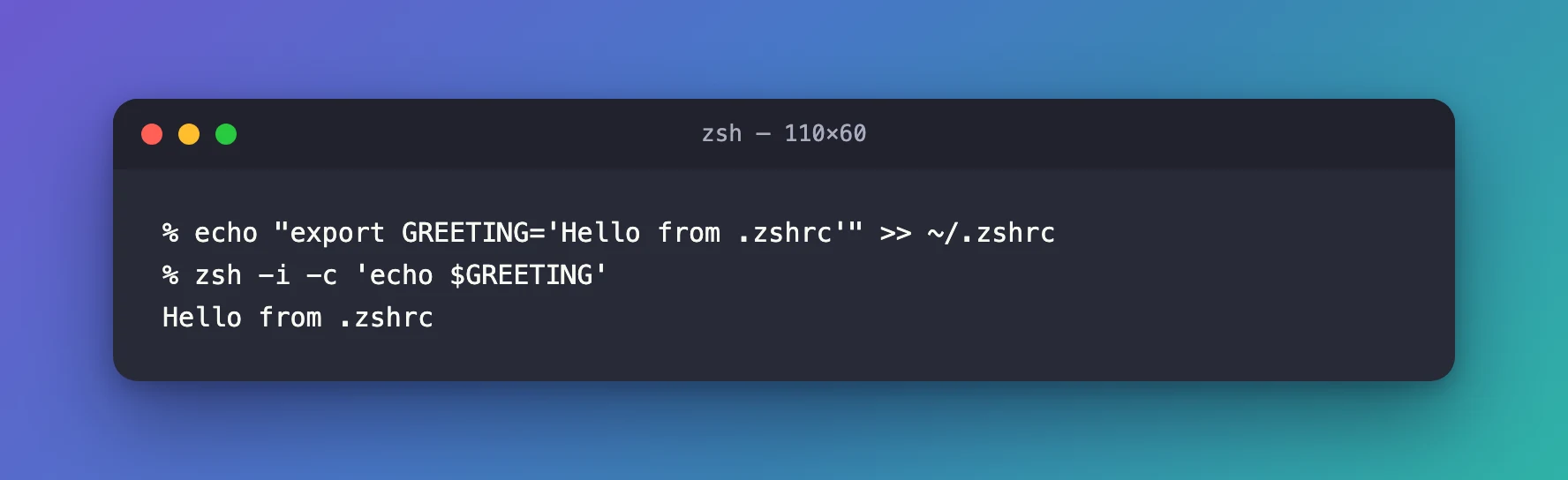
zsh, the Mac's default shell, runs ~/.zshrc when it starts. >> adds the line to the end of the file, or creates the file when it doesn't exist:
echo "export GREETING='Hello from .zshrc'" >> ~/.zshrc
zsh -i -c 'echo $GREETING'
Hello from .zshrc
zsh -i -c starts a new zsh that reads ~/.zshrc, as a new terminal would. In bash, use ~/.bashrc instead.
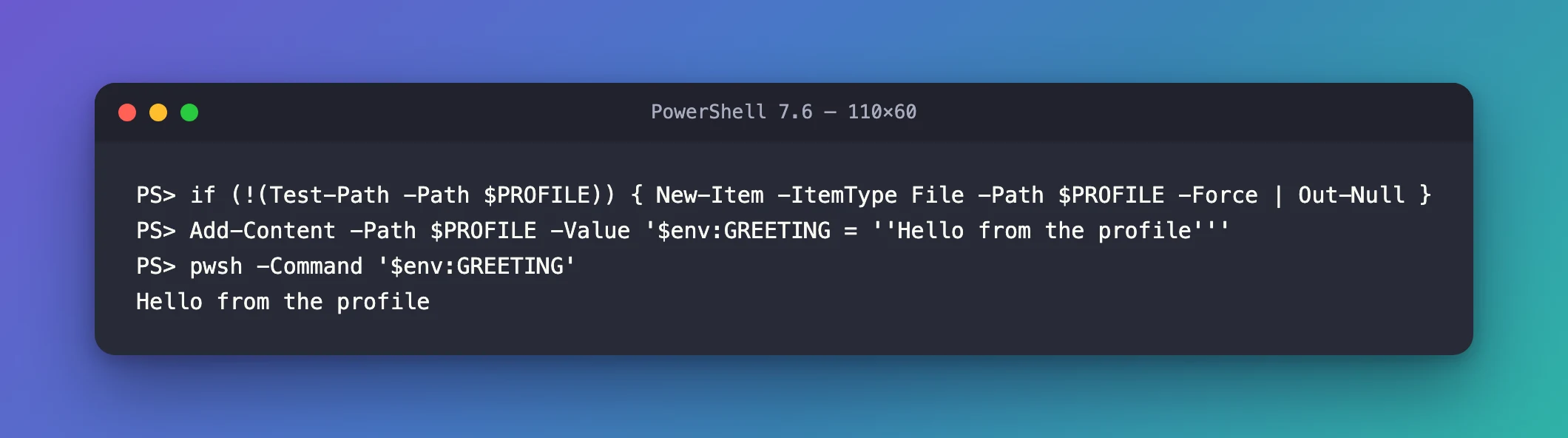
PowerShell runs your profile, the script whose path is in $PROFILE, when it starts. The first command creates the profile only when it doesn't exist yet, so it never overwrites one you have:
if (!(Test-Path -Path $PROFILE)) { New-Item -ItemType File -Path $PROFILE -Force | Out-Null }
Add-Content -Path $PROFILE -Value '$env:GREETING = ''Hello from the profile'''
pwsh -Command '$env:GREETING'
Hello from the profile
-Force creates the profile's folder when it's missing. Add-Content adds the line to the end of the profile, and the doubled '' puts single quotes inside the single-quoted line.
Keep secrets out of these files. Anything in them is readable by anyone who can read your files, and it ends up in backups.
Common Mistakes
| Mistake | What happens | Do this instead |
|---|---|---|
Spaces around =: export GREETING = hello | zsh and bash reject it, or set something else | No spaces: export GREETING=hello |
Leaving out export in zsh or bash | The shell has the value, but programs you start don't | export NAME=value |
| Setting the variable in one terminal and running the program in another | The program doesn't see it | Run both in the same window, or make it permanent |
| A value with spaces and no quotes | Only the first word is stored, or the command fails | Quote it: NAME='two words' |
Troubleshooting
| Symptom | Likely cause | Fix |
|---|---|---|
| A program says the variable isn't set | It was set in another terminal, or without export | Set it with export (or $env:) in the window you run the program from |
printenv NAME prints nothing | The variable isn't set in this terminal | Set it again, then check with printenv NAME |
| The variable is gone after reopening the terminal | It was set for that window only | Add it to ~/.zshrc, ~/.bashrc or your PowerShell profile |
FAQ
What's the difference between an environment variable and a shell variable?
A shell variable lives inside the shell. An environment variable is also handed to every program the shell starts. export turns the first into the second, and PowerShell's $env: always makes the second.
How do I see all environment variables?
printenv on its own lists them all in zsh and bash. In PowerShell, Get-ChildItem Env: lists them.
Conclusion
export NAME=value sets an environment variable in zsh and bash, and $env:NAME = 'value' sets one in PowerShell. Programs started from that terminal read it, it lasts until the window closes, and unset or Remove-Item Env: removes it sooner. Put the line in ~/.zshrc, ~/.bashrc or your PowerShell profile only for values that aren't secret.
Additional Resources
- about_Environment_Variables, on environment variables in PowerShell.
- about_Profiles, including the safe way to create a profile.
- export, in the POSIX standard, the shell command behind
export.
