How to Set an Attribute's Properties with Named Arguments in C#

In [Recipe(20, Servings = 4)], the 20 goes to the attribute's constructor and Servings = 4 sets one of its properties. The first is a positional argument, the second a named argument, and named arguments are how you set an attribute's optional values.
Microsoft's guide to custom attributes: The constructor's parameters are the custom attribute's positional parameters. And: Any public read-write fields or properties are named parameters. A named argument is written Name = value, after the positional ones.
Syntax
[<Attribute>(<positional>, <Property> = <value>, <OtherProperty> = <value>)]
<declaration>
| Part | What it is |
|---|---|
<Attribute> | The attribute's name. The Attribute ending can be left out |
<positional> | A value for a constructor parameter. Positional arguments come first, in the constructor's order |
<Property> = <value> | A named argument: sets a public property or field that can be written. Named arguments are optional, in any order |
<declaration> | What the attribute is attached to, such as a class or a method |
Microsoft's overview puts it in two lists. Positional parameters: Must specify, can't omit, Always specify first, Specify in certain order. Named parameters: Specify after positional parameters, Specify in any order.
The Example
A console app called AttributeNamedArguments defines a RecipeAttribute with a cooking time in its constructor and two optional properties, puts it on two classes with different arguments, and reads the values back with reflection.
Prerequisites
- The .NET 10 SDK.
dotnet --versionprints a version that starts with10.0.
Step 1: Create a Console App
dotnet new console -n AttributeNamedArguments
cd AttributeNamedArguments
The template "Console App" was created successfully.

Processing post-creation actions...
Restoring /Users/you/source/AttributeNamedArguments/AttributeNamedArguments.csproj:
  Determining projects to restore...
  Restored /Users/you/source/AttributeNamedArguments/AttributeNamedArguments.csproj (in 72 ms).
Restore succeeded.
dotnet new console -n AttributeNamedArguments creates a folder named AttributeNamedArguments with a project file and a Program.cs, and cd moves into it. Everything this example uses is part of .NET, so there's no package to add. Open the folder in VS Code, or AttributeNamedArguments.csproj in Visual Studio.
Step 2: Write the Code
Replace everything in Program.cs. It starts with the code that reads the attributes:
using System.Reflection;

Print(typeof(Pancakes));
Print(typeof(ChickenSoup));

// Reads the Recipe attribute of a class and prints its values.
static void Print(Type dish)
{
    RecipeAttribute recipe = dish.GetCustomAttribute<RecipeAttribute>()!;
    Console.WriteLine($"{dish.Name}: {recipe.Minutes} minutes, serves {recipe.Servings}, vegetarian: {recipe.Vegetarian}");
}
Print takes a class's Type, reads its Recipe attribute and prints the three values. typeof(Pancakes) gives the class's Type, and GetCustomAttribute<RecipeAttribute>() gets its Recipe attribute. The .NET reference: it Retrieves a custom attribute of a specified type that is applied to a specified member. It returns null when there's none; both classes here have one, and the ! says so to the compiler.
Next, the two classes that carry the attribute:
// 20 is a positional argument. Servings = 4 and Vegetarian = true are named arguments.
[Recipe(20, Servings = 4, Vegetarian = true)]
class Pancakes { }

// Only the positional argument: Servings and Vegetarian keep their default values.
[Recipe(45)]
class ChickenSoup { }
[Recipe(20, Servings = 4, Vegetarian = true)]:20is positional, so it goes to the constructor'sminutesparameter.Servings = 4andVegetarian = trueare named: each sets the property with that name.[Recipe(45)]: only the positional argument. The properties keep the values the attribute class gives them.
Recipe is short for RecipeAttribute: you don't need to specify the attribute suffix when you use attributes in code.
Last, the attribute class:
class RecipeAttribute : Attribute
{
    // The constructor's parameter is the positional argument.
    public RecipeAttribute(int minutes) => Minutes = minutes;

    public int Minutes { get; }

    // Public properties with a set accessor can be set with named arguments.
    public int Servings { get; set; } = 1;
    public bool Vegetarian { get; set; }
}
: Attribute: Microsoft's guide: You can create your own custom attributes by defining an attribute class, a class that derives directly or indirectly from Attribute, which makes identifying attribute definitions in metadata fast and easy.RecipeAttribute(int minutes): the constructor's parameter is the positional argument.Minuteshas onlyget, so a named argument can't set it.ServingsandVegetarianhaveset, so named arguments can.Servingsstarts at1.
Step 3: Run It
Run it in VS Code's terminal, or press Ctrl+F5 in Visual Studio:
dotnet run
Pancakes: 20 minutes, serves 4, vegetarian: True
ChickenSoup: 45 minutes, serves 1, vegetarian: False

Pancakes got all three values: 20 through the constructor, and 4 and True through the named arguments. ChickenSoup passed only 45, so Servings kept its starting value of 1 and Vegetarian stayed False.
The Complete File
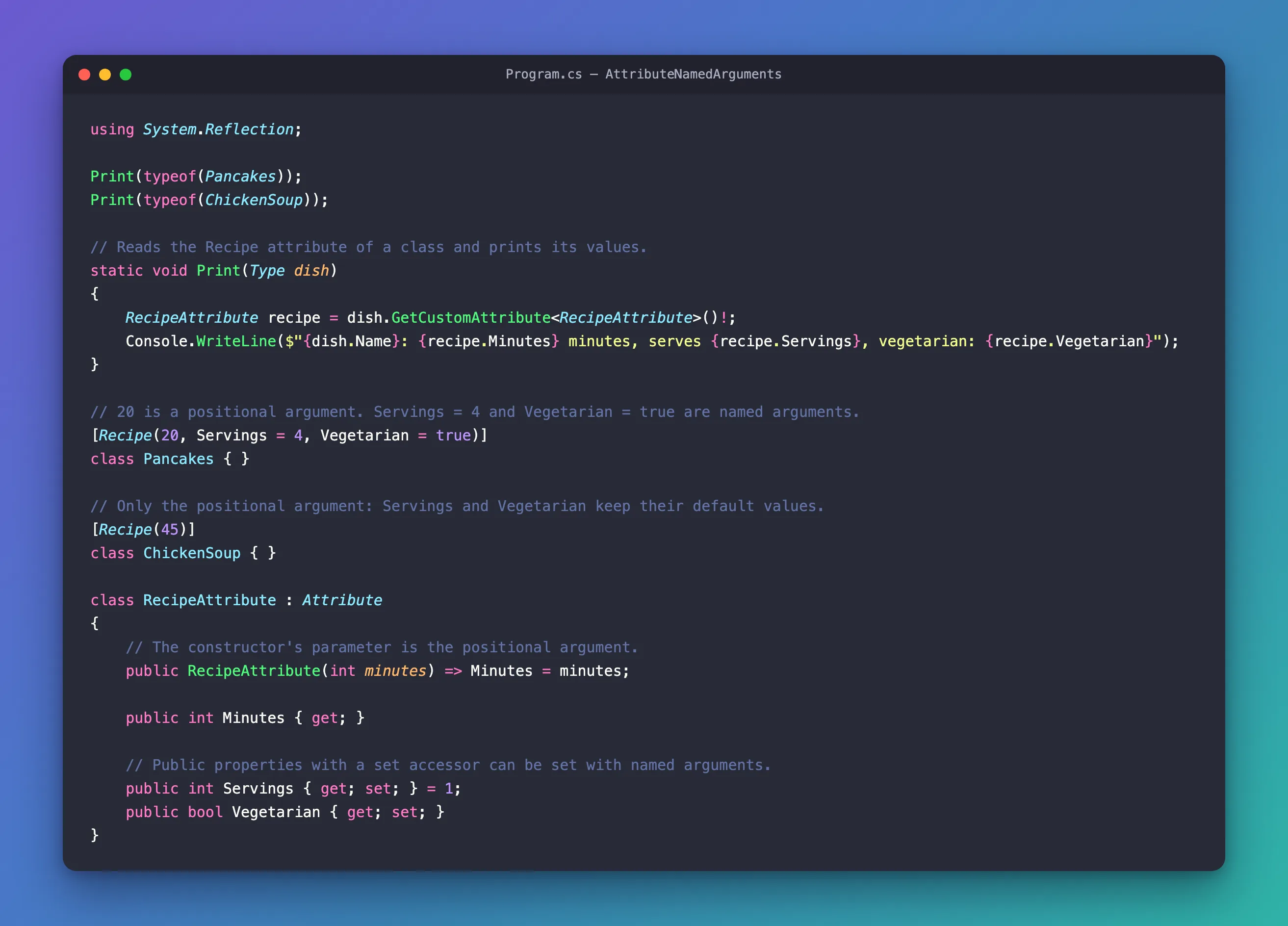
using System.Reflection;

Print(typeof(Pancakes));
Print(typeof(ChickenSoup));

// Reads the Recipe attribute of a class and prints its values.
static void Print(Type dish)
{
    RecipeAttribute recipe = dish.GetCustomAttribute<RecipeAttribute>()!;
    Console.WriteLine($"{dish.Name}: {recipe.Minutes} minutes, serves {recipe.Servings}, vegetarian: {recipe.Vegetarian}");
}

// 20 is a positional argument. Servings = 4 and Vegetarian = true are named arguments.
[Recipe(20, Servings = 4, Vegetarian = true)]
class Pancakes { }

// Only the positional argument: Servings and Vegetarian keep their default values.
[Recipe(45)]
class ChickenSoup { }

class RecipeAttribute : Attribute
{
    // The constructor's parameter is the positional argument.
    public RecipeAttribute(int minutes) => Minutes = minutes;

    public int Minutes { get; }

    // Public properties with a set accessor can be set with named arguments.
    public int Servings { get; set; } = 1;
    public bool Vegetarian { get; set; }
}
Common Mistakes
| Mistake | What happens | Do this instead |
|---|---|---|
A colon instead of = | [Recipe(20, Servings: 4)] doesn't build: error CS1739: The best overload for 'RecipeAttribute' does not have a parameter named 'Servings' | Write Servings = 4. A colon names a constructor parameter: [Recipe(minutes: 20, Servings = 4)] built and set both |
| A named argument before a positional one | [Recipe(Servings = 4, 20)] doesn't build: error CS1016: Named attribute argument expected | Put the positional arguments first. The C# specification: The positional arguments (if any) precede the named arguments. |
Naming a property that has no set accessor | [Recipe(20, Minutes = 30)] doesn't build: error CS0617: 'Minutes' is not a valid named attribute argument. Named attribute arguments must be fields which are not readonly, static, or const, or read-write properties which are public and not static. | Pass that value through the constructor, or give the property a set accessor |
| Leaving out the positional argument | [Recipe(Servings = 4)] doesn't build: error CS7036: There is no argument given that corresponds to the required parameter 'minutes' of 'RecipeAttribute.RecipeAttribute(int)' | Always pass the constructor's arguments |
FAQ
Can a named argument set an init-only property or a field?
Yes. With public int Servings { get; init; } = 1; and a public field public string Cuisine = "";, the attribute [Recipe(20, Servings = 4, Cuisine = "French")] built and printed Servings: 4, Cuisine: French. The C# specification: Each non-static public read-write field and non-static public read-write or read-init property for an attribute class defines a named parameter for the attribute class.
Conclusion
Pass an attribute's required values in its constructor's order, then set any optional ones as Name = value, in any order. A named argument needs a public property or field that can be written, and reflection reads every value back.
Additional Resources
- Attributes — positional and named parameters.
- Create custom attributes — writing your own attribute class.
- Attributes in the C# specification — the exact rules for named parameters.
- CustomAttributeExtensions.GetCustomAttribute — reading an attribute.
