How to Set a Timeout on a Request in Python with requests

By default, requests waits for an answer for as long as it takes, so one slow server can make a program hang. The timeout parameter sets a limit in seconds, and when the server misses it, requests raises requests.Timeout, which your code can catch. This guide sets a timeout on a fast request and on a slow one, with real output from Python 3.15.2 and requests 2.34.2.
Syntax
try:
    response = requests.get(url, timeout=seconds)
except requests.Timeout:
    ...  # what to do when the server is too slow
| Part | What it means |
|---|---|
timeout=seconds | The longest requests waits for the server, as a number, such as 5 or 0.5 |
requests.Timeout | The error requests raises when that time runs out |
except requests.Timeout: | The lines below it run instead of a crash |
The same timeout works for requests.post and the other methods. The requests quickstart: "Nearly all production code should use this parameter in nearly all requests. Failure to do so can cause your program to hang indefinitely", and "If no timeout is specified explicitly, requests do not time out."
Prerequisites
- Python 3 with the requests package in your project, for example with
uv add requests. - An internet connection: httpbin.org's
/delay/Nanswers afterNseconds, which makes a slow server easy to test.
Step 1: Write the Requests
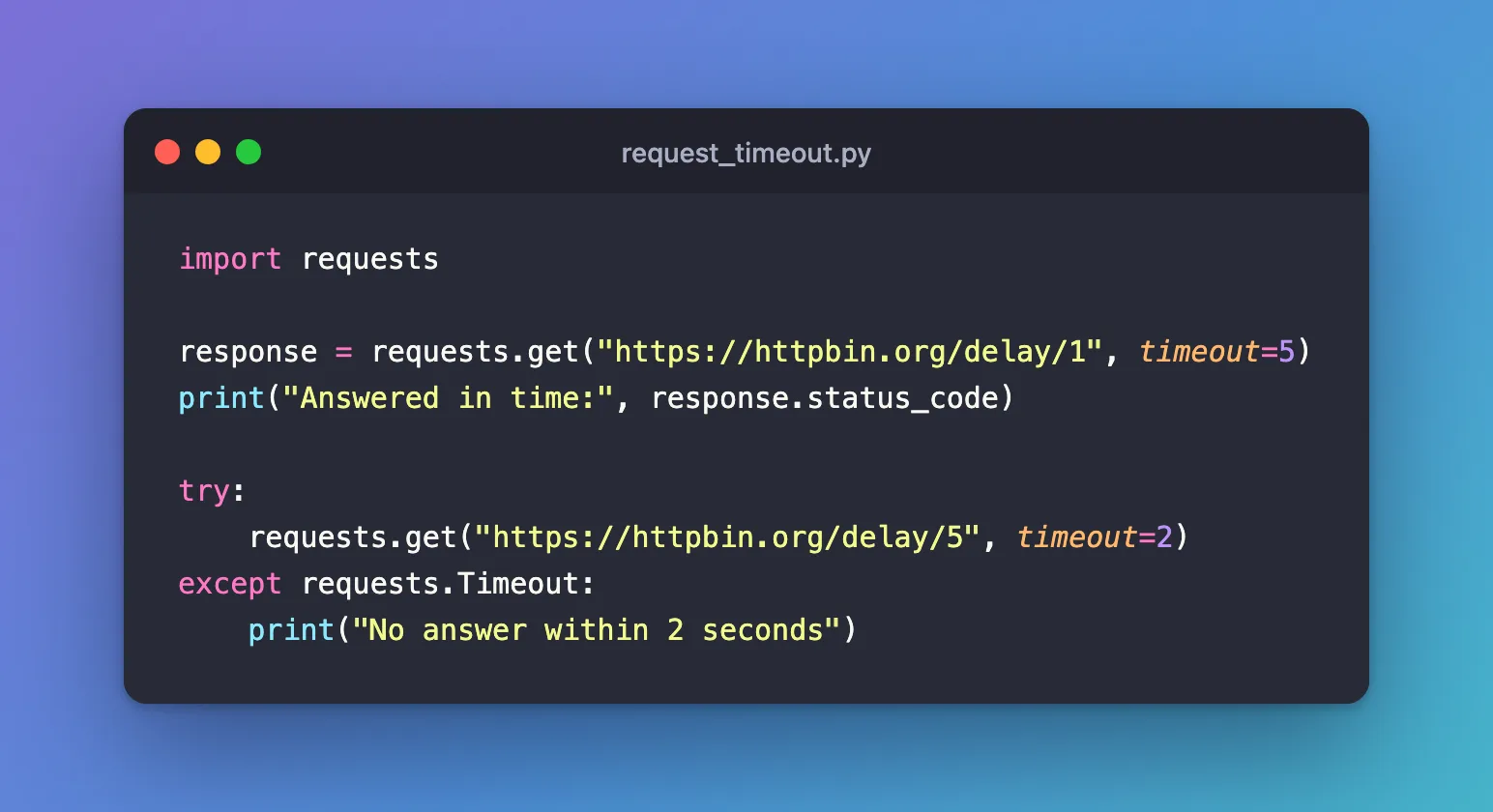
The first request goes to a server that answers after 1 second, with a limit of 5 seconds. The second goes to one that answers after 5 seconds, with a limit of 2:
import requests

response = requests.get("https://httpbin.org/delay/1", timeout=5)
print("Answered in time:", response.status_code)

try:
    requests.get("https://httpbin.org/delay/5", timeout=2)
except requests.Timeout:
    print("No answer within 2 seconds")
Step 2: Run It
uv run python request_timeout.py
Answered in time: 200
No answer within 2 seconds
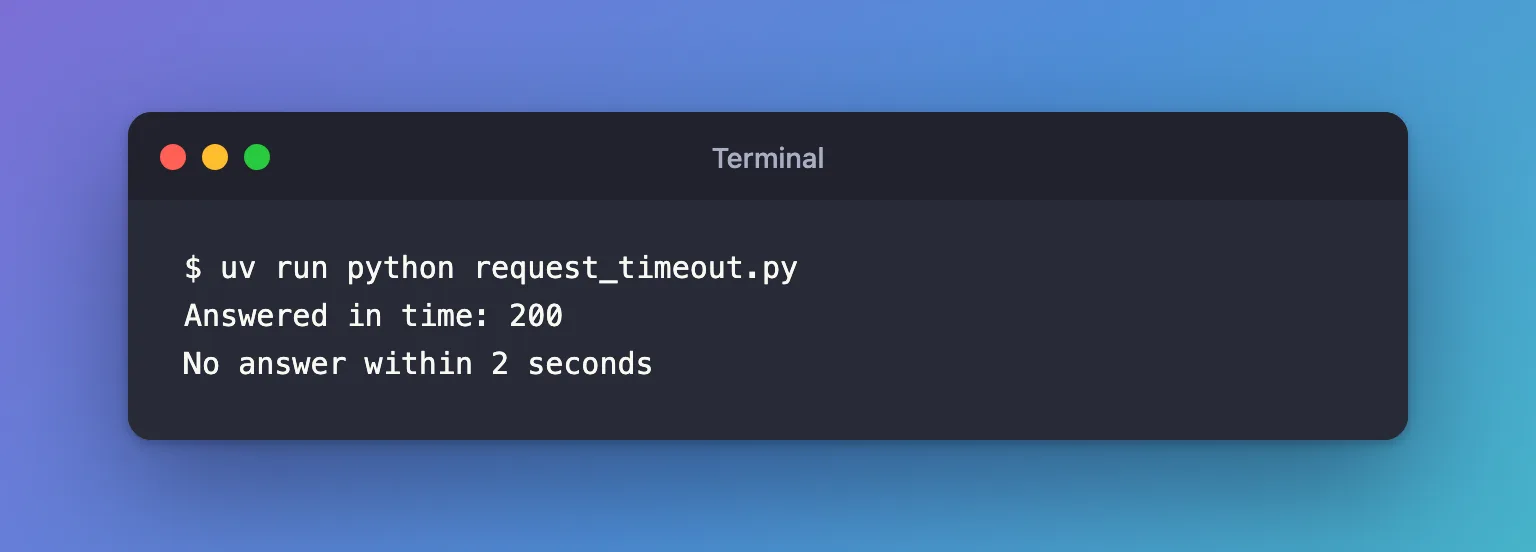
Answered in time: 200: the server took about a second, well inside the 5-second limit.No answer within 2 seconds: the second server needed 5 seconds, so after 2 requests gave up and raisedrequests.Timeout, and theexceptprinted the message instead of the program crashing.
Common Mistakes
| Mistake | What happens | Do this instead |
|---|---|---|
No timeout at all | requests waits as long as the server takes, possibly for ever | Always pass timeout |
Expecting timeout to limit the whole download | The quickstart: it "is not a time limit on the entire response download"; it counts the time without any data arriving | Use it to stop waiting for a server that stopped answering |
Troubleshooting
| Symptom | Likely cause | Fix |
|---|---|---|
The program stops with requests.exceptions.ReadTimeout | The server didn't answer in time and nothing caught the error | Catch requests.Timeout, or raise the limit |
| Slow servers time out at random | The limit is close to how long the server usually takes | Give the server more time than its slowest normal answer |
FAQ
Can I set the connect time and the read time separately?
Yes, with a pair: timeout=(3, 2) waits up to 3 seconds to connect and up to 2 for the answer. Against the 5-second server it raised ReadTimeout.
What are ReadTimeout and ConnectTimeout?
The two kinds of Timeout: waiting for the answer and waiting to connect. Both are subclasses of requests.Timeout, as issubclass confirmed, so except requests.Timeout: catches either.
Conclusion
timeout=5 let a 1-second answer through with status 200, and timeout=2 stopped a 5-second wait with requests.Timeout, which the except turned into a clear message.
Additional Resources
- requests quickstart: Timeouts — what the timeout counts.
- requests: Errors and Exceptions —
Timeoutand the other errors.
