How to Set a Time-Out on a Regex in C#

Some regular expressions take longer and longer on text that almost matches them, each extra character roughly doubling the time. A time-out puts a limit on that: when the regular expression runs out of time, .NET stops it and throws an exception you can catch.
By default a .NET regular expression never times out. Microsoft's best practices say: The default time-out interval is Regex.InfiniteMatchTimeout, which means that the regular expression won't time out. For text you don't control, such as what users type or what another system sends, that's a risk: Unrestricted use of regular expressions with untrusted input can subject applications to denial-of-service attacks.
Syntax
using System.Text.RegularExpressions;

Regex <regex> = new(<pattern>, <options>, <timeout>);

try
{
    bool <found> = <regex>.IsMatch(<input>);
}
catch (RegexMatchTimeoutException <exception>)
{
    // The match took longer than <timeout>.
}
| Part | What it is |
|---|---|
<pattern> | The regular expression |
<options> | RegexOptions.None, or options such as RegexOptions.IgnoreCase |
<timeout> | How long one match may run, as a TimeSpan, such as TimeSpan.FromMilliseconds(500) |
RegexMatchTimeoutException | What a matching method throws when the time is up. Its MatchTimeout, Pattern and Input say which limit, pattern and text it was |
Microsoft's reference describes the constructor: it initializes a new instance of the Regex class for the specified regular expression, with options that modify the pattern and a value that specifies how long a pattern matching method should attempt a match before it times out. The exception is thrown when the execution time of a regular expression pattern-matching method exceeds its time-out interval.
The static methods take a time-out too, such as Regex.IsMatch(<input>, <pattern>, <options>, <timeout>), and so does a source-generated regular expression, in milliseconds: [GeneratedRegex(<pattern>, <options>, matchTimeoutMilliseconds: 500)].
The Example
A console app called RegexTimeout runs the pattern ^(a+)+$ on 40 letter as followed by an exclamation mark, with a time-out of 500 milliseconds. The text almost matches, which is the worst case for this pattern, and the app reports when it gives up.
Prerequisites
- The .NET 10 SDK.
dotnet --versionprints a version that starts with10.0.
Step 1: Create a Console App
dotnet new console -n RegexTimeout
cd RegexTimeout
The template "Console App" was created successfully.

Processing post-creation actions...
Restoring /Users/you/source/RegexTimeout/RegexTimeout.csproj:
  Determining projects to restore...
  Restored /Users/you/source/RegexTimeout/RegexTimeout.csproj (in 107 ms).
Restore succeeded.
dotnet new console -n RegexTimeout creates a folder named RegexTimeout with a project file and a Program.cs, and cd moves into it. Regular expressions are part of .NET, so there's no package to add.
Step 2: Write the Code
Replace everything in Program.cs. First the regular expression, with its time-out, and the text:
using System.Text.RegularExpressions;

// A pattern that tries a huge number of ways to match text that almost fits it.
Regex risky = new(@"^(a+)+$", RegexOptions.None, TimeSpan.FromMilliseconds(500));
string input = new string('a', 40) + "!";
^(a+)+$means: from the start to the end, one or more groups of one or more as. Text made only of as matches at once. With the!at the end it can't match, but the engine only finds that out after trying every way to split the as into groups.TimeSpan.FromMilliseconds(500)is the time-out: half a second per match.new string('a', 40) + "!"is 40 as and an exclamation mark, 41 characters.
Then the match, with the time-out handled:
try
{
    Console.WriteLine(risky.IsMatch(input));
}
catch (RegexMatchTimeoutException exception)
{
    Console.WriteLine($"Gave up after {exception.MatchTimeout.TotalMilliseconds} ms on {exception.Input.Length} characters.");
}
risky.IsMatch(input)tries the match. It either returnstrueorfalse, or runs out of time.catch (RegexMatchTimeoutException exception)handles the time-out.exception.MatchTimeoutis the limit that was hit andexception.Inputis the text.
Step 3: Run It
Run it in VS Code's terminal, or press Ctrl+F5 in Visual Studio:
dotnet run
Gave up after 500 ms on 41 characters.

The match stopped at the limit instead of running on. The message shows the configured 500 ms. Timed separately with a Stopwatch, the stop came after 519 ms, because the engine checks the clock now and then. Microsoft's reference says it throws a RegexMatchTimeoutException exception during its next timing check after the time-out interval has elapsed.
The Complete File
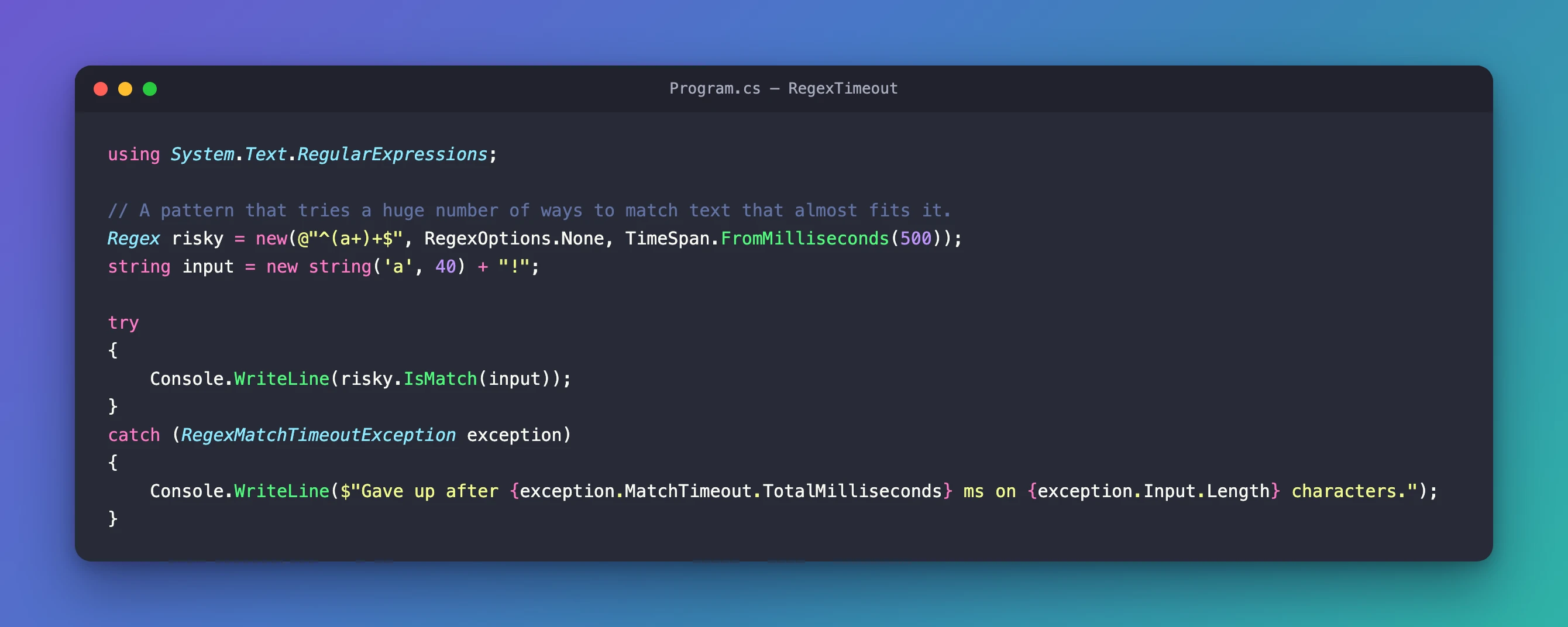
using System.Text.RegularExpressions;

// A pattern that tries a huge number of ways to match text that almost fits it.
Regex risky = new(@"^(a+)+$", RegexOptions.None, TimeSpan.FromMilliseconds(500));
string input = new string('a', 40) + "!";

try
{
    Console.WriteLine(risky.IsMatch(input));
}
catch (RegexMatchTimeoutException exception)
{
    Console.WriteLine($"Gave up after {exception.MatchTimeout.TotalMilliseconds} ms on {exception.Input.Length} characters.");
}
How Long It Takes Without a Time-Out
To see what the time-out saves, the same pattern ran without one, on shorter texts of 20 to 24 as followed by !. watch is a Stopwatch that times each match:
foreach (int count in new[] { 20, 21, 22, 23, 24 })
{
    Regex unlimited = new(@"^(a+)+$");
    watch.Restart();
    bool found = unlimited.IsMatch(new string('a', count) + "!");
    Console.WriteLine($"{count} a's + '!': {found} after {watch.ElapsedMilliseconds} ms");
}
20 a's + '!': False after 91 ms
21 a's + '!': False after 166 ms
22 a's + '!': False after 405 ms
23 a's + '!': False after 1010 ms
24 a's + '!': False after 1995 ms
Each extra character roughly doubled the time, and 24 characters already took two seconds. The example's 41 characters would keep a thread busy far longer than anyone would wait. Microsoft's best practices explain why: this problem arises when quantifiers are nested and the text that matches the outer subexpression is a subset of the text that matches the inner subexpression, which is exactly (a+)+.
Common Mistakes
| Mistake | What happens | Do this instead |
|---|---|---|
| Running a regular expression on text from users or other systems with no time-out | Text that almost matches can keep a thread busy for a very long time | Set a time-out, or use RegexOptions.NonBacktracking |
| Retrying with longer and longer time-outs | A time-out caused by backtracking comes back every time: Microsoft's reference says such time-outs are always reproducible, and that the number of repetitions should be small in case the time-out is caused by excessive backtracking | Retry once or twice at most, then treat the text as not matching |
| Counting on a time-out to make patterns from users safe | Microsoft: Time-out values are not intended as a security boundary against malicious patterns. | Never build a pattern from user input. Use Regex.Escape to match it as plain text |
FAQ
Is there a regular expression that can't run away?
Yes: RegexOptions.NonBacktracking, since .NET 7. Microsoft's guide: This mode is designed to execute in time proportional to the length of the input. The same pattern and text answered False in under 10 ms, timed with the same watch:
Regex linear = new(@"^(a+)+$", RegexOptions.NonBacktracking);
watch.Restart();
Console.WriteLine($"NonBacktracking: {linear.IsMatch(input)} after {watch.Elapsed.TotalMilliseconds:F1} ms");
NonBacktracking: False after 9.6 ms
It doesn't support every construct: it's for patterns that don't need lookarounds, backreferences, or atomic groups.
Can a source-generated regular expression have a time-out?
Yes, in milliseconds. Called as Patterns.Risky().IsMatch(input) inside the same try and catch, this one stopped after 500 ms on the same text:
static partial class Patterns
{
    [GeneratedRegex(@"^(a+)+$", RegexOptions.None, matchTimeoutMilliseconds: 500)]
    public static partial Regex Risky();
}
Can I set one time-out for the whole app?
Yes. Microsoft's best practices name AppDomain.CurrentDomain.SetData("REGEX_DEFAULT_MATCH_TIMEOUT", TimeSpan.FromMilliseconds(100));. After that line, a new Regex(@"^(a+)+$") without its own time-out had a MatchTimeout of 100 ms and stopped after 100 ms.
Conclusion
Give every regular expression that reads text you don't control a time-out: new Regex(pattern, options, TimeSpan.FromMilliseconds(500)), and catch RegexMatchTimeoutException. Here it turned a match whose time doubled with every extra character into a clean stop after half a second.
Additional Resources
- Best practices for regular expressions in .NET — time-outs, backtracking and untrusted input.
- Backtracking in regular expressions — why nested quantifiers slow down.
- RegexMatchTimeoutException — the exception and how to handle it.
