How to Set a Maximum String Length in EF Core (varchar Instead of longtext in MySQL)

A C# string has no length limit, so without being told otherwise, EF Core's MySQL provider gives each one the biggest text type MySQL has: longtext, up to 4 GB. That's wasteful for a SKU, and it gets in the way of indexes. This guide sets real maximum lengths so columns become varchar(n), applies the change to a table that already has data, and shows what happens when you index a string without a length.
What a Maximum Length Does
EF Core's entity properties page explains: "Configuring a maximum length provides a hint to the database provider about the appropriate column data type to choose for a given property." The provider turns it into the database's type: here, varchar(n). And EF Core doesn't enforce it itself: "Entity Framework does not do any validation of maximum length before passing data to the provider."
Prerequisites
- A .NET C# project using EF Core with MySQL. The examples use EF Core 10 with Oracle's
MySql.EntityFrameworkCoreand MySQL 9.7, from How to Connect a .NET C# Web API to a MySQL Database — Part 1. - The EF Core tools: How to Install dotnet-ef as a Local Tool in a .NET C# Project.
Step 1: See the Default
A product has a SKU, a name and a description, all strings:
public required string Sku { get; set; }

public required string Name { get; set; }

public string? Description { get; set; }
The first migration, with no configuration, made all three longtext:
Sku = table.Column<string>(type: "longtext", nullable: false),
Name = table.Column<string>(type: "longtext", nullable: false),
Description = table.Column<string>(type: "longtext", nullable: true),
Step 2: Set the Lengths
Choose a length for each string from what it really holds: SKUs are short codes, names fit in a line, and a description can stay long. In the configuration:
builder.Property(p => p.Sku)
    .HasMaxLength(32);

builder.Property(p => p.Name)
    .HasMaxLength(200);

// Description has no maximum length on purpose: MySQL stores it as longtext.
builder.Property(c => c.Name)
    .HasMaxLength(100);
The same can be written as an attribute on the property, [MaxLength(32)]. For a default length for every string in the model, ConfigureConventions has configurationBuilder.Properties<string>().HaveMaxLength(…); per-property lengths override it.
Step 3: Read the Migration
dotnet ef migrations add SetMaxLengths --project src/Dewiride.Inventory.Data --startup-project src/Dewiride.Inventory.Api
Build started...
Build succeeded.
An operation was scaffolded that may result in the loss of data. Please review the migration for accuracy.
Done. To undo this action, use 'ef migrations remove'
START TRANSACTION;
ALTER TABLE `products` MODIFY `Sku` varchar(32) NOT NULL;

ALTER TABLE `products` MODIFY `Name` varchar(200) NOT NULL;

ALTER TABLE `categories` MODIFY `Name` varchar(100) NOT NULL;

INSERT INTO `__EFMigrationsHistory` (`MigrationId`, `ProductVersion`)
VALUES ('20261103043648_SetMaxLengths', '10.0.14');

COMMIT;
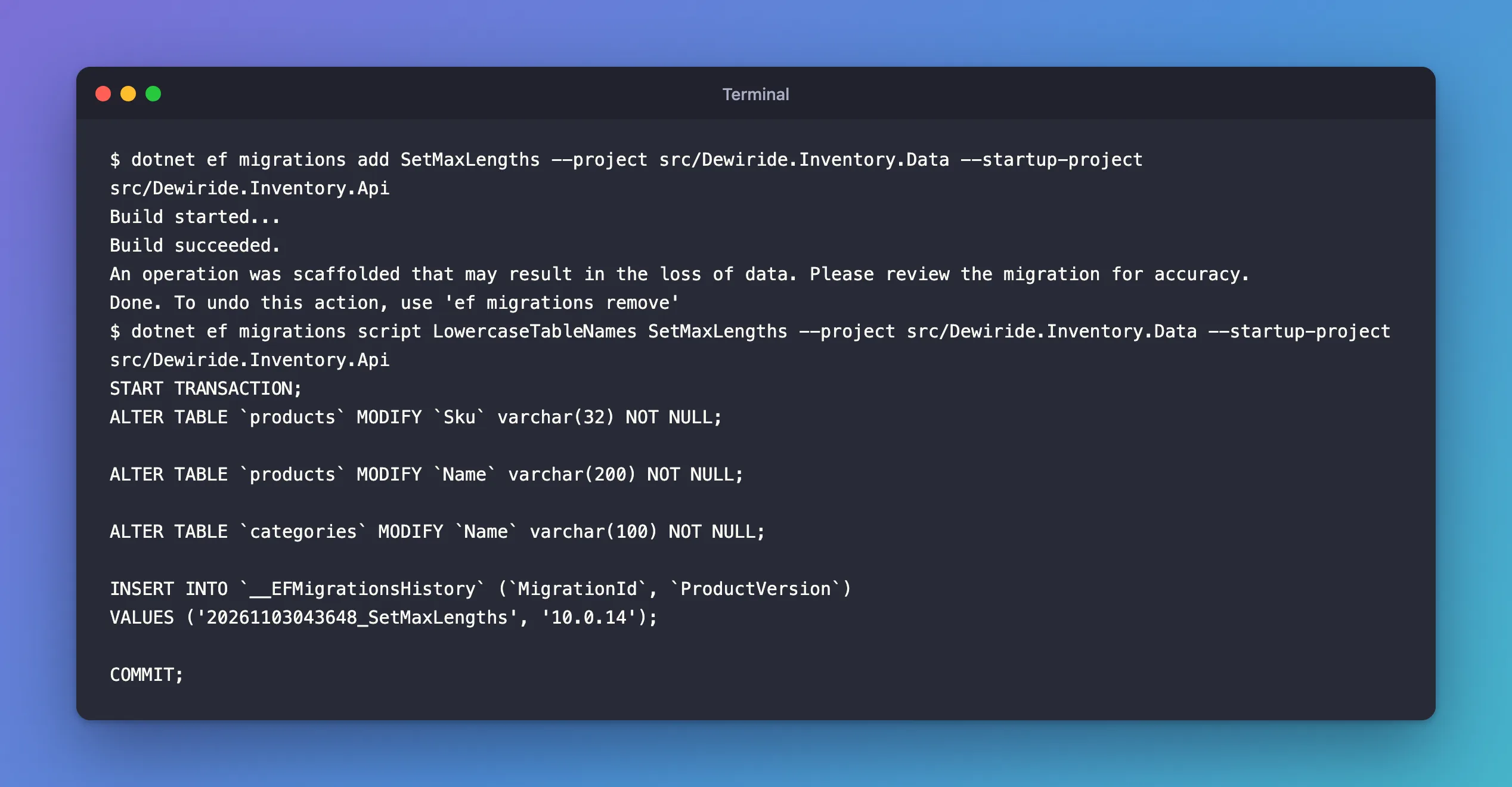
The warning is real: a shorter column can't hold longer values. EF Core doesn't look at your data, so check it yourself.
Step 4: Check the Data, Then Apply
Look for values longer than the new limits before applying. CHAR_LENGTH counts characters, which is what varchar(n) limits:
SELECT Id, Sku, CHAR_LENGTH(Name) AS NameLength FROM products WHERE CHAR_LENGTH(Name) > 200;
+----+-------------+------------+
| Id | Sku         | NameLength |
+----+-------------+------------+
|  4 | ADP-HDMI-02 |        246 |
+----+-------------+------------+
1 row in set (0.000 sec)
One product had a 246-character name. Applied with that row in place, the migration failed with Data too long for column 'Name' at row 2, after it had already changed the Sku column, because MySQL can't roll back schema changes. That error has its own post. After shortening the name, the migration applied:
Applying migration '20261103043648_SetMaxLengths'.
      ALTER TABLE `products` MODIFY `Sku` varchar(32) NOT NULL;
      ALTER TABLE `products` MODIFY `Name` varchar(200) NOT NULL;
      ALTER TABLE `categories` MODIFY `Name` varchar(100) NOT NULL;
      INSERT INTO `__EFMigrationsHistory` (`MigrationId`, `ProductVersion`)
      VALUES ('20261103043648_SetMaxLengths', '10.0.14');
Done.
DESCRIBE products;
| Sku            | varchar(32)   | NO   | UNI | NULL    |                |
| Name           | varchar(200)  | NO   |     | NULL    |                |
| Description    | longtext      | YES  |     | NULL    |                |
Why Indexed Strings Need a Length
MySQL can't index a whole longtext column. When I added a unique index to a string that still had no maximum length, Oracle's provider didn't fail; it changed the column on its own:
migrationBuilder.AlterColumn<string>(
    name: "Name",
    table: "categories",
    type: "varchar(255)",
    nullable: false,
    oldClrType: typeof(string),
    oldType: "longtext");

migrationBuilder.CreateIndex(
    name: "IX_categories_Name",
    table: "categories",
    column: "Name",
    unique: true);
varchar(255), a length nobody chose. Set the length yourself before indexing a string, as in Step 2, and the index uses the column you designed.
Common Mistakes
| Mistake | What happens | Do this instead |
|---|---|---|
| No maximum length on short strings | longtext columns that can't be fully indexed | HasMaxLength for every string with a natural limit |
| Shrinking a column without checking data | The migration fails halfway | SELECT … WHERE CHAR_LENGTH(col) > n first |
| Choosing lengths in bytes | varchar(n) counts characters | Think in characters |
| Relying on the database to reject long input | Users get a database error | Validate lengths in the API too |
Troubleshooting
| Symptom | Likely cause | Fix |
|---|---|---|
Data too long for column '…' when saving | A value is longer than the column | Validate input, or raise the length |
Data too long while applying a migration | Existing rows are longer than the new limit | Fix the rows, then apply again |
A string column became varchar(255) | An index on a string without a length | Set HasMaxLength explicitly |
FAQ
Is longtext ever right?
Yes, for text with no natural limit and no index, such as a product description or notes. The description here stays longtext on purpose.
Does a bigger varchar cost more storage?
MySQL stores a varchar value as its actual characters plus a small length prefix, so varchar(200) holding 20 characters stores about 20. Choose lengths for meaning, not to save space.
Conclusion
EF Core's MySQL provider maps a string without a maximum length to longtext. Set real limits with HasMaxLength(n) or [MaxLength(n)] so columns become varchar(n), check existing data with CHAR_LENGTH before a migration shrinks a column, and always give a string a length before indexing it, or the provider will pick varchar(255) for you.
Additional Resources
- Entity Properties: Maximum length —
HasMaxLengthand[MaxLength]. - The CHAR and VARCHAR Types — how MySQL stores and limits text.
