How to Serve an MLflow Model as a REST API with mlflow models serve

mlflow models serve turns a logged model into a small web server: other programs send it data over HTTP and get predictions back, without loading the model themselves. This guide serves an iris classifier from its model address, asks it for two predictions, and stops it, with real output from MLflow 3.18.0.
Syntax
mlflow models serve -m MODEL_URI -p PORT --env-manager uv
| Part | What it means |
|---|---|
-m MODEL_URI | The model to serve: a logged model, models:/<model ID>, or a registered one, models:/<name>/<version> or models:/<name>@<alias> |
-p PORT | The port to listen on; the default is 5000 |
--env-manager uv | Build an environment for the model with uv, from the packages saved with it. Without it, MLflow uses virtualenv, which needs pyenv |
The CLI reference describes the command as "Serve a model saved with MLflow by launching a webserver on the specified host and port." It listens on 127.0.0.1 unless you pass -h, and it finds a models:/ address through the tracking server in MLFLOW_TRACKING_URI.
Prerequisites
- An MLflow tracking server at
http://127.0.0.1:8080, such asmlflow server --port 8080. mlflowandscikit-learnin your project, for example withuv add mlflow scikit-learn pandas.curlto send requests: it comes with macOS, Linux and Windows 10 and later.
Step 1: Log a Model
The example trains a logistic regression on the iris flowers dataset, which predicts a flower's species from four measurements, and logs it. It prints the model's address:
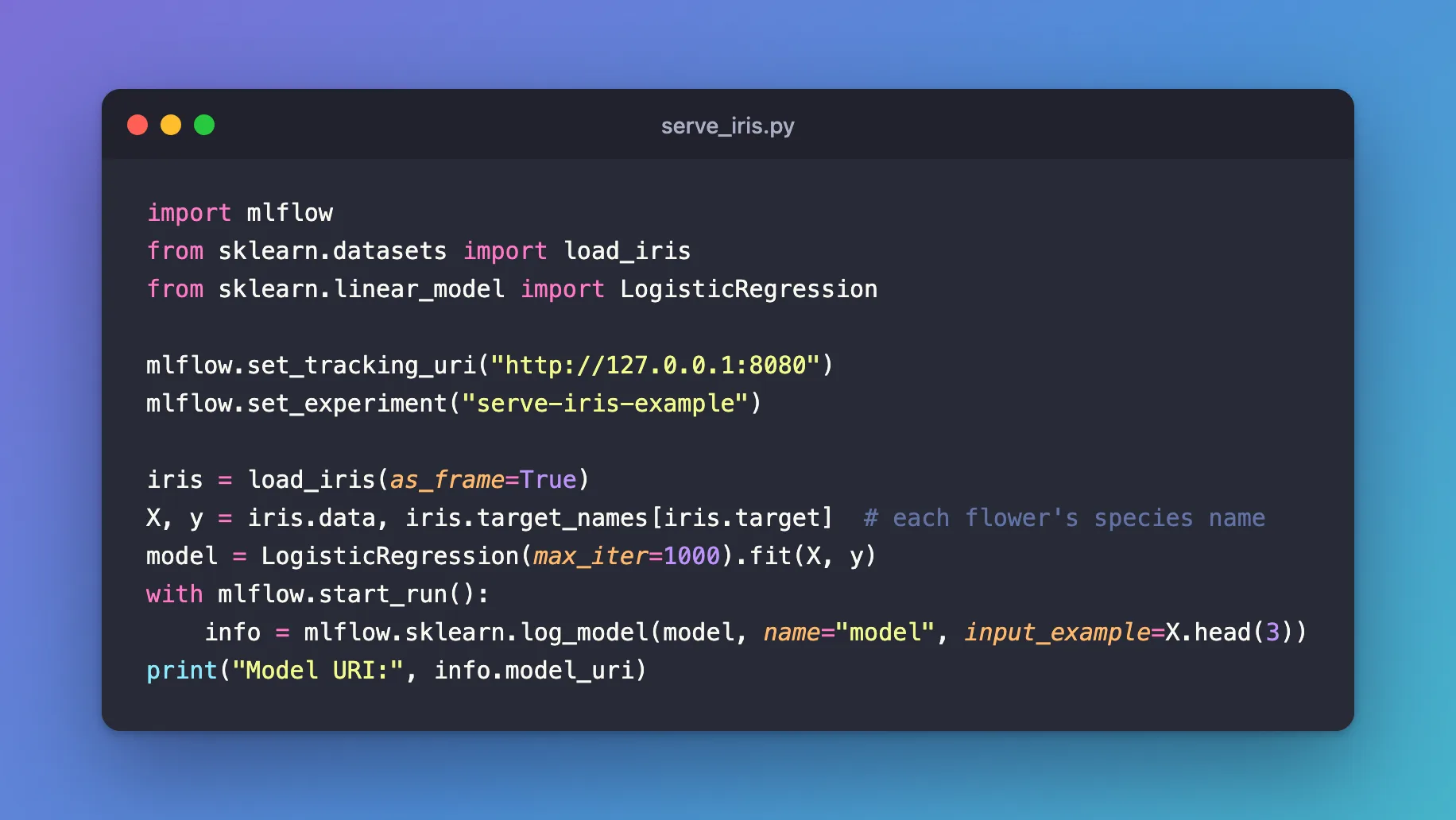
import mlflow
from sklearn.datasets import load_iris
from sklearn.linear_model import LogisticRegression

mlflow.set_tracking_uri("http://127.0.0.1:8080")
mlflow.set_experiment("serve-iris-example")

iris = load_iris(as_frame=True)
X, y = iris.data, iris.target_names[iris.target]  # each flower's species name
model = LogisticRegression(max_iter=1000).fit(X, y)
with mlflow.start_run():
    info = mlflow.sklearn.log_model(model, name="model", input_example=X.head(3))
print("Model URI:", info.model_uri)
uv run python serve_iris.py
Model URI: models:/m-33af58e681404d3d82d682d668283ac5
Step 2: Start the Server
In a terminal in the project folder, tell MLflow where the tracking server is, and serve the model on port 5001:
- macOS / Linux
- Windows (PowerShell)
export MLFLOW_TRACKING_URI=http://127.0.0.1:8080
uv run mlflow models serve -m "models:/m-33af58e681404d3d82d682d668283ac5" -p 5001 --env-manager uv
$env:MLFLOW_TRACKING_URI = "http://127.0.0.1:8080"
uv run mlflow models serve -m "models:/m-33af58e681404d3d82d682d668283ac5" -p 5001 --env-manager uv
2026/11/26 04:37:58 INFO mlflow.models.flavor_backend_registry: Selected backend for flavor 'python_function'
2026/11/26 04:37:58 INFO mlflow.utils.virtualenv: Creating a new environment in /Users/you/.mlflow/envs/mlflow-1a8495c475783fb241f6a7a3da8ec77fb2802018 with python version 3.15.2 using uv
...
Installed 87 packages in 850ms
...
INFO:     Started server process [83525]
INFO:     Waiting for application startup.
INFO:     Application startup complete.
INFO:     Uvicorn running on http://127.0.0.1:5001 (Press CTRL+C to quit)
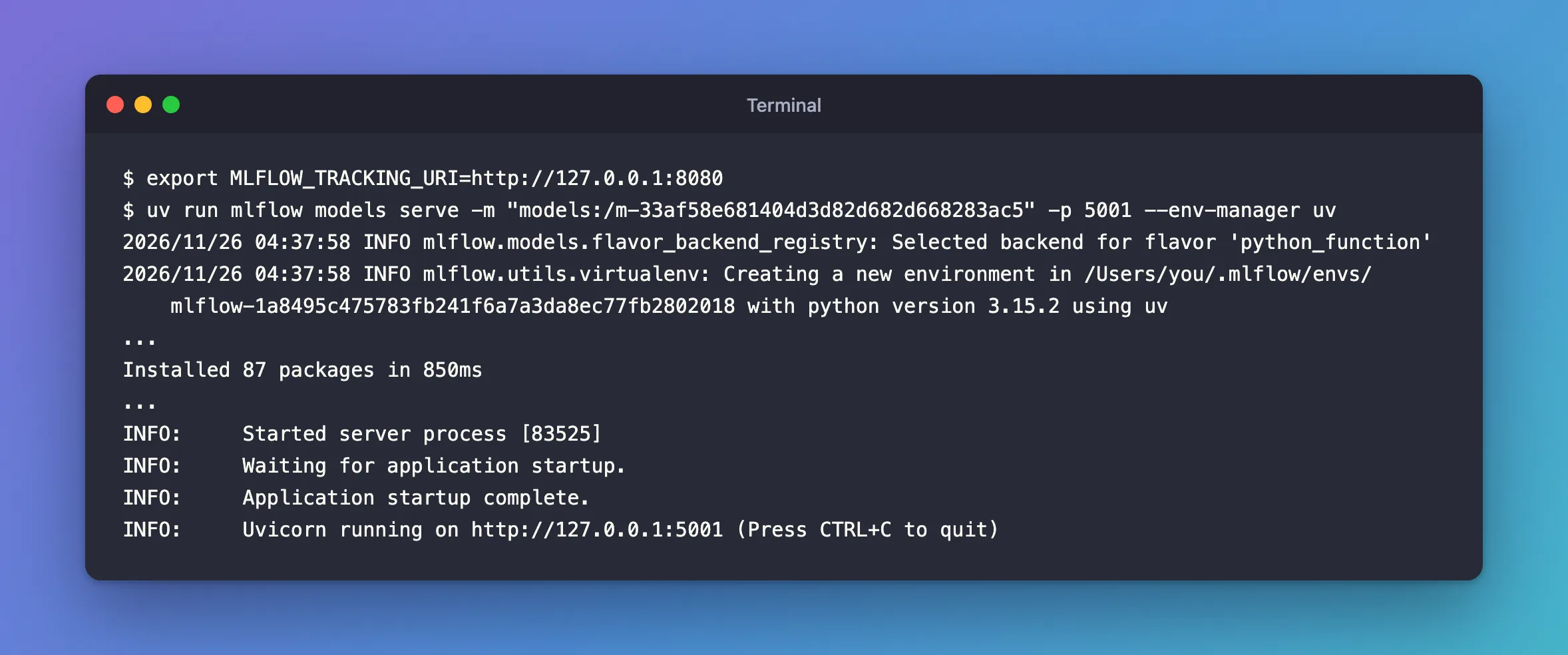
Creating a new environment: MLflow built an environment for the model in your home folder's.mlflow/envs, with the Python version and packages saved with it, so the model runs with the versions it was trained with.Uvicorn running on http://127.0.0.1:5001: the server is up. Uvicorn is the web server MLflow runs it on. Leave this terminal open.
The first start took over a minute here: building the environment took seconds, and Python loading its packages for the first time took the rest. Later starts reuse the environment and are up in seconds.
Step 3: Ask for a Prediction
In another terminal, send two flowers to the server's /invocations endpoint as JSON. dataframe_split lists the column names once and then each flower's values:
- macOS / Linux
- Windows (PowerShell)
curl http://127.0.0.1:5001/invocations -H "Content-Type: application/json" --data '{"dataframe_split": {"columns": ["sepal length (cm)", "sepal width (cm)", "petal length (cm)", "petal width (cm)"], "data": [[5.1, 3.5, 1.4, 0.2], [6.7, 3.0, 5.2, 2.3]]}}'
{"predictions": ["setosa", "virginica"]}
Invoke-RestMethod http://127.0.0.1:5001/invocations -Method Post -ContentType "application/json" -Body '{"dataframe_split": {"columns": ["sepal length (cm)", "sepal width (cm)", "petal length (cm)", "petal width (cm)"], "data": [[5.1, 3.5, 1.4, 0.2], [6.7, 3.0, 5.2, 2.3]]}}'
predictions
-----------
{setosa, virginica}
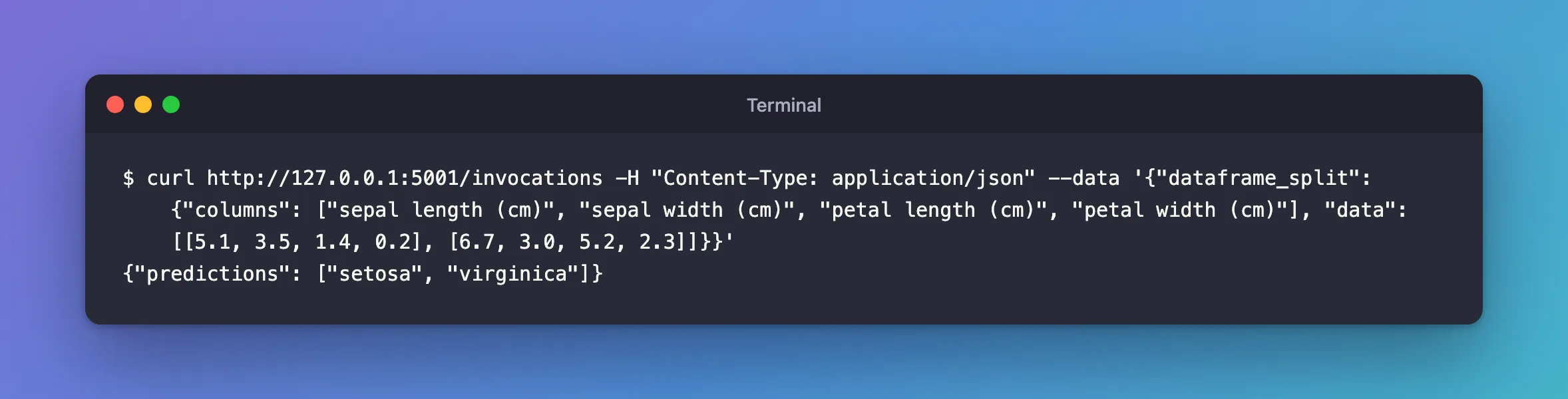
The server answered with one prediction per flower: a setosa and a virginica. The predictions come back in the same order as the rows.
Step 4: Stop the Server
Press Ctrl+C in the server's terminal:
^CINFO:     Shutting down
INFO:     Waiting for application shutdown.
INFO:     Application shutdown complete.
INFO:     Finished server process [83525]
Common Mistakes
| Mistake | What happens | Do this instead |
|---|---|---|
Leaving out --env-manager | MlflowException: Could not find the pyenv binary without pyenv | --env-manager uv: Fixed: Could not find the pyenv binary |
| The default port 5000 on a Mac | localhost:5000 reaches AirPlay Receiver, which answers 403 Forbidden | Another port, such as -p 5001 |
| Sending the request to the tracking server's port, 8080 | 404 Not Found, with an HTML page: the tracking server has no /invocations | Send it to the model server's port |
Troubleshooting
| Symptom | Likely cause | Fix |
|---|---|---|
curl: (7) Failed to connect to 127.0.0.1 port 5001 | The server isn't running yet, or has stopped | Wait for Uvicorn running on, or start it again |
400 Bad Request with Model is missing inputs | A column the model needs is missing | Send every column: How to Read the Error an MLflow Model Server Returns |
FAQ
Which request formats does the server accept?
JSON in four layouts, CSV and Parquet: How to Send a dataframe_split Request to an MLflow Model Server and the guides linked there.
Can I serve a registered model instead?
Yes, by version or alias, such as -m "models:/diabetes-progression@production": How to Serve a Registered Model by Alias with mlflow models serve.
Conclusion
mlflow models serve -m "models:/m-33af58e6..." -p 5001 --env-manager uv built an environment for the iris classifier and served it on port 5001, and a POST to /invocations with two flowers in the dataframe_split layout came back as {"predictions": ["setosa", "virginica"]}.
Additional Resources
- Deploy MLflow Model as a Local Inference Server — the server, its endpoints and input formats.
- mlflow models serve — every option.
