How to Send JSON in a POST Request in Python with requests

Most web APIs take their input as JSON in the body of a POST request. With the requests library, you pass a Python dictionary as json= and requests does the rest: it turns the dictionary into JSON and labels the body application/json. This guide sends a small order to a test service and shows what arrived, with real output from Python 3.15.2 and requests 2.34.2.
Syntax
response = requests.post(url, json=data, timeout=seconds)
| Part | What it means |
|---|---|
url | The address to send the request to |
json=data | A dictionary or a list; requests turns it into JSON for the request's body |
timeout=seconds | How long to wait for the server before giving up |
response | What the server sent back |
The requests quickstart: "you can also pass it directly using the json parameter (added in version 2.4.2) and it will be encoded automatically". It also warns: "the json parameter is ignored if either data or files is passed."
Prerequisites
- Python 3 with the requests package in your project, for example with
uv add requests. - An internet connection: the example sends to httpbin.org, a public test service that answers with what it received.
Step 1: Write the Request
The example sends an order for two coffees as a dictionary, then prints two things: the Content-Type header requests sent, and the JSON the server says it received.
import requests

order = {"item": "coffee", "quantity": 2}
response = requests.post("https://httpbin.org/post", json=order, timeout=10)

print("Sent as:", response.request.headers["Content-Type"])
print("Server received:", response.json()["json"])
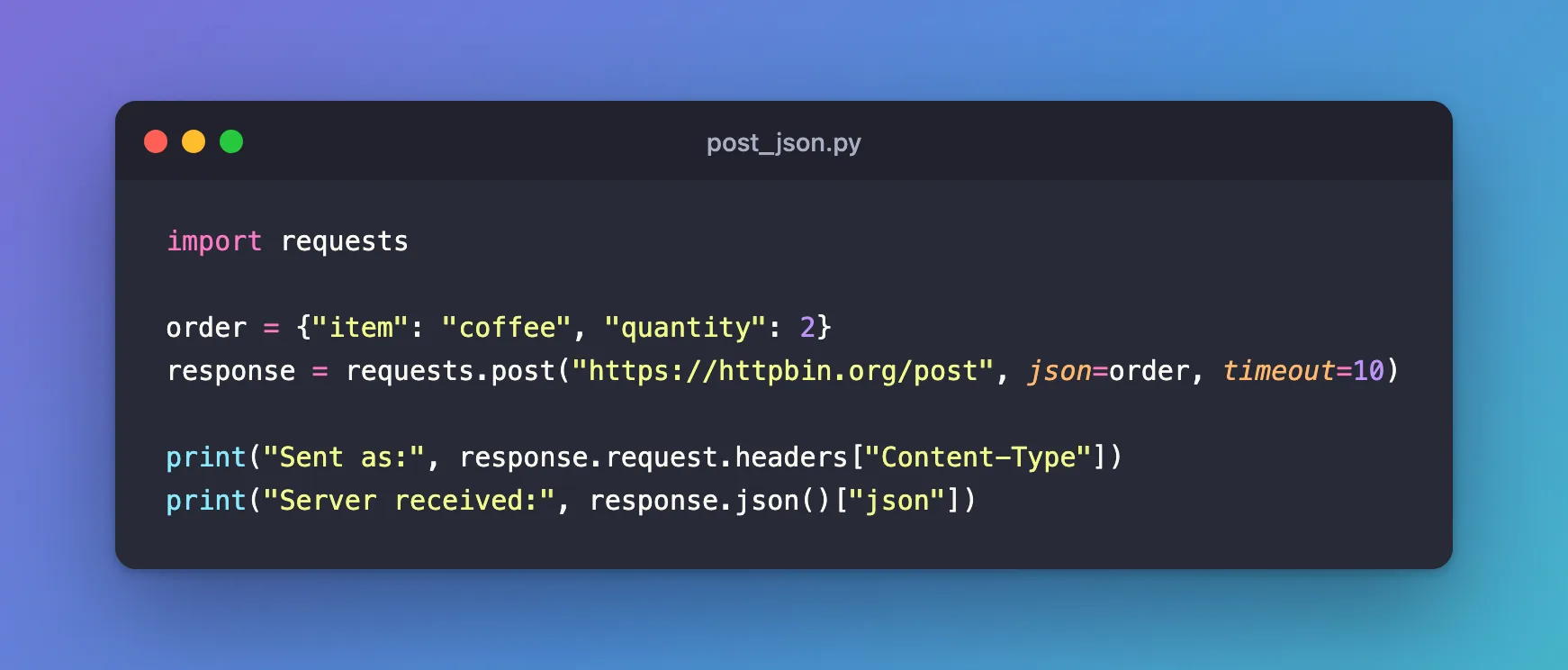
json=order: requests turns the dictionary into JSON text and adds theContent-Type: application/jsonheader.timeout=10: stop waiting after 10 seconds if the server doesn't answer.response.request.headers: the headers requests really sent with the request.response.json()["json"]: httpbin.org puts the JSON it received under the keyjsonin its answer.
Step 2: Run It
uv run python post_json.py
Sent as: application/json
Server received: {'item': 'coffee', 'quantity': 2}
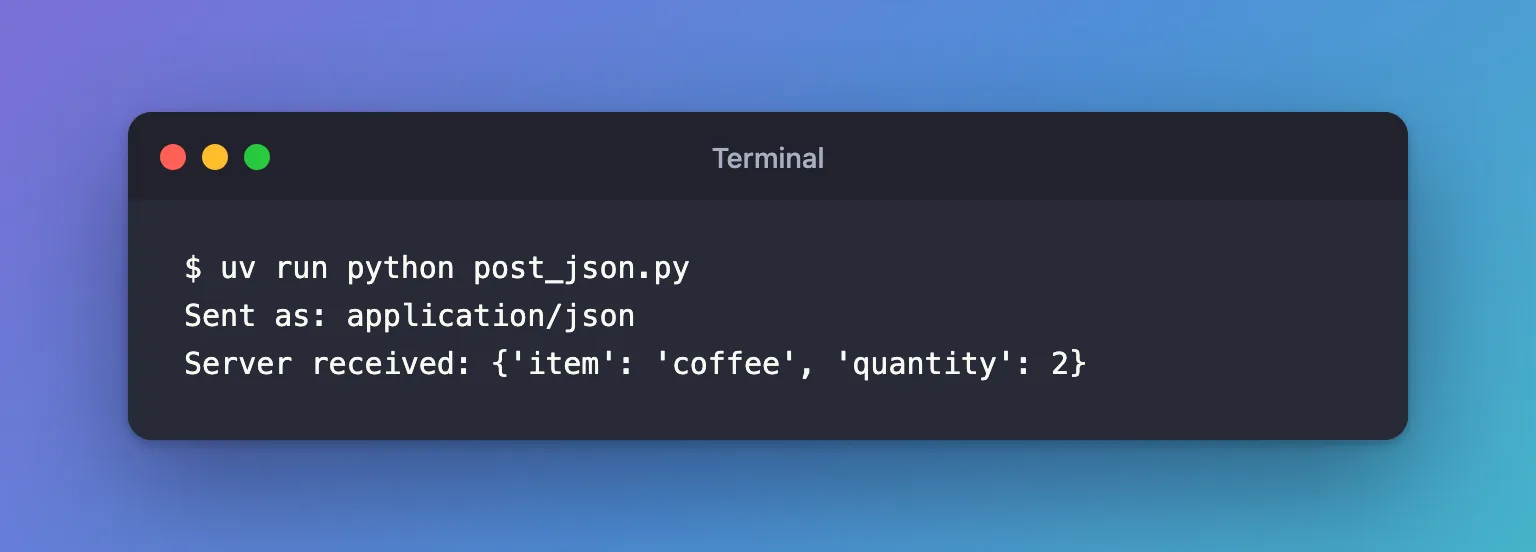
The body was labelled application/json, and the server read the same item and the same number, 2, still a number.
Common Mistakes
| Mistake | What happens | Do this instead |
|---|---|---|
data=order instead of json=order | requests sends a form, application/x-www-form-urlencoded: the server's json was None, and the form held '2' as text | json=order |
json=json.dumps(order) | The JSON text is encoded a second time, so the server received one string, '{"item": "coffee", "quantity": 2}', not an object | Pass the dictionary itself |
Passing json= together with data= | The quickstart: the json parameter "is ignored if either data or files is passed" | Use one of them |
Troubleshooting
| Symptom | Likely cause | Fix |
|---|---|---|
ModuleNotFoundError: No module named 'requests' | requests isn't installed where the script runs | uv add requests in the project |
| The server says the body is missing or isn't JSON | The data went as a form | Check response.request.headers["Content-Type"]; it should be application/json |
FAQ
What exactly did requests send?
response.request.body shows it. For this example it was b'{"item": "coffee", "quantity": 2}', the dictionary written as JSON.
Can I send a list instead of a dictionary?
Yes. json=[1, 2, 3] arrived at httpbin.org as the list [1, 2, 3].
Conclusion
requests.post(url, json=order, timeout=10) sent the dictionary as JSON with Content-Type: application/json, and the server received {'item': 'coffee', 'quantity': 2} with the number intact. data= would have sent a form instead, and json.dumps first would have sent a single string.
Additional Resources
- requests quickstart: More complicated POST requests —
data=,json=and files. - requests API: requests.post — every parameter.
