How to Send Errors to the Same Place as Output in PowerShell with 2>&1

PowerShell keeps normal output and error messages in separate streams, so $result = <command> captures the output and lets the errors go straight to the screen. 2>&1 sends the errors into the output stream too, so one variable, file or pipeline gets both. This guide captures both from a small block of commands, with real output from PowerShell 7.6.10.
Syntax
<command> 2>&1
| Part | What it means |
|---|---|
2 | The error stream |
>&1 | Sends it to stream 1, the success stream, where normal output goes |
The about_Redirection table describes n>&1 as: "Redirects the specified stream to the Success stream".
Prerequisites
- PowerShell 7. This guide uses PowerShell 7.6.10.
Step 1: Capture Output and Errors Together
The block in & { ... } writes one normal line and one error, and 2>&1 sends both into $lines:
$lines = & { Write-Output "Starting the backup"; Write-Error "Disk is full" } 2>&1
$lines.Count
$lines
2
Starting the backup
Write-Error: Disk is full
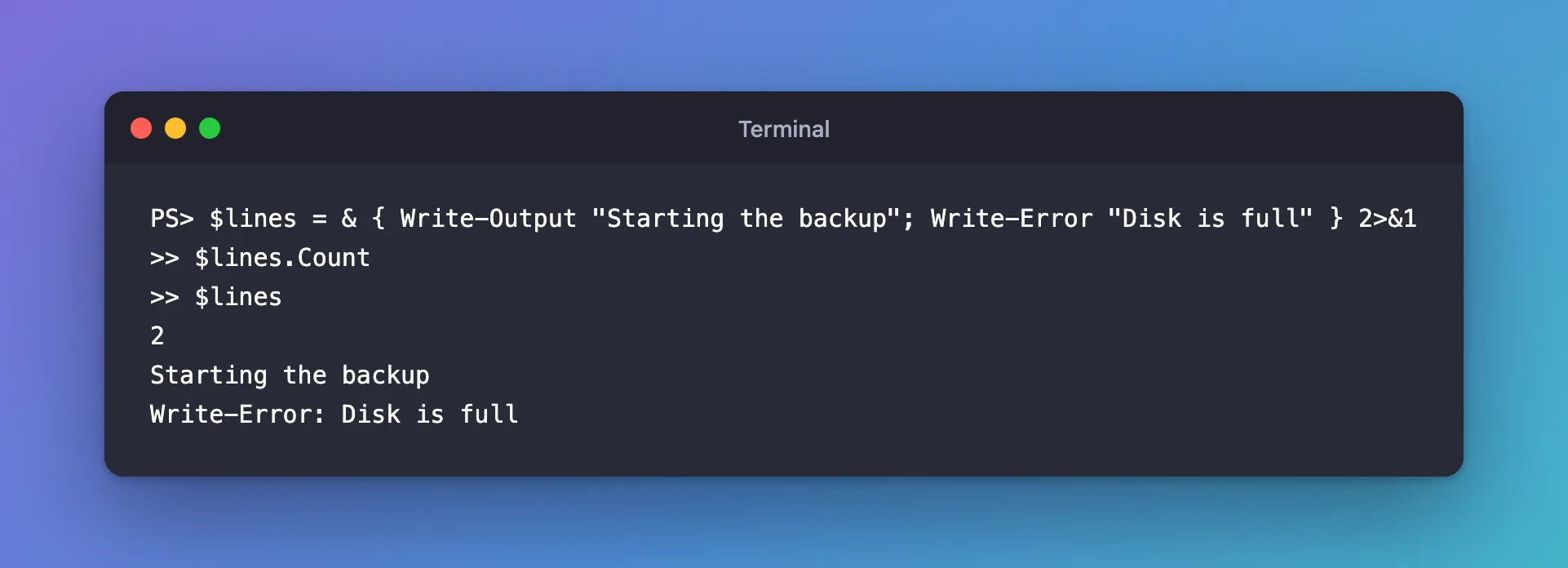
$lines holds both: the normal line and the error.
Common Mistakes
| Mistake | What happens | Do this instead |
|---|---|---|
Leaving out 2>&1 | The error goes straight to the screen, and the variable holds only the normal line: Captured: 1 line | Add 2>&1 at the end of the command |
| Expecting other streams to be redirected anywhere | Unlike some Unix shells, PowerShell can redirect other streams only to the success stream | Use n>&1, then send the combined output on |
Troubleshooting
| Symptom | Likely cause | Fix |
|---|---|---|
| A program's error text isn't in your variable | Native programs write errors to the error stream too | Add 2>&1: $output = curl -sS https://nonexistent.invalid 2>&1 captured curl: (6) Could not resolve host: nonexistent.invalid |
FAQ
Can I send both to a file?
Yes, by redirecting the combined stream: <command> 2>&1 > all.txt. The about_Redirection page shows it with dir C:\, fakepath 2>&1 > .\dir.log.
Does 2>&1 hide errors?
No. They're still errors: in $lines, the first item was a String and the second an ErrorRecord. They just go wherever the output goes.
Conclusion
2>&1 sent Write-Error's message into the same stream as the normal output, so $lines captured both lines. It works the same for a native program's error text.
Additional Resources
- about_Redirection — the streams and redirection operators.
