How to Send a GET Request with HttpClient in C#

await http.GetAsync(url) sends an HTTP GET request and gives back the whole response: the status code, the headers and the body. A few properties later, you know whether it worked and what came back.
The .NET reference on HttpClient: Provides a class for sending HTTP requests and receiving HTTP responses from a resource identified by a URI. And on its GetAsync method: Send a GET request to the specified URI as an asynchronous operation.
Syntax
using HttpClient <client> = new();
using HttpResponseMessage <response> = await <client>.GetAsync("<url>");
string <body> = await <response>.Content.ReadAsStringAsync();

string <text> = await <client>.GetStringAsync("<url>");
| Part | What it is |
|---|---|
HttpClient | Sends the requests. The reference: HttpClient is intended to be instantiated once and reused throughout the life of an application. |
GetAsync("<url>") | Sends the GET request to a full URL, such as one that starts with https:// |
HttpResponseMessage | The response: StatusCode, IsSuccessStatusCode, the headers, and the body in Content |
ReadAsStringAsync() | Reads the body as a string |
GetStringAsync("<url>") | Sends the request and returns the body as a string, in one call |
The GetStringAsync reference: Internally, this operation uses HttpResponseMessage.EnsureSuccessStatusCode to ensure the response status code is in the success range (200-299) and throws an HttpRequestException if it is not.
The Example
A console app called HttpGet sends a GET request to https://api.nuget.org/v3/index.json. NuGet's documentation: The service index is a JSON document that is the entry point for a NuGet package source. The app prints the status code, whether it was a success, the content type and the first character of the body, then reads the same body with GetStringAsync. It needs an internet connection.
Prerequisites
- The .NET 10 SDK.
dotnet --versionprints a version that starts with10.0.
Step 1: Create a Console App
dotnet new console -n HttpGet
cd HttpGet
The template "Console App" was created successfully.

Processing post-creation actions...
Restoring /Users/you/source/HttpGet/HttpGet.csproj:
  Determining projects to restore...
  Restored /Users/you/source/HttpGet/HttpGet.csproj (in 41 ms).
Restore succeeded.
dotnet new console -n HttpGet creates a folder named HttpGet with a project file and a Program.cs, and cd moves into it. Everything this example uses is part of .NET, so there's no package to add. Open the folder in VS Code, or HttpGet.csproj in Visual Studio.
Step 2: Write the Code
Replace everything in Program.cs. First the client and the request:
// One HttpClient for the whole program: create it once and reuse it.
using HttpClient http = new();

string url = "https://api.nuget.org/v3/index.json";

// GetAsync sends the GET request and waits for the response.
using HttpResponseMessage response = await http.GetAsync(url);
using HttpClient http = new();creates the client.usingdisposes it when the program is done with it.await http.GetAsync(url)sends the request and waits for the response.using HttpResponseMessage responsekeeps the response, andusingdisposes it too.
Then what the response says:
Console.WriteLine($"Status: {(int)response.StatusCode} {response.StatusCode}");
Console.WriteLine($"Success: {response.IsSuccessStatusCode}");
Console.WriteLine($"Content type: {response.Content.Headers.ContentType?.MediaType}");
(int)response.StatusCodeis the status code as a number, andresponse.StatusCodeon its own is its name.IsSuccessStatusCodeGets a value that indicates if the HTTP response was successful:truefor a code from 200 to 299.Content.Headers.ContentType?.MediaTypeis the type of the body.?.givesnullinstead of an error whenContentTypeisnull.
Then the body:
// ReadAsStringAsync reads the body of the response as text.
string body = await response.Content.ReadAsStringAsync();
Console.WriteLine($"First character of the body: {body[0]}");

// GetStringAsync sends the request and reads the body in one call.
string sameBody = await http.GetStringAsync(url);
Console.WriteLine($"GetStringAsync read the same body: {sameBody == body}");
ReadAsStringAsync()reads the body as astring, andbody[0]is its first character.GetStringAsync(url)sends a second request and reads its body in one call, andsameBody == bodycompares the two texts.
Step 3: Run It
Run it in VS Code's terminal, or press Ctrl+F5 in Visual Studio:
dotnet run
Status: 200 OK
Success: True
Content type: application/json
First character of the body: {
GetStringAsync read the same body: True
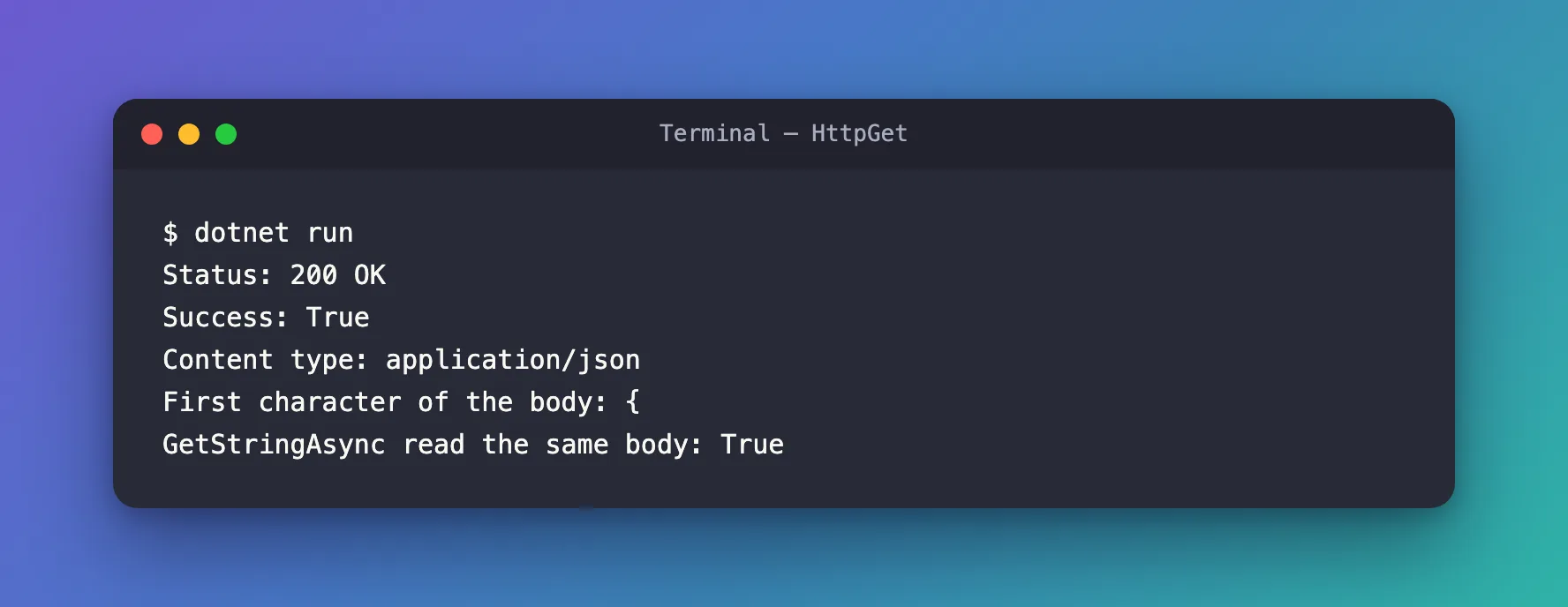
The server answered 200 OK with application/json, and the body starts with a brace, as a JSON object does. Both ways of reading the body gave the same text.
The Complete File
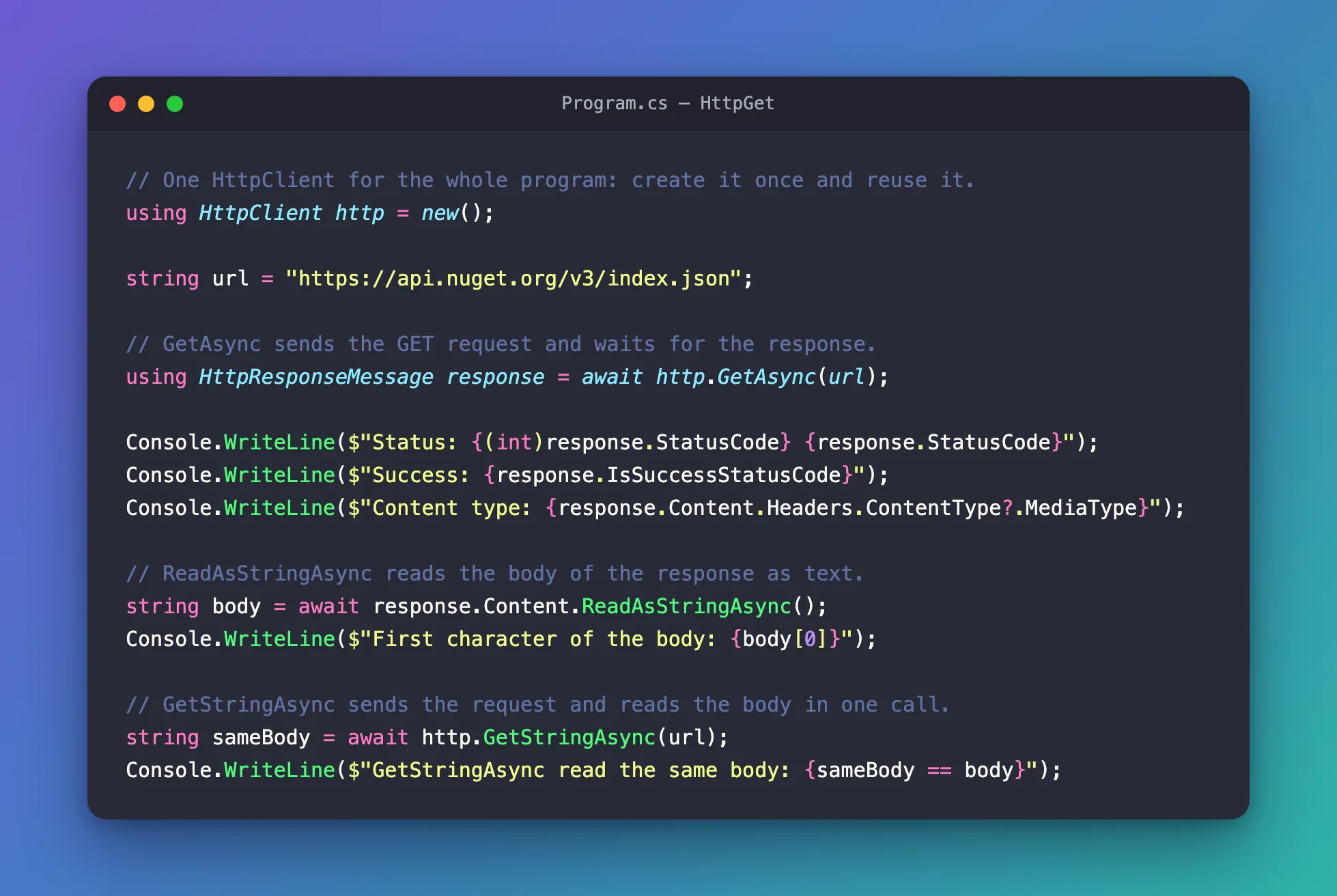
// One HttpClient for the whole program: create it once and reuse it.
using HttpClient http = new();

string url = "https://api.nuget.org/v3/index.json";

// GetAsync sends the GET request and waits for the response.
using HttpResponseMessage response = await http.GetAsync(url);

Console.WriteLine($"Status: {(int)response.StatusCode} {response.StatusCode}");
Console.WriteLine($"Success: {response.IsSuccessStatusCode}");
Console.WriteLine($"Content type: {response.Content.Headers.ContentType?.MediaType}");

// ReadAsStringAsync reads the body of the response as text.
string body = await response.Content.ReadAsStringAsync();
Console.WriteLine($"First character of the body: {body[0]}");

// GetStringAsync sends the request and reads the body in one call.
string sameBody = await http.GetStringAsync(url);
Console.WriteLine($"GetStringAsync read the same body: {sameBody == body}");
Common Mistakes
| Mistake | What happens | Do this instead |
|---|---|---|
A URL without https:// | GetAsync("api.nuget.org/v3/index.json") threw InvalidOperationException: An invalid request URI was provided. Either the request URI must be an absolute URI or BaseAddress must be set. | Write the full URL, with https:// |
| Not checking the status code | GetAsync doesn't throw for an error status. For a file that doesn't exist, it returned 404 NotFound and Success: False, and the program carried on | Check IsSuccessStatusCode, or call response.EnsureSuccessStatusCode(), which threw Response status code does not indicate success: 404 (Not Found). |
Leaving out await | var response = http.GetAsync(url); makes response a task, and response.StatusCode doesn't build: error CS1061: 'Task<HttpResponseMessage>' does not contain a definition for 'StatusCode' and no accessible extension method 'StatusCode' accepting a first argument of type 'Task<HttpResponseMessage>' could be found (are you missing a using directive or an assembly reference?) | Write await before the call |
FAQ
What does GetStringAsync do with a 404?
It throws, because it checks the status code for you. The guide: All HttpClient methods used to make HTTP requests that don't return an HttpResponseMessage type implicitly call the EnsureSuccessStatusCode method on your behalf.
using HttpClient http = new();

try
{
    string body = await http.GetStringAsync("https://api.nuget.org/v3/no-such-file.json");
    Console.WriteLine(body.Length);
}
catch (HttpRequestException exception)
{
    Console.WriteLine($"GetStringAsync threw: {exception.Message}");
    Console.WriteLine($"Its StatusCode: {(int?)exception.StatusCode}");
}
GetStringAsync threw: Response status code does not indicate success: 404 (Not Found).
Its StatusCode: 404
The exception's StatusCode property held the code, 404.
Conclusion
Create one HttpClient, call await GetAsync(url) with a full URL, check IsSuccessStatusCode or call EnsureSuccessStatusCode(), then read the body with ReadAsStringAsync(). When you only need the body, and an exception for an error status suits you, GetStringAsync(url) does it all in one call.
Additional Resources
- Make HTTP requests with the HttpClient class — GET and the other requests, and reading responses.
- HttpClient.GetAsync — the method and its exceptions.
- Guidelines for using HttpClient — how long to keep a client.
