How to Send a Bearer Token from a .http File in VS Code and Visual Studio

An API protected with Microsoft Entra ID wants an access token in the Authorization header of every request. In a .http file, don't paste the token in: keep it in a .env file that Git ignores, and let the editor fill it in when you send the request. VS Code's REST Client extension and Visual Studio both support it with the same line.
Syntax
Authorization: Bearer {{$dotenv <NAME>}}
<NAME>=<token>
| Part | What it means |
|---|---|
Authorization: Bearer | The header that carries an access token: the word Bearer, a space, then the token |
{{$dotenv <NAME>}} | When you send the request, the editor replaces it with the value of <NAME> from the .env file |
<NAME> | The variable's name, such as API_TOKEN, spelled the same in both files |
<NAME>=<token> | One line of the .env file: the name, =, then the value |
The two editors look for the .env file in slightly different places:
| Editor | Where the .env file must be |
|---|---|
| VS Code with REST Client | "in the same directory of your .http file", in the words of the extension's README |
| Visual Studio | "The .env file must be in the project folder", in the words of Microsoft's .http files page |
Keep the .http file in the project folder, where dotnet new webapi puts it, with the .env file next to it, and both editors read the same file.
Prerequisites
- The Azure CLI, signed in to your organization with
az login, to get the token.
The Example
The example API is the one from How to Protect an ASP.NET Core Minimal API with Microsoft.Identity.Web: a .NET 10 minimal API on http://localhost:5301 whose one endpoint, /hello, answers 401 without a token and greets the caller with one. Its .http file, HelloApi.http, sits in the project folder. If .http files are new to you, How to Send API Requests from a .http File in VS Code and Visual Studio covers the format: requests, ### separators, @variables and bodies.
Step 1: Save the Token in a .env File
Open a terminal in the project folder and run these commands. The first line holds the example API's scope; put your own API's there, api:// followed by its Application (client) ID and /access_as_user:
- macOS / Linux
- Windows (PowerShell)
API_SCOPE="api://22222222-2222-2222-2222-222222222222/access_as_user"
TOKEN=$(az account get-access-token --scope "$API_SCOPE" --query accessToken --output tsv)
echo "API_TOKEN=$TOKEN" > .env
$apiScope = "api://22222222-2222-2222-2222-222222222222/access_as_user"
$token = az account get-access-token --scope $apiScope --query accessToken --output tsv
"API_TOKEN=$token" | Set-Content .env
The commands print nothing when they work: the token goes straight into the file, never onto your screen.
| Line | What it does |
|---|---|
| The first | Keeps the scope in a variable, so the next line stays short |
| The second | Asks Microsoft Entra ID for an access token for that scope, as you. --query accessToken --output tsv keeps only the token itself |
| The third | Writes API_TOKEN= and the token into .env, replacing the file if it's already there |
How to Get an Access Token for Your Own API with the Azure CLI explains the token command in detail. The .env file now holds one line, API_TOKEN= and the token, about 2,200 characters in all.
Step 2: Keep the .env File Out of Git
The token is a key to the API: anyone who has it can call the API as you until it expires. Microsoft's page warns about exactly this: ".env files might not be excluded from source control by default, so be careful to avoid checking in any secret values."
Ask Git whether it ignores the file:
git check-ignore -v .env
The command is the same in every shell. In a repository whose .gitignore came from dotnet new gitignore, it names the rule that ignores the file:
.gitignore:7:.env .env
The .NET template's .gitignore has the rule on line 7, under # dotenv files. If the command prints nothing, Git doesn't ignore the file yet: add a line with .env to your .gitignore and run it again.
Step 3: Put the Token in the Request
Add the Authorization line right below the request line, with any other headers. The example's complete file:
@baseUrl = http://localhost:5301

# Without a token: the API answers 401 Unauthorized.
GET {{baseUrl}}/hello

###

# With your token from the .env file: the API answers 200 OK.
GET {{baseUrl}}/hello
Authorization: Bearer {{$dotenv API_TOKEN}}
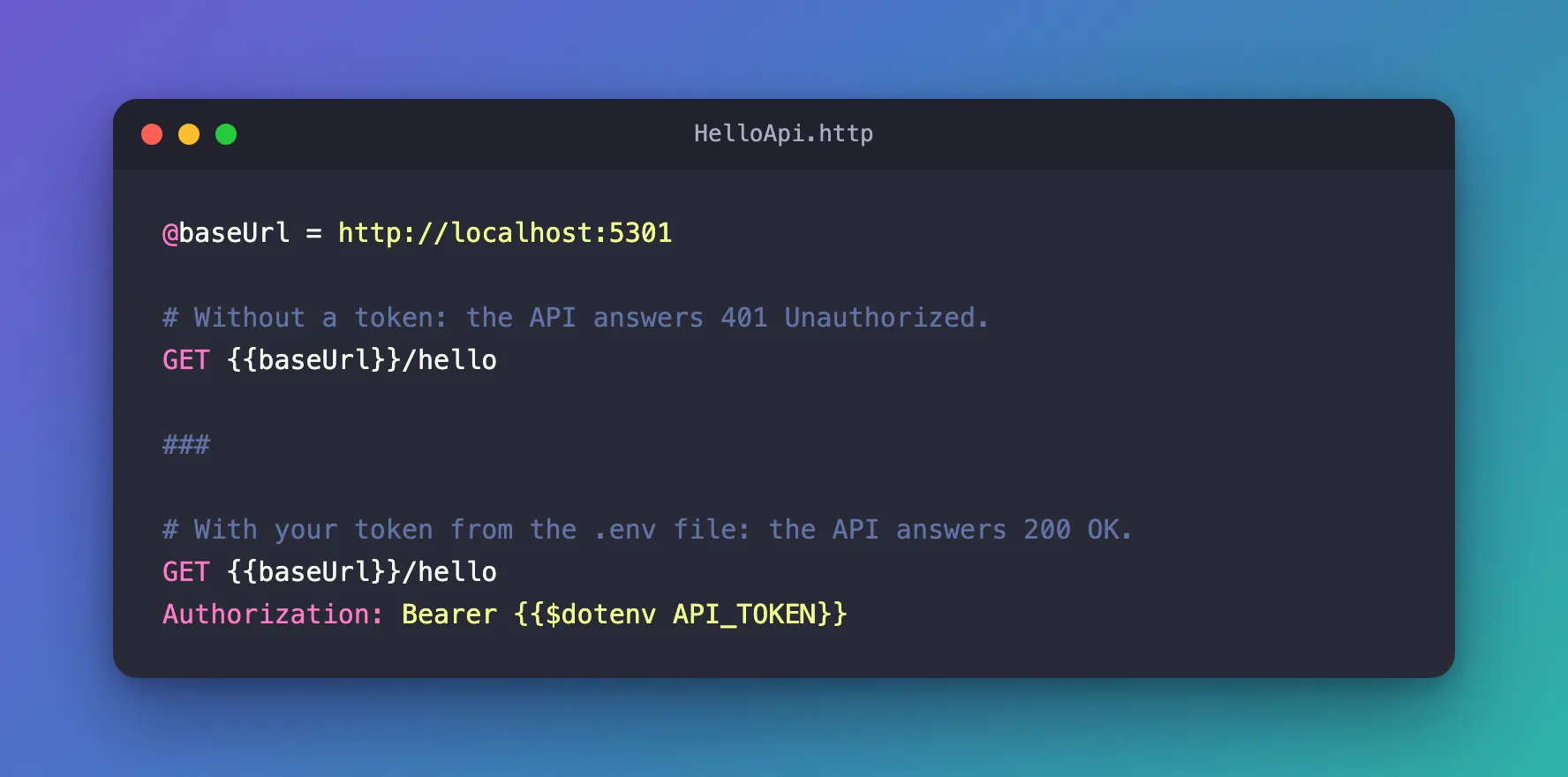
Headers go on the lines right after the request line, before any blank line: a blank line ends the headers and starts the body. The file itself holds no secret, so it can go into Git and be shared. Each person writes their own .env.
Step 4: Send the Requests
Start the API first. Then:
- VS Code
- Visual Studio
Select Send Request above the first GET line, then above the second. REST Client opens each response in a tab beside the file.
Select Send Request above the first GET line, then above the second. The response appears in a pane to the right of the editor. Microsoft's page adds that typing $dotenv "shows completions for the variables defined in the .env file", which is a quick way to check that Visual Studio has found the file.
The first request, without a token:
HTTP/1.1 401 Unauthorized
Content-Length: 0
Date: Thu, 19 Nov 2026 13:03:45 GMT
Server: Kestrel
WWW-Authenticate: Bearer
The second, with the token from .env:
HTTP/1.1 200 OK
Content-Type: text/plain; charset=utf-8
Date: Thu, 19 Nov 2026 13:03:49 GMT
Server: Kestrel
Transfer-Encoding: chunked

Hello, user@example.com!
Same endpoint, same file, two answers: the only difference is the Authorization line.
When the Token Expires
An access token from Microsoft Entra ID lasts 60 to 90 minutes by default. After that, the same request gets this answer:
HTTP/1.1 401 Unauthorized
Content-Length: 0
Date: Thu, 19 Nov 2026 13:05:41 GMT
Server: Kestrel
WWW-Authenticate: Bearer error="invalid_token", error_description="The token expired at '11/19/2026 11:59:10'"
The WWW-Authenticate header says why. Run Step 1's commands again for a new token and send the request again; the .http file stays as it is. Don't be surprised if a token keeps working for a few minutes past the time in the message: by default, the token check allows five minutes for clocks that are slightly out of step.
Common Mistakes
| Mistake | What happens | Do this instead |
|---|---|---|
Pasting the token into the .http file | It goes into Git with the file, and stops working within 90 minutes anyway | Keep it in .env and write {{$dotenv API_TOKEN}} |
.env in another folder | The editor can't find the value | Keep it next to the .http file, in the project folder |
A blank line between the request line and Authorization | The header becomes part of the body | Put headers right after the request line |
Committing .env | Anyone who can read the repository can use the token until it expires | Check with git check-ignore -v .env before your first commit |
Sharing a screen with .env open | The token is on screen | Never open the file; the commands write it for you |
Troubleshooting
| Symptom | Likely cause | Fix |
|---|---|---|
401 with WWW-Authenticate: Bearer and nothing else | The request carried no token: the Authorization line is missing, or .env is missing or empty | Add the line, and run Step 1's commands in the project folder |
401 with error_description="The token expired at '…'" | The token is older than its 60 to 90 minutes | Run Step 1's commands again |
401 with error_description="The audience '(null)' is invalid" | The token was issued for another API, often because --scope was left out | Check the scope in Step 1 |
AADSTS9002313 from az account get-access-token | Your API hasn't authorized the Azure CLI | Fixed: AADSTS9002313 When the Azure CLI Gets a Token for Your Own API |
FAQ
Why not Visual Studio's http-client.env.json?
Microsoft's page says the http-client.env.json file "is checked in to source control by default", and tells you not to put user-specific values in it. .env with $dotenv keeps the token out of Git, and the same .http file works in both editors.
Can the whole team use the same .http file?
Yes. The file holds {{$dotenv API_TOKEN}}, not a token, so it can be committed. Each person runs Step 1's commands and gets a token of their own, for their own account.
Does this work for other headers?
Yes. $dotenv works anywhere a variable does, for example in an API key header. Visual Studio's own example puts a $dotenv value in a custom X-UserName header.
Conclusion
Authorization: Bearer {{$dotenv API_TOKEN}} in the .http file, and API_TOKEN=<token> in a .env file next to it, let VS Code's REST Client and Visual Studio send your token without it ever appearing in the file you commit. Two Azure CLI commands write the token, git check-ignore -v .env confirms Git ignores it, and the same request went from 401 Unauthorized to 200 OK. When the token expires, run the commands again.
Additional Resources
- Use .http files in Visual Studio — variables,
.envfiles and$dotenv. - REST Client for VS Code — the extension and its system variables,
$dotenvamong them. - az account get-access-token — the Azure CLI command that gets the token.
