How to Select Only the Columns You Need with EF Core

Reading a whole entity sends every column over the wire, even when you only use two. A Select call tells EF Core which values you want, and it asks MySQL for exactly those. This guide compares the SQL for both, maps the result to a record, and checks what happens to change tracking.
Prerequisites
- A .NET C# project with EF Core and a MySQL table. The examples use EF Core 10, Oracle's
MySql.EntityFrameworkCore, MySQL 9.7, and aproductstable with thirteen columns. SQL logging is on, as in How to See the SQL That EF Core Sends.
Step 1: See What a Whole Entity Costs
var products = await db.Products.ToListAsync();
info: Microsoft.EntityFrameworkCore.Database.Command[20101]
      Executed DbCommand (3ms) [Parameters=[], CommandType='Text', CommandTimeout='30']
      SELECT `p`.`Id`, `p`.`ArchivedAtUtc`, `p`.`CategoryId`, `p`.`CreatedAtUtc`, `p`.`Description`, `p`.`IsArchived`, `p`.`Name`, `p`.`QuantityOnHand`, `p`.`ReorderLevel`, `p`.`Sku`, `p`.`UnitPrice`, `p`.`UpdatedAtUtc`, `p`.`Version`
      FROM `products` AS `p`
Thirteen columns for every row, including Description, a longtext that can hold up to 4 GB. EF Core's efficient querying page puts it this way: "querying entity instances can frequently pull back more data than necessary from your database."
Step 2: Ask for Two Columns
var products = await db.Products
    .Select(p => new { p.Sku, p.Name })
    .ToListAsync();
info: Microsoft.EntityFrameworkCore.Database.Command[20101]
      Executed DbCommand (1ms) [Parameters=[], CommandType='Text', CommandTimeout='30']
      SELECT `p`.`Sku`, `p`.`Name`
      FROM `products` AS `p`
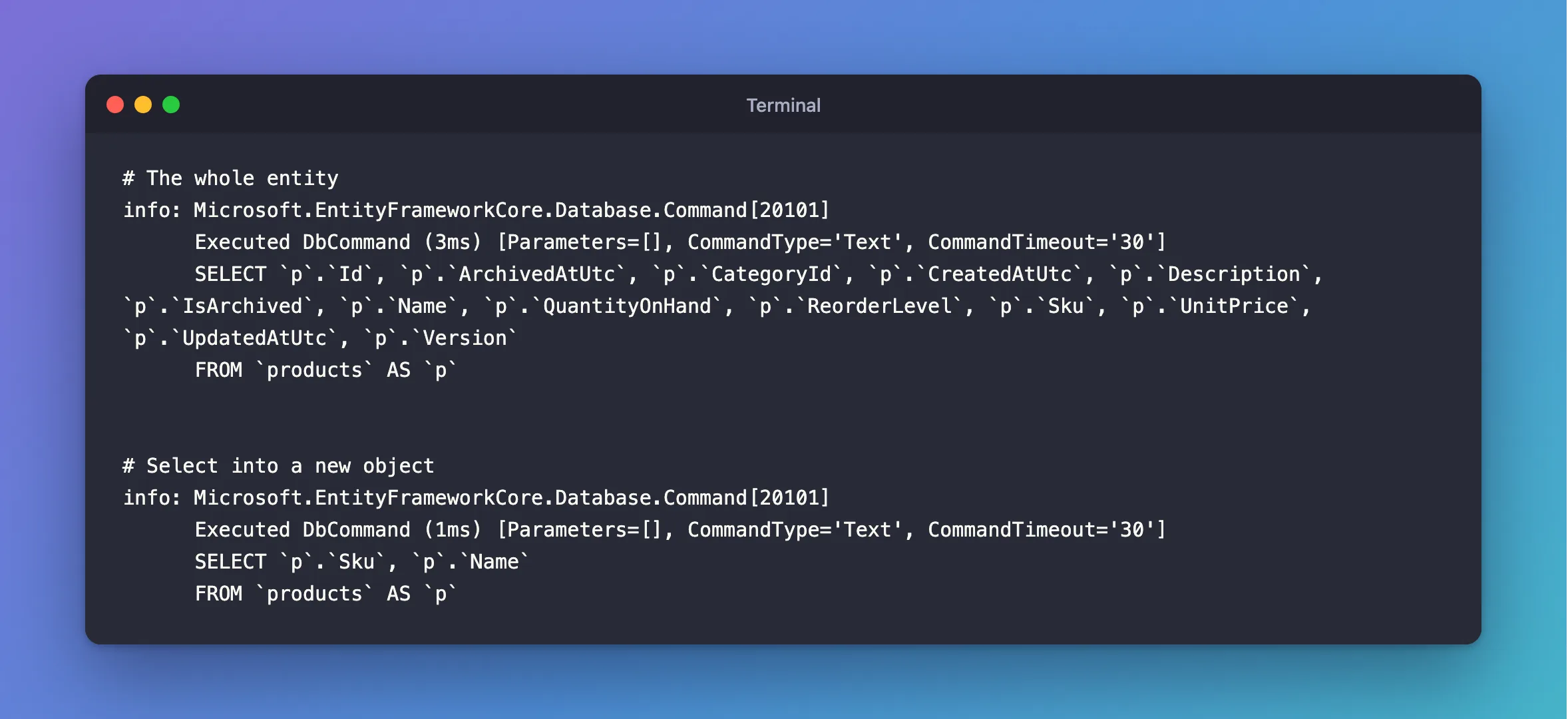
Select is called a projection. EF Core reads the expression, sees which properties it uses, and puts only those in the SQL.
Step 3: Use a Record for a Real API
An anonymous type is fine for a quick test. For an endpoint, use a named record, so the response has a type:
public sealed record CategoryResponse(
    int Id,
    string Name,
    DateTime CreatedAtUtc);
var categories = await db.Categories
    .OrderBy(c => c.Name)
    .Select(c => new CategoryResponse(c.Id, c.Name, c.CreatedAtUtc))
    .ToListAsync(cancellationToken);
info: Microsoft.EntityFrameworkCore.Database.Command[20101]
      Executed DbCommand (1ms) [Parameters=[], CommandType='Text', CommandTimeout='30']
      SELECT `c`.`Id`, `c`.`Name`, `c`.`CreatedAtUtc`
      FROM `categories` AS `c`
      ORDER BY `c`.`Name`
Three properties in the record's constructor, and three columns in the SQL.
Step 4: Know What You Give Up
Projected results aren't tracked. I counted the tracked objects after each query:
| Query | Rows | Tracked objects |
|---|---|---|
db.Products.ToListAsync() | 8 | 8 |
db.Products.Select(p => new { p.Sku, p.Name }).ToListAsync() | 8 | 0 |
EF Core's tracking page explains: "If the result set doesn't contain any entity types, then no tracking is done." That's good for reads, because it saves work. It also means you can't change a projected result and save it. To update a row, load the entity.
A projection can follow navigations, and EF Core adds the join by itself: How to Load Related Data shows that.
Common Mistakes
| Mistake | What happens | Do this instead |
|---|---|---|
ToListAsync before Select | Every column is loaded, then thrown away in C# | Select first |
Calling a C# method inside Select | EF Core loads the whole entity to run it, and navigations are empty | See the expression post |
Selecting the entity inside the projection, new { Product = p } | The whole entity is loaded and tracked | Select the properties |
| Changing a projected object and saving | Nothing happens: it isn't tracked | Load the entity to update it |
FAQ
Do I need AsNoTracking on a projection?
No. There's nothing to track. How to Use AsNoTracking in EF Core covers when you do need it.
Does this help if the table is small?
The time saved is small, and a projection still gives you a clear response type, which is reason enough in a Web API.
Conclusion
Select tells EF Core which values you need, and only those columns appear in the SQL. Use it with a record for every read in a Web API, keep it before ToListAsync, and load the entity only when you're going to change it.
