How to See Which MySQL Query Is Blocking Another

An UPDATE that normally takes a millisecond has been sitting there for a minute. Nothing is wrong with the statement: another transaction holds the row. MySQL's sys schema can tell you who, in one query, along with the statement to get rid of them.
Prerequisites
- MySQL 8.0 or newer. The examples use MySQL 9.7.4 in Docker, and the
mysqlclient from How to Connect to MySQL in a Docker Container. - An account that may read these views. An ordinary application account gets ERROR 1142. The examples use root. How to Let a MySQL User See Locks and Transactions sets up a narrower account.
Step 1: Make One Session Wait
One transaction changes a row and stays open:
START TRANSACTION;
UPDATE products SET QuantityOnHand = 49 WHERE Id = 3;
Another wants the same row, and doesn't come back:
UPDATE products SET QuantityOnHand = 48 WHERE Id = 3;
Step 2: Ask Who's Waiting for Whom
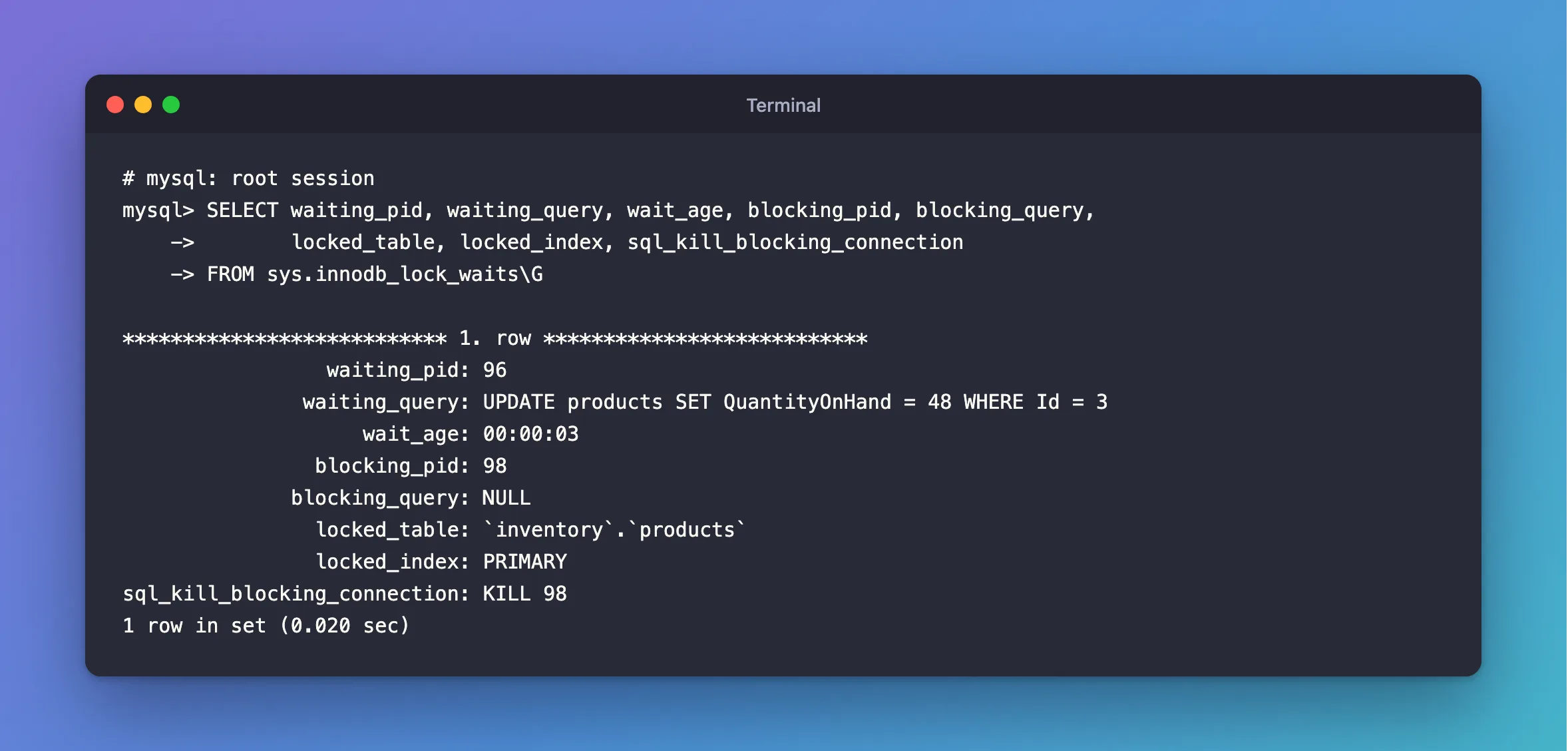
SELECT waiting_pid, waiting_query, wait_age, blocking_pid, blocking_query,
       locked_table, locked_index, sql_kill_blocking_connection
FROM sys.innodb_lock_waits\G
*************************** 1. row ***************************
                 waiting_pid: 96
               waiting_query: UPDATE products SET QuantityOnHand = 48 WHERE Id = 3
                    wait_age: 00:00:03
                blocking_pid: 98
              blocking_query: NULL
                locked_table: `inventory`.`products`
                locked_index: PRIMARY
sql_kill_blocking_connection: KILL 98
1 row in set (0.020 sec)
| Column | What it tells you |
|---|---|
waiting_pid, waiting_query | The connection that's stuck, and what it's running |
wait_age | How long it has been waiting |
blocking_pid | The connection holding the lock |
blocking_query | What that connection is running right now |
locked_table, locked_index | Where the lock is |
sql_kill_blocking_connection | The statement that would end the blocker |
Step 3: Find What the Blocker Did
blocking_query is NULL here, and this is the usual case. The blocker isn't running anything. It ran its UPDATE, and it's sitting idle with the transaction open, so there's no current statement to show.
sys.session has the last one it ran:
SELECT thd_id, conn_id, user, command, last_statement, trx_state
FROM sys.session
WHERE conn_id = (SELECT blocking_pid FROM sys.innodb_lock_waits LIMIT 1)\G
*************************** 1. row ***************************
        thd_id: 146
       conn_id: 98
          user: inventory_app@localhost
       command: Sleep
last_statement: UPDATE products SET QuantityOnHand = 49 WHERE Id = 3
     trx_state: ACTIVE
1 row in set (0.037 sec)
command: Sleep and trx_state: ACTIVE are the signature of a forgotten transaction: idle, and holding locks. last_statement says which statement took them, and user says where to go looking.
Step 4: Decide What to Do
The best answer is to make the blocker finish: find the program or person and have it commit or roll back. If you can't, end it with the statement from the view:
KILL 98;
MySQL rolls that transaction back, and the waiting statement carries on. How to Stop a Running Query or Connection in MySQL with KILL shows what each side sees.
Common Mistakes
| Mistake | What happens | Do this instead |
|---|---|---|
Looking for the blocker in blocking_query only | It's NULL when the blocker is idle | Read last_statement in sys.session |
| Killing the waiting connection | The blocker stays, and the next statement waits too | Kill blocking_pid, if anything |
| Killing a blocker without checking what it is | Its work is rolled back | Look at user and last_statement first |
| Using the app's account for this | SELECT command denied | Use an account with these rights |
Troubleshooting
| Symptom | Likely cause | Fix |
|---|---|---|
| The view is empty, and a statement still hangs | It isn't waiting on a row lock | Check for a metadata lock |
SELECT command denied ... for table 'innodb_lock_waits' | The account has no rights on sys | The fix |
| The waiting statement gave up | innodb_lock_wait_timeout passed | ERROR 1205 |
FAQ
Is sys.innodb_lock_waits slow?
It joins several performance_schema and information_schema tables, and took 0.02 seconds here on an idle server. It's a diagnostic to run by hand, not something to poll constantly on a busy one.
Can I see all the locks, not only the waits?
Yes, in performance_schema.data_locks: How to See the Locks a MySQL Transaction Holds.
Conclusion
SELECT * FROM sys.innodb_lock_waits tells you who's waiting and who's blocking. When blocking_query is NULL, the blocker is an idle open transaction, and sys.session tells you what it last ran. Fix the program that left it open, and keep KILL for when you can't.
Additional Resources
- The innodb_lock_waits and x$innodb_lock_waits Views — every column.
- InnoDB INFORMATION_SCHEMA Transaction and Locking Information — more ways to find a blocker.
