How to See Which Git Commit an MLflow Run Came From

When a model behaves differently from yesterday's, the first question is which code produced it. MLflow can answer that: when a run starts from a script inside a Git repository, it records the repository's commit with the run. This guide finds that commit in the UI and from the command line, with real output from MLflow 3.18.0.
How MLflow Records the Commit
MLflow writes facts about every run into tags whose names start with mlflow.. Its System Tags Reference lists mlflow.source.git.commit, the "Git commit hash", set "When run from git repo". MLflow looks for the repository next to the script the run started from.
The Example
A folder called commit-demo is a Git repository with a one-file script, log_run.py, that logs a run to a tracking server on http://127.0.0.1:8090:
import mlflow

mlflow.set_tracking_uri("http://127.0.0.1:8090")
mlflow.set_experiment("commit-demo")

with mlflow.start_run(run_name="hello"):
    mlflow.log_param("greeting", "hello")
The folder's .env file holds the same address, MLFLOW_TRACKING_URI=http://127.0.0.1:8090, for the mlflow command in Step 3.
Prerequisites
- A running MLflow tracking server, and Git. This guide uses MLflow 3.18.0.
Step 1: Commit the Code, Then Run It
The commit MLflow records is the one the code is at, so commit first:
git add .
git commit -m "Log a run with MLflow"
[main (root-commit) 35ac5b9] Log a run with MLflow
 4 files changed, 1667 insertions(+)
 create mode 100644 .gitignore
 create mode 100644 log_run.py
 create mode 100644 pyproject.toml
 create mode 100644 uv.lock
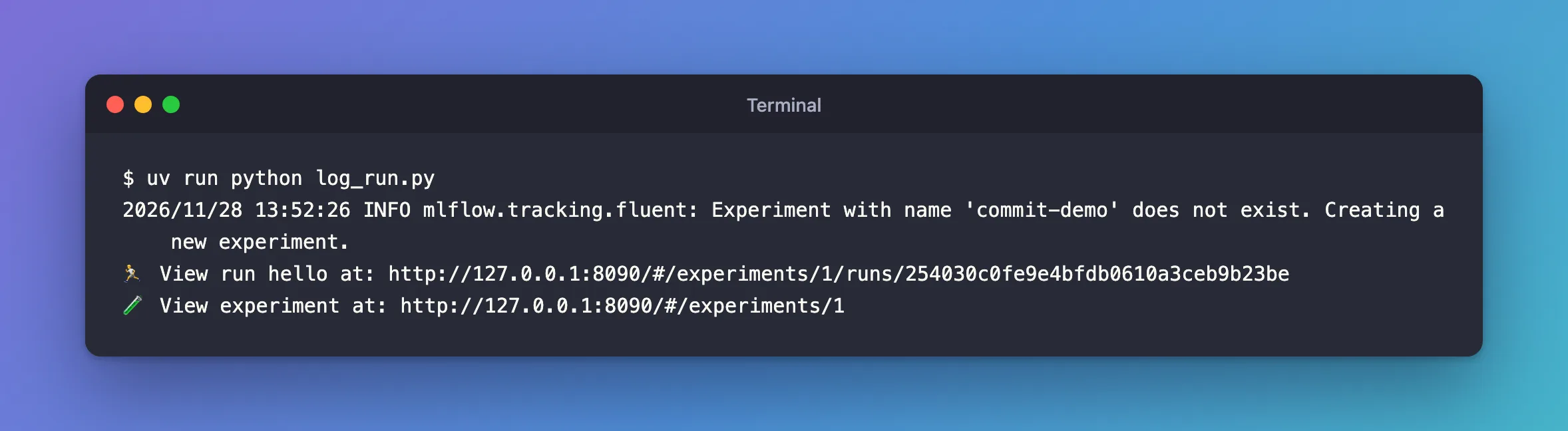
uv run python log_run.py
2026/11/28 13:52:26 INFO mlflow.tracking.fluent: Experiment with name 'commit-demo' does not exist. Creating a new experiment.
🏃 View run hello at: http://127.0.0.1:8090/#/experiments/1/runs/254030c0fe9e4bfdb0610a3ceb9b23be
🧪 View experiment at: http://127.0.0.1:8090/#/experiments/1
Step 2: Find the Commit in the UI
Open the run's link. Under About this run, the Source row shows the script, the branch and the commit:
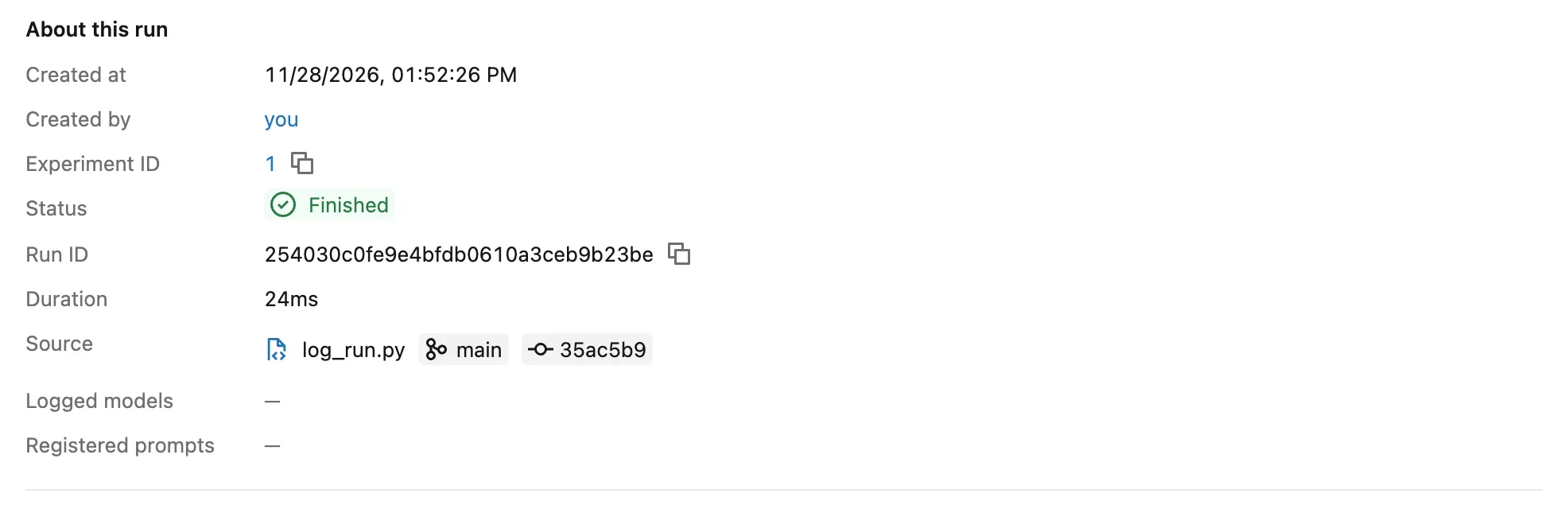
35ac5b9 is the start of the commit's hash, the same seven characters Git printed in Step 1.
Step 3: Read the Full Hash with mlflow runs describe
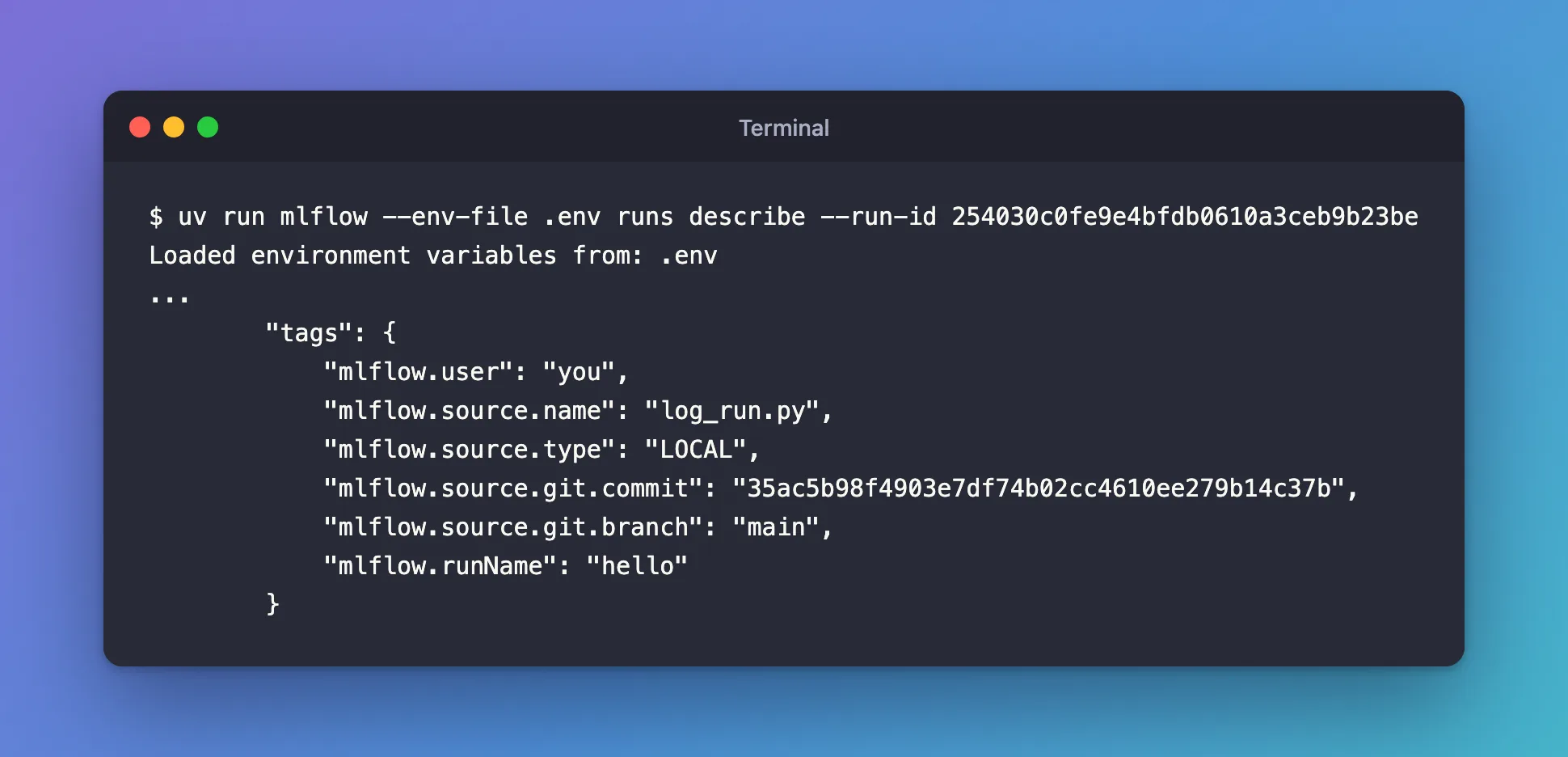
mlflow runs describe prints everything MLflow stored about a run. --env-file .env makes it read the server's address from .env. Use your own run ID, the end of the run's link:
uv run mlflow --env-file .env runs describe --run-id 254030c0fe9e4bfdb0610a3ceb9b23be
Loaded environment variables from: .env
...
        "tags": {
            "mlflow.user": "you",
            "mlflow.source.name": "log_run.py",
            "mlflow.source.type": "LOCAL",
            "mlflow.source.git.commit": "35ac5b98f4903e7df74b02cc4610ee279b14c37b",
            "mlflow.source.git.branch": "main",
            "mlflow.runName": "hello"
        }
Check it against the repository with git rev-parse HEAD:
git rev-parse HEAD
35ac5b98f4903e7df74b02cc4610ee279b14c37b
The run's commit is the repository's current commit: this run came from exactly the code in that commit.
Common Mistakes
| Mistake | What happens | Do this instead |
|---|---|---|
| Running before committing your changes | The run records the last commit, which doesn't include your changes | Commit first, then run |
Starting the run from a command installed in .venv, such as a project script | MLflow finds no commit and sets no tag | Fixed: MLflow Doesn't Record the Git Commit of a Run Started with uv run |
Troubleshooting
| Symptom | Likely cause | Fix |
|---|---|---|
| No commit next to Source | The script isn't in a Git repository, the repository has no commit, or Git ignores the script's folder | Commit the script, and start the run from it |
MlflowException: Run with id=… not found from mlflow runs describe | The command didn't use your tracking server | Fixed: "MlflowException: Run with id=… not found" When You Run an MLflow CLI Command |
FAQ
Why is there a branch tag too?
MLflow 3.18.0 recorded mlflow.source.git.branch as well, main here. The System Tags Reference lists that tag for "MLflow Projects only", but 3.18.0's code sets the commit and the branch for any run whose script is in a Git repository.
Does MLflow record uncommitted changes?
No. The tag holds the commit's hash only, so commit before you run when the run should match its code.
Conclusion
The run hello recorded mlflow.source.git.commit 35ac5b98…: About this run shows 35ac5b9 next to the source, and mlflow runs describe shows the full hash, the same one git rev-parse HEAD printed.
Additional Resources
- System Tags Reference — every
mlflow.tag and when it's set. - mlflow runs describe — the command and its options.
