How to See What a MySQL Account Can Do with SHOW GRANTS

Before you change an account's rights, or wonder why something's refused, ask MySQL what the account can do. SHOW GRANTS answers in a line or two, once you know how to read them.
Step 1: See Your Own
Any account can do this:
SHOW GRANTS;
+--------------------------------------------------------------+
| Grants for inventory_app@%                                   |
+--------------------------------------------------------------+
| GRANT USAGE ON *.* TO `inventory_app`@`%`                    |
| GRANT ALL PRIVILEGES ON `inventory`.* TO `inventory_app`@`%` |
+--------------------------------------------------------------+
2 rows in set (0.000 sec)
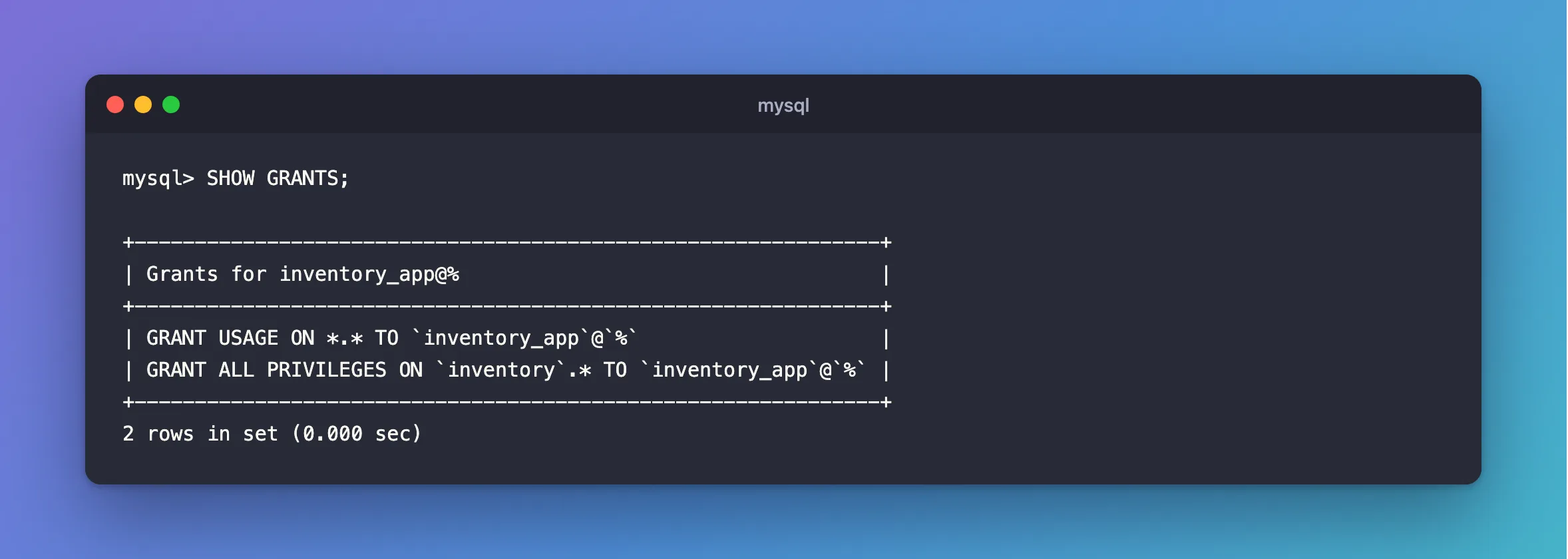
Reading it from the left:
| Part | Meaning |
|---|---|
GRANT USAGE ON *.* | The account exists, and has no rights across the whole server. USAGE means "nothing". Every account has this line |
GRANT ALL PRIVILEGES ON inventory.* | Every right that can be given at database level, on all tables in inventory, including dropping them |
TO `inventory_app`@`%` | The account: this name, connecting from any host |
That second line is what the official Docker image gives MYSQL_USER. It's far more than a running app needs, as How to Create a MySQL Account with Only the Rights an App Needs explains.
Step 2: See Someone Else's
As root, or any account that can read the mysql database. Name the account with its host:
SHOW GRANTS FOR 'inventory_app'@'%';
An ordinary account gets refused when it asks about another:
ERROR 1142 (42000): SELECT command denied to user 'inventory_app'@'localhost' for table 'user'
Step 3: See Which Accounts Exist
An account is a name and a host, so one name can be several accounts:
SELECT user, host, account_locked, ssl_type, max_user_connections FROM mysql.user WHERE user NOT LIKE 'mysql.%';
+---------------+-----------+----------------+----------+----------------------+
| user          | host      | account_locked | ssl_type | max_user_connections |
+---------------+-----------+----------------+----------+----------------------+
| inventory_app | %         | N              |          |                    0 |
| root          | %         | N              |          |                    0 |
| root          | localhost | N              |          |                    0 |
+---------------+-----------+----------------+----------+----------------------+
3 rows in set (0.001 sec)
The WHERE hides MySQL's own internal accounts. The other columns show things that aren't rights but also affect who gets in: locks, TLS requirements and connection limits.
Step 4: Get the Rights as a Table
SHOW GRANTS is for people. For a script, information_schema lists each right on its own row:
SELECT GRANTEE, TABLE_SCHEMA, PRIVILEGE_TYPE FROM information_schema.SCHEMA_PRIVILEGES WHERE GRANTEE LIKE '%inventory_app%' LIMIT 5;
+---------------------+--------------+----------------+
| GRANTEE             | TABLE_SCHEMA | PRIVILEGE_TYPE |
+---------------------+--------------+----------------+
| 'inventory_app'@'%' | inventory    | SELECT         |
| 'inventory_app'@'%' | inventory    | INSERT         |
| 'inventory_app'@'%' | inventory    | UPDATE         |
| 'inventory_app'@'%' | inventory    | DELETE         |
| 'inventory_app'@'%' | inventory    | CREATE         |
+---------------------+--------------+----------------+
5 rows in set (0.001 sec)
Common Mistakes
| Mistake | What happens | Do this instead |
|---|---|---|
Reading USAGE as "can use it" | It means no rights at all | Look at the other lines |
Forgetting the host in SHOW GRANTS FOR | FOR 'inventory_app' means @'%', which may not be the account you meant | Name it in full |
Looking only at SHOW GRANTS when login fails | A lock or REQUIRE SSL isn't a right | Check mysql.user too |
Troubleshooting
| Symptom | Likely cause | Fix |
|---|---|---|
ERROR 1141 (42000): There is no such grant defined for user 'nobody' on host '%' | No account has that name and host | Check mysql.user |
ERROR 1142 … SELECT command denied … for table 'user' | You can't read other accounts' rights | Use root |
| The rights are there, and it's still refused | An open session, and a database-level change | When changes take effect |
Conclusion
SHOW GRANTS lists an account's rights: USAGE means none, and the lines below it are what it can really do. mysql.user shows which accounts exist, and how they're limited.
Additional Resources
- SHOW GRANTS Statement — every form.
- Specifying Account Names — names and hosts.
