How to See the Logs of a Docker Container

A container started in the background still writes its program's output, its log, and Docker keeps it. docker logs prints it: start-up messages, requests, errors. This guide reads an nginx container's log, then only its last line, with real output from Docker Desktop 4.100.1.
Syntax
docker logs NAME
docker logs --tail LINES NAME
docker logs -f NAME
| Part | What it means |
|---|---|
NAME | The container's name or ID |
--tail LINES, -n LINES | Only the last LINES lines |
-f, --follow | Keep printing new lines as they arrive, until Ctrl+C |
The docker logs reference: "Fetch the logs of a container". The same commands work in PowerShell.
Prerequisites
- Docker: Docker Desktop on Mac or Windows, running.
Step 1: Start a Container and Send It a Request
docker run -d --name web -p 127.0.0.1:8081:80 nginx:alpine
a97fb2d29cd8c3f77d59396c4da3a3c6491d4dbbc7b9d4790ee224c33e5fb9c0
Then send it a request, so it has something to log, and show only the page's title:
- macOS / Linux
- Windows (PowerShell)
curl -s http://127.0.0.1:8081 | grep '<title>'
<title>Welcome to nginx!</title>
curl -s http://127.0.0.1:8081 | Select-String '<title>'
<title>Welcome to nginx!</title>
How to Publish a Docker Container's Port Only on Your Computer explains -p 127.0.0.1:8081:80.
Step 2: Read the Log
docker logs web
/docker-entrypoint.sh: /docker-entrypoint.d/ is not empty, will attempt to perform configuration
/docker-entrypoint.sh: Looking for shell scripts in /docker-entrypoint.d/
...
/docker-entrypoint.sh: Configuration complete; ready for start up
2026/11/26 05:24:18 [notice] 1#1: using the "epoll" event method
2026/11/26 05:24:18 [notice] 1#1: nginx/1.31.10
2026/11/26 05:24:18 [notice] 1#1: built by gcc 15.2.0 (Alpine 15.2.0)
...
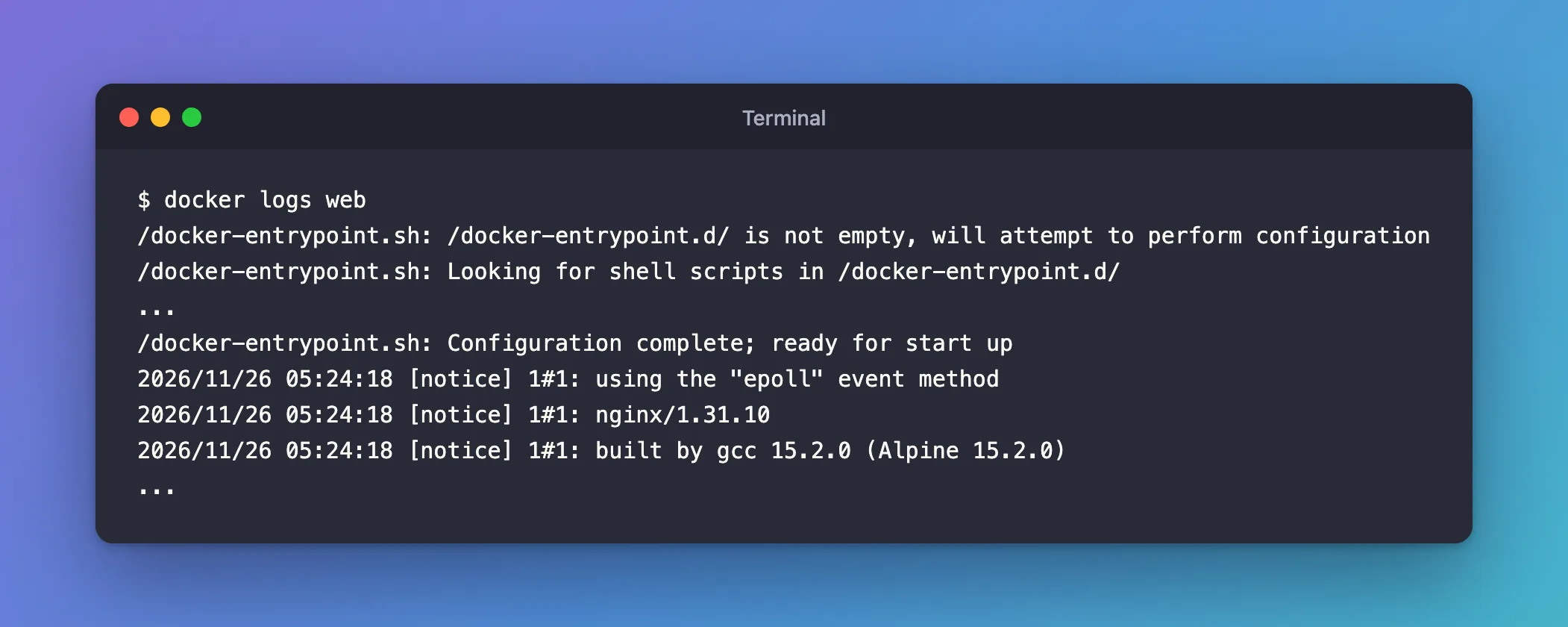
Everything the container has written since it started: the image's start-up scripts, then nginx's own notices.
Step 3: Show Only the Last Line
docker logs --tail 1 web
172.17.0.1 - - [26/Nov/2026:05:24:20 +0000] "GET / HTTP/1.1" 200 896 "-" "curl/8.7.1" "-"
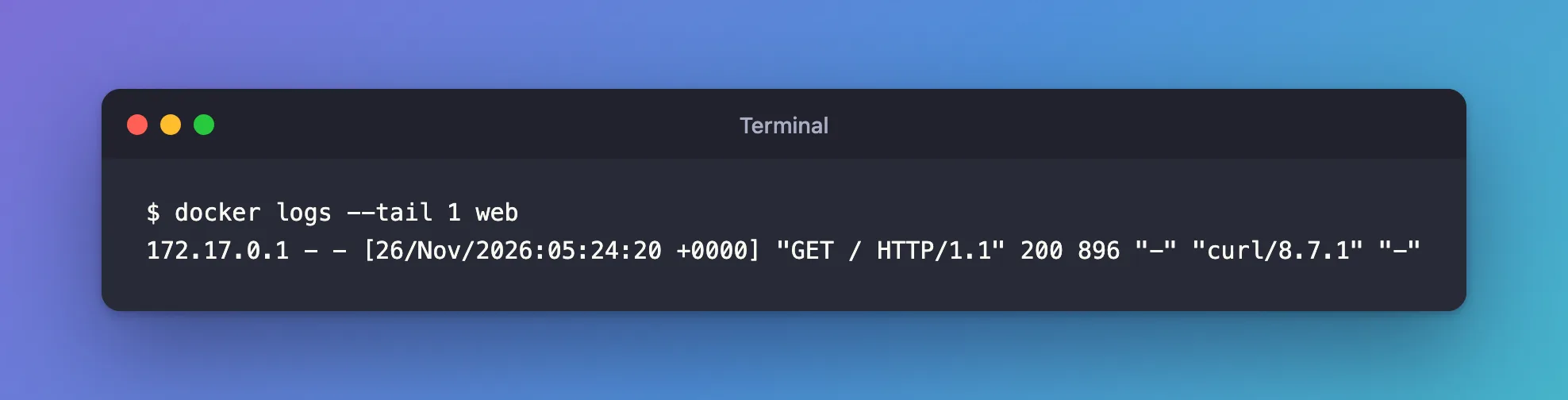
The last line is nginx's record of curl's request in Step 1: GET /, status 200, 896 bytes. The address, 172.17.0.1, is Docker's side of the container's network, where every request from your computer comes from.
Common Mistakes
| Mistake | What happens | Do this instead |
|---|---|---|
Piping docker logs into grep for lines the program writes as errors | grep misses them: they come on the error stream | docker logs NAME 2>&1 | grep ... |
docker logs on a container that was started with --rm and has stopped | It's gone, and so is its log | Leave out --rm while you need the log |
Troubleshooting
| Symptom | Likely cause | Fix |
|---|---|---|
Error response from daemon: No such container: web | The name is wrong, or the container was removed, for example by --rm | docker ps -a lists the names |
| The log is empty | The program hasn't written anything yet | Wait, or use -f to watch |
FAQ
Do the logs survive a restart of the container?
docker stop and docker start keep them; docker rm deletes them with the container.
Can I see when each line was written?
docker logs -t NAME adds a timestamp to each line, as the reference lists under --timestamps.
Conclusion
docker logs web printed everything the nginx container had written, from its start-up scripts to its notices, and docker logs --tail 1 web showed only the last line, nginx's record of the request that curl had sent.
Additional Resources
- docker container logs —
--tail,--followand--timestamps.
