How to See the Conversation History Microsoft Foundry Stored for a Response

When an app continues a conversation through Microsoft Foundry's Responses API, it often sends only the newest message, and Foundry rebuilds the rest from its stored responses. This guide shows you exactly what Foundry rebuilt: the full input behind any answer, from one Azure CLI command, with no API key.
What Foundry Stores
Every call to the Responses API creates a response with its own ID, such as resp_0be46b1a…. By default the response is stored — Microsoft's Responses API guide says response data is kept for 30 days — and a later call can continue from it by passing its ID as previous_response_id. The caller then sends only the new input; Foundry adds the earlier turns itself.
Each stored response also remembers the input it was created from, and the input_items endpoint lists it. For a response that continues a conversation, that list holds the whole conversation up to that point, not only the new message. It's the quickest way to check what the model really read: whether a follow-up kept its history, or whether a message arrived twice.
The examples come from the Dewiride Service Desk agent in Part 4 of the Microsoft Agent Framework series. Its API sent Foundry a single message for the second turn of a conversation.
Prerequisites
- The Azure CLI, signed in (
az login) with an account that may call your Foundry project, for example through the Foundry User role. How to Assign an Azure RBAC Role shows how to give an account a role. - Your Foundry project endpoint, the address that ends in
/api/projects/and your project's name. How to Create a Microsoft Foundry Resource and Deploy a Model shows where to find it. - The ID of a stored response. Step 1 shows where an agent's responses reveal it.
Step 1: Find the Response ID
Any app that calls the Responses API receives the ID in the response's id field. An agent built with Microsoft Agent Framework and served over AG-UI also passes it along in each event's rawEvent. This is one event from the second turn of the conversation, unshortened:
{
    "type": "TEXT_MESSAGE_CONTENT",
    "messageId": "msg_07c08057ae4311b7006ae3713f7a988193bc4d40e5a45ffe15",
    "delta": "Try",
    "rawEvent": {
        "authorName": "service-desk",
        "role": "assistant",
        "contents": [
            {
                "$type": "text",
                "text": "Try",
                "annotations": null,
                "additionalProperties": null
            }
        ],
        "additionalProperties": null,
        "responseId": "resp_07c08057ae4311b7006ae3713e45f48193a394b151bda87601",
        "messageId": "msg_07c08057ae4311b7006ae3713f7a988193bc4d40e5a45ffe15",
        "conversationId": "resp_07c08057ae4311b7006ae3713e45f48193a394b151bda87601",
        "createdAt": "2026-10-29T16:15:58+00:00",
        "finishReason": null,
        "modelId": "gpt-5.6-luna-2026-07-09",
        "continuationToken": null
    }
}
Copy the whole responseId — every character after resp_. A shortened ID doesn't work (see Troubleshooting).
Step 2: Ask Foundry for the Input
az rest sends a web request signed in as you, so no key is involved. Run this in your terminal:
- macOS / Linux
- Windows (PowerShell)
az rest --method get \
  --resource "https://ai.azure.com" \
  --url "https://foundry-devblogs-exp.services.ai.azure.com/api/projects/proj-devblogs-exp/openai/v1/responses/resp_07c08057ae4311b7006ae3713e45f48193a394b151bda87601/input_items?order=asc" \
  --query "data[].{item:type,role:role,text:content[0].text}" \
  --output table
az rest --method get `
  --resource "https://ai.azure.com" `
  --url "https://foundry-devblogs-exp.services.ai.azure.com/api/projects/proj-devblogs-exp/openai/v1/responses/resp_07c08057ae4311b7006ae3713e45f48193a394b151bda87601/input_items?order=asc" `
  --query "data[].{item:type,role:role,text:content[0].text}" `
  --output table
The URL holds my project endpoint and my response ID. Replace the part before /openai/v1/responses/ with your project endpoint, and the resp_… part with your response ID. Everything else stays exactly as shown.
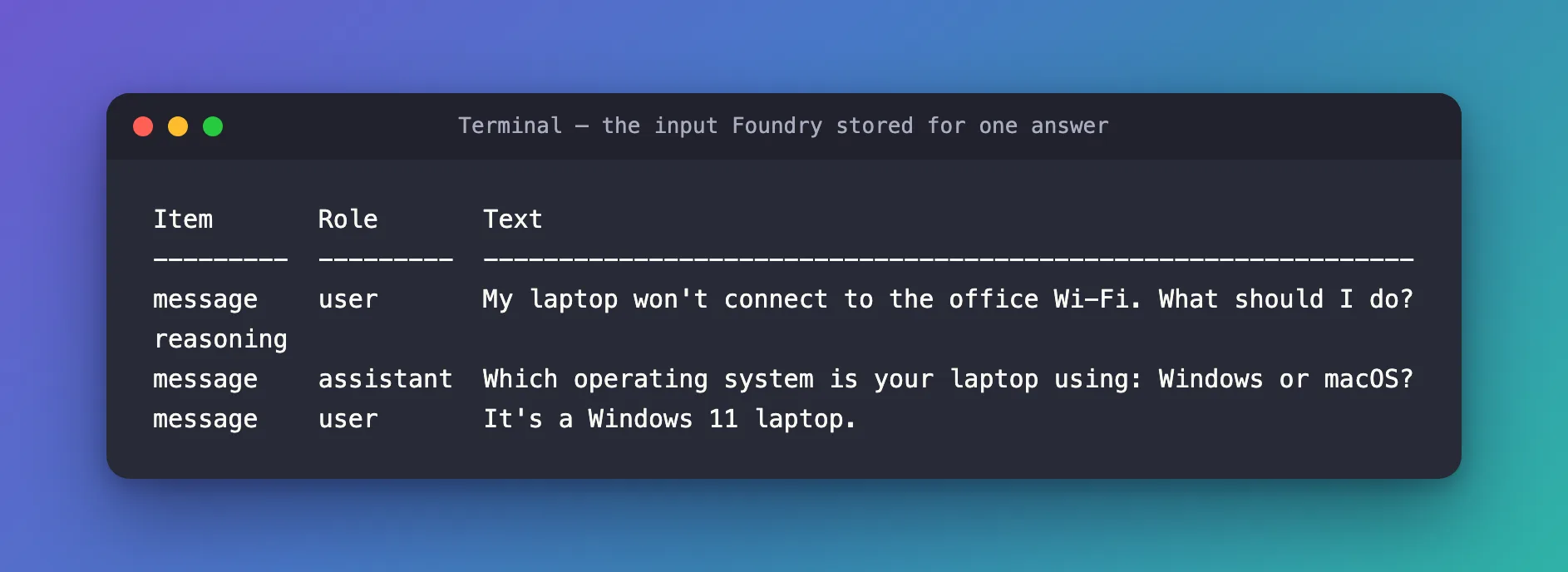
Item       Role       Text
---------  ---------  --------------------------------------------------------------
message    user       My laptop won't connect to the office Wi-Fi. What should I do?
reasoning
message    assistant  Which operating system is your laptop using: Windows or macOS?
message    user       It's a Windows 11 laptop.
| Part of the command | What it does |
|---|---|
az rest --method get | Sends a GET request, signed in as the account the Azure CLI uses |
--resource "https://ai.azure.com" | Tells the CLI which service to get a sign-in token for. Without it, the request goes out with no token |
--url ".../responses/<id>/input_items" | The input_items list of one stored response, on your project endpoint |
?order=asc | Oldest item first, so the conversation reads top to bottom. Without it, the newest item comes first |
--query "data[].{item:type,role:role,text:content[0].text}" | Keeps three fields from each item. The kind of item is shown under the name item, because the table leaves out a field called type (Fixed: Azure CLI --output table Hides the type Column) |
--output table | Prints the result as a table |
The command is the same in both shells. Only the line endings differ: \ continues a line in bash and zsh, and a backtick does it in PowerShell.
Step 3: Read the Result
The app sent Foundry one message for this answer — It's a Windows 11 laptop. — yet the list holds four items:
| Item | What it is |
|---|---|
message / user | The first question of the conversation |
reasoning | The model's private reasoning from the first turn. Foundry keeps it encrypted, so there is no text to show |
message / assistant | The model's first answer |
message / user | The new message — the only part the app actually sent |
Everything above the last row came from the stored response that previous_response_id pointed to. A turn later the list has grown to seven items, with the second answer and its reasoning in the middle:
Item       Role       Text
---------  ---------  ---------------------------------------------------------------------------------------------------------------------------------------------------------------------
message    user       My laptop won't connect to the office Wi-Fi. What should I do?
reasoning
message    assistant  Which operating system is your laptop using: Windows or macOS?
message    user       It's a Windows 11 laptop.
reasoning
message    assistant  Try these steps on your Windows 11 laptop:

                      1. Make sure Wi-Fi is enabled:
                         - Select the network, sound, or battery icon on the taskbar.
                         - Confirm Wi-Fi is on and Airplane mode is off.

                      2. Select the office Wi-Fi network and choose Connect. Enter your normal work sign-in details if prompted. Do not share your password.

                      3. If it still fails, forget and reconnect:
                         - Settings > Network & internet > Wi-Fi > Manage known networks.
                         - Select the office network > Forget.
                         - Reconnect to it from the Wi-Fi list.

                      4. Restart the laptop and try again. If possible, check whether nearby colleagues can connect.

                      5. If you connect but have no internet, temporarily disconnect from any VPN and try opening a website.

                      6. If the problem continues, raise a ticket with the IT Service Desk. Include the Wi-Fi network name, the exact error message, and whether other devices can connect.
message    user       I tried all of that, and it still won't connect.
The table cuts long lines at the edge of its column. Use --output json instead of --output table to read every message in full.
See Every Field
Leave out --query and choose JSON to get everything Foundry returns. The list has data, first_id, has_more, last_id and object at the top, and each item in data looks like this:
{
  "content": [
    {
      "text": "My laptop won't connect to the office Wi-Fi. What should I do?",
      "type": "input_text"
    }
  ],
  "id": "msg_07c08057ae4311b7006ae37139dca0819380b92fad7d99ef8d",
  "partition_key": "07c08057ae4311b700",
  "role": "user",
  "status": "completed",
  "type": "message"
}
A reasoning item has an empty content list and an encrypted_content string instead — readable for the model, not for you.
Common Mistakes
| Mistake | What happens | Do this instead |
|---|---|---|
Leaving out --resource "https://ai.azure.com" | The request is sent without a token and Foundry answers 401 | Keep the --resource line |
Copying a shortened ID such as resp_07c08057… | Foundry answers Malformed identifier | Copy the full responseId |
Using type as a column name | The column is missing from the table | Rename it, as item in Step 2 |
Forgetting ?order=asc | The conversation reads bottom to top | Add ?order=asc to the URL |
Troubleshooting
| Symptom | Cause | Fix |
|---|---|---|
WARNING: Can't derive appropriate Azure AD resource from --url to acquire an access token, then ERROR: PermissionDenied with code 401 | No --resource, so no token was sent | Add --resource "https://ai.azure.com" |
ERROR: Bad Request with "message": "Malformed identifier. …" | The response ID is cut short or mistyped | Copy the complete ID |
| A row with an empty Role and Text | A reasoning item, which carries only encrypted content | Nothing to fix |
ERROR: Please run 'az login' to setup account. | The Azure CLI is signed out | Run az login |
FAQ
Does the list show the agent's instructions?
No. The instructions — the system prompt — travel separately with every call, so they aren't stored as input items. You only see the conversation.
How long can I look a response up?
Stored responses are kept for 30 days by default, according to Microsoft's Responses API guide. After that, the ID no longer leads anywhere.
Does this need an API key?
No. az rest signs in with your Microsoft Entra ID account, the same account the Azure CLI uses. The account needs access to the Foundry project, such as the Foundry User role.
Can I delete a stored response?
Yes. The Responses API has a DELETE request for a response ID, described in the same Microsoft guide. This guide only reads.
Conclusion
az rest with --resource "https://ai.azure.com" and the input_items URL of a response shows the exact input the model received, including the earlier turns Foundry added from its stored responses. Order it with ?order=asc, and name the item column something other than type.
Additional Resources
- Use the Azure OpenAI Responses API — retrieving, chaining and deleting responses, and the 30-day retention.
- Output formats for Azure CLI commands — table output and the keys it leaves out.
- az rest — the command's options, including
--resource.
